Choosing the right HDMI 2.1 cable is critical for getting the most out of your next-gen console or high-end PC gaming setup. With support for 4K at 120Hz and even 8K at 60Hz, HDMI 2.1 unlocks smoother visuals, faster refresh rates, and features like Variable Refresh Rate (VRR) and Auto Low Latency Mode (ALLM). But not all cables are created equal, and using an older or low-quality cable can result in screen flickering, signal drops, or limited resolution.
This guide will walk you through the key factors to consider when buying an HDMI 2.1 cable for gaming, including bandwidth, length, certification, and compatibility. Whether you're upgrading for a PS5, Xbox Series X, or a powerful gaming PC, understanding these details ensures you get the performance you paid for.
Understanding HDMI 2.1 Bandwidth and Speed Requirements
HDMI 2.1 cables are designed to handle up to 48 Gbps of bandwidth, which is essential for 4K at 120Hz with HDR or 8K at 60Hz. This is a significant jump from HDMI 2.0's 18 Gbps limit. To achieve these speeds, the cable must be built with high-quality shielding and conductors. Look for cables labeled as 'Ultra High Speed HDMI' with the official certification logo. Without sufficient bandwidth, you may experience screen tearing, reduced color depth, or inability to hit high refresh rates.
When shopping, avoid generic or uncertified cables that claim support for HDMI 2.1 but fall short in real-world testing. Many budget cables lack the necessary gauge or shielding to maintain signal integrity over longer distances. For most gaming setups, a 3 to 6 foot cable is ideal for connecting a console to a monitor or TV. If you need a longer run, consider a 12' DisplayPort 1.4 Gaming Cable for PC setups or a premium HDMI 2.1 cable with active amplification.
- Check for 'Ultra High Speed HDMI' certification on the packaging.
Key Features to Look for in a Gaming HDMI Cable
Beyond bandwidth, several features make a cable suitable for competitive and immersive gaming. Look for support for HDR10+ and Dolby Vision, which enhance color and contrast in games. Also, ensure the cable supports eARC (enhanced Audio Return Channel) if you use a soundbar or AV receiver. A well-built cable should have gold-plated connectors to resist corrosion and a braided or durable jacket to withstand frequent plugging and unplugging.
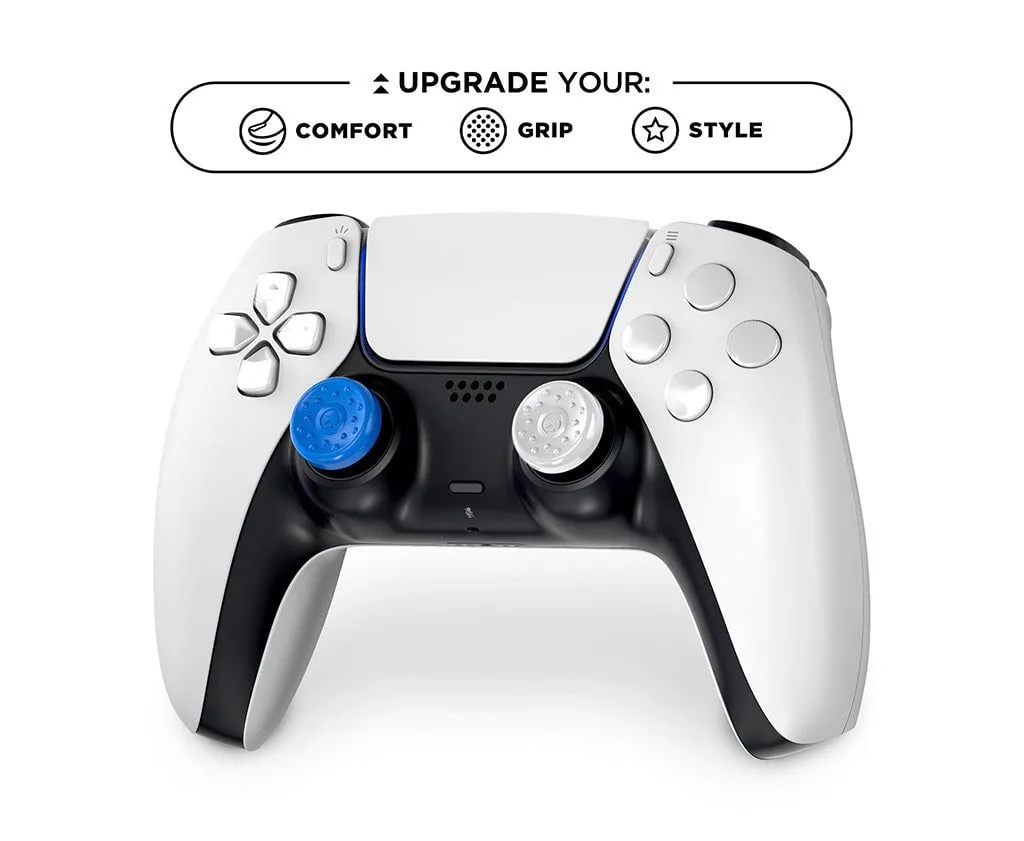
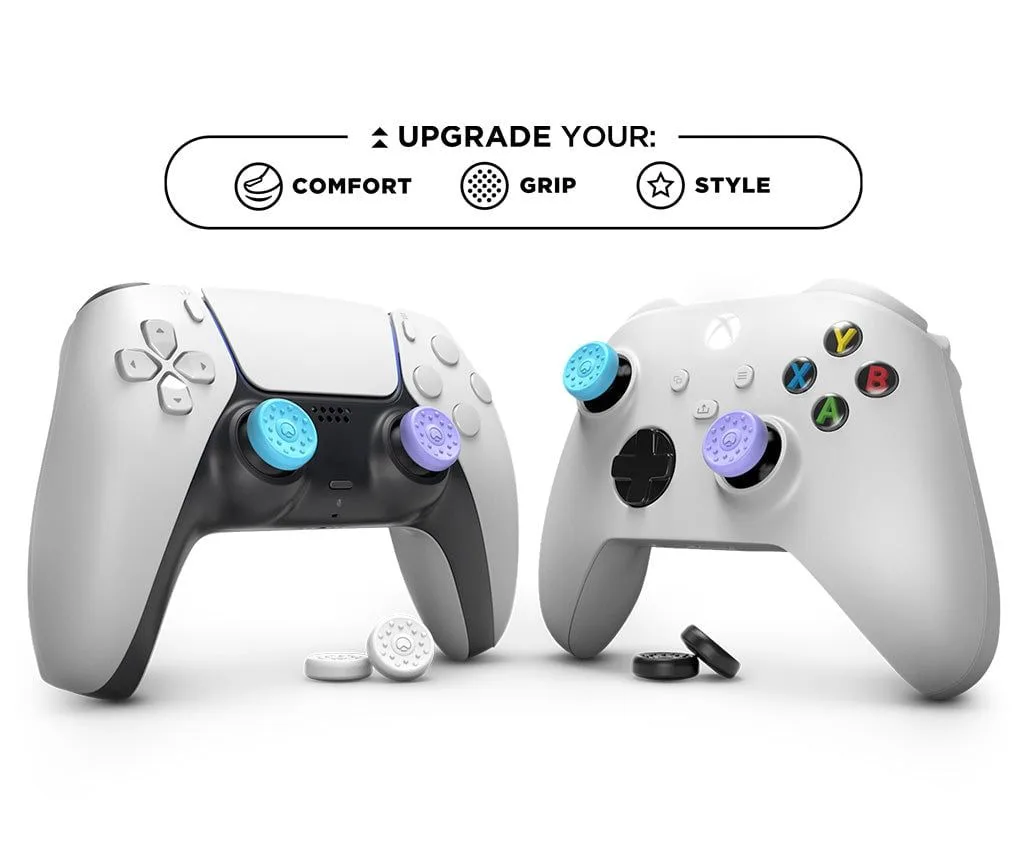
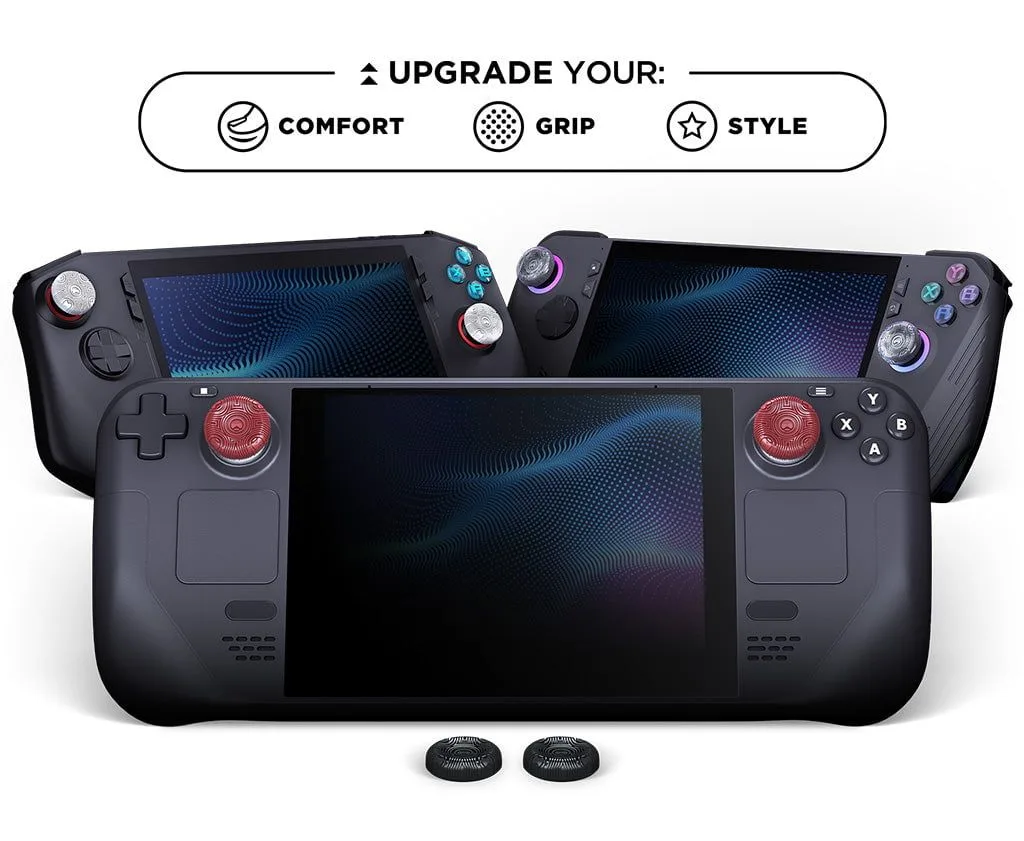
Cable length matters more than you think. Longer cables can introduce signal degradation, so for runs over 10 feet, invest in an active or optical HDMI 2.1 cable. For your gaming desk, a shorter cable reduces clutter and improves airflow. If you're building a complete gaming station, pairing a high-quality HDMI cable with accessories like the Precision Edition Thumbsticks can elevate your overall control and precision.
- Gold-plated connectors reduce signal loss over time.
- Braided jackets add durability for frequent cable management.
HDMI 2.1 vs. DisplayPort for Gaming: When to Choose Each
While HDMI 2.1 is the standard for consoles and many modern TVs, DisplayPort remains the preferred choice for high-refresh-rate PC gaming, especially at 1440p and 4K. DisplayPort 1.4 supports up to 32.4 Gbps and can handle 4K at 144Hz or 8K at 60Hz with Display Stream Compression. However, HDMI 2.1 offers better compatibility with consumer electronics like soundbars and AV receivers.
If you primarily game on a PC with a monitor that supports DisplayPort, a 12' DisplayPort 1.4 Gaming Cable is a solid choice for low-latency performance. For console gamers or those connecting to a 4K/8K TV, HDMI 2.1 is non-negotiable. Many gamers use both: HDMI for the TV and DisplayPort for the monitor. No matter which you choose, ensure your cable is certified for the bandwidth you need.
- Use HDMI 2.1 for consoles and TVs; DisplayPort for PC monitors.
Common Mistakes When Buying an HDMI 2.1 Cable
One of the biggest mistakes is assuming all HDMI cables are the same. Older 'High Speed' cables (HDMI 1.4 or 2.0) cannot handle 48 Gbps, so they will limit your console or GPU's performance. Another error is buying a cable that is too long without verifying it can maintain signal integrity. For runs beyond 15 feet, you need an active or fiber optic cable, which can be more expensive but ensures stable performance.
Also, don't fall for marketing hype that claims '8K ready' without certification. Look for the official Ultra High Speed HDMI certification label on the box. Finally, avoid the cheapest options, as they often use substandard materials that can cause intermittent issues. Investing in a quality cable from a trusted brand ensures you get the full benefit of your gaming hardware, much like how upgrading to the Precision Edition Thumbsticks improves your aim and control.
- Always verify the cable's certified bandwidth before purchasing.
- Avoid cables longer than 10 feet unless they are active or optical.
How to Test Your HDMI 2.1 Cable for Optimal Performance
Once you have your cable, test it to ensure it delivers the expected performance. Connect your console or PC to your display and navigate to the video output settings. For PS5 or Xbox Series X, check that 4K at 120Hz is enabled and that HDR is active. If you see a message about limited bandwidth or if the screen flickers, the cable may be faulty or not certified. You can also use a PC utility like CRU (Custom Resolution Utility) to verify the supported resolutions and refresh rates.
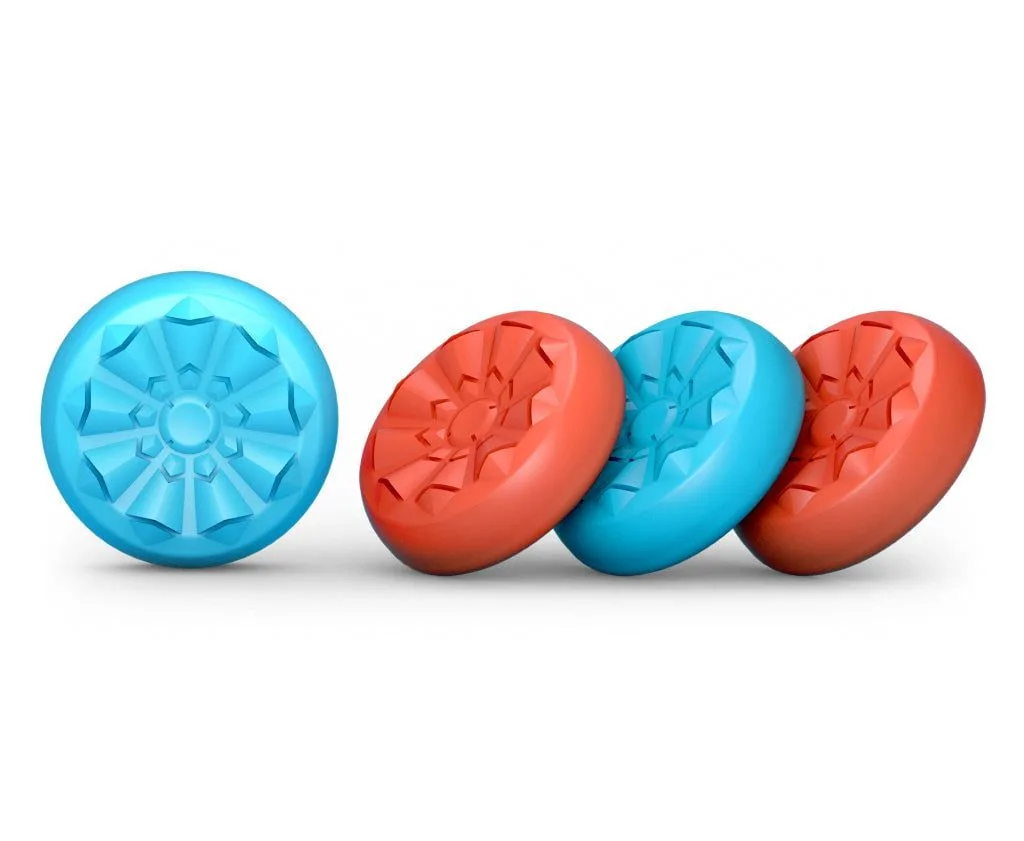
Another test is to check for VRR (Variable Refresh Rate) support. In games with fluctuating frame rates, VRR eliminates screen tearing. If VRR is not working, the cable might not be passing the necessary signal. If you encounter issues, try a shorter cable or one with better shielding. A reliable HDMI 2.1 cable paired with the right accessories, such as the Minecraft Creeper Edition No-Slip Thumb Grips for comfort during long sessions, can make a noticeable difference in your gaming experience.
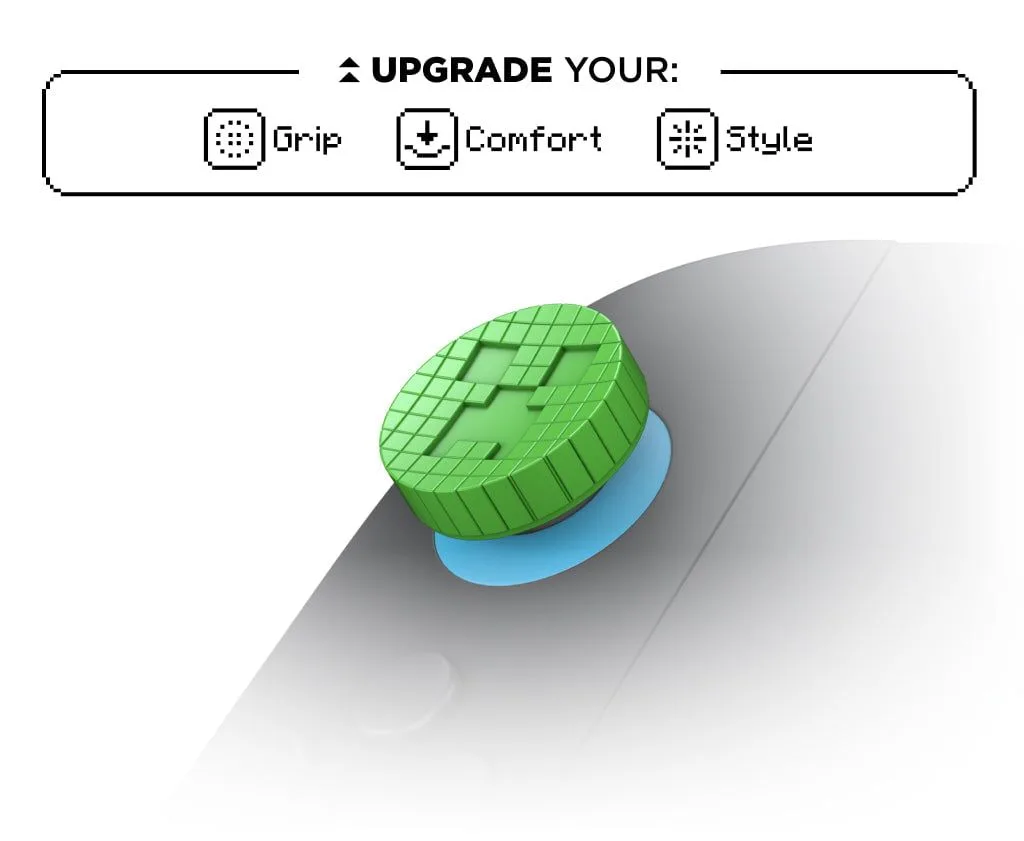
Minecraft Creeper Edition No-Slip Thumb Grips
- Check console settings for 4K at 120Hz and HDR activation.
- Use VRR-enabled games to confirm cable supports dynamic refresh rates.
Choosing the right HDMI 2.1 cable is a small but impactful upgrade for any serious gamer. By focusing on certified bandwidth, appropriate length, and compatibility with your devices, you can unlock the full potential of your 4K or 8K gaming setup. For a complete gaming experience, consider pairing your new cable with high-performance accessories like the Precision Edition Thumbsticks to enhance your control and accuracy.