Quick answer
If you need maximum wired connectivity and universal compatibility across Mac, PC, and Chromebook, the HyperDrive 14-Port USB-C Docking Station is your pick. If you use a modern Apple Silicon MacBook and want dual 4K monitor output in a portable form, the HyperDrive Dual 4K HDMI 10-in-1 USB-C Hub is the better fit.
Port count vs port selection
The 14-Port Docking Station offers more physical ports, including two video outputs (HDMI and DisplayPort), Gigabit Ethernet, and a 3.5mm audio jack. The 10-in-1 Hub trades some port quantity for a dedicated dual HDMI setup that drives two external 4K displays on compatible MacBooks. If you need Ethernet and audio pass-through, the dock wins. If your priority is dual monitor productivity on a Mac, the hub delivers that without extra adapters.
Device compatibility differences
The 14-Port Dock carries Works With Chromebook Certification, making it a safe choice for Chromebook users alongside Mac and PC. The 10-in-1 Hub is explicitly designed for Apple Silicon MacBooks (M1 through M4) and may not support dual displays on other platforms. If you switch between operating systems or use a Chromebook, the dock is the more universal option.
Trade-offs at a glance
- Port variety: The 14-Port Dock includes HDMI, DisplayPort, USB-C, USB-A, Gigabit Ethernet, and a 3.5mm audio jack. The 10-in-1 Hub focuses on dual HDMI and essential USB ports, omitting Ethernet and audio.
- Display support: The 14-Port Dock supports dual and triple monitor setups via HDMI and DisplayPort. The 10-in-1 Hub drives two 4K displays via HDMI but is limited to Apple Silicon MacBooks.
- Form factor and portability: The 14-Port Dock is a full-size desktop station. The 10-in-1 Hub is more portable and designed to sit alongside a laptop. If you move between desks frequently, the hub is easier to pack.
Product facts
-
HyperDrive 14-Port USB-C Docking Station: The HyperDrive 14-Port USB-C Docking Station is compatible with Mac, PC, and Chromebook (Works With Chromebook Certified). You can use it across different devices without worrying about driver or compatibility issues.
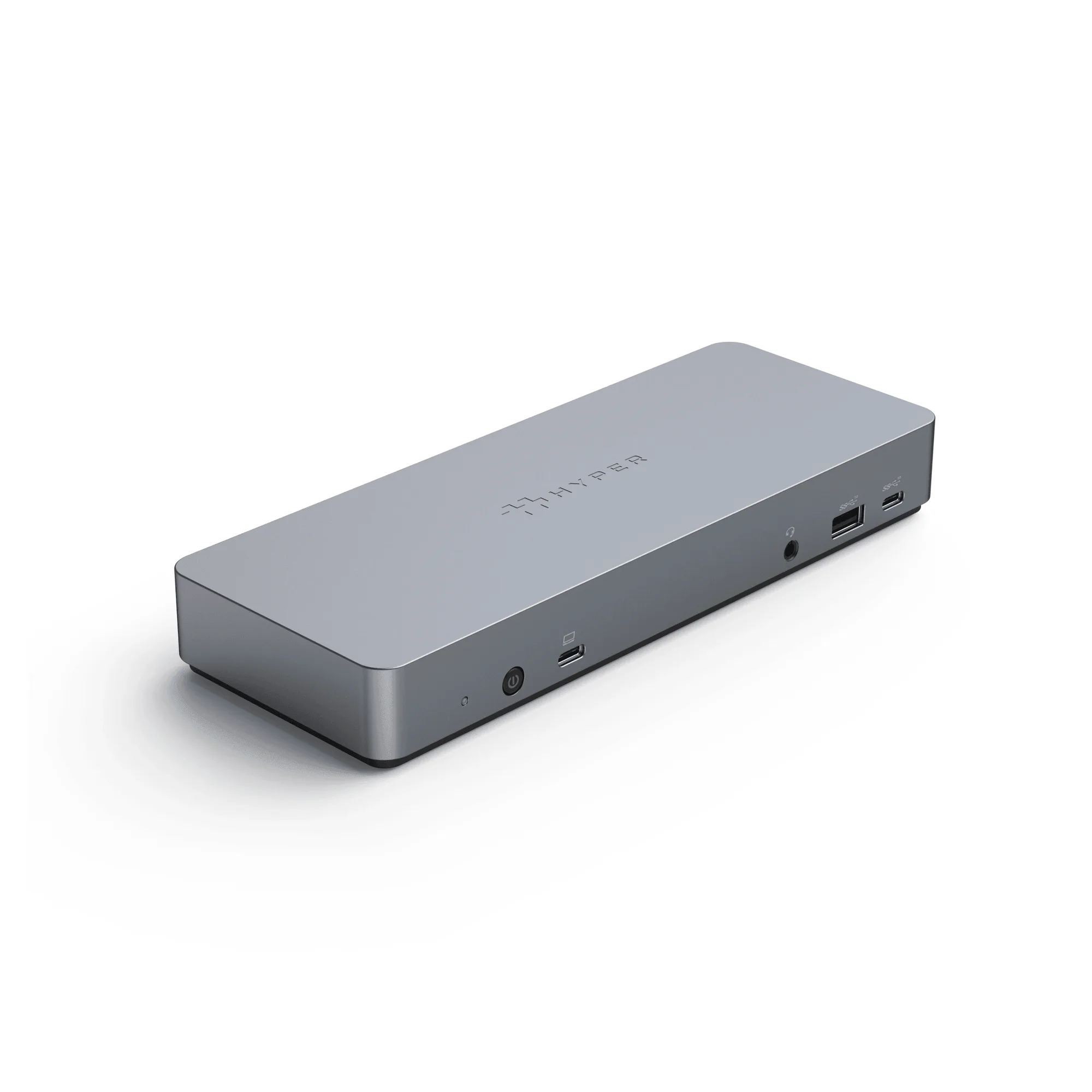
HyperDrive 14-Port USB-C Docking Station
-
HyperDrive Dual 4K HDMI 10-in-1 USB-C Hub For MacBooks: The HyperDrive Dual 4K HDMI 10-in-1 USB-C Hub supports dual external 4K displays on Apple Silicon MacBooks (M1, M2, M3, M4). If you need two high-resolution monitors for creative or productivity work on a modern Mac, this hub gives you that capability in a compact design.
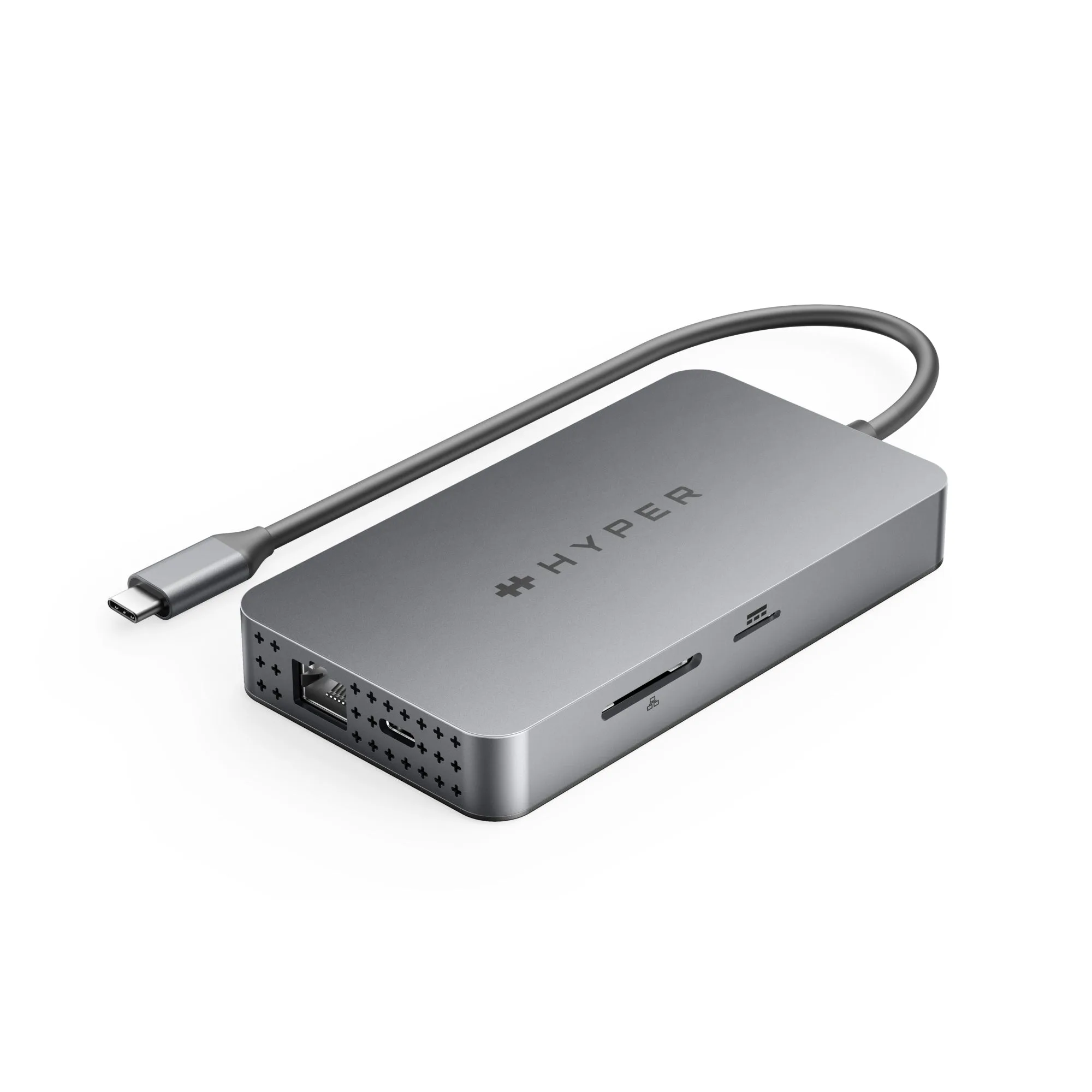
HyperDrive Dual 4K HDMI 10-in-1 USB-C Hub For MacBooks
Which one fits your setup?
Best for
- Users who need Ethernet, audio, and a wide range of ports across Mac, PC, and Chromebook
- Anyone setting up a permanent desk with multiple monitors and wired peripherals
Not for
- Apple Silicon MacBook users who prioritize dual 4K HDMI output in a portable hub
- Minimalist setups where you don't need Ethernet or audio pass-through