Quick answer
The 4x5.65 Moody FX Filter combines soft dream diffusion and star bursts into one filter, letting you create moody portraits and cinematic video looks without stacking multiple filters.
Why a combined dream and star filter works for moody scenes
A moody look often relies on soft, glowing highlights and subtle light flares, while star bursts add a touch of magic to point light sources. The Moody FX Filter merges both effects, so you don't need to stack filters and risk vignetting or color shifts. This is especially useful for 4x5.65 matte box setups where space is limited.
The filter was developed with photographer Moody Darkroom, who famously achieved his surreal portraits by stacking a Dream FX and Starburst FX filter. The Moody FX Filter delivers that signature look in one piece of optical glass, saving time and reducing the chance of flare or ghosting between elements.
How to use the 4x5.65 Moody FX Filter for creative looks
- Mount the filter correctly: Insert the 4x5.65 Moody FX Filter into your matte box's filter slot. Ensure it's seated flat and the glass is clean. For rotating versions (52-95mm), screw it onto the lens and rotate to align the star effect. Common mistake: Forgetting to lock the matte box tray can cause the filter to shift during shooting, misaligning the star pattern.
- Set your aperture for star control: The star burst effect is most visible with small, bright point light sources (e.g., streetlights, candles, reflections). Use an aperture between f/8 and f/16 to make the star spikes sharp and defined. Wider apertures (f/2.8) will soften or hide the star effect. Checkpoint: If the star effect is too subtle, stop down your aperture by 1-2 stops and increase the light source intensity.
- Use backlighting for dreamy glow: Position your subject with a strong backlight or rim light. The Dream FX component will bloom the highlights, creating a soft, ethereal halo around the subject. Avoid flat frontal lighting, which reduces the glow effect. Common mistake: Using the filter in diffuse overcast light may produce little visible glow; seek directional light sources for maximum effect.
- Adjust the star rotation for composition: If using a rotating version, turn the filter ring to align the star spikes with your subject's lines or key light sources. A 45° rotation often gives a more dynamic look than horizontal/vertical spikes. Checkpoint: Mark the filter ring with a tiny dot of tape to quickly return to a preferred rotation angle during a shoot.
- Combine with color grading in post: The Moody FX Filter adds a soft, slightly lowered contrast look. In post, desaturate highlights and lift shadows slightly to enhance the moody, cinematic feel. Avoid adding heavy clarity or sharpening, which counteracts the filter's diffusion. Common mistake: Over-sharpening in post will reintroduce hard edges that the filter deliberately softened, ruining the dreamy effect.
Product details
-
4x5.65 Moody FX Filter: Available in 52mm, 67mm, 77mm & 82mm, 95mm Rotating Filters & 4x5.65 Matte Box Filter. The 4x5.65 size fits standard cinema matte boxes, making it easy to integrate into professional filmmaking rigs without step-up rings.
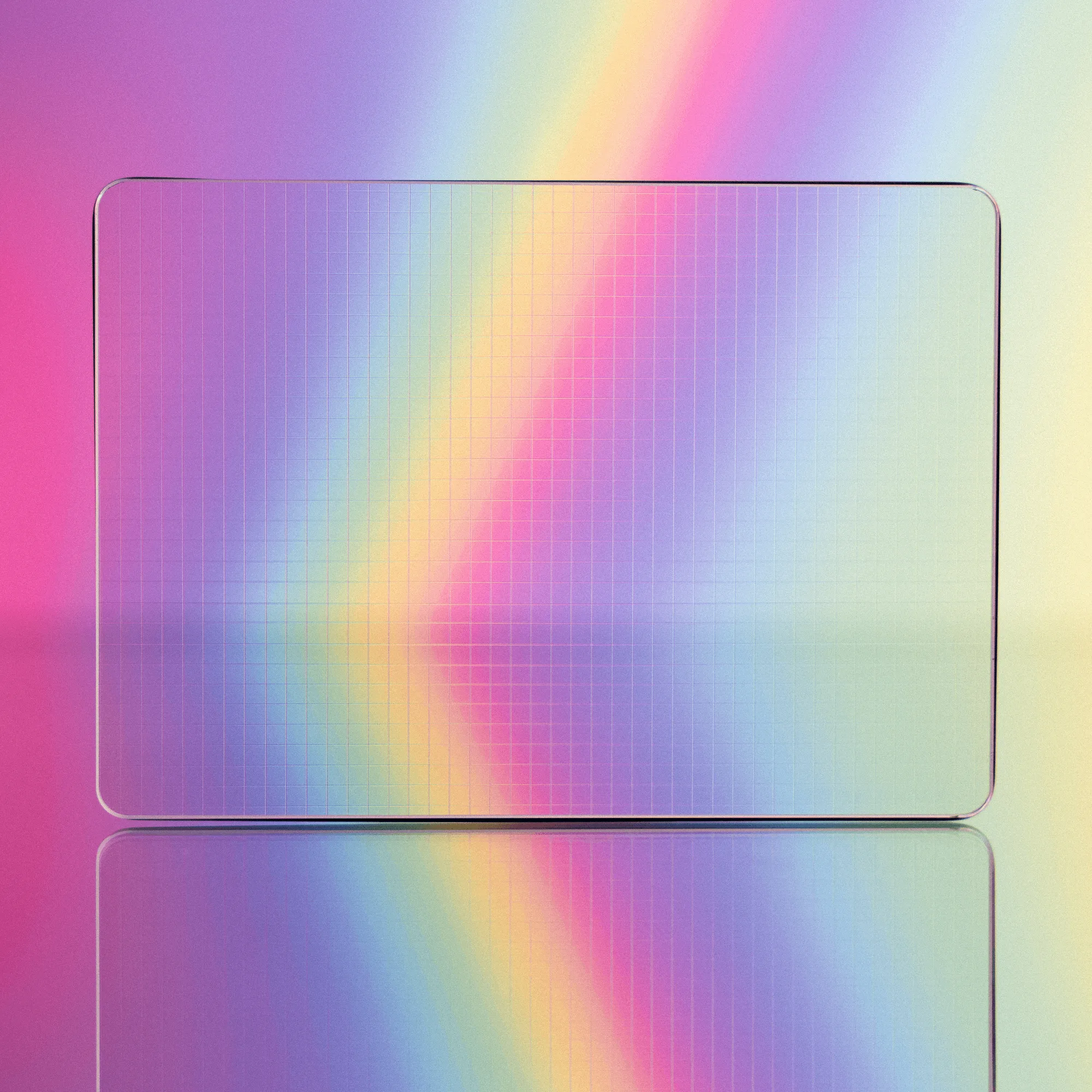
4x5.65 Moody FX Filter