Quick answer
To improve Wyze camera night vision, start by cleaning the lens and checking for obstructions. Then adjust your camera's placement to avoid bright light sources, enable the "Night Vision" mode manually if needed, and consider adding a Wyze Lamp Socket v2 or other external light to reduce reliance on infrared. Finally, update your camera firmware regularly for the latest image processing improvements.
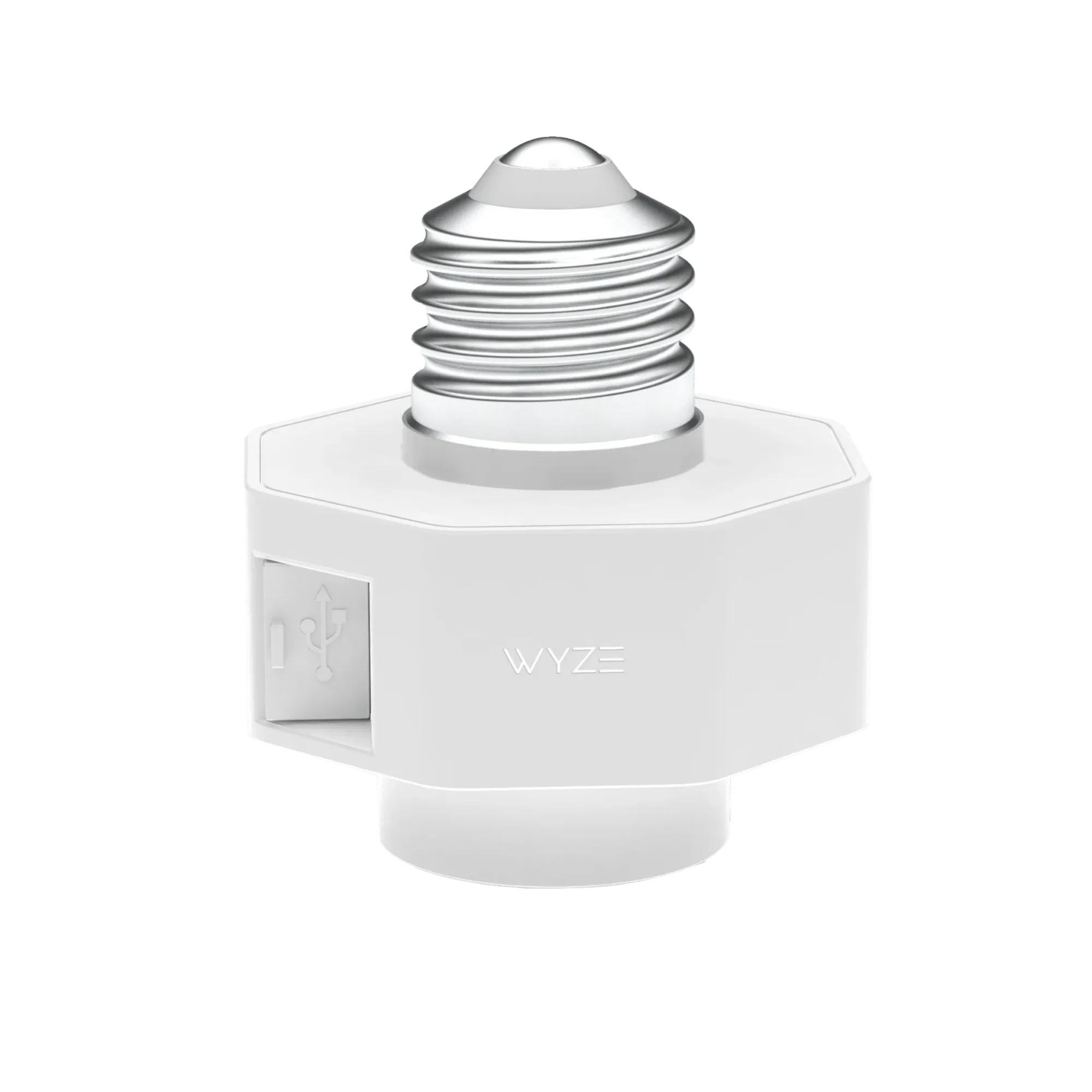
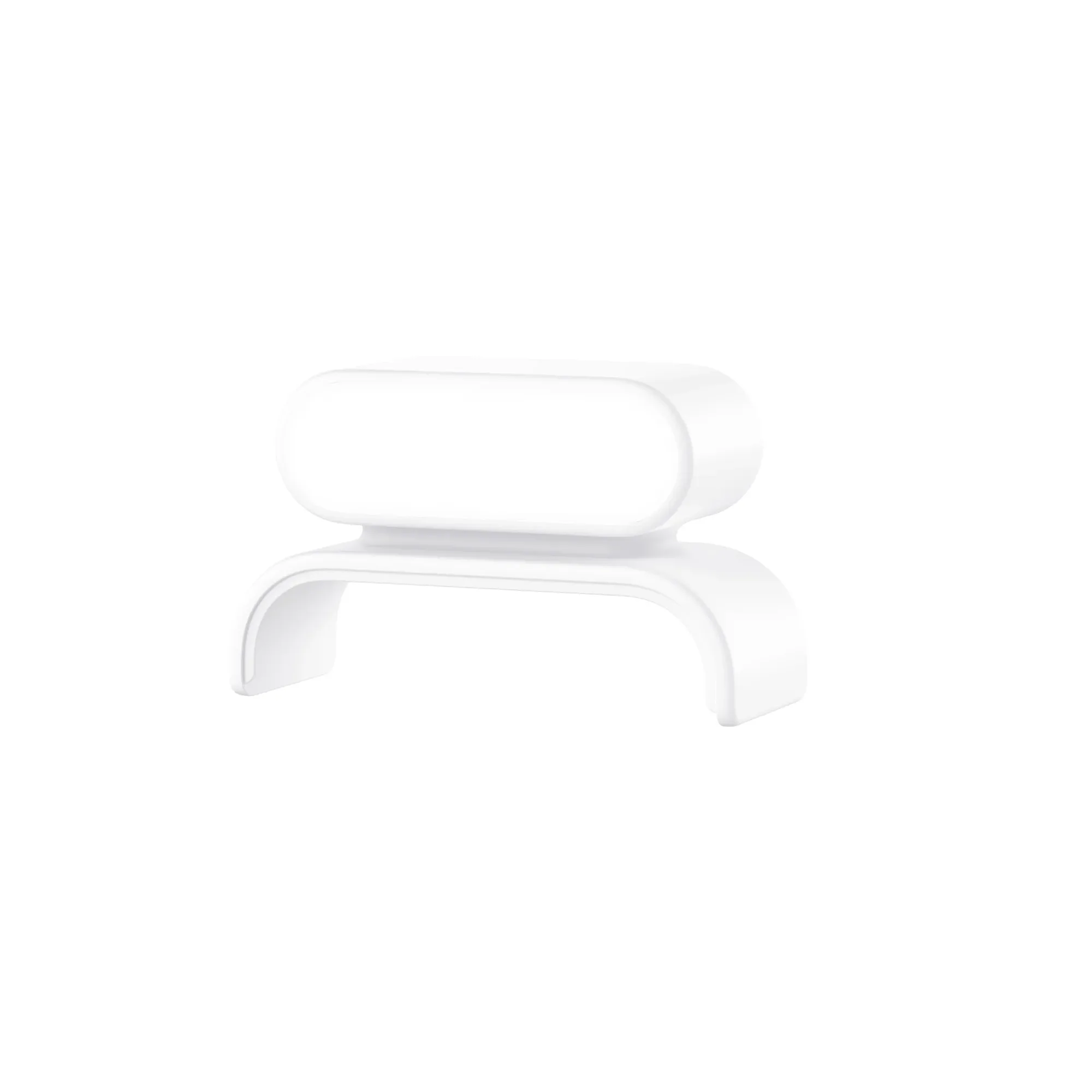
Wyze Lamp Socket
Why Wyze Camera Night Vision Can Look Poor
Wyze cameras use infrared (IR) LEDs to see in the dark, but several factors can degrade that image. Dust or smudges on the lens scatter IR light, causing a hazy or washed-out look. Nearby bright lights, like a porch light or streetlamp, can overwhelm the IR sensor and create glare. And if the camera is too far from the action, the IR LEDs simply can't illuminate the scene well. The good news: most of these issues are easy to fix without buying a new camera.
When to Consider a Hardware Upgrade
If you've tried all the software and placement tweaks and still need better low-light performance, a hardware change may help. The Wyze Video Doorbell Pro offers a wider viewing angle and higher resolution, which can capture more detail in dim conditions. For existing cameras, the Wyze Lamp Socket v2 lets you power a Wyze Cam v3, v4, or other models without needing an outlet, and it can also be used to add a smart light that improves ambient illumination for night vision.
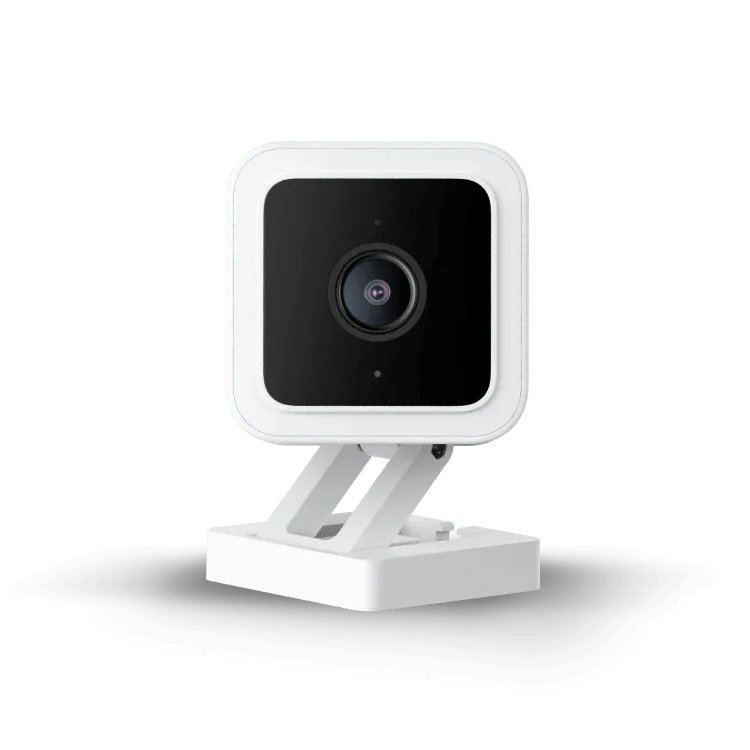
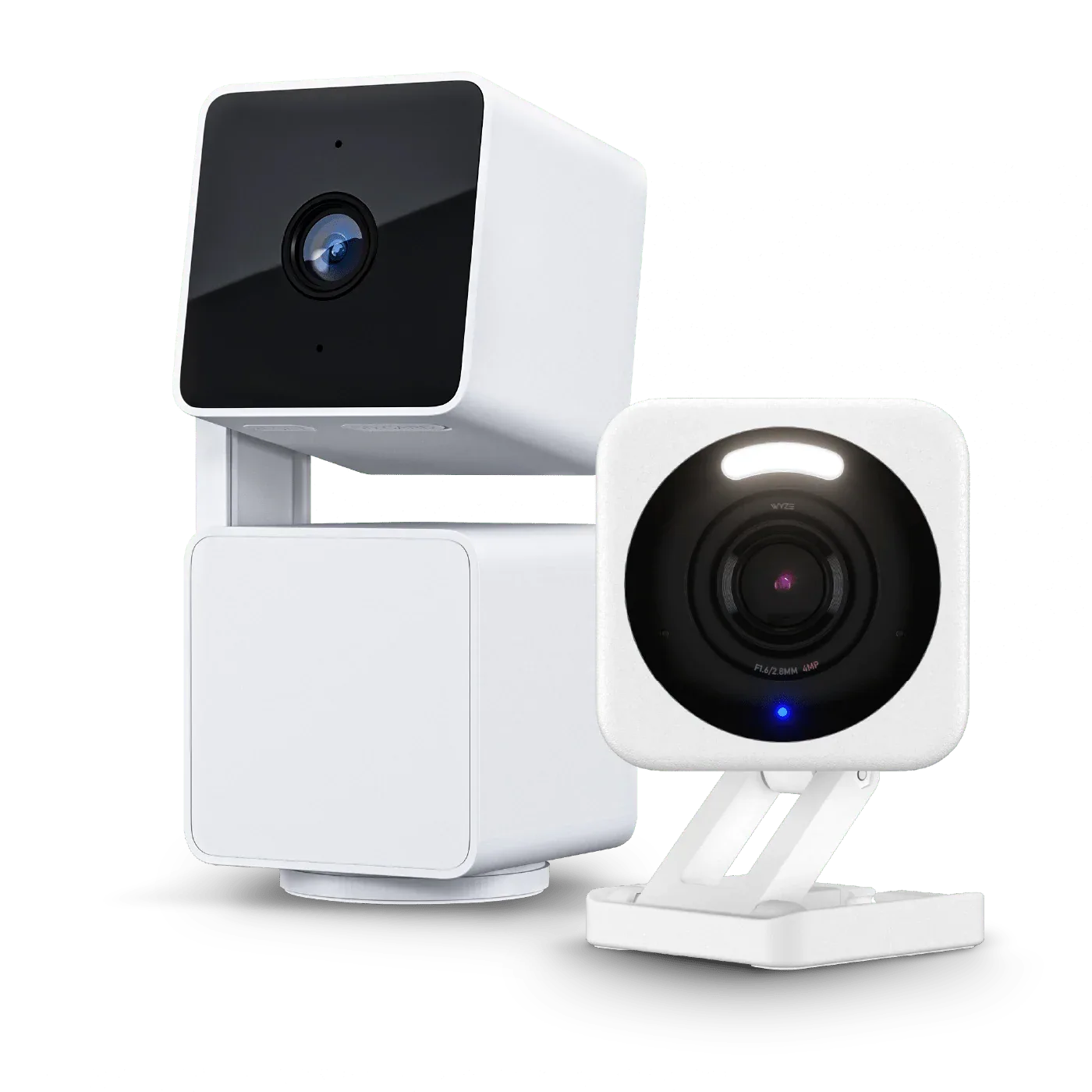
Wyze Cam v3
5 Steps to Better Night Vision
- Clean the lens and check for obstructions: Use a microfiber cloth to gently wipe the camera lens. Even a small smudge can scatter IR light and make night footage look foggy. Also check that nothing is blocking the camera's view, like a spider web or overgrown leaves. Common mistake: skipping this step because the lens looks clean to the naked eye. A quick clean often fixes a hazy night image.
- Adjust camera placement to avoid direct light: Position the camera so it's not pointing directly at a bright light source, such as a porch light, streetlamp, or reflective window. Bright light can cause the IR sensor to wash out the image or create a halo effect. Checkpoint: If you see a bright white circle or flare in your night footage, move the camera a few feet to the side or angle it slightly away from the light.
- Manually enable Night Vision mode in the app: Open the Wyze app, go to your camera's settings, and look for "Night Vision." Set it to "On" instead of "Auto" if the camera is struggling to switch modes. This forces the IR LEDs to stay active, which can help in very dark conditions. Common mistake: relying on Auto mode in borderline lighting. Manual mode gives you consistent IR illumination when the ambient light is just barely too dim.
- Add external light with a smart bulb or lamp socket: A small amount of visible light can dramatically improve night vision clarity. Use the Wyze Lamp Socket v2 to add a smart bulb near your camera, or simply turn on an existing porch light. The extra light reduces the camera's reliance on IR, resulting in a sharper, more colorful image. Checkpoint: If your night footage looks flat or has a lot of digital noise, adding a low-wattage light source is often the most effective fix.
- Update your camera firmware: In the Wyze app, go to your camera's settings, then "About Device," and check for firmware updates. Wyze frequently releases updates that improve image processing, including night vision algorithms. An outdated firmware can leave you with subpar low-light performance. Common mistake: assuming firmware updates only add features. They often include important image quality fixes, so check every few months.
Products That Can Help
- Wyze Lamp Socket v2: Make your exterior lighting even smarter. With our latest lamp socket, you can now power Wyze Cam v3/v3 Pro/v4, Cam OG, Pan v3, Pan v4 and Duo Cam Pan without the need for a power outlet. Adding a smart bulb to the Lamp Socket gives you controllable light that can fill in dark areas, reducing the strain on your camera's IR LEDs and producing a clearer night image.
- Wyze Video Doorbell Pro: The Wyze Video Doorbell Pro delivers a wider view and higher resolution at an extraordinary price. Whether you prefer wired or wireless installation with battery power, this doorbell is designed for quick setup in about 30 seconds. Wider viewing angle for enhanced visibility of your doorstep. Higher resolution video for clearer images day or night. If your current doorbell camera's night footage is too grainy, the Doorbell Pro's higher resolution and wider angle can capture more detail in low light, making it a worthwhile upgrade.