Quick Answer
For a portable yet capable hub, the Satechi 6-in-1 USB-C Slim Multiport Adapter covers essential ports—4K HDMI, USB-A, SD/microSD, and 100W pass-through charging—making it ideal for everyday laptop use.
Why Port Selection Matters
Not every USB-C hub is built the same. The 6-in-1 adapter balances size and functionality, offering six ports in a compact aluminum body. This makes it a practical choice for travelers and remote workers who need to connect multiple peripherals without carrying a full-size dock.
Trade-offs of a Slim Design
The slim form factor means you won't find Ethernet or multiple video outputs. If you need wired networking or dual monitors, consider a larger hub. However, for most daily tasks—presentations, file transfers, and charging—this adapter provides a streamlined solution.
Step-by-Step Setup and Use
- Connect the adapter to your laptop: Plug the USB-C connector into your laptop's USB-C port. Ensure it's fully seated to avoid intermittent connections. Check that the cable's reinforced neck isn't bent sharply at the connection point.
- Set up your external display: Connect an HDMI cable from the adapter to your monitor or TV. The adapter supports 4K at 60Hz, so ensure your display and cable also support this for optimal resolution. If the display isn't recognized, try a different HDMI cable or check your laptop's display settings.
- Connect USB-A devices: Use the USB-A 3.2 Gen 2 port for high-speed devices like external SSDs, and the USB-A 2.0 port for peripherals like mice or keyboards. This keeps data transfer efficient. Avoid plugging high-power devices into the USB-A 2.0 port; it's not designed for fast charging.
- Use the SD and microSD card reader: Insert your SD or microSD card into the appropriate slot. The adapter reads both formats, making it easy to transfer photos from cameras or drones. Don't force a card in; if it doesn't fit, you're using the wrong slot.
- Charge your laptop with power delivery: Connect your laptop's USB-C charger to the adapter's USB-C PD port (up to 100W). This allows simultaneous charging and data use. Ensure your charger's wattage is sufficient for your laptop's needs; check your laptop's power requirements.
Product Facts
-
6-in-1 USB-C Slim Multiport Adapter: The adapter features 4K HDMI at 60Hz, 100W USB-C PD charging, one USB-A 3.2 Gen 2 port, one USB-A 2.0 port, and a micro/SD card reader. This combination lets you connect a 4K monitor, charge your laptop, transfer files quickly, and read camera cards—all from a single USB-C port.
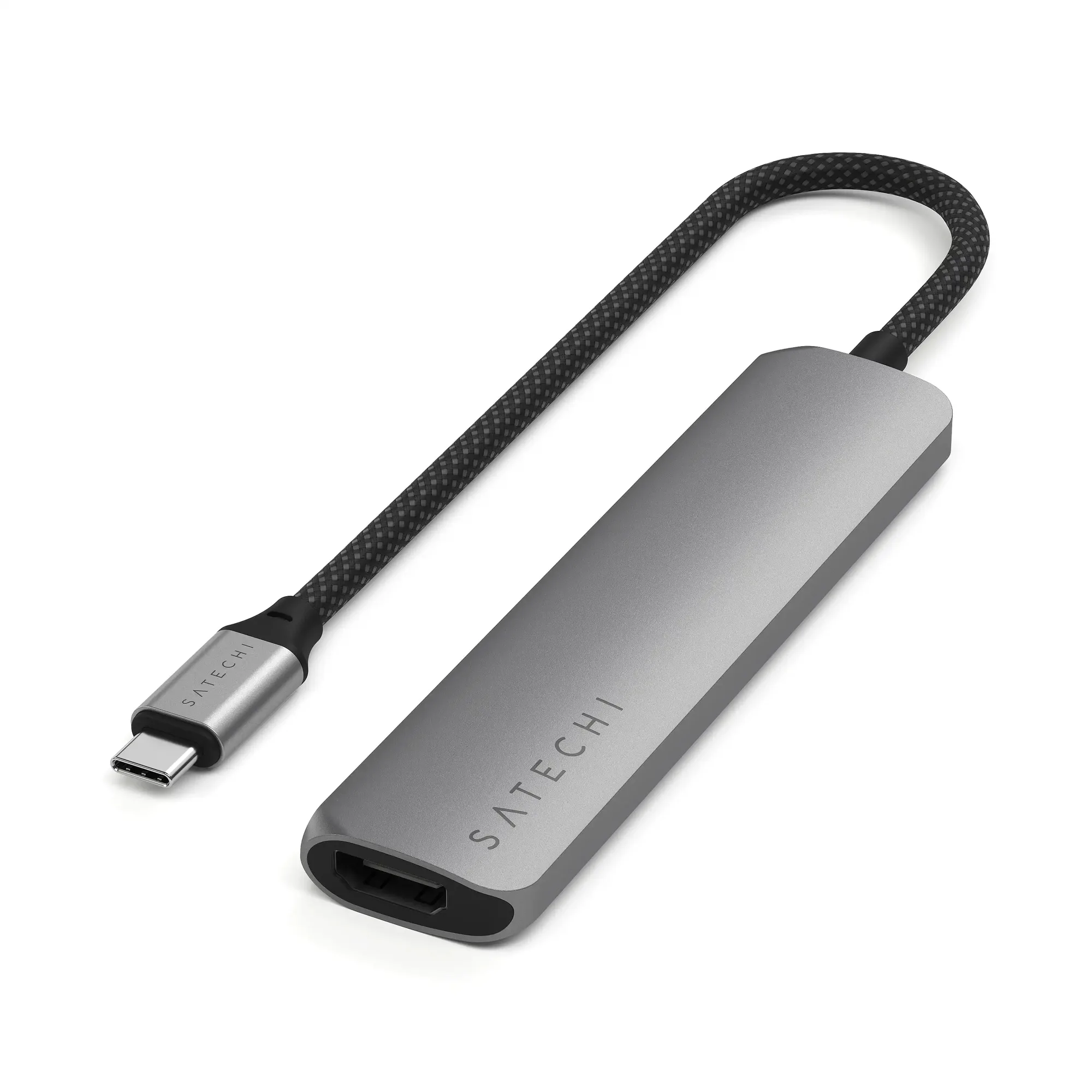
6-in-1 USB-C Slim Multiport Adapter