Quick Answer
To fast charge your Switch 2, use a 65W PD AC adapter like the Nyko 65W PD AC Adapter for Switch 2. Connect it directly to the console's USB-C port or via a compatible dock for the fastest power delivery.
Why 65W Matters for the Switch 2
The Switch 2 supports higher power delivery than its predecessor, so using a 65W PD adapter ensures you get the fastest possible charge. Lower-wattage chargers may still work, but they'll charge slower, especially while you're playing demanding games.
The Nyko 65W PD AC Adapter is engineered specifically for this need. It delivers 65W Power Delivery (PD), meaning it can supply the full power the Switch 2 can accept, cutting down charge time significantly compared to a standard phone charger.
Trade-Off: Portability vs. Power
A 65W adapter is larger than a typical phone charger, so it's less pocket-friendly. However, it's still much smaller than a power strip or a bulky laptop charger. If you prioritize maximum charging speed over ultra-compact size, this is the right choice.
For travel, consider pairing it with a quality USB-C cable that supports 65W PD to avoid bottlenecks. The adapter itself is designed to be the only charger you need for both gaming and remote work sessions.
How to Fast Charge Your Switch 2 with a 65W PD Adapter
- 1. Choose a 65W PD Adapter: Select a 65W PD AC adapter like the Nyko 65W PD AC Adapter for Switch 2. Ensure it supports USB-C Power Delivery for the fastest charging. Common mistake: Using a lower-wattage charger (e.g., 18W) will charge slowly, especially while gaming.
- 2. Connect the Adapter to Power: Plug the adapter into a wall outlet. Avoid using extension cords or power strips that may limit power delivery. Checkpoint: Make sure the outlet is functioning and the adapter's LED indicator (if present) lights up.
- 3. Attach a USB-C Cable: Use a USB-C cable rated for 65W or higher. Connect one end to the adapter and the other to your Switch 2's USB-C port. Common mistake: A cheap or damaged cable can reduce charging speed. Use a cable that explicitly supports 65W PD.
- 4. Connect to Your Switch 2: Plug the USB-C end directly into the Switch 2 console, or into a compatible dock that supports PD passthrough. Checkpoint: If using a dock, verify it supports 65W PD input; otherwise, charging may be slower.
- 5. Monitor Charging Status: Check the Switch 2 screen for the charging icon. A fast charge should show a noticeable increase in battery percentage within 15-20 minutes. Common mistake: If the icon shows 'charging slowly,' your cable or adapter may not be PD-compatible.
Product Facts
-
65W PD AC Adapter for Switch™ 2: 65W Power Delivery (PD) output engineered to keep you in the game with a clean, gamer-first design. This means you can play and charge simultaneously without slowdown, making it ideal for long gaming sessions or remote work.
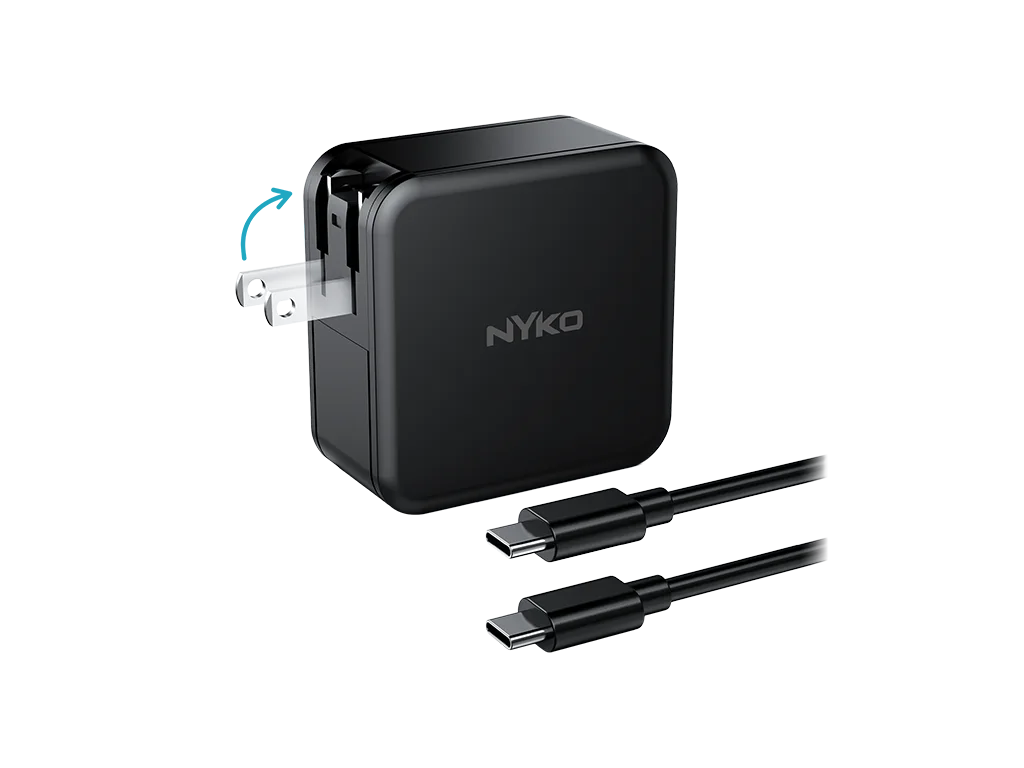
65W PD AC Adapter for Switch™ 2