Charging Your HiBy DAP with a GaN Charger: What You Need to Know
A GaN (gallium nitride) charger offers a compact, efficient way to power USB-C devices, including HiBy digital audio players. The 65W USB-C GaN Charger from HiBy's official store is designed for this purpose. This guide explains how to use it safely, what the specifications mean for your DAP, and which plug variant fits your region.
65W USB-C GaN Charger Specifications
-
65W USB-C GaN Charger: Input: 100-240V~50/60Hz 1.3A Works worldwide with standard wall outlets—no voltage converter needed.
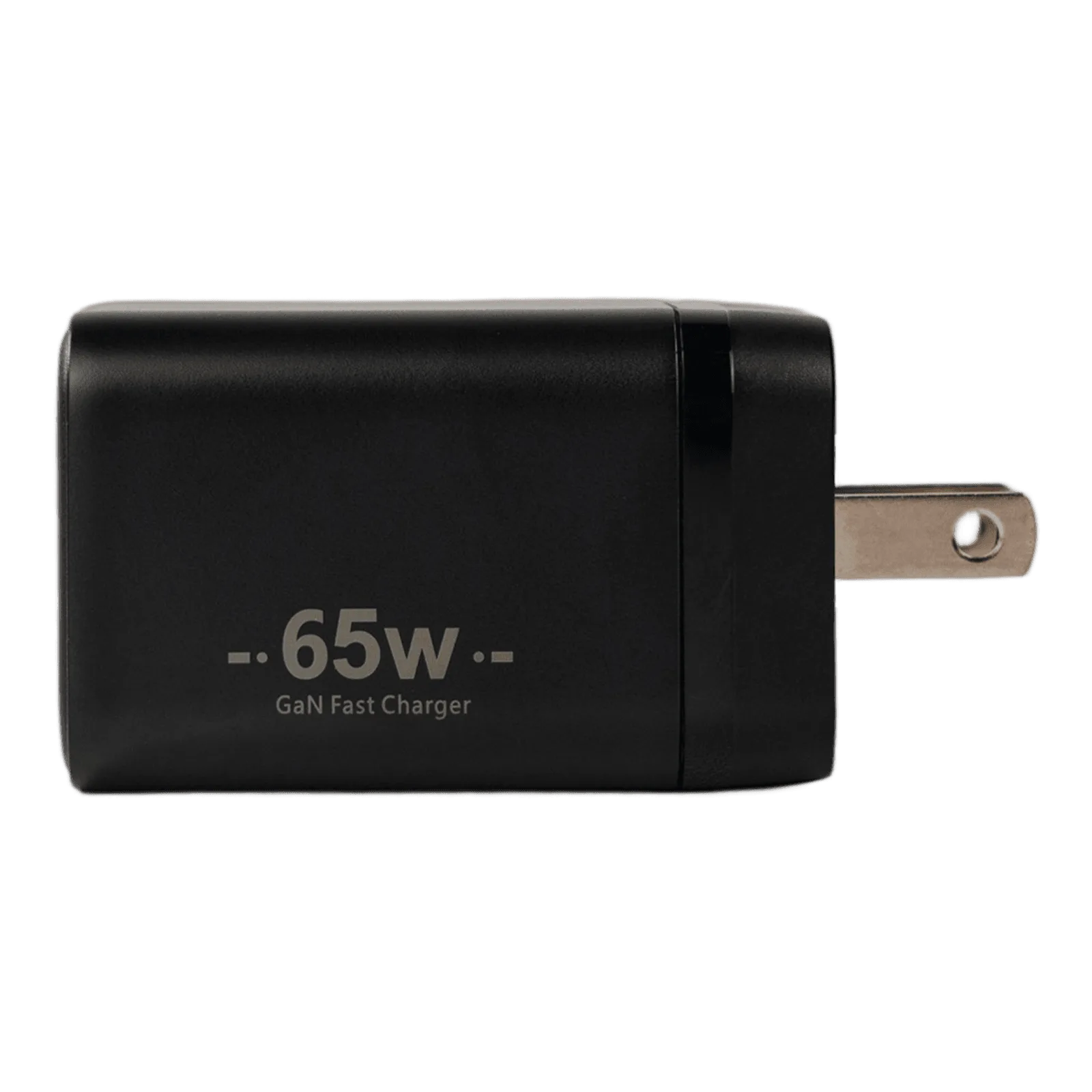
65W USB-C GaN Charger
-
65W USB-C GaN Charger: Single-port output (Type-C): 5V 3A/9V 3A/12V 3A/20V 3.25A/65W The charger automatically negotiates the correct voltage with your HiBy DAP, so you don't have to set anything manually.
-
65W USB-C GaN Charger: Total Output: Up to 65W Max Adequate for fast charging compatible HiBy players that support higher wattage over USB-C.
Compatibility First: Does Your HiBy DAP Support USB-C Charging?
Most modern HiBy DAPs (such as the R4, R6 III, RS8 II, and R8 II) charge via USB-C. The 65W USB-C GaN Charger uses the standard USB-C Power Delivery (PD) protocol. Your DAP will draw only the power it needs—typically 5V/3A or 9V/3A—so the 65W capacity is not a risk. However, if your player is older or uses a proprietary charging port, check the manual first. The supplied information confirms the charger's output steps, but does not list every compatible device. If in doubt, verify your DAP's USB-C charging specification.
Safe Charging Steps for Your HiBy DAP
Follow these simple steps to charge your HiBy DAP safely with the 65W GaN charger.
- Choose the correct plug variant: The charger is available with US, EU, or UK plug options. Select the variant that matches your wall outlet. Do not use a travel adapter that cannot handle 65W unless it is rated for the load.
- Connect the USB-C cable: Use a high-quality USB-C cable that supports Power Delivery and at least 65W. A cable rated for lower wattage may cause slow charging or overheating. The charger itself is a single-port Type-C output.
- Plug into the wall, then into your DAP: First, connect the charger to the wall outlet. Then, connect the USB-C cable to your HiBy DAP. This sequence ensures the charger is ready before your player requests power.
- Observe the charging indicator: Your HiBy DAP will show a charging icon or LED. If nothing happens, check the cable and port. The charger does not have a separate status light, so rely on your device's feedback.
- Disconnect when fully charged: Unplug the cable from your DAP first, then from the charger. This avoids any sudden power draw when unplugging from the wall. The charger will stop delivering power once the device is disconnected.
Practical Tips for Daily Charging
The 65W USB-C GaN Charger runs cooler than traditional silicon chargers, but it still generates some heat during fast charging. Place it on a hard, ventilated surface—not on a bed or sofa. Avoid charging your DAP in direct sunlight or inside a case that traps heat. If you notice the charger or cable becoming uncomfortably hot to touch, stop charging and inspect the connection. The supplied information does not specify operating temperature ranges, but general electronics safety applies.
What This Charger Does Not Do
This charger is a single-port USB-C GaN charger. It cannot charge multiple devices at once, and it does not include a built-in cable. It supports Power Delivery but not proprietary fast-charging standards like Qualcomm Quick Charge or USB-C to Lightning. If your HiBy DAP uses a different charging method (e.g., a barrel connector), this charger will not work without an adapter—and adapters are not covered by the supplied evidence.