Why You Need the EC01 Extension Cable
When adding a rear camera to your 70mai dash cam system, the stock cable may not be long enough to reach from the front camera to the rear window cleanly. The 70mai Extension Cable EC01 solves this with a 3.5-meter cable that gives you enough slack to route the wire along the headliner, door seals, or trim panels without stretching or splicing. Follow the supplied product instructions for proper installation.
This cable is designed for easy installation and works with several 70mai rear cameras, making it a simple upgrade if you already own a compatible unit.
What the EC01 Offers
-
70mai Extension Cable EC01 for Rear Cam: Sufficient Cable Length: 3.5 meters A 3.5-meter cable is long enough for most sedans, SUVs, and hatchbacks, letting you hide the wire along the interior panels without needing an extension or coupler.
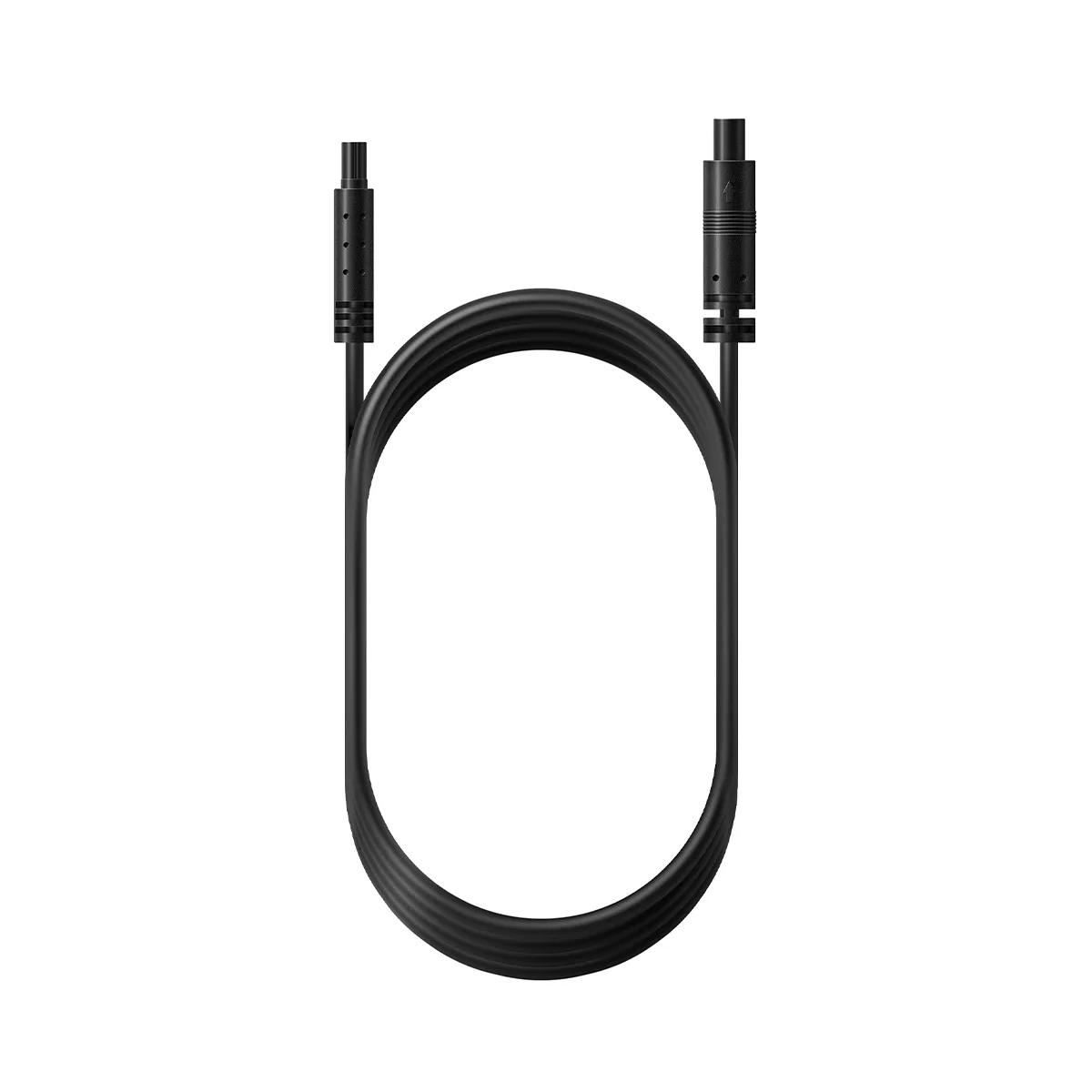
70mai Extension Cable EC01 for Rear Cam
-
70mai Extension Cable EC01 for Rear Cam: Wide Compatibility: can be widely used for RC06, RC09, RC11, RC12, RC13, and RC14. If you own or plan to buy one of these rear cameras, the EC01 is the correct extension cable. Check your rear camera model before purchasing to ensure a match.
-
70mai Extension Cable EC01 for Rear Cam: Easy to Install No special tools or wiring knowledge are required. The cable plugs directly into the compatible rear camera and the dash cam’s rear camera port.
How to Install the EC01 Extension Cable
Follow these steps to connect your rear camera using the EC01 cable. The process is straightforward and does not require cutting or soldering.
- Step 1: Confirm compatibility: Make sure your rear camera is one of the supported models: RC06, RC09, RC11, RC12, RC13, or RC14. The EC01 cable will not work with other rear cameras.
- Step 2: Plan the cable route: Measure the distance from your front dash cam to the rear camera mounting location. The 3.5-meter cable is usually sufficient, but verify your vehicle’s layout before starting.
- Step 3: Connect the cable to the rear camera: Plug one end of the EC01 cable into the rear camera’s connector. Ensure the connection is firm and fully seated.
- Step 4: Route the cable to the front dash cam: Tuck the cable along the headliner, door seals, or floor trim to hide it from view. Avoid sharp bends or pinching the cable where seats or panels move.
- Step 5: Connect the cable to the front dash cam: Plug the other end of the EC01 into the rear camera port on your front dash cam. Confirm the connection is secure.
- Step 6: Test the setup: Turn on your dash cam and check that the rear camera feed appears in the display. If not, recheck the connections and ensure the cable is fully inserted at both ends.
What to Keep in Mind
The EC01 is an extension cable, not a replacement for the original cable that came with your rear camera. It adds 3.5 meters of length, so you can use it together with the original cable if needed, or replace the original if you prefer a single longer run. The cable is designed for the listed rear cameras only; using it with other models may not work or could damage the connectors. If your dash cam system includes a separate power cable for the rear camera, the EC01 does not carry power — it only transmits video and data signals.