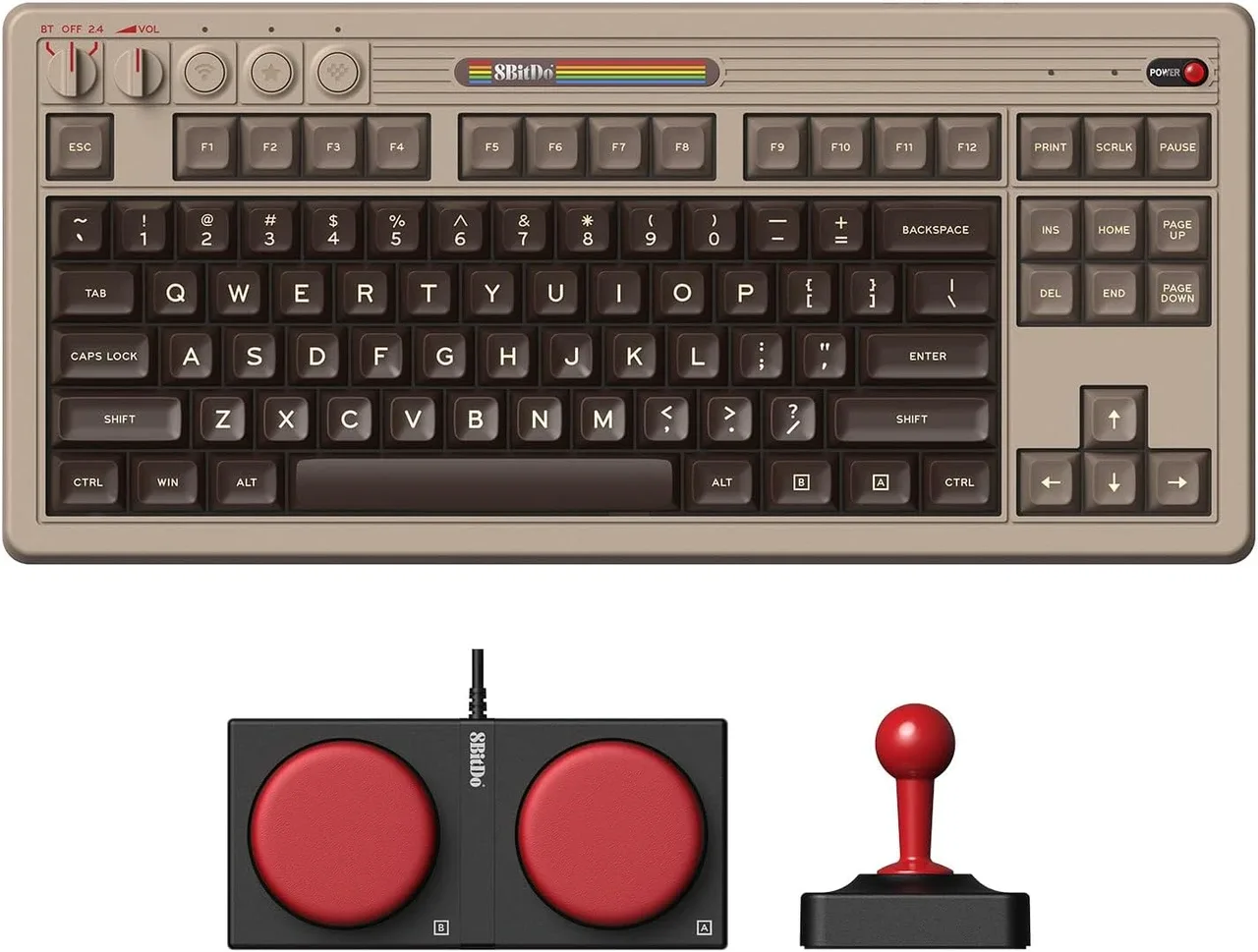
The short answer: pick a colorway, not a spec sheet
The 8BitDo Retro Mechanical Keyboard N Edition and Fami Edition are the same keyboard in different retro-inspired shells. Both use an 87-key layout, Kailh Box Switch V2 White switches, dye-sub PBT keycaps, a top-mount design, and a hot-swappable PCB. Both connect over Bluetooth, 2.4G wireless, or USB-C wired, and both list compatibility with Windows 10 (1903) or above and Android 9.0 or above.
If you are choosing between them, the meaningful differences are the visual theme and the catalog price. Everything else in the supplied records points to identical hardware.
What both editions share
-
8Bitdo Retro Mechanical Keyboard BT / 2.4G / USB-C for Windows / Mac / Android - Fami Edition: 87-key layout, Kailh Box Switch V2 White, dye-sub PBT keycaps, top mount style, hot-swappable PCB, n-key rollover support. These are the core typing and build features. Since the Fami Edition lists the same set, you are not trading away switch feel or keycap quality by choosing one theme over the other.
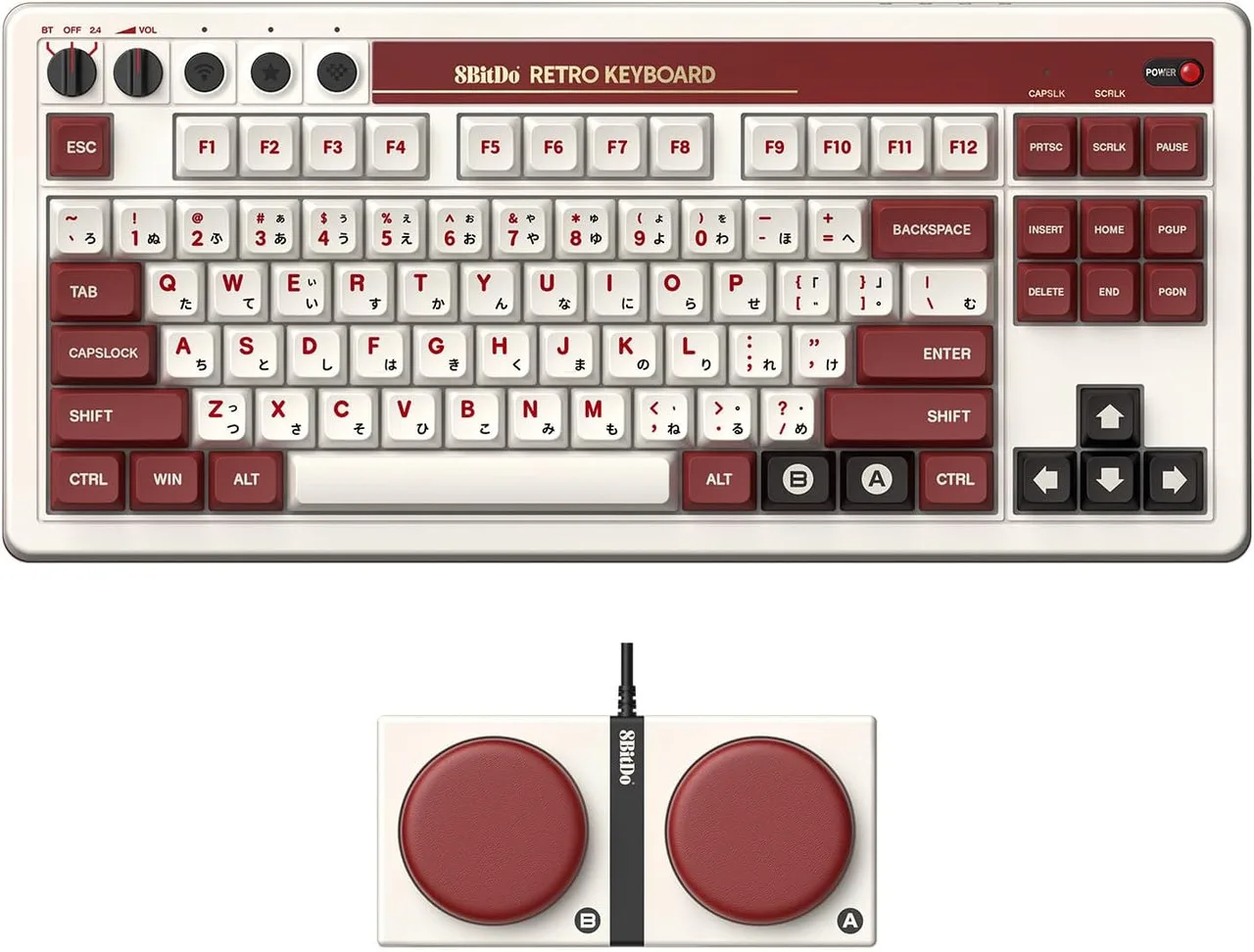
8Bitdo Retro Mechanical Keyboard BT / 2.4G / USB-C for Windows / Mac / Android - Fami Edition
-
8Bitdo Retro Mechanical Keyboard BT / 2.4G / USB-C for Windows / Mac / Android - N Edition: 87-key layout, Kailh Box Switch V2 White, dye-sub PBT keycaps, top mount style, hot-swappable PCB, n-key rollover support. The N Edition matches the Fami Edition on every listed hardware point, confirming the decision is cosmetic rather than functional.
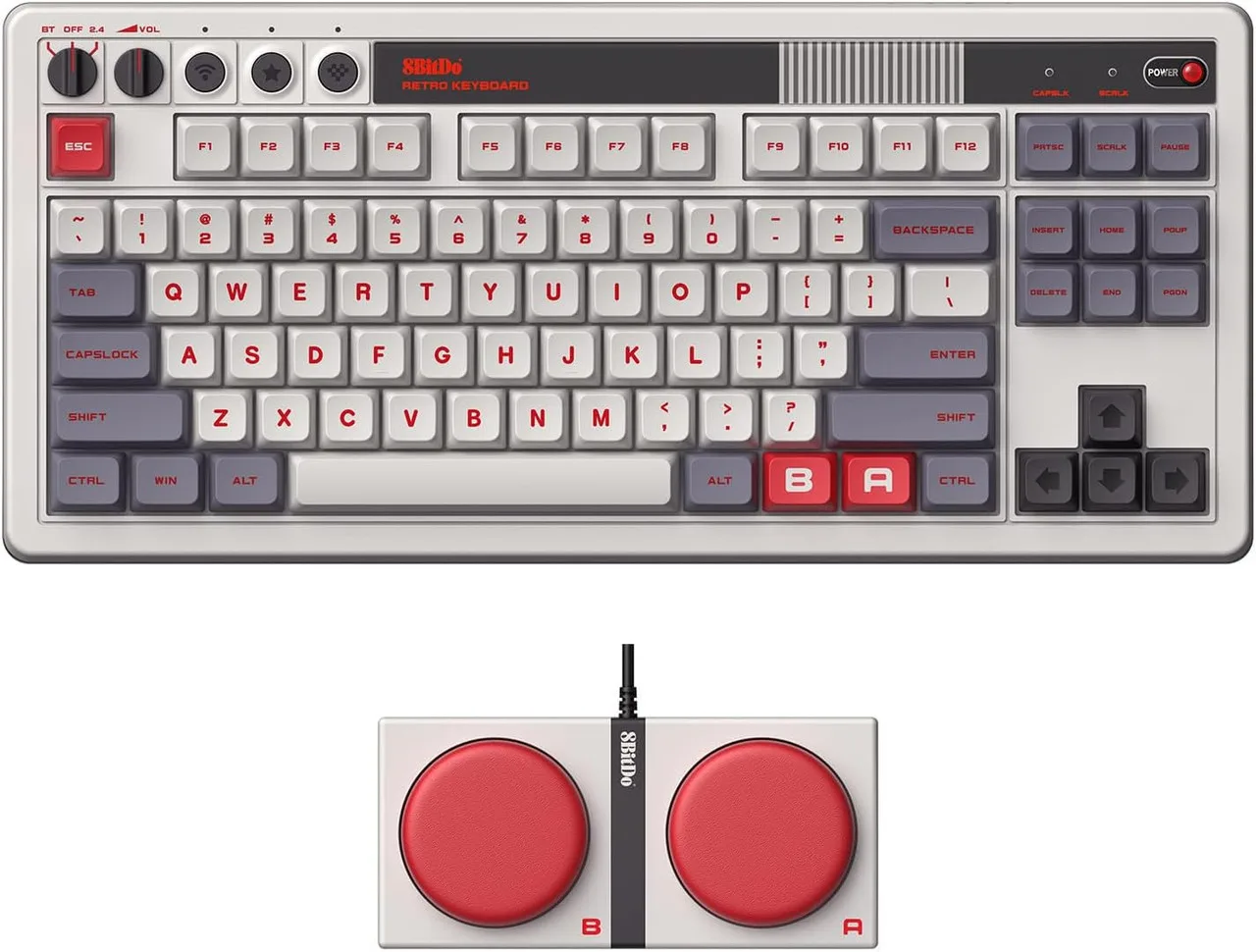
8Bitdo Retro Mechanical Keyboard BT / 2.4G / USB-C for Windows / Mac / Android - N Edition
Connectivity and platform fit are identical
Both listings confirm Bluetooth, 2.4G wireless, and wired USB-C connections. Both also list the same operating system support: Windows 10 (1903) or above and Android 9.0 or above. The product titles mention Mac, but the supplied compatibility specifications only name Windows and Android, so treat Mac support as unconfirmed by the catalog evidence rather than assuming it works out of the box.
The package contents are also the same for both editions: the keyboard, Dual Super Buttons, USB cable, 2.4G adapter, 8BitDo Fun Stickers, and an instruction manual. Neither listing includes a separate numpad or extra accessories.
Where the two editions actually diverge
- Visual theme: The N Edition and Fami Edition use different retro-inspired colorways. The catalog does not describe the exact palette for either, so choose based on the product images and the console era you want on your desk.
- Catalog price: At the time of writing, the N Edition is listed at USD 85.22 and the Fami Edition at USD 87.59, both against a comparison price of USD 118.36. The gap is small, so price alone is unlikely to be the deciding factor.
- Everything else: Switch type, keycap material, layout, mounting style, hot-swap support, connectivity, and package contents are listed identically. There is no performance or feature difference in the supplied records.
Price and package evidence
- 8Bitdo Retro Mechanical Keyboard BT / 2.4G / USB-C for Windows / Mac / Android - Fami Edition: Catalog price USD 87.59; comparison price USD 118.36. Package includes keyboard, Dual Super Buttons, USB cable, 2.4G adapter, stickers, and manual. The Fami Edition costs slightly more at catalog price, but the bundle is the same as the N Edition, so you are paying for the theme rather than extra hardware.
- 8Bitdo Retro Mechanical Keyboard BT / 2.4G / USB-C for Windows / Mac / Android - N Edition: Catalog price USD 85.22; comparison price USD 118.36. Package includes keyboard, Dual Super Buttons, USB cable, 2.4G adapter, stickers, and manual. The N Edition is the lower-priced of the two at catalog price with an identical accessory set, making it the value pick if you are indifferent to the colorway.
What the catalog does not settle
Neither listing supplies battery life, weight, dimensions, or a detailed keycap profile. The supplied records also do not confirm Mac compatibility beyond the product title, and they do not describe the exact color palette or any edition-specific software features. If any of those details matter to your setup, check the manufacturer documentation before ordering rather than assuming the two editions differ.
The Dual Super Buttons are listed as programmable without software, and both editions support 8BitDo Ultimate Software V2 for custom keyboard mapping. That software support is listed identically, so it does not help separate the two.
How to choose between them
- Pick the N Edition if...: You want the lower catalog price and prefer its retro colorway. You get the same 87-key layout, hot-swappable PCB, and tri-mode connectivity as the Fami Edition.
- Pick the Fami Edition if...: Its specific retro theme matches the rest of your desk or console collection. The small price difference buys the look, not extra features.
- Skip both if...: You need confirmed Mac support, a numpad, or documented battery life. Those details are not confirmed in the supplied records, so another model may fit better.