Quick answer
Choose the Acer Vero USB-C Dock if you need triple 4K display output and up to 100W charging. Choose the Acer USB-C Dock D501 if you want certified Chromebook compatibility and a more budget-friendly price.
Display output: Triple 4K vs flexible dual
The Vero dock supports triple display output through two DisplayPort and one HDMI port, all capable of 4K at 60Hz. That makes it a strong fit for multitaskers who run multiple spreadsheets, design tools, or financial dashboards.
The D501 also supports up to three displays, but it uses a mix of HDMI 2.0 and DisplayPort 1.4. One HDMI and one DP share a single output path, meaning you can only use one of those two at a time. So in practice, you get two simultaneous displays unless you use the second HDMI and DP together in a specific configuration.
If you need three independent 4K displays without juggling ports, the Vero is the more straightforward choice.
Charging and compatibility
The Vero dock delivers up to 100W power delivery to your host laptop, which is enough to charge most USB-C laptops at full speed. The D501's power delivery spec isn't listed in the catalog, so if fast laptop charging is critical, the Vero is the safer bet.
The D501 is certified by Works With Chromebook (WWCB Chrome Dock II), so it's a dependable pick for Chromebook users. The Vero doesn't carry that certification in the catalog, so Chromebook owners should verify compatibility before buying.
Trade-offs at a glance
- Display flexibility: Vero gives you three independent 4K60 outputs. D501 caps you at two simultaneous displays (unless you use the shared HDMI/DP pair carefully). If three 4K monitors are non-negotiable, pick the Vero.
- Laptop charging: Vero delivers up to 100W to the host. D501's power delivery spec isn't listed, so it may not charge a high-wattage laptop at full speed. For a 100W laptop, the Vero is the reliable choice.
- Chromebook compatibility: D501 is Works With Chromebook certified. Vero isn't listed as certified, so Chromebook users should verify compatibility before buying. Chromebook owners should lean toward the D501.
Product facts
-
Acer Acer Vero USB TypeC Dock: Supports triple display output via 2 x DP and 1 x HDMI, all at 4K60Hz, with PD 3.0 power delivery up to 100W to the host. You can run three 4K monitors at once and charge a power-hungry laptop at full speed from a single cable.
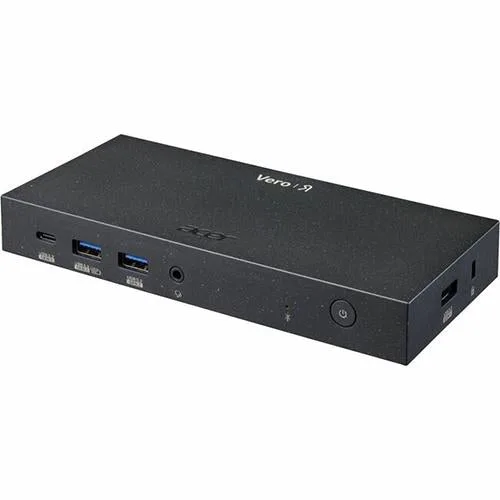
Acer Acer Vero USB TypeC Dock
-
Acer Acer USB C Dock D501: Certified by Works With Chromebook (WWCB Chrome Dock II) and offers a mix of HDMI 2.0 and DisplayPort 1.4 outputs, with one HDMI and one DP sharing a single output path. Chromebook users get a verified dock, but you'll need to plan which two displays you want active since one HDMI and one DP can't be used simultaneously.
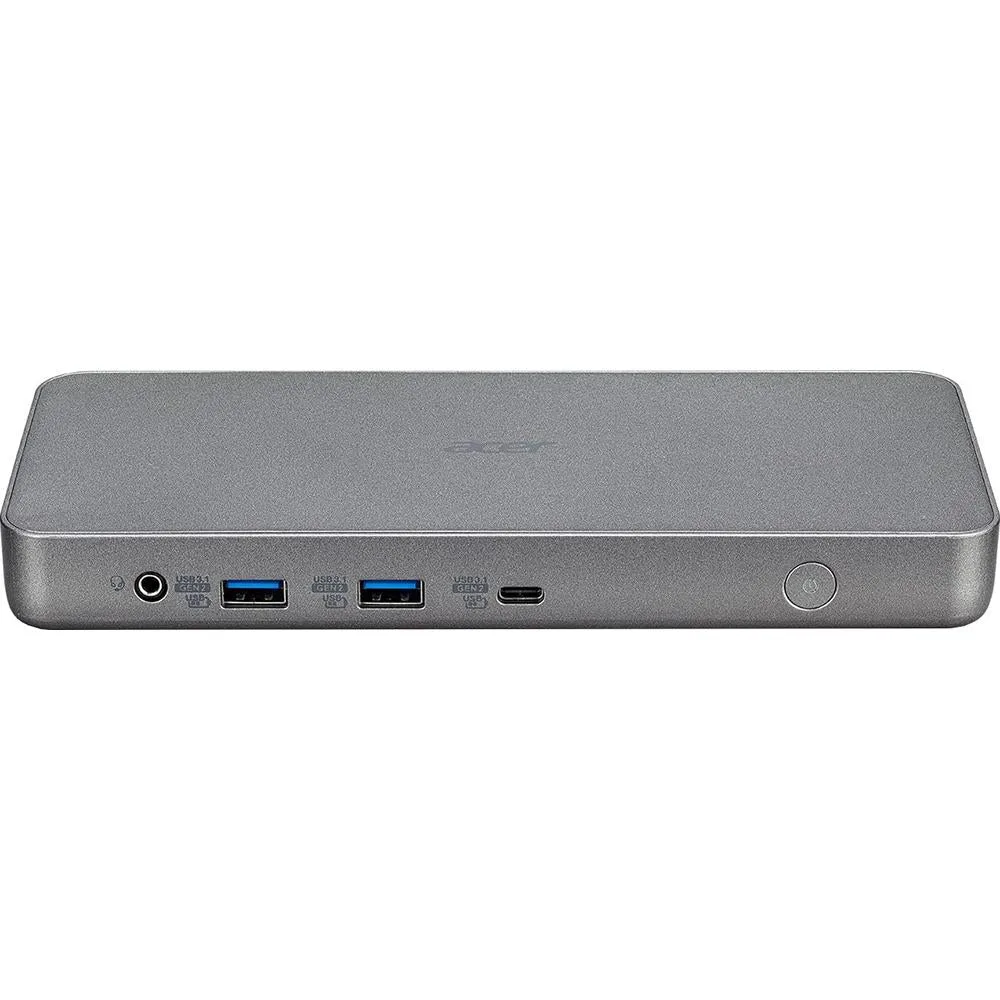
Acer Acer USB C Dock D501
Which dock fits you?
Best for
- Professionals who need three 4K monitors at 60Hz and fast laptop charging
- Windows laptop users who want a straightforward, high-power dock
Not for
- Chromebook users who need certified compatibility
- Budget-conscious buyers who don't need triple 4K output