What This Tutorial Covers
Shooting directly into the sun often produces lens flare and washed-out colors. This Photoshop tutorial focuses on removing that flare, restoring natural tones, and then adding a clean sunstar or starburst effect to create the mood of a sun shining into the frame. It is a from-start-to-finish video that demonstrates multiple editing techniques, and it includes raw files for you to practice on.
The Core Editing Workflow
- Remove lens flare and restore color: Start by using Photoshop tools to eliminate the unwanted flare and bring back the original colors that were washed out by the strong light.
- Create the sunstar or starburst effect: Apply the tutorial's unique techniques to generate a realistic starburst that looks like it belongs in the scene, not like a pasted overlay.
- Adjust mood and atmosphere: Fine-tune contrast, warmth, and overall mood so the sunstar integrates naturally with the rest of the image.
What You Get with the Tutorial
-
Photoshop Sunstar and Starburst Editing Tutorial: The Photoshop Landscape Sunstar and Starburst Editing Tutorial is a from-start-to-finish video with multiple different editing techniques explained. Raw files are included. You get a complete walkthrough plus practice files, so you can follow along and immediately apply the techniques to your own photos.
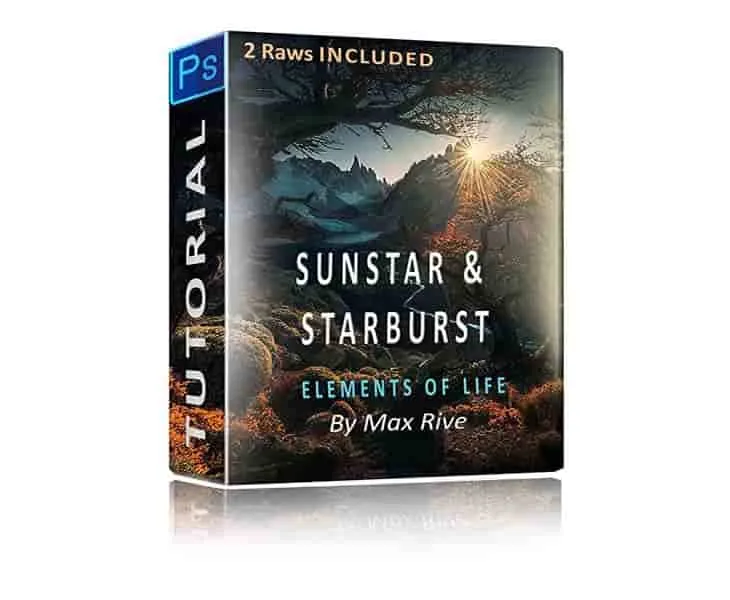
Photoshop Sunstar and Starburst Editing Tutorial
-
Photoshop Sunstar and Starburst Editing Tutorial: This tutorial is one of his most advanced, and is only recommended for those who are experienced with Photoshop. If you are new to Photoshop, consider building foundational skills first before tackling this specific effect.
Who Should Use This Tutorial
This tutorial is designed for photographers who already know their way around Photoshop layers, masks, and basic adjustments. It is not a beginner course. If you have experience with local adjustments and color correction, you will get the most out of the advanced sunstar and starburst techniques shown here.
For landscape photographers who often shoot into the sun and want a clean, natural-looking burst of light, this tutorial provides a reliable method to achieve that look without relying on in-camera effects or filters.
What the Tutorial Does Not Cover
The tutorial focuses on post-processing techniques for removing flare and adding a sunstar. It does not cover camera settings, lens choices, or how to shoot into the sun to minimize flare in the first place. Those are separate topics that you would need to research elsewhere. Also, because this is an advanced tutorial, it assumes you already understand Photoshop basics such as layer blending and masking.