The Core Difference: AI Masking vs Manual Adjustments
When you're editing portraits in Lightroom, the biggest time sink is usually selective adjustments—brightening eyes, smoothing skin, whitening teeth, and fixing backgrounds. Doing this manually means painting masks or using radial filters on each area. The AI Portrait PRO Preset Collection changes that by using Adobe Sensei's intelligent masking technology to detect and adjust these areas with a single click.
The real speed advantage comes from the preset collection's 101 adaptive presets, each targeting a specific area like skin, eyes, hair, mouth, or scene. Instead of building your own masks, you just click a preset and Lightroom applies targeted enhancements automatically.
What the AI Portrait PRO Collection Includes
-
AI Portrait PRO Preset Collection: 101 Next-Generation AI Adaptive Presets, including 20 for eyes, 21 for hair, 14 for mouth, 25 for skin, 21 for scene, plus 7 bonus one-click magic portrait presets. This variety means you can speed up every part of a portrait edit without manually masking each area.
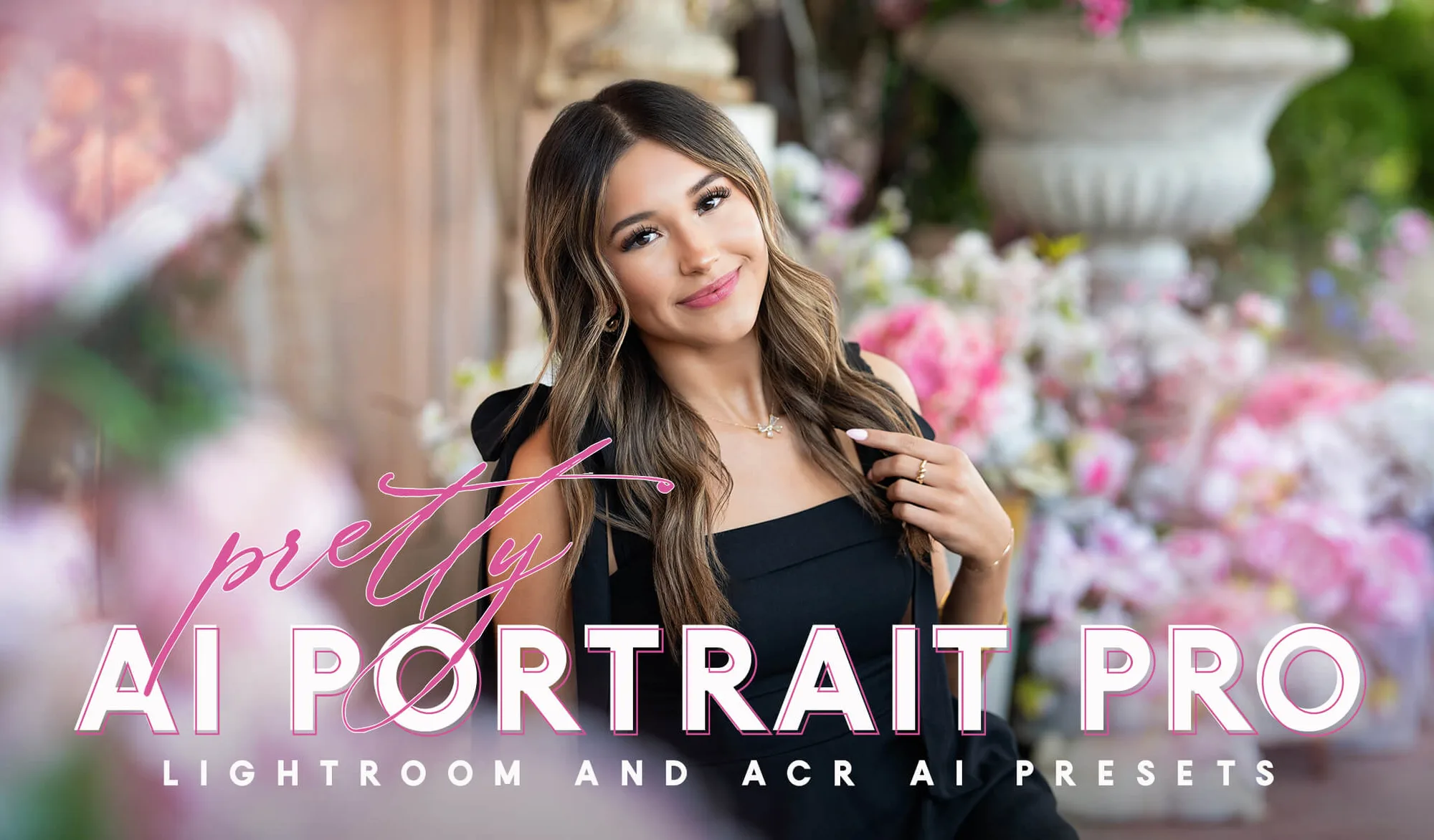
AI Portrait PRO Preset Collection
-
AI Portrait PRO Preset Collection: Powered by Adobe Sensei's intelligent masking technology, these presets analyze the content of your photos to automatically and effortlessly adjust specific areas. The AI does the masking work for you, which is the most time-consuming part of manual retouching.
-
AI Portrait PRO Preset Collection: Designed to enhance portraits while maintaining natural skin texture, realistic color, and authentic facial features. Speed is useless if quality suffers. These presets aim to preserve a natural look, so you don't have to spend extra time fixing over-retouched results.
AI Portrait PRO vs Manual Retouching: Key Differences
- Setup Time: With AI Portrait PRO, you click a preset and Lightroom automatically applies targeted enhancements. Manual retouching requires you to create and refine your own masks for each area.
- Learning Curve: The AI presets are beginner-friendly; you can use the results as-is or customize further. Manual retouching demands knowledge of Lightroom's masking tools and adjustment techniques.
- Consistency Across a Batch: AI presets give a consistent starting point across a series of portraits, which you can then tweak. Manual retouching requires repeating the same steps for each image, though you can sync settings.
- Control Over Specific Areas: Manual retouching gives you pixel-level control over every adjustment. AI presets offer pre-defined presets for eyes, skin, hair, mouth, and scene, which you can stack and modify.
- Natural Results: The AI Portrait PRO Collection is designed to maintain natural skin texture and realistic color. Manual retouching can also achieve natural results but requires careful adjustment to avoid over-processing.
When Manual Retouching Still Makes Sense
Despite the speed of AI presets, manual retouching remains valuable for certain situations. If you need to correct a very specific skin blemish or reshape a feature, manual tools give you that precision. AI presets are best as a powerful starting point—they handle the bulk of the work, but you may still want to fine-tune individual adjustments.
Also, because the presets rely on Adobe Sensei's AI masking, processing a photo with multiple subjects (group portraits) may take slightly longer, as the AI generates masks for each face. Manual retouching in those cases might feel more predictable, though it still takes more of your time.
Speed Verdict: AI Wins for Routine Portrait Editing
For most portrait photographers, the AI Portrait PRO Collection offers a dramatic speed advantage over manual retouching. The presets automate the repetitive tasks of masking and adjusting skin, eyes, teeth, and hair, letting you achieve professional-looking results in seconds rather than minutes. You still have the option to customize, so you don't sacrifice quality for speed.
If you regularly edit portraits and want to cut down your editing time without learning complex masking techniques, the AI approach is clearly faster. Manual retouching remains a fallback for special cases, but for everyday work, AI presets are the more efficient choice.