The AirTag Total Protection Case is a favorite among users who want rugged durability without sacrificing style. Whether you're attaching it to your keys, backpack, or luggage, this case offers a secure fit that keeps your AirTag safe from drops, scratches, and the elements. But like any protective accessory, knowing how to install and remove it properly is key to maintaining its integrity and ensuring your AirTag stays in perfect condition.
In this guide, we'll walk you through the entire process—from unboxing to fitting your AirTag into the case, and finally, how to remove it safely when you need to replace the battery or switch cases. We'll also share insider tips to avoid common mistakes that can lead to scratches or a loose fit. Whether you're a first-time AirTag owner or a seasoned pro, this step-by-step tutorial will help you get the most out of your Total Protection Case.
Why Proper Installation Matters
Installing your AirTag Total Protection Case correctly is about more than just aesthetics. A properly fitted case ensures that your AirTag stays securely in place, preventing it from popping out during everyday use. It also maintains the case's impact-absorbing capabilities, which are crucial for protecting your AirTag from drops and bumps. If the case is not aligned correctly, you might compromise the fit, leading to a loose AirTag that could fall out and get lost.
Moreover, a correct installation preserves the case's water and dust resistance. The Total Protection Case is designed to shield your AirTag from the elements, but only if it's sealed properly. By following the steps below, you'll ensure that every edge is flush and secure, giving you peace of mind whether you're commuting in the rain or hiking on a dusty trail.
- Always start with a clean, dry AirTag to prevent slipping.
- Check the case for any debris or damage before installation.
Step-by-Step Installation Guide
Begin by removing your AirTag from its original packaging. Hold the AirTag with the shiny, white side facing up. Take your Total Protection Case and locate the opening—it's usually a slot or a cutout on the side. Align the AirTag with the opening, ensuring that the flat edges match the case's interior shape. Gently slide the AirTag into the case, applying even pressure. You should hear a soft click when it's fully seated.
Once the AirTag is inside, press down on the edges to ensure it's flush with the case. Run your finger along the perimeter to check for any gaps. If you feel any unevenness, remove the AirTag and try again. The case should fit snugly, with no movement when you shake it. If you're using the case with a key ring or strap, attach it after the AirTag is secure. For a perfect fit, consider pairing it with the https://restfulhomecoai.shop/products/airpods-gen-3-288546AirPods (Gen 3) case if you're carrying both—just a tip for keeping your gear organized.
- Use a soft cloth to wipe the AirTag before insertion to avoid scratches.
- If the case has a transparent window, ensure it's aligned with the AirTag's white side for proper visibility.
How to Remove the Case Without Damage
Removing your AirTag Total Protection Case is just as important as installing it. Over time, you may need to replace the battery or switch to a different case for a new adventure. To remove the case safely, start by locating the small notch or seam on the side of the case. This is usually where the case splits or flexes. Gently pry the case open using your thumbs, applying pressure at the seam. Avoid using sharp objects like screwdrivers, as they can scratch the case or the AirTag.
Once the case is open, carefully lift the AirTag out. If it feels stuck, don't force it—check for any debris or misalignment. Sometimes, a slight twist can help release the AirTag without damage. After removal, inspect both the case and the AirTag for any signs of wear. If you're replacing the battery, now is the time to do it. For those who own multiple devices, you might want to keep your case collection organized—consider a dedicated spot for your iPhone 17e/16e/14/13 cases and your AirTag cases to avoid mix-ups.
- Never use metal tools to pry the case open—use your fingers or a plastic spudger.
- If the case is tight, warm it slightly with a hairdryer on low heat to make it more pliable.
Common Mistakes to Avoid
One of the most common mistakes is forcing the AirTag into the case the wrong way. The Total Protection Case has a specific orientation, and inserting the AirTag upside down or backwards can cause the buttons or speaker holes to be misaligned. Always double-check the alignment before pressing. Another mistake is over-tightening the case or using excessive force, which can crack the case or damage the AirTag's internal components.
Additionally, some users try to remove the case by pulling on the key ring or strap, which can stress the case and cause it to deform. Always follow the removal steps we've outlined to keep your case in top condition. If you're using a case for another device, like the Samsung Galaxy S25 Plus - Impact Protection Case, remember that each case has its own installation quirks—always refer to the specific instructions for that product.
- Avoid exposing the case to extreme temperatures, as this can make it brittle.
- If you drop your AirTag, check the case for cracks before reinstalling.
Tips for Long-Term Care
To keep your Total Protection Case looking new, clean it regularly with a soft, damp cloth. Avoid using harsh chemicals or abrasive cleaners, as they can damage the finish. If your case has a clear window, use a microfiber cloth to remove smudges and keep it transparent. Also, periodically check the case for any signs of wear, such as cracks or loose fittings, and replace it if necessary.
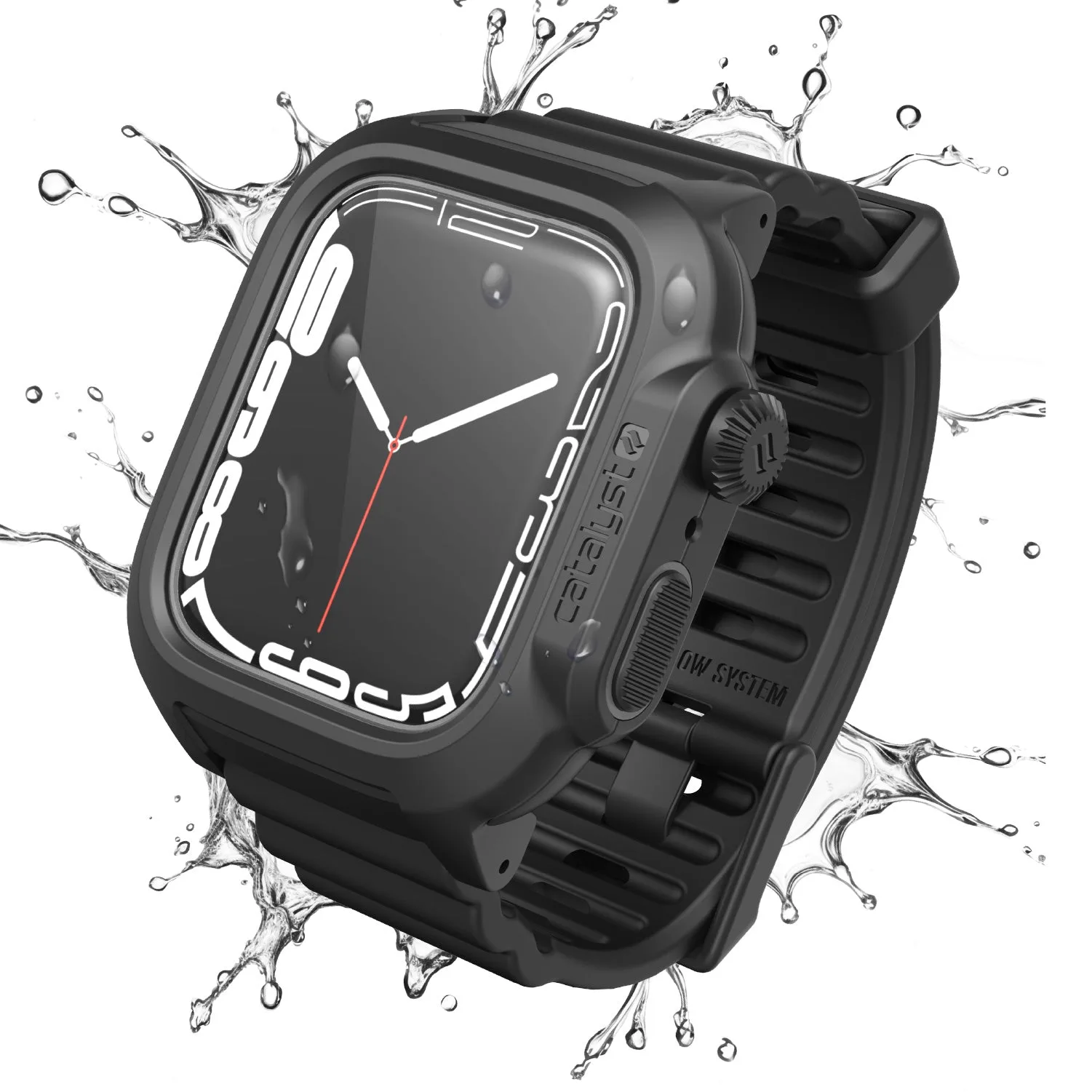
Proper storage is also important. When not in use, store your AirTag in the case in a cool, dry place. Avoid leaving it in direct sunlight for extended periods, as UV rays can discolor the material. By taking these simple steps, you'll extend the life of both your AirTag and its case. And if you're looking for a case for your other devices, don't forget to explore options like the 45mm case for your watch or the https://restfulhomecoai.shop/products/iphone-14-plus-288531https://restfulhomecoai.shop/products/iphone-14-plus-288532iPhone 14 Plus case to keep all your gear protected.
- Use a case with a lanyard for easy access—check out the AirPods (Gen 3) lanyard for inspiration.
- Rotate your AirTag between cases occasionally to prevent pressure marks.
Installing and removing your AirTag Total Protection Case doesn't have to be a hassle. With the right technique, you can keep your AirTag secure and your case in pristine condition. Remember to always handle the case with care, avoid forcing it, and follow the steps we've outlined. For a reliable and durable option, consider the AirPods (Gen 3) case for your other essentials, and enjoy the peace of mind that comes with total protection.