Quick Answer
To get reliable electronic deployment from the Altus Metrum EasyTimer, program your pyro events using the same acceleration-based launch detection and gyro-based tilt limits found in the TeleMega and EasyMega. This guide walks you through each step.
Why the EasyTimer is a smart choice for dual deployment
The EasyTimer gives you two programmable pyro channels with tilt limits, which is enough for dual deployment or a main plus a redundant charge. Because it uses the same IMU as the TeleMega and EasyMega, you get acceleration-based launch detection and gyro-based tilt limiting without paying for a full telemetry system.
The trade-off is that you don't get flight data logging or radio telemetry. If you need altitude graphs or live tracking, you'd want a TeleMetrum or TeleMega instead. But for simple, reliable event timing, the EasyTimer keeps things straightforward.
EasyTimer Setup Steps
- Power up and connect: Connect a fully charged battery (or USB if supported) and let the EasyTimer boot. Open the Altus Metrum configuration software on your computer and connect to the device. Check that the device is recognized before moving on.
- Set launch detection: In the configuration software, choose acceleration-based launch detection. This uses the IMU to detect the launch, which is more reliable than simple barometric pressure changes. Make sure the accelerometer axis is aligned with the rocket's vertical axis.
- Program pyro events: For each of the two pyro channels, choose a time delay after launch or after motor burnout. For example, set the apogee charge to fire 0.5 seconds after burnout, and the main charge at a specific time after apogee. Double-check that the time delay is long enough to avoid firing during motor thrust.
- Configure tilt limits: Set the tilt limit for each pyro event. If the rocket tilts beyond this angle, the event will be locked out. This prevents deploying if the rocket is tumbling or flying off course. Use a conservative tilt angle (e.g., 10-15 degrees) for apogee events.
- Test and verify: Before flight, run a bench test: simulate launch by moving the device quickly or using the test mode in the software. Verify that the pyro outputs fire at the correct times and that tilt lockout works as expected. Always test with a fresh battery and dummy e-matches to avoid accidental ignition.
Product Facts
-
Altus Metrum EasyTimer: The EasyTimer provides two programmable timer-based pyro channels with tilt limits, using the same IMU as the TeleMega and EasyMega for acceleration-based launch detection and gyro-based tilt limiting. This means you can set a pyro event to fire a set time after launch or motor burnout, and you can lock out an event if the rocket tilts too far, which helps prevent deploying while the rocket is still under power.
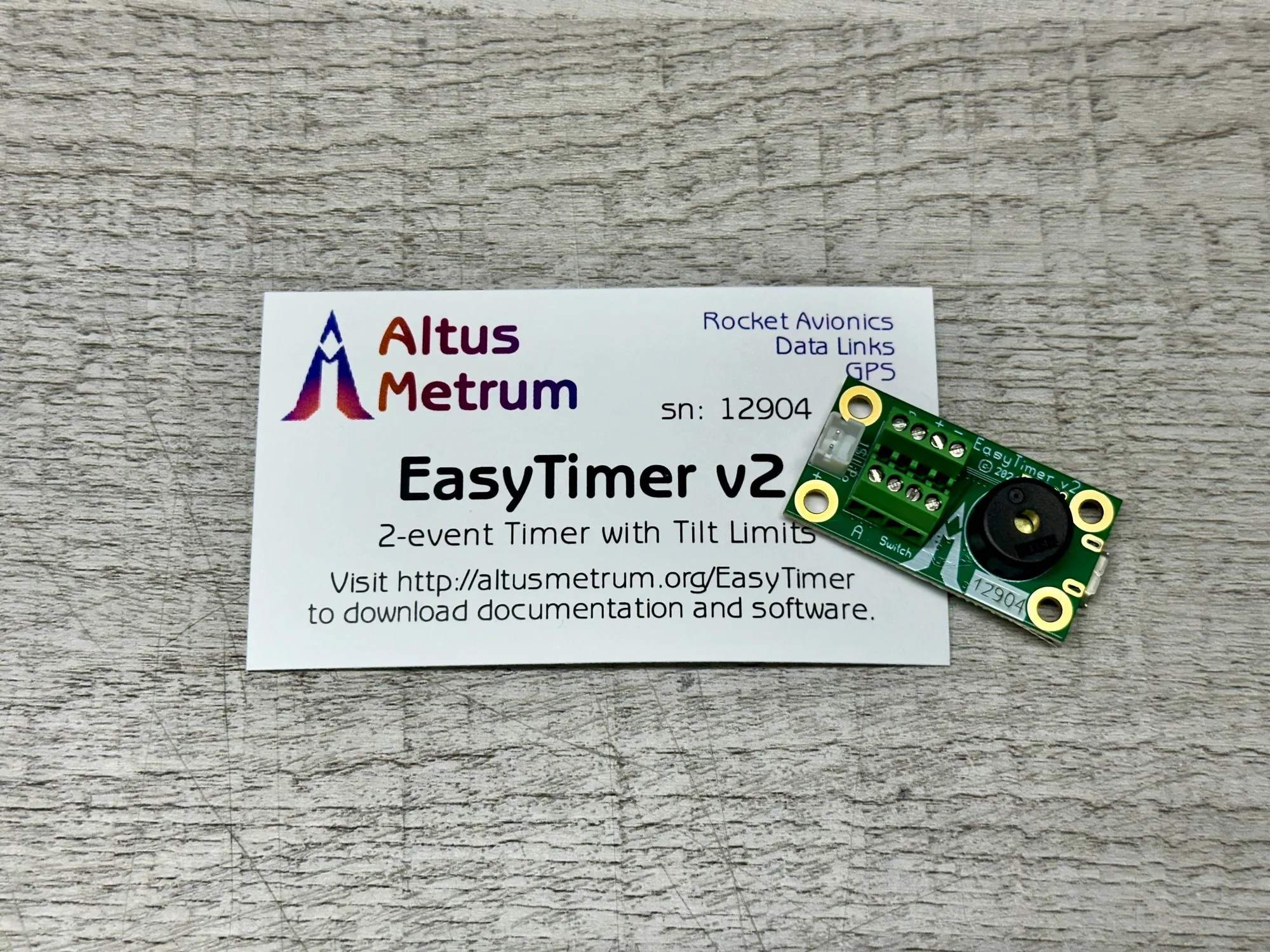
Altus Metrum EasyTimer