Quick Answer
To set up the Satechi Aluminum Dock for MagSafe Charger, attach the Apple MagSafe charger to the dock, place it on a stable surface, and align your iPhone 12 for secure charging.
Why a dock beats a flat charger
A flat charging pad often leaves your phone lying loose, which can lead to misalignment and slower charging. The Satechi Aluminum Dock holds your iPhone 12 at a comfortable viewing angle, so you can see notifications at a glance and grab the phone with one hand when you need it.
The dock's aluminum build adds a premium feel to your desk without taking up much space. It's a simple upgrade that keeps your charging area organized and your phone secure.
Step-by-Step Setup and Tips
- Attach the MagSafe charger: Place the Apple MagSafe charger into the dock's recessed area. Ensure it sits flush and aligns with the dock's opening. Check that the charger's cable exits cleanly without bending.
- Position the dock on a stable surface: Set the dock on a flat, dry surface near a power outlet. Avoid placing it on uneven or slippery areas. Use a clean, clutter-free spot to prevent accidental knocks.
- Align your iPhone 12: Place your iPhone 12 on the dock so the back aligns with the MagSafe charger. You should feel a magnetic snap when it's properly seated. If you don't feel the snap, adjust the phone's position to avoid slow charging.
- Plug in and confirm charging: Connect the MagSafe charger to a power source. Check that your iPhone shows the charging indicator. If charging doesn't start, unplug and reattach the charger to the dock.
- Keep the dock clean: Wipe the dock periodically with a soft, dry cloth to remove dust and maintain a secure grip. Avoid liquids and abrasive cleaners that could damage the aluminum finish.
Product Facts
-
Aluminum Dock for MagSafe Charger: The Satechi Aluminum Dock for MagSafe Charger is designed to fit the Apple MagSafe charger (not included) and holds your iPhone 12 securely in place. You need to supply your own MagSafe charger, but once attached, the dock ensures your iPhone stays put while charging and can be removed easily with one hand.
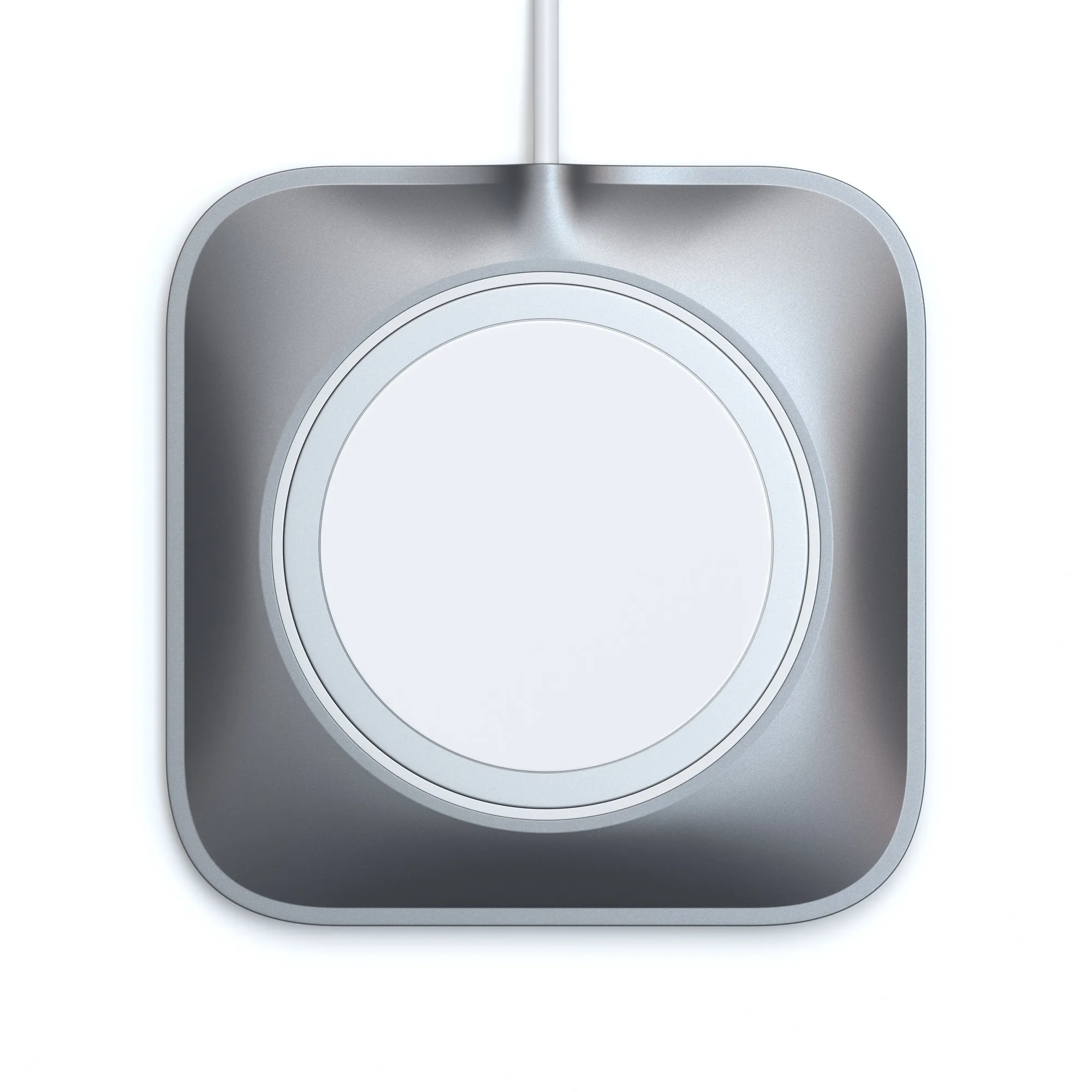
Aluminum Dock for MagSafe Charger