Quick answer
If you need to connect multiple monitors, USB peripherals, and an ethernet cable to a laptop, the Anker https://ankermn.com/products/575-usb-c-docking-station-13-in-1-292258575 USB-C Docking Station (13-in-1) is the better choice. If your priority is fast, compact charging for phones, tablets, and laptops without extra ports, the https://ankermn.com/products/prime-charger-100w-3-ports-gan-292003Prime Charger (100W, 3 Ports, GaN) offers more power per dollar in a smaller footprint.
When your desk is cluttered with chargers and cables, a multi-device hub can simplify your setup. But not all hubs are the same: some focus on expanding your laptop's ports, while others prioritize fast power delivery. This comparison looks at the Anker Nano Docking Station (represented by the 575 USB-C Docking Station) and the Prime Charging Station (represented by the Prime Charger) to help you decide which fits your daily routine.
We'll compare their port counts, power output, and typical use cases, using only the official specifications. By the end, you'll know exactly which multi-device charging station suits your workspace or travel kit.
Ports and connectivity: docking vs charging
The Anker 575 USB-C Docking Station (13-in-1) is built for connectivity. With 13 ports, it expands your laptop's capabilities to include displays, USB devices, and more. This makes it ideal for professionals who need to plug in multiple peripherals, such as an external monitor, mouse, keyboard, and ethernet cable, all at once.
In contrast, the Prime Charger (100W, 3 Ports, GaN) focuses solely on power. It has three ports—enough to charge a phone, tablet, and laptop simultaneously, but it won't connect to a monitor or transfer data. If you need both charging and data, you'll need to pair it with a separate hub or dock.
- Count your daily connections: if you need more than three USB devices plus a display, a docking station is the way to go.
Power output: how fast can you charge?
The Prime Charger delivers up to 100W of total output, which is enough for rapid charging of compatible smartphones, tablets, and laptops. Its GaN technology keeps the charger compact while maintaining high efficiency, making it a great travel companion.
The 575 Docking Station, on the other hand, is not primarily a charger. Its main job is to provide connectivity, and while it can pass power through to your laptop, it doesn't advertise a high-wattage output for multiple devices. If you need to charge several devices at full speed, a dedicated charger like the Prime is more reliable.
- For fast charging of a laptop plus a phone, the Prime Charger's 100W output is more than sufficient.
Portability and price
The Prime Charger is compact and lightweight, thanks to GaN technology, making it easy to slip into a bag. It's priced at USD 34.99, offering a budget-friendly way to charge multiple devices. The 575 Docking Station, while more expensive at USD 40.00, provides a wider range of ports, but it's designed to stay on your desk rather than travel with you.
Consider your typical environment: if you work from multiple locations, the Prime Charger's portability is a clear advantage. If you have a fixed desk setup, the 575's connectivity might justify its price and size.
- If you travel often, the Prime Charger is easier to pack; if you have a permanent desk, the 575's ports are more useful.
Trade-offs to consider
- Ports vs power: The 575 Docking Station offers 13 ports for connectivity, while the Prime Charger provides only 3 ports but focuses on fast charging. Choose based on whether you need data transfer or pure power. If you need to plug in many peripherals, choose the dock; if you need to charge multiple devices quickly, choose the charger.
- Portability vs desk setup: The Prime Charger is compact and travel-friendly, while the 575 Docking Station is larger and designed for a fixed workspace. Consider where you'll use it most: on the go or at a desk.
- Price vs value: The Prime Charger is priced at USD 34.99, while the 575 Docking Station is USD 40.00. Both offer good value, but the dock provides more features for a slightly higher price. If budget is tight, the Prime Charger is cheaper; if you need the extra ports, the dock's price is justified.
Product facts at a glance
- 575 USB-C Docking Station (13-in-1): The Anker 575 USB-C Docking Station (13-in-1) is a versatile hub designed to streamline your workspace. With 13 ports, it offers extensive connectivity for your laptop and peripherals, making it an ideal solution for professionals and home offices. If you need to connect multiple displays, USB devices, and an ethernet cable, this dock turns your laptop into a full workstation without needing extra adapters.
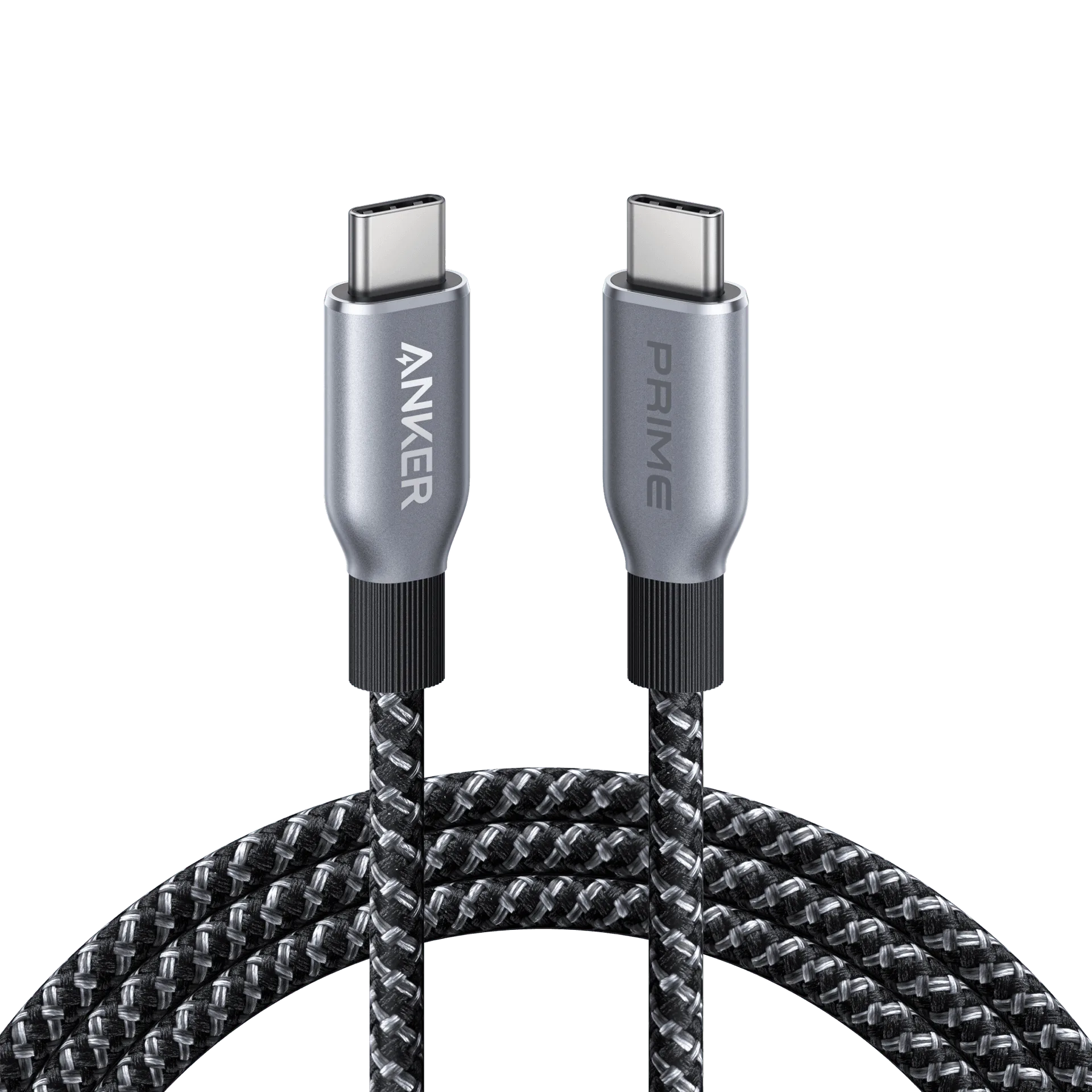
- Prime Charger (100W, 3 Ports, GaN): The Anker Prime Charger delivers fast, efficient power for your everyday devices. With 100W of total output and three ports, it's designed to handle multiple gadgets at once, keeping your workspace or travel kit streamlined. This charger is ideal for powering a laptop and two other devices simultaneously, and its compact GaN design makes it easy to carry.
Which one fits you?
Best for
- Professionals and home offices that need to connect multiple monitors, USB devices, and ethernet to a laptop.
- Users who prefer a stable, desk-bound setup with extensive connectivity.
Not for
- Travelers who need a compact, lightweight charger for multiple devices without extra ports.
- Users who only need to charge a few devices and don't require data transfer or display output.
Choosing between the Anker Nano Docking Station and the Prime Charging Station comes down to your primary need: connectivity or power. The 575 USB-C Docking Station (13-in-1) excels at turning your laptop into a full workstation, while the Prime Charger (100W, 3 Ports, GaN) offers fast, portable charging. Evaluate your daily setup and pick the one that solves your biggest pain point.