Quick answer
Most Anova Precision Cooker problems trace back to water level, circulation, power, or app pairing rather than a failed unit. Check the water level first, confirm the impeller moves freely, and re-pair the app before assuming hardware failure. If the display stays dark on a known-good outlet or the cooker trips your circuit, stop and contact Anova support instead of continuing to run it.
Start with the water level, not the electronics
A water level error on an Anova Precision Cooker usually means the bath has dropped below the minimum mark, often from evaporation during a long cook or from food displacing water when you lower the bag. Top up with warm water to the marked range, let the cooker re-stabilize, and restart the cook. If the error returns within minutes, the issue is likely circulation or a sensor reading rather than simple evaporation.
- Fill between the minimum and maximum marks before every cook.
- Use a lid or cover to slow evaporation on cooks longer than a few hours.
- Do not submerge the head unit; keep water below the top mark.
When the Anova cooker is not heating
If the display is on but the water stays cold, check whether the target temperature was actually set and whether the cooker is in a preheat or paused state. Then confirm the outlet is working by plugging in a lamp or another small appliance. A cooker that powers on but never warms may have a tripped thermal protection or a failed heating element, which is not a user-serviceable part.
- Verify the set temperature is above the current water temperature.
- Test the outlet and avoid extension cords that cannot handle the load.
- If the unit clicks but does not heat, stop and contact support.
Fixing Anova cooker not connecting to the app
Pairing failures are almost always Bluetooth or Wi-Fi related, not a cooker fault. Move the phone within a few feet of the cooker, enable Bluetooth and location permissions for the Anova app, and forget the device in your phone settings before re-pairing. For Wi-Fi models, confirm the network is 2.4 GHz, since many cookers do not support 5 GHz networks.
- Restart the app and the cooker before re-pairing.
- Keep the phone close during the initial connection.
- If the cooker works manually but never pairs, use it manually and contact support for the radio issue.
Noise, vibration, and impeller checks
A rattling or grinding noise often means the impeller is obstructed or the cooker is not seated properly on the container. Unplug the unit, remove it from the bath, and inspect the impeller for scale, food debris, or a loose pin. Descale with a vinegar and water run if you see mineral buildup, then rinse and dry before the next cook.
- Unplug before touching the impeller.
- Descale regularly if you have hard water.
- If the impeller does not spin freely by hand, do not force it.
Choosing the right container to prevent repeat errors
Many recurring water level and temperature errors come from using a pot or container that is too small, too wide, or uninsulated. A dedicated container with even circulation and a fitted lid holds temperature more steadily and reduces how often you need to top up. If you cook often, an insulated setup is the difference between babysitting the bath and walking away.
Error code diagnosis by symptom
- Water level error: The bath is below the minimum mark, usually from evaporation or displacement. Top up to the marked range and restart. If the error returns within minutes at a correct level, stop and check circulation or contact support.
- Cooker not heating: Confirm the set temperature, test the outlet, and avoid undersized extension cords. A unit that powers on but never warms may have a failed element. Do not keep running a cooker that clicks without heating; contact Anova support.
- Cooker not connecting: Re-pair within a few feet, enable Bluetooth and location permissions, and use a 2.4 GHz Wi-Fi network for Wi-Fi models. If manual cooking works but pairing never does, the radio is the likely fault; use manual mode and seek support.
- Grinding or rattling noise: Unplug and inspect the impeller for scale or debris. Descale with a vinegar and water run if needed. If the impeller will not spin freely by hand, stop and contact support.
Gear that prevents common cooker errors
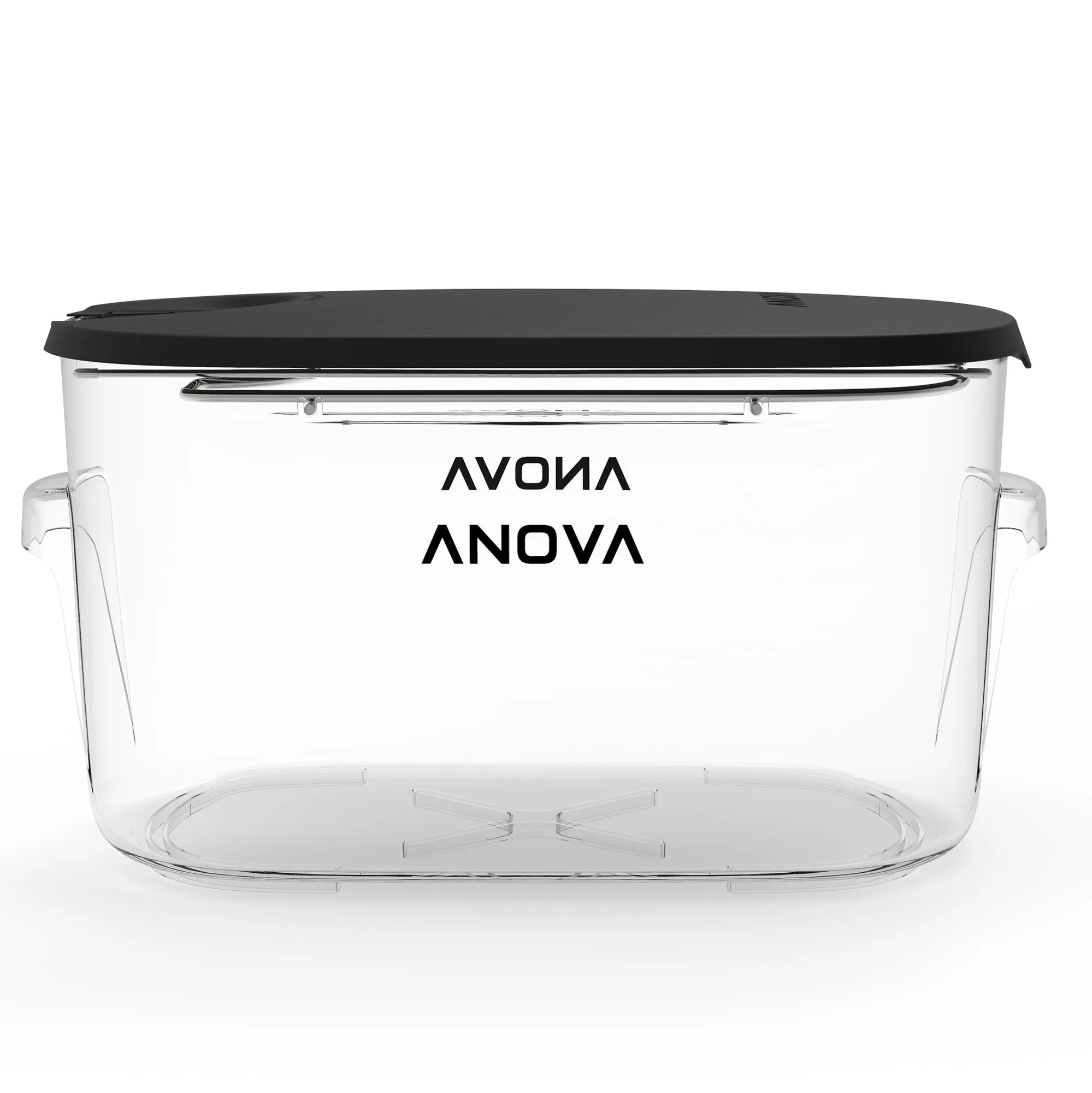
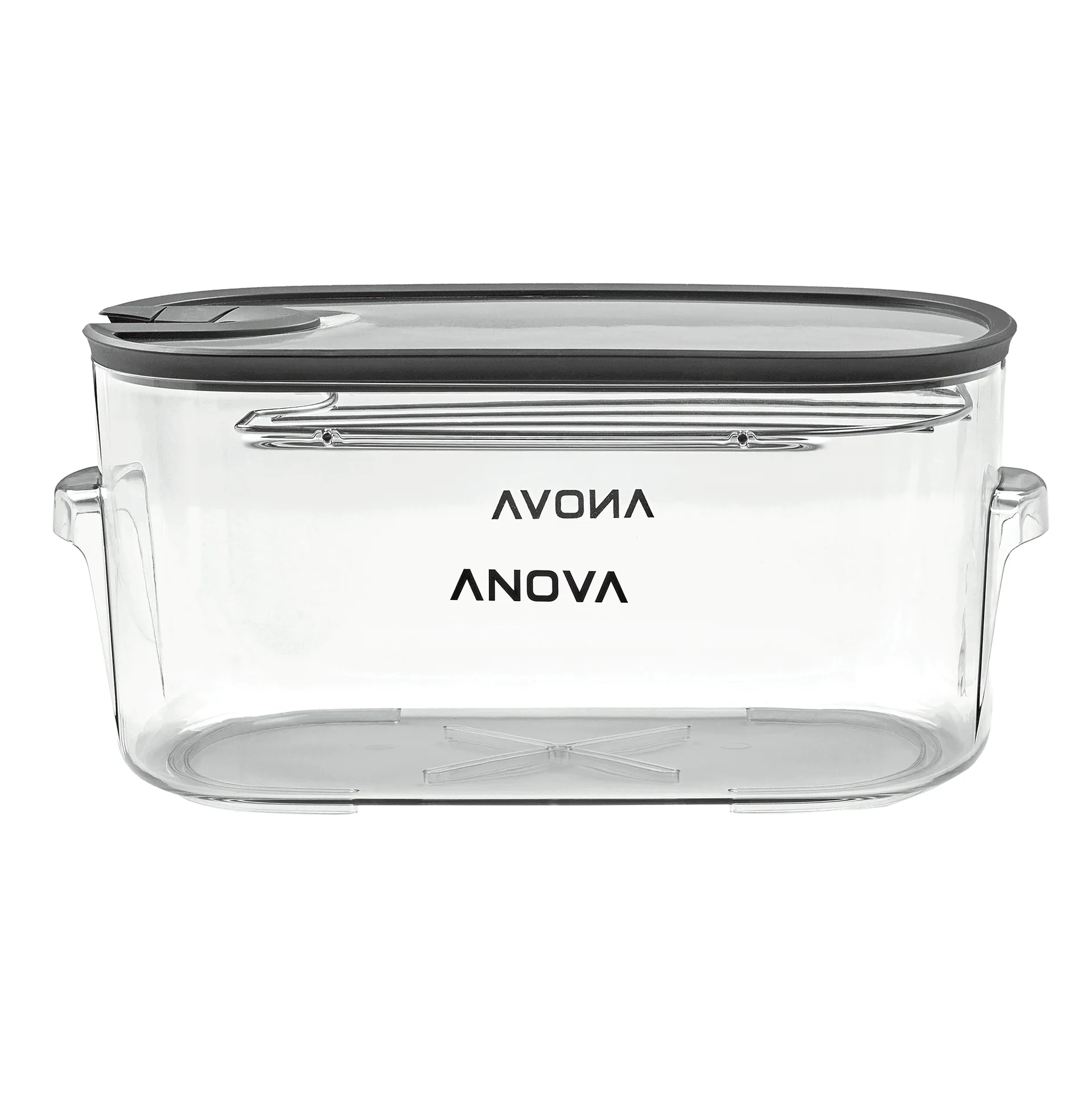
- Anova Precision™ 12L Container: The Anova Precision 12L Container is designed for efficient and even water circulation, which helps distribute and maintain one constant temperature across the cooking vessel. Better circulation reduces hot and cold spots that can trigger temperature or water level errors during longer cooks.
- Anova Precision™ 16L Container: The Anova Precision 16L Container supports even water circulation across all corners of the vessel for consistent temperature. A larger, well-circulated bath is more forgiving when you cook bigger cuts or multiple bags, so the cooker is less likely to fault mid-cook.
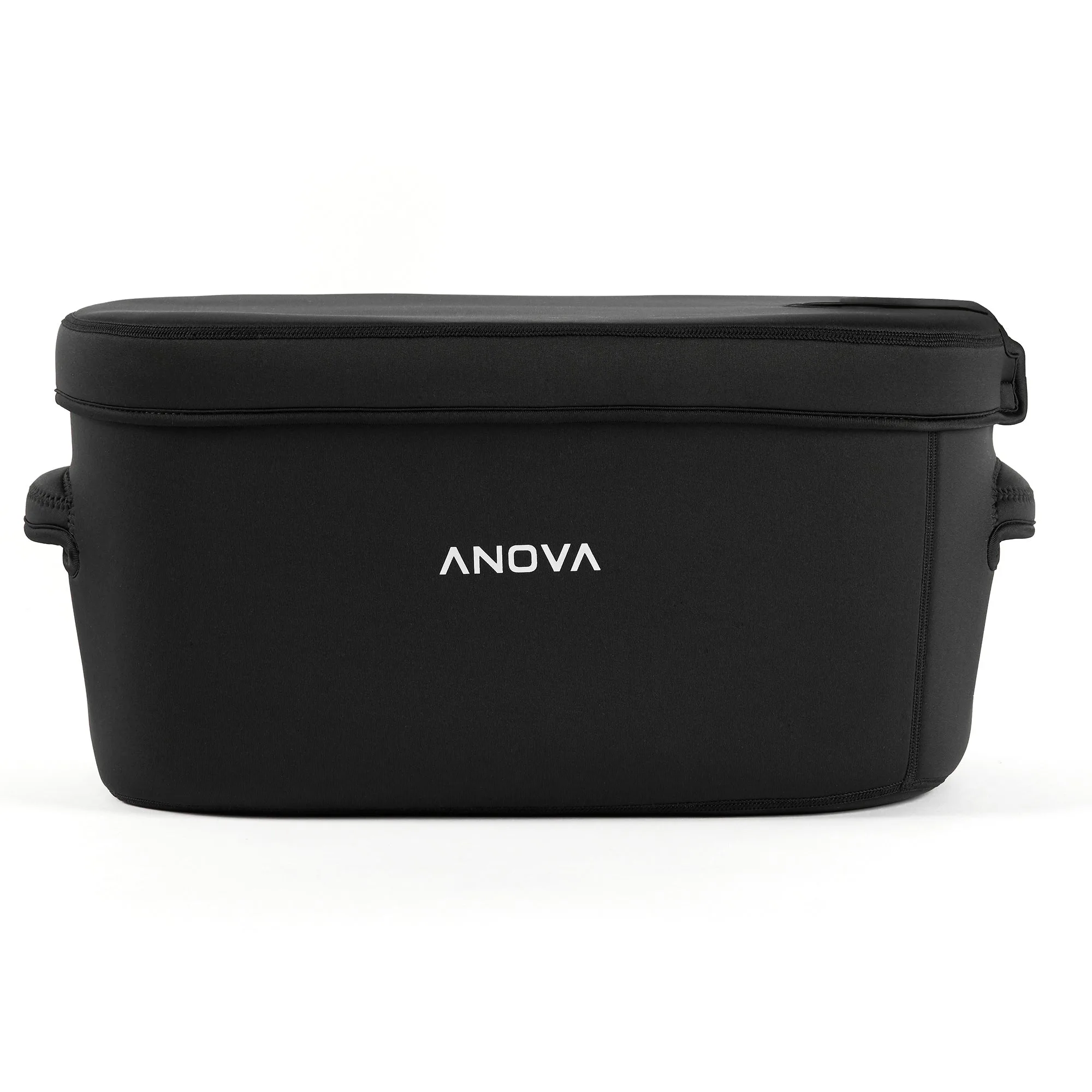
- Anova Precision™ Insulated 16L Container Sleeve: The Anova Precision Insulated 16L Container Sleeve slips over the 16L Container to improve insulation, reduce energy consumption by up to 75%, and reach cooking temperature faster. Faster heat-up and less heat loss mean the cooker works less hard and holds temperature more steadily, which lowers the chance of water level and heating errors.