What the Anti-Glare Screen Armor Does
The Nyko Anti-Glare Screen Armor for Steam Deck is a tempered glass screen protector with a matte finish designed to reduce reflections and glare. It combines scratch defense with an anti-glare coating, making it easier to see your screen in bright environments such as direct sunlight or harsh indoor lighting. The protector also includes an oleophobic coating that resists fingerprints and smudges.
Key Specifications That Matter
-
Anti-Glare Screen Armor™ for Steam Deck™: Premium 9H Tempered Glass Matte Protection for Steam Deck. Advanced Anti-Glare Matte Finish diffuses harsh light reflections and eliminates glare. Ultra-Durable 9H Hardness Rating using Nan-Bo tempered glass. The 9H hardness rating indicates strong impact and scratch resistance, while the matte finish directly addresses glare problems during outdoor or brightly lit gaming sessions.
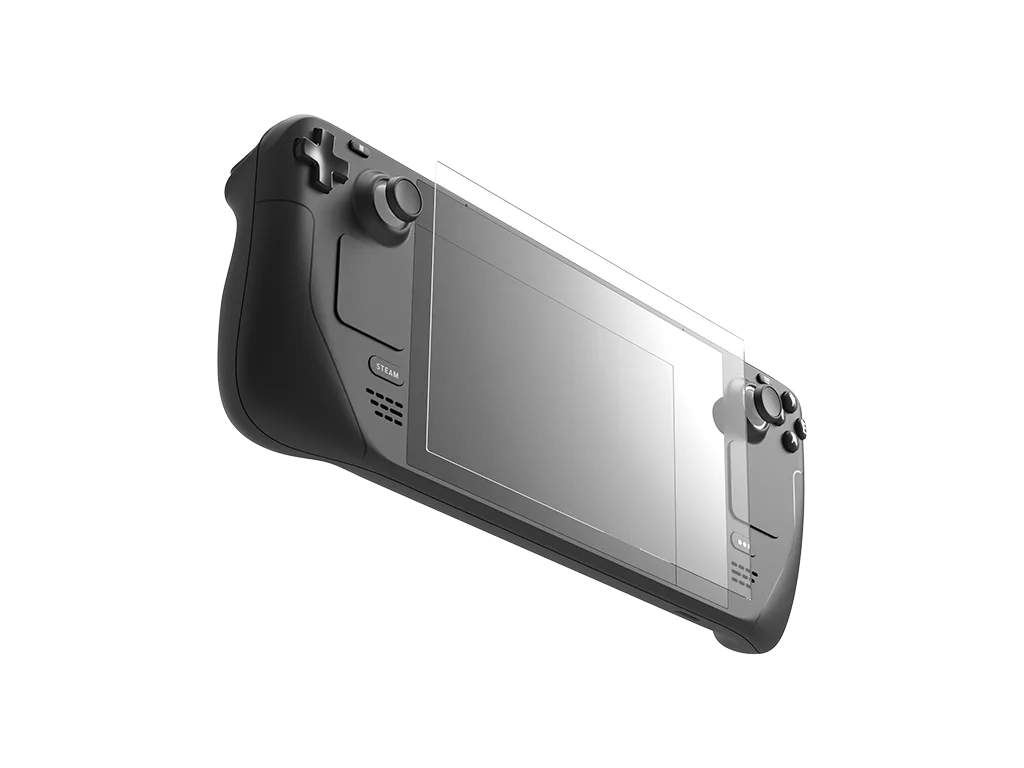
Anti-Glare Screen Armor™ for Steam Deck™
-
Anti-Glare Screen Armor™ for Steam Deck™: At just .55mm thin and backed by premium AB silicone glue, it ensures zero lag and continuous precision touch responsiveness. The thin profile and silicone adhesive maintain touch sensitivity and responsiveness, so the protector does not interfere with gameplay controls.
What Comes in the Installation Kit
The product includes a full installation kit: one matte tempered glass screen protector, a cleaning cloth, dry and wet wipes, a dust-absorption sticker, and two guide stickers. These components help you achieve a bubble-free application. The kit is designed for a straightforward setup, but the supplied evidence does not include step-by-step instructions beyond the listed contents.
Compatibility Note
This screen armor is compatible with standard Steam Deck models. It is not intended for use with the 1TB OLED Steam Deck, which already has an integrated etched anti-glare screen from the factory. If you own that specific model, the additional matte layer may not be necessary and could affect the existing anti-glare performance.
What the Supplied Information Does Not Confirm
The product record does not include detailed cleaning or maintenance instructions, nor does it specify exact application steps or drying times. Users should rely on general screen protector best practices: clean the screen thoroughly, align carefully, and press from the center outward to remove air bubbles. The kit's included materials support that process, but specific manufacturer guidance is absent.