Quick Answer
To apply a holographic vinyl sticker without bubbles, clean the surface, peel slowly, and use a squeegee or credit card to press from the center outward. Work in a dust-free area and avoid repositioning once the sticker makes full contact.
Why Holographic Stickers Need Special Care
Holographic vinyl stickers have an extra metallic layer that makes them more rigid and less forgiving than standard vinyl. This means they can crease or show bubbles more easily if you rush the application. The glossy finish also makes fingerprints and dust more visible, so a clean, steady hand matters more than with matte stickers.
Another unique factor: holographic stickers are not UV-proof. The catalog notes that prolonged exposure to UV rays can cause fading. So while you're applying, think about placement—choose spots that get indirect light if you want the holographic effect to last longer.
Know Your Surface: Smooth vs. Textured
Holographic vinyl sticks best to smooth, non-porous surfaces like laptops, water bottles, notebooks, and glass. Textured surfaces (like some phone cases or car interiors) can trap air and cause bubbles that are almost impossible to remove. If you're unsure, test a small corner first or choose a smooth area.
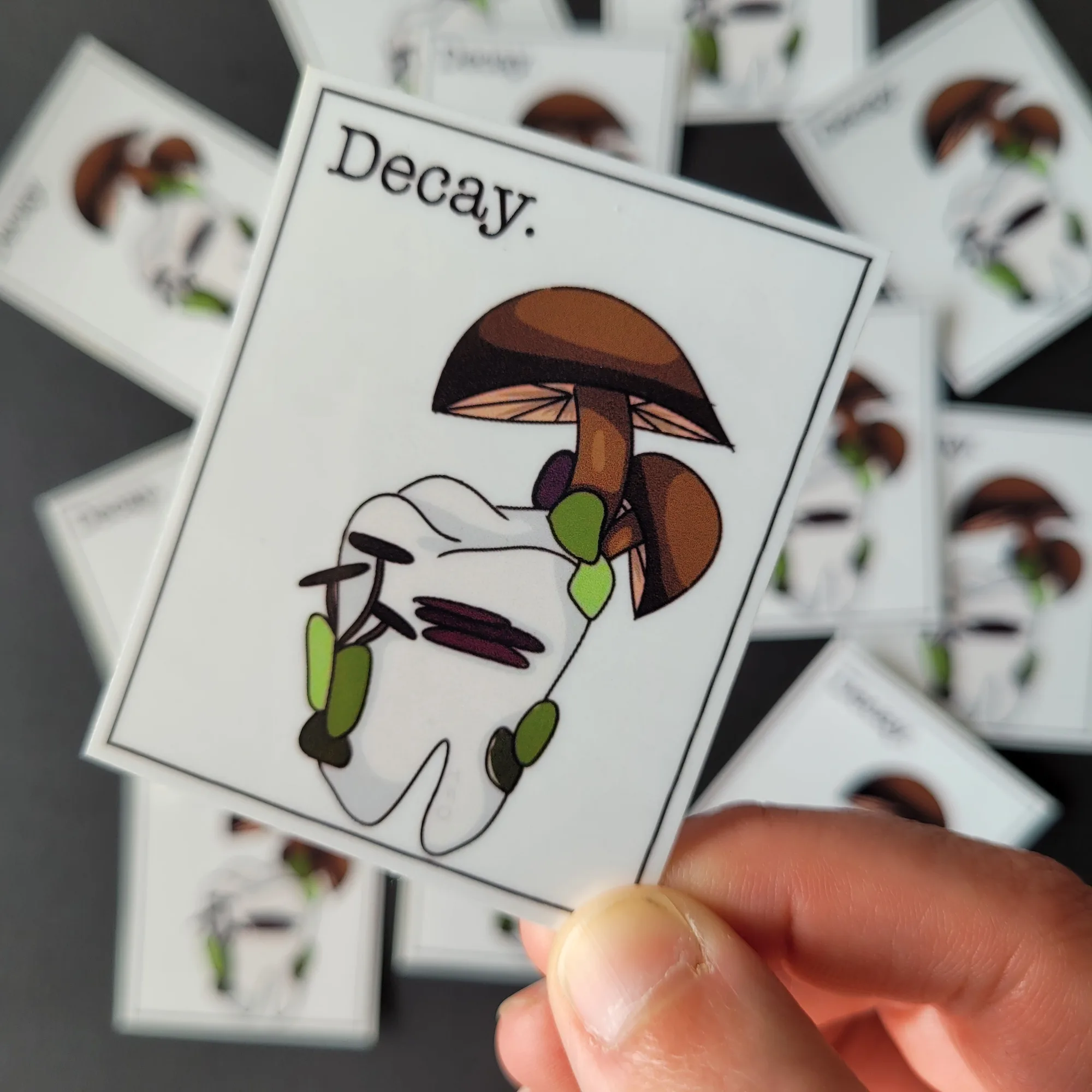
Also, consider the shape of the sticker. Larger stickers are harder to apply without bubbles, so if you're new to this, start with a smaller design. The Decay sticker (about 2.5 x 2.2 inches) is a good size to practice on before tackling larger pieces.
Step-by-Step: Bubble-Free Sticker Application
- Clean and dry the surface: Wipe the surface with a lint-free cloth and isopropyl alcohol or mild soapy water. Let it dry completely. Any dust, oil, or moisture will create bubbles or prevent adhesion. Checkpoint: If you see lint or dust after cleaning, wipe again before peeling the backing.
- Position the sticker without peeling: Hold the sticker (with backing still on) over the target area to decide exact placement. For large stickers, use a piece of tape along the top edge as a hinge so you can lift and re-position without touching the adhesive. Checkpoint: Mark the top with a tiny pencil dot if you need to align with a logo or seam.
- Peel slowly from one corner: Start peeling the backing from one corner, not the middle. Peel at a low angle and go slowly. If the sticker curls, stop and press it flat against the table for a few seconds. Checkpoint: If the sticker starts to fold onto itself, stop and gently unpeel—don't pull hard.
- Apply from the center outward: Place the exposed edge on the surface, then use a squeegee, credit card, or your thumb to press from the center toward the edges. This pushes air out before it gets trapped. Checkpoint: Work in small strokes, overlapping slightly, to avoid missing any air pockets.
- Smooth out bubbles as you go: If you see a bubble, lift the nearest edge of the sticker just enough to release the air, then press down again. For stubborn bubbles, use a pin to make a tiny hole and press the air out. Be careful not to tear the holographic layer. Checkpoint: If a bubble persists, lift and reapply the section immediately—don't wait for the adhesive to set.
- Press firmly and finish: Once the sticker is flat, press the entire surface with a clean cloth or squeegee to ensure full adhesion. Pay extra attention to edges and corners—these are the first places to lift. Checkpoint: Wait at least 24 hours before washing the surface or exposing it to water, even though the sticker is waterproof.
Stickers That Work Well for Practice
-
Gillian Anderson Made Me Gay | Holographic Vinyl Sticker: This limited edition sticker is printed on glossy waterproof holographic adhesive vinyl and laminated for extra protection. It is not UV proof and may fade with prolonged sun exposure. The holographic finish is gorgeous but requires careful placement—choose a spot away from direct sunlight to keep the rainbow effect vivid.
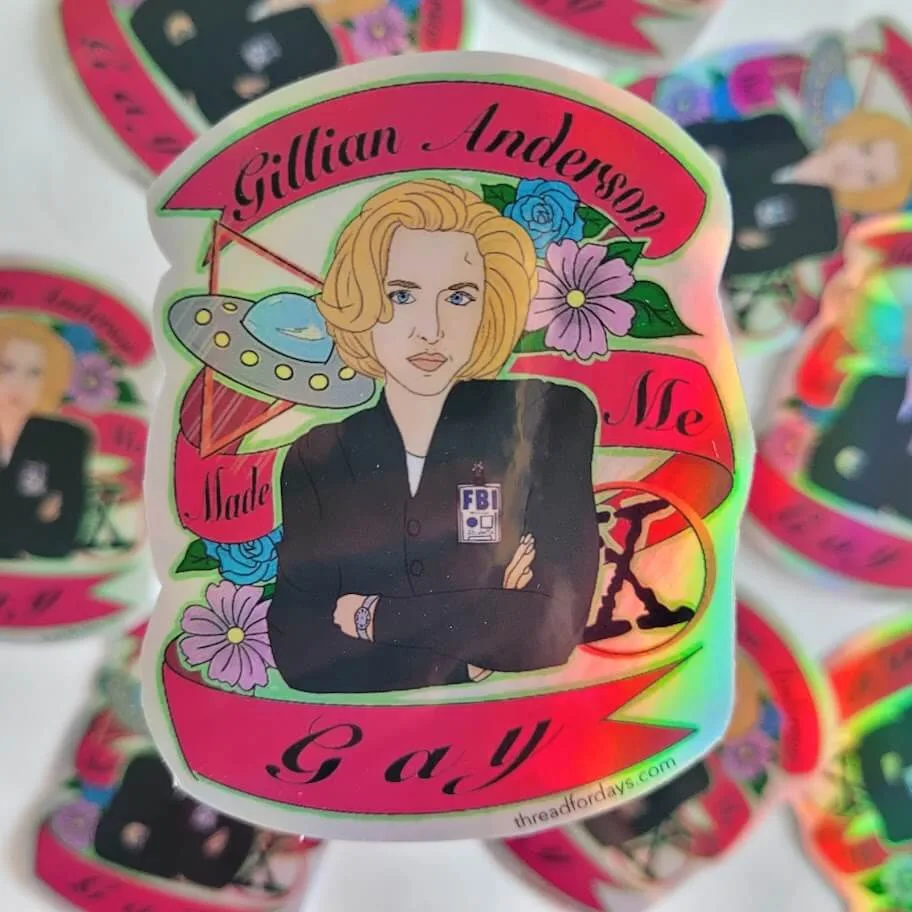
Gillian Anderson Made Me Gay | Holographic Vinyl Sticker
-
Puff, Puff, Pass. | Waterproof Vinyl Sticker: Printed on glossy waterproof vinyl and laminated for extra protection, this sticker is also not UV proof and can fade with prolonged sun exposure. Its long, narrow shape (about 1 x 4.5 inches) is perfect for water bottles or laptop edges, but the length means you'll need to press carefully to avoid bubbles along the strip.
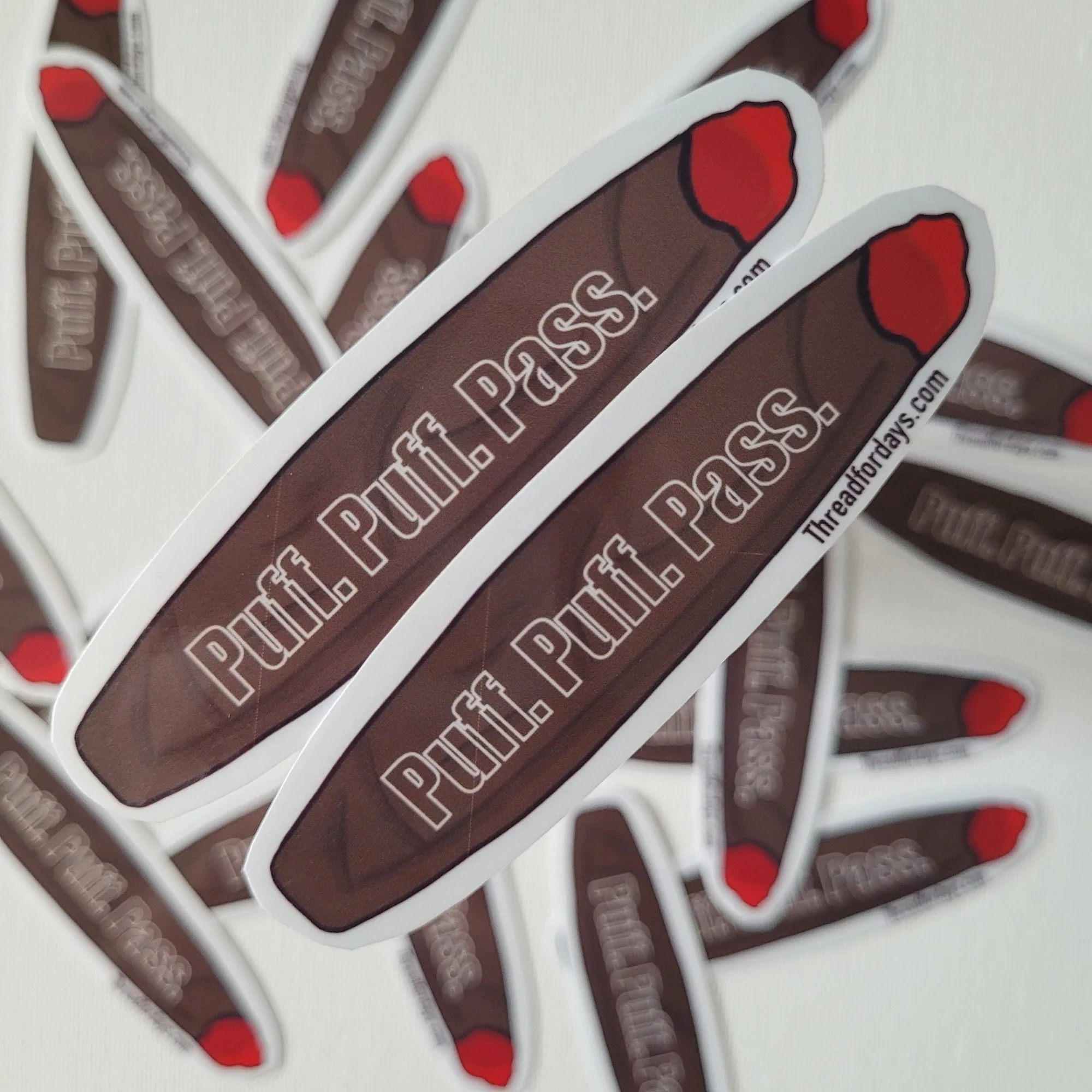
Puff, Puff, Pass. | Waterproof Vinyl Sticker
-
Decay | Waterproof Vinyl Sticker: This limited edition sticker is part of the death and nature series, printed on glossy waterproof vinyl and laminated. It is not UV proof and may fade in direct sun. At about 2.5 x 2.2 inches, it's a compact size that's ideal for practicing bubble-free application on notebooks or phone cases.