What the Aputure Spotlight Solves on Set
When you need to project a sharp, controlled beam of light—whether to isolate a subject, create a dramatic shaft of light, or project a pattern onto a background—a standard reflector or softbox often falls short. The Aputure Spotlight is a dedicated optical spotlight mount designed for compatible Aputure COB fixtures. It turns a powerful point-source LED into a focused, lens-based spotlight with adjustable beam angles and the ability to cut or shape the light with barn doors, a gobo holder, and an iris.
What the Matphoto Rental Includes
-
APUTURE SPOTLIGHT: Compatibility: Aputure COB 120–300 fixtures You need to confirm your light is in this range before booking. The spotlight will not mount on smaller or larger COB units.
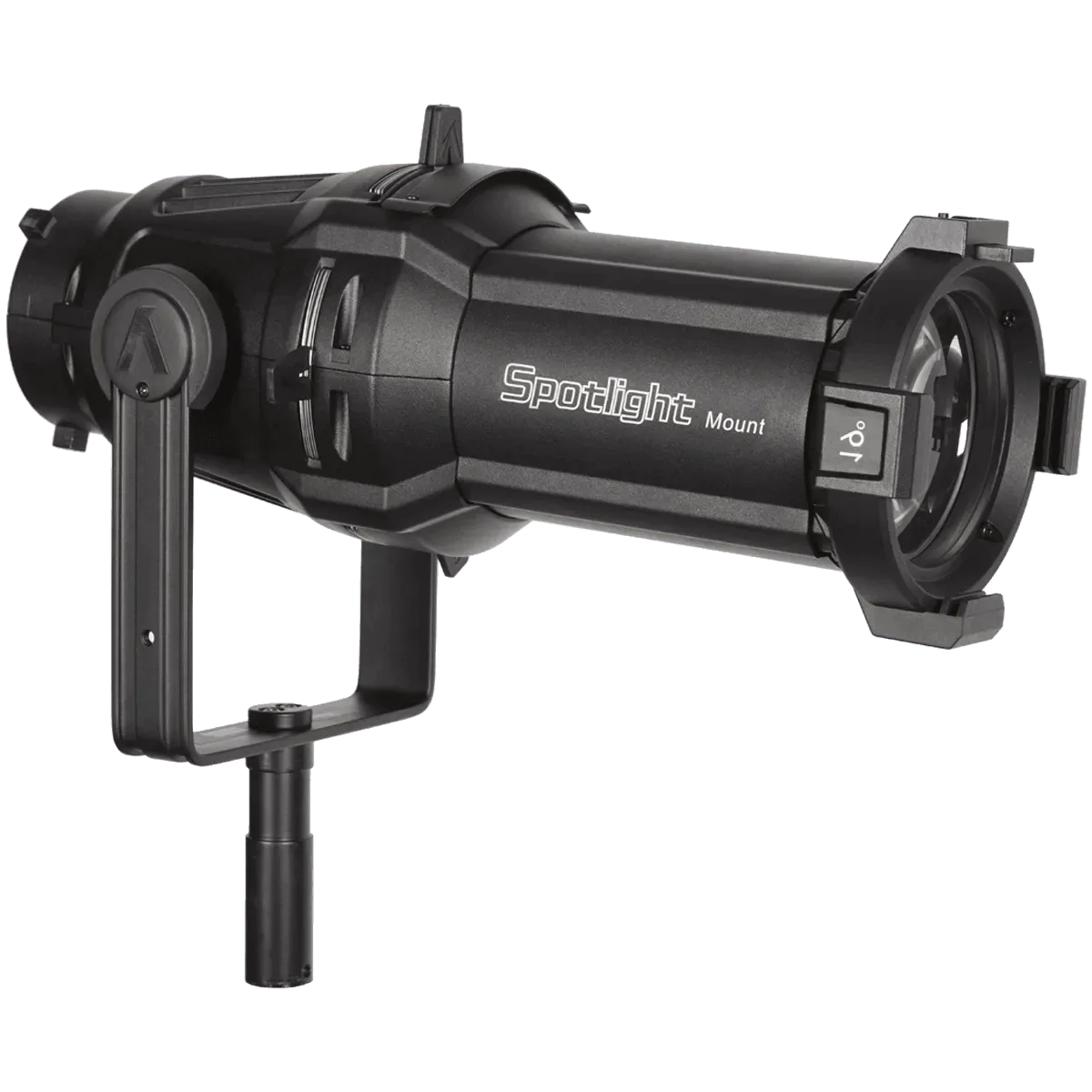
APUTURE SPOTLIGHT
-
APUTURE SPOTLIGHT: Includes 3 lenses: 19°, 26°, and 36° These lenses let you choose the beam spread without swapping the entire mount. The 19° gives a tight, hard-edged spot; the 36° covers a wider area.
-
APUTURE SPOTLIGHT: Includes 1 set of cutters (barn doors), 1 gobo holder, 1 iris Barn doors flag the beam edges, the gobo holder lets you project patterns, and the iris adjusts beam diameter on the fly—all without extra rental items.
Setting Up the Aputure Spotlight for Beam Control
The rental package provides the core accessories needed to adjust beam angle and shape light for photo or video production. Follow these steps to get started on set.
- Mount the spotlight to your COB fixture: Attach the spotlight mount to a compatible Aputure COB 120–300 fixture using the fixture's standard mounting mechanism. Ensure the lock is secure before adding accessories.
- Select and install a lens: Choose from the 19°, 26°, or 36° lenses depending on the desired beam spread. Slide the lens into the front of the spotlight and lock it in place.
- Add barn doors for flagging: Attach the included set of cutters (barn doors) to the front of the lens. Adjust each leaf independently to cut the beam where needed.
- Insert a gobo for pattern projection: Place a gobo (not included in the rental) into the gobo holder. Slide the holder into the spotlight's gobo slot to project patterns, textures, or logos.
- Use the iris to adjust beam diameter: Install the iris in the spotlight's iris slot. Rotate the iris ring to smoothly reduce or enlarge the beam diameter without changing the lens.
Pre-Booking Checks for Your Rental
Before you reserve the Aputure Spotlight from Matphoto, verify that your COB fixture is in the 120–300 range. The spotlight is not designed for smaller units like the Aputure 60 or larger fixtures above 300. Also confirm that you have the necessary gobos if pattern projection is part of your shoot; the rental includes the holder but not the gobos themselves. If you need to soften the light, consider pairing the spotlight with a diffusion gel or a separate softbox—the spotlight is designed for hard, focused output.
The Honest Trade-Off
The Aputure Spotlight gives you precise beam control that a standard reflector cannot match, but it comes with a few limitations. It only works with a specific range of COB fixtures, so it is not a universal accessory. The beam is inherently hard; if your goal is a soft, wraparound light, this is not the right tool. The rental package covers the essentials, but you will need to supply your own gobos and any diffusion material. For shoots that demand a sharp, sculpted beam or pattern projection, however, the spotlight is a compact and effective solution.