Why tilt adjustment matters for your sim racing setup
Getting your wheelbase at the right angle can make long stints more comfortable and help you maintain a consistent grip. The Asetek Wheelbase Mount With Tilt gives you two key adjustments: you can slide the wheelbase forward and backward using the T-slots, and you can tilt it up to 12.7 degrees. This guide walks through the process so you can find your ideal racing position.
What the mount lets you adjust
-
Asetek Wheelbase Mount With Tilt: The Asetek SimSports Wheelbase Mount is a fully adjustable mounting option for your Asetek SimSports wheelbase. This mount is designed specifically for Asetek wheelbases, so you can trust it to fit and provide the adjustments you need.
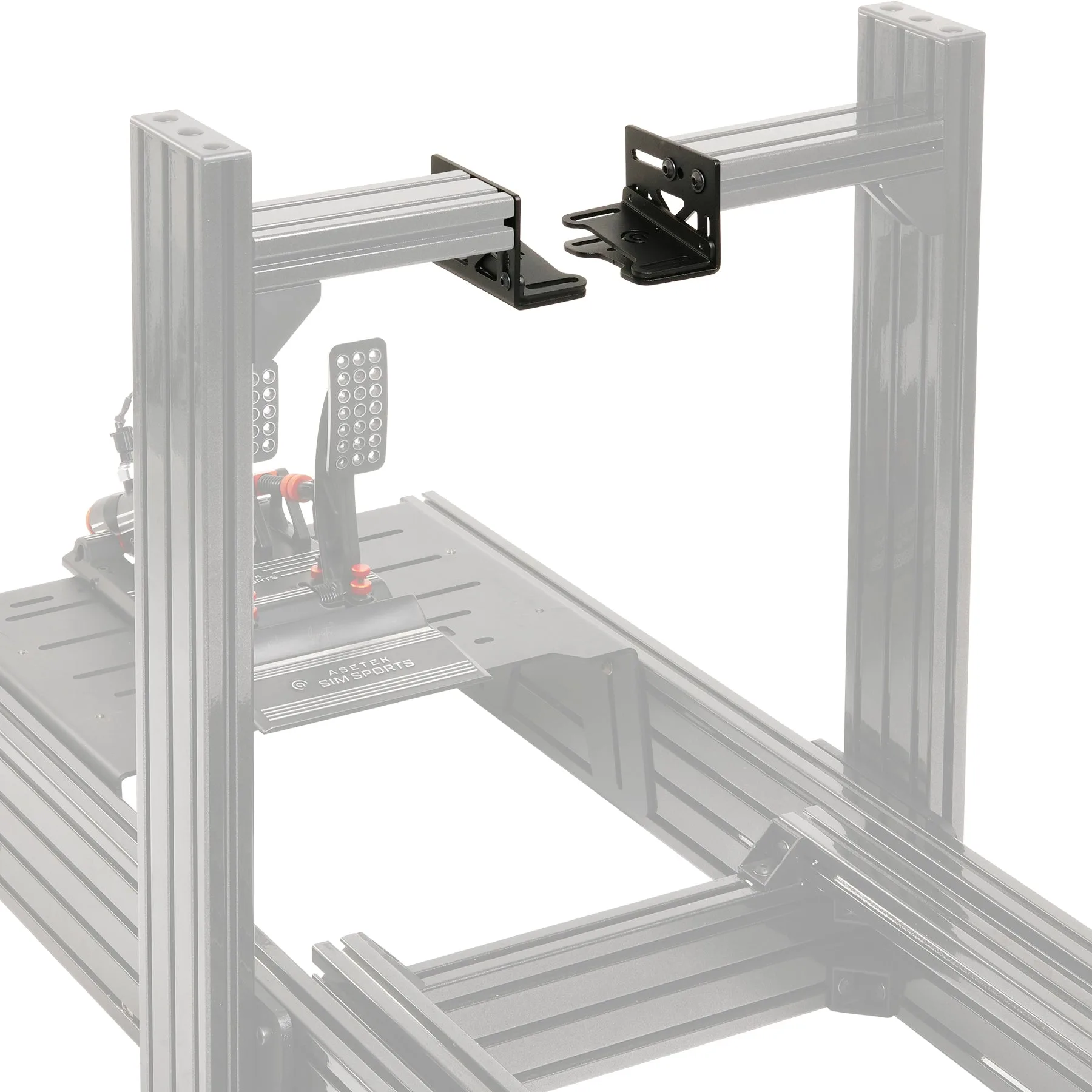
Asetek Wheelbase Mount With Tilt
-
Asetek Wheelbase Mount With Tilt: The T-slots in the bottom of your wheelbase allow you to slide the wheelbase back and forth. Sliding adjustment lets you set the distance between the wheel and your seating position, which affects reach and comfort.
-
Asetek Wheelbase Mount With Tilt: You can easily angle your wheelbase up to 12.7 degrees with 4 screws; 2 on each side of the tilt bracket. Tilt lets you match the wheel angle to your driving posture, reducing wrist strain and improving control.
How to set your wheelbase tilt angle
Before you start, make sure your rig is stable and you have access to the four screws on the tilt bracket. You'll need the appropriate tool for those screws, typically a hex key, but check your hardware.
- Loosen the four tilt screws: Locate the two screws on each side of the tilt bracket and loosen them enough to allow the bracket to move. Do not remove them completely.
- Adjust the tilt angle: Tilt the wheelbase to your desired angle, up to a maximum of 12.7 degrees. Use small increments and check your seating position as you go.
- Slide the wheelbase for reach: Use the T-slots on the bottom of the wheelbase to slide it forward or backward. This changes the distance to the wheel and can be fine-tuned after setting the tilt.
- Tighten the screws: Once you're happy with the angle and position, tighten the four tilt screws securely. Check that the wheelbase does not move when you apply force.
Finding your ideal ergonomic position
There's no single correct angle—your best position depends on your rig, seat, and body. Start with a neutral wheel angle that feels natural with your arms extended. Then adjust the tilt in small steps and test by simulating a few laps. Pay attention to wrist and shoulder comfort. The ability to slide the wheelbase also lets you fine-tune reach, so you can avoid overextending your arms.
What to check before you tighten everything down
Before final tightening, ensure that the wheelbase is centered and that the tilt screws are engaged properly. The mount uses four screws for tilt adjustment, so make sure all are threaded correctly. Also, verify that the T-slot bolts are secure and that the wheelbase cannot slide unintentionally. Once set, do a quick test to confirm the position feels comfortable and the wheelbase is rigid.
When the Asetek Wheelbase Mount With Tilt is the right choice
This mount is ideal if you already own an Asetek SimSports wheelbase and want more adjustability than a fixed mount provides. It's particularly useful if you share your rig with drivers of different sizes or if you're dialing in your ergonomics for endurance racing. Keep in mind that the tilt range is limited to 12.7 degrees, which is enough for most setups but may not suit extreme angles. Also, installation requires access to the underside of the wheelbase for the T-slots, so plan your rig assembly accordingly.