The EMOD system is Eberlestock's modular attachment platform that lets you customize your pack with a wide range of accessories. Whether you're a hunter, hiker, or tactical user, the EMOD system provides a secure and versatile way to carry extra gear. In this guide, we'll walk you through the basics of the EMOD system, how to attach accessories, and tips for getting the most out of your setup.
Understanding the EMOD system is key to unlocking the full potential of your pack. It's designed to be intuitive, but knowing the right techniques can save you time and ensure your gear stays put in the field. Let's dive in.
What is the EMOD System?
The EMOD system is a modular attachment interface found on many Eberlestock packs. It consists of a grid of slots and attachment points that allow you to securely fasten compatible accessories. This system is built to be durable and reliable, ensuring your gear stays in place even during rigorous activities.
Unlike generic MOLLE webbing, the EMOD system is designed specifically for Eberlestock packs, offering a more integrated and streamlined look. It's compatible with a variety of accessories, from pouches to adapters, making it a versatile choice for customizing your pack.
- EMOD is not the same as MOLLE, but many EMOD accessories can also work with MOLLE via adapters.
EMOD vs. MOLLE: What's the Difference?
While MOLLE (Modular Lightweight Load-carrying Equipment) is a widely used standard, the EMOD system is Eberlestock's proprietary version. EMOD slots are often slightly larger and more rigid, providing a more secure fit. However, the system is designed to be compatible with MOLLE accessories using adapters like the Molle Adapter 3x2.
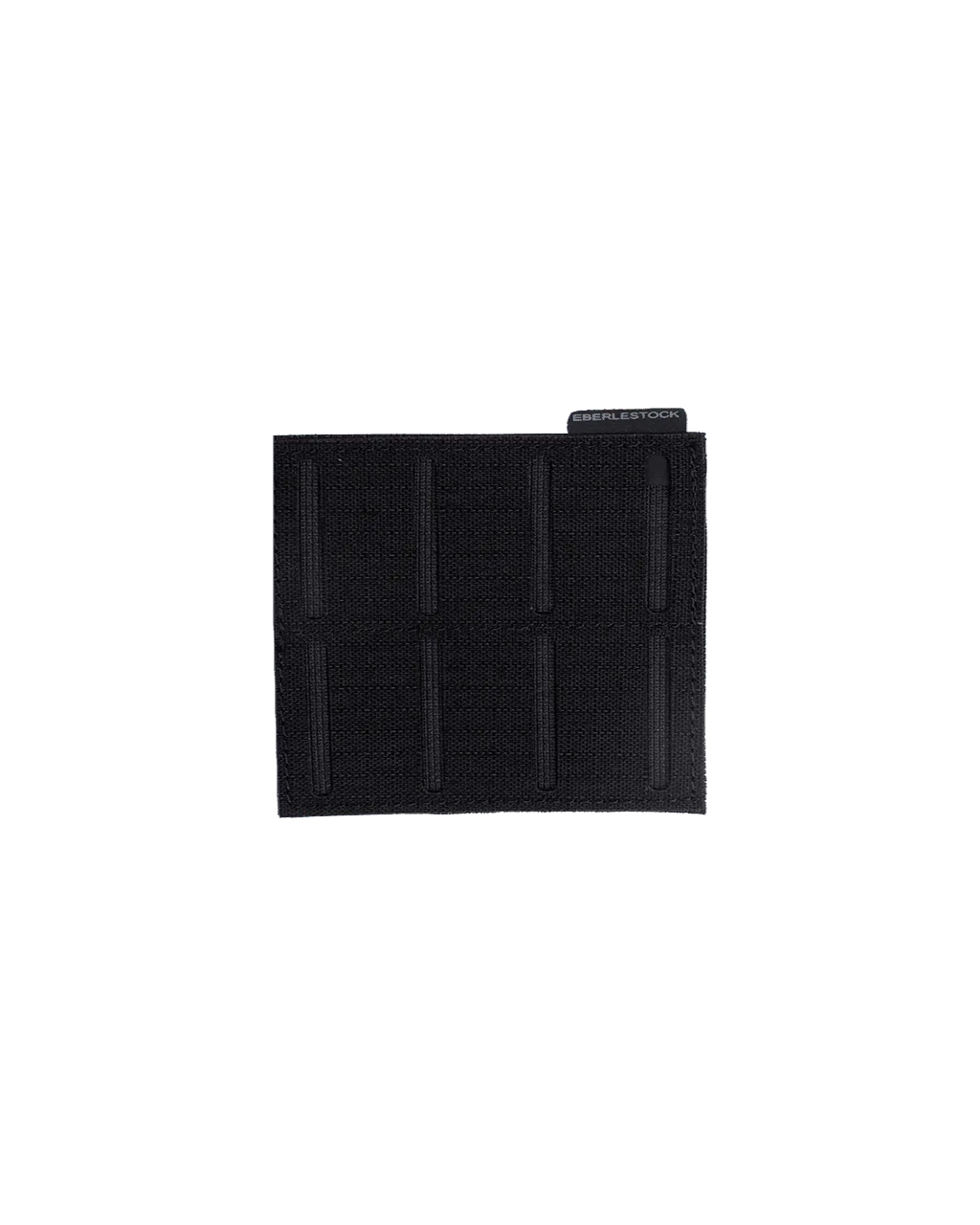
Molle Adapter 3x2
If you already own MOLLE pouches, you can still use them with your EMOD-equipped pack by adding a Molle Adapter 3x2. This adapter allows you to attach standard MOLLE gear to the EMOD slots, expanding your options without needing to buy new accessories.
- Check the compatibility of your accessories before purchasing to ensure a proper fit.
Step-by-Step: Attaching Accessories with the EMOD System
Attaching accessories to your pack using the EMOD system is straightforward. First, identify the EMOD slots on your pack where you want to attach the accessory. Align the accessory's attachment points with the slots, then insert the tabs or clips. Push down until you hear a click, indicating a secure connection.
For heavier items, such as a rangefinder pouch, make sure the accessory is securely fastened and doesn't wobble. You can also use the EMOD system to attach multiple accessories side by side, creating a customized layout that suits your needs.
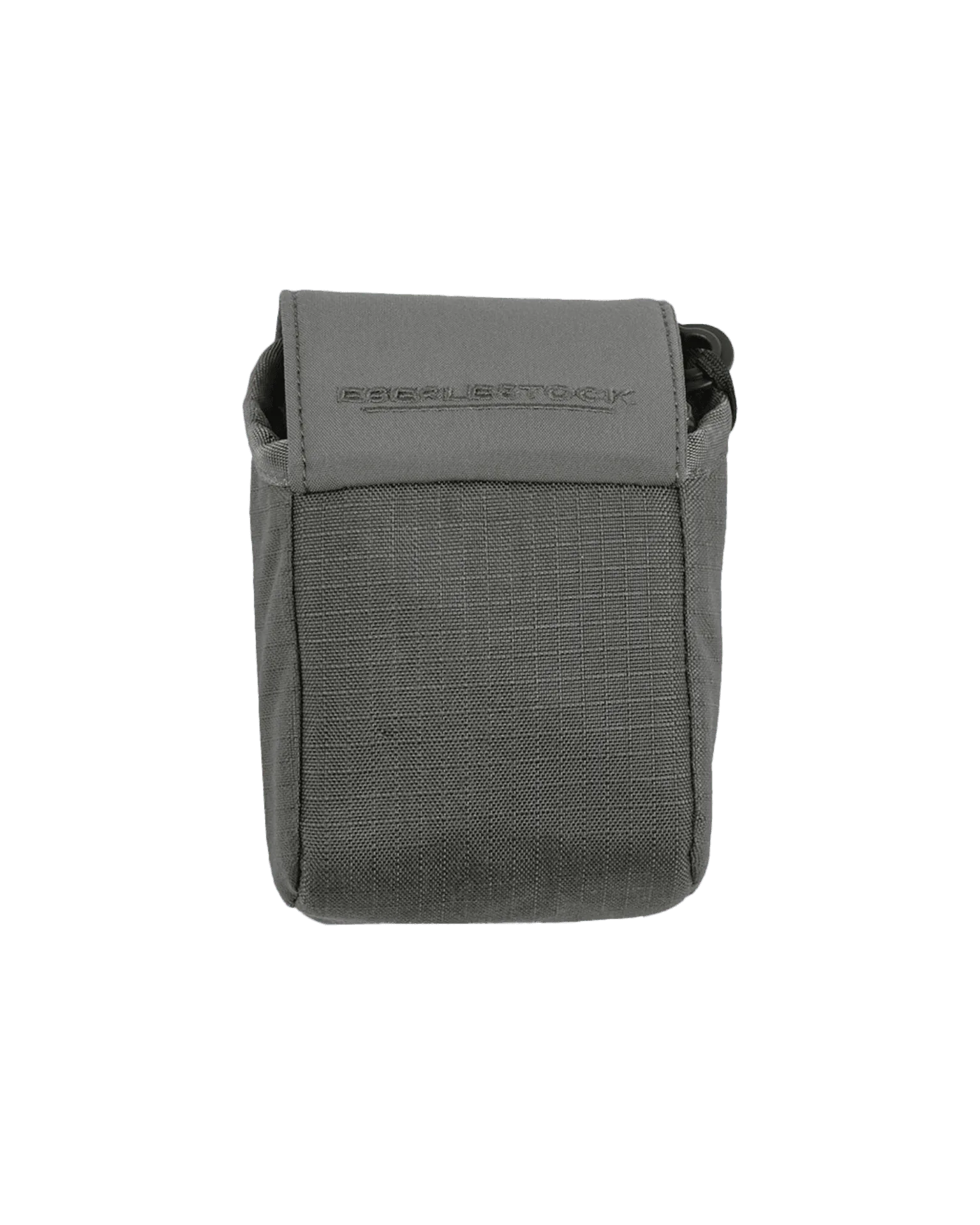
rangefinder pouch
- Practice attaching and detaching accessories at home before heading into the field.
Popular EMOD Accessories and Their Uses
The EMOD system supports a wide range of accessories, from small pouches to larger attachments. For example, the Rangefinder Pouch is a popular choice for hunters, providing quick access to your rangefinder while keeping it protected. Similarly, the Molle Adapter 3x2 is essential for those who want to use MOLLE gear with their EMOD pack.
Other accessories include hydration sleeves, admin pouches, and even modular frame attachments like the Intex II 90-Degree Frame, which can be used with specific pack models to enhance load-bearing capabilities. When choosing accessories, consider your primary activities and what gear you need to access quickly.
- Think about the weight and balance of your pack when adding multiple accessories.
Tips for a Secure and Efficient EMOD Setup
To get the most out of your EMOD system, start by planning your layout. Place frequently used items in easily accessible spots, and distribute weight evenly. Avoid overloading one area, which can cause discomfort and strain.
Regularly check the attachments to ensure they remain secure, especially after long hikes or rough terrain. If you notice any looseness, re-seat the accessory. Additionally, consider using adapters like the Molle Adapter 3x2 to increase your attachment options without compromising security.
- Use a systematic approach: attach the heaviest items first, then fill in with smaller pouches.
EMOD Compatibility with Popular Eberlestock Packs
The EMOD system is available on many Eberlestock packs, including the Vapor 2500, Mission Assault Pack, and others. However, not all packs have the same number of EMOD slots, so it's important to check the specifications of your pack model.
If you're unsure about compatibility, consult the product description or contact customer support. For instance, the LoDrag II is a pack that features EMOD slots, allowing you to customize it with various accessories. Similarly, the Hyllus Duffel may have EMOD attachment points, making it a versatile option for travel and range use.
- Always verify that the accessory you want is compatible with your specific pack model.
The EMOD system is a powerful tool for customizing your pack to meet your exact needs. By understanding how it works and choosing the right accessories, you can create a setup that enhances your efficiency and comfort in the field. Start by exploring the range of EMOD-compatible accessories and see how they can transform your pack.