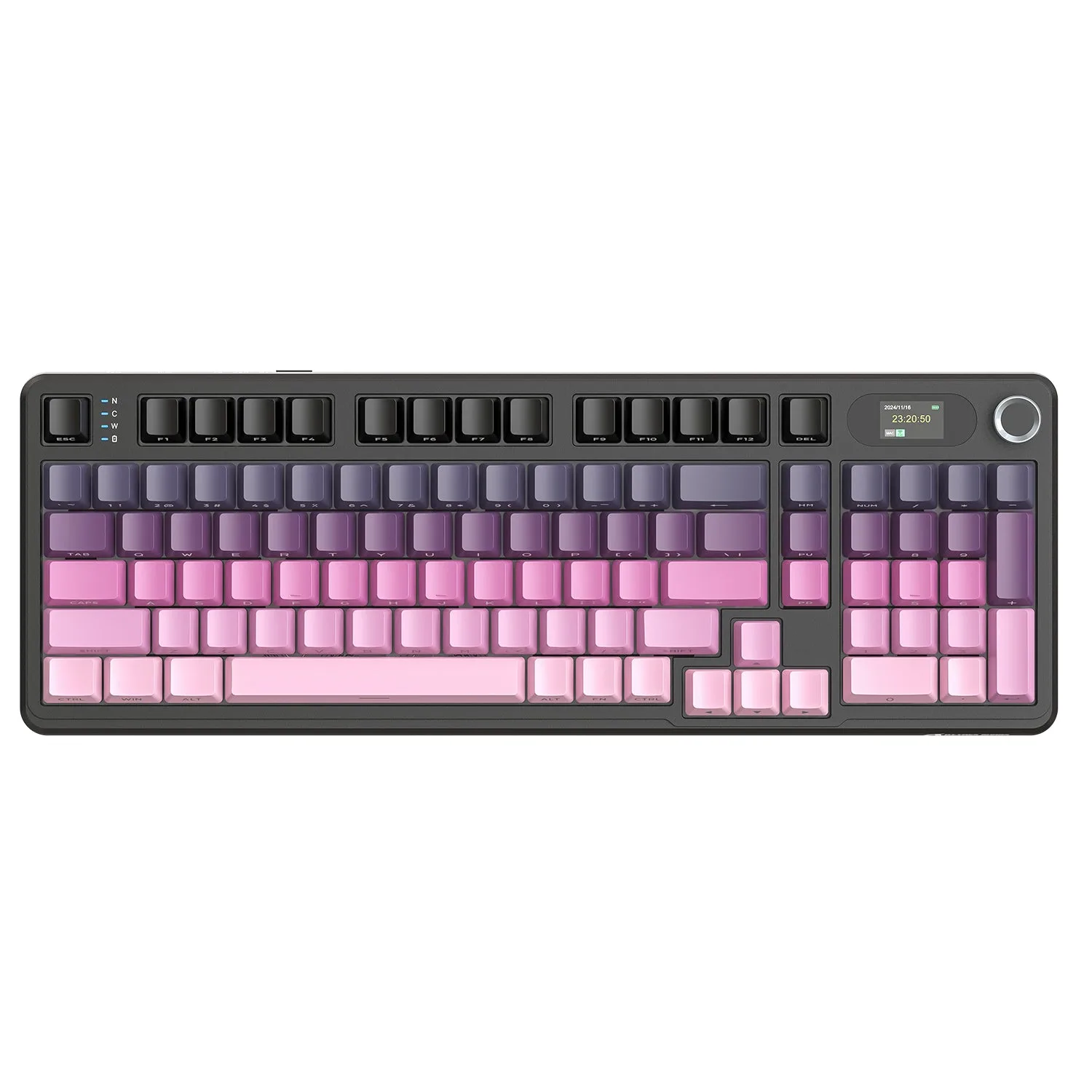
What the X87 ULTRA Setup Involves
The ATTACK SHARK X87 ULTRA supports three connection modes: Bluetooth, 2.4G wireless, and wired USB. Both the 2.4G and wired modes deliver 8KHz polling rates for ultra-low latency (0.125ms in 2.4G). Setting up the keyboard is straightforward, but a few details—like using the bundled C01 Ultra RGB coiled cable for wired 8KHz—can make a difference in performance.
This guide covers the initial pairing, charging, and customization steps, with checkpoints based on the keyboard's supplied features.
Step-by-Step Setup
- Unbox and check contents: The X87 ULTRA comes with a steel wire switch/keycap puller, two extra switches, three additional keycaps, a 1.5-meter Type-C cable with a magnetic ring, and the fin-shaped 8K wireless receiver. Confirm you have the receiver and the C01 Ultra RGB coiled cable before proceeding.
- Charge the keyboard: The built-in 10,000mAh battery provides up to 5,000 hours of use with lighting off. Before first use, connect the USB-C cable to the keyboard and a power source. The keyboard can be used while charging.
- Connect via 2.4G wireless (8KHz mode): Insert the fin-shaped 8K wireless receiver into a USB port on your PC. Turn on the keyboard (switch on the back). The keyboard should connect automatically. This mode achieves 0.125ms latency and full 8KHz polling.
- Connect via wired USB (8KHz mode): Use the bundled C01 Ultra RGB coiled cable to connect the keyboard directly to your PC. The wired mode also supports 8KHz polling. The cable's magnetic ring helps stabilize data transmission.
- Connect via Bluetooth: Switch the keyboard to Bluetooth mode. Press and hold the Bluetooth pairing key (Fn + B or similar, as indicated on the keyboard) until the status LED blinks. Select 'ATTACK SHARK X87 ULTRA' from your device's Bluetooth list. Bluetooth does not support 8KHz polling.
- Customize via web driver: The X87 ULTRA supports a web-based driver for customization without installing software. Open a browser and navigate to the driver URL (printed in the manual or on the packaging). You can remap keys, adjust RGB lighting (16 million colors, 22 presets, side strips), and configure the dot-matrix screen patterns.
Key Specifications That Affect Setup
-
ATTACK SHARK X87 ULTRA Wireless Gaming Keyboard with 8KHz Receiver and RGB Coiled Cable: Triple-Mode Connectivity & 8KHz Speed with Ultra-Low Latency. Supports Bluetooth, 2.4G wireless, and wired connections. Both 2.4G and wired modes deliver 8KHz polling rates. You must choose the right mode for your latency needs. For competitive gaming, use 2.4G or wired; Bluetooth is fine for casual use but lacks 8KHz.
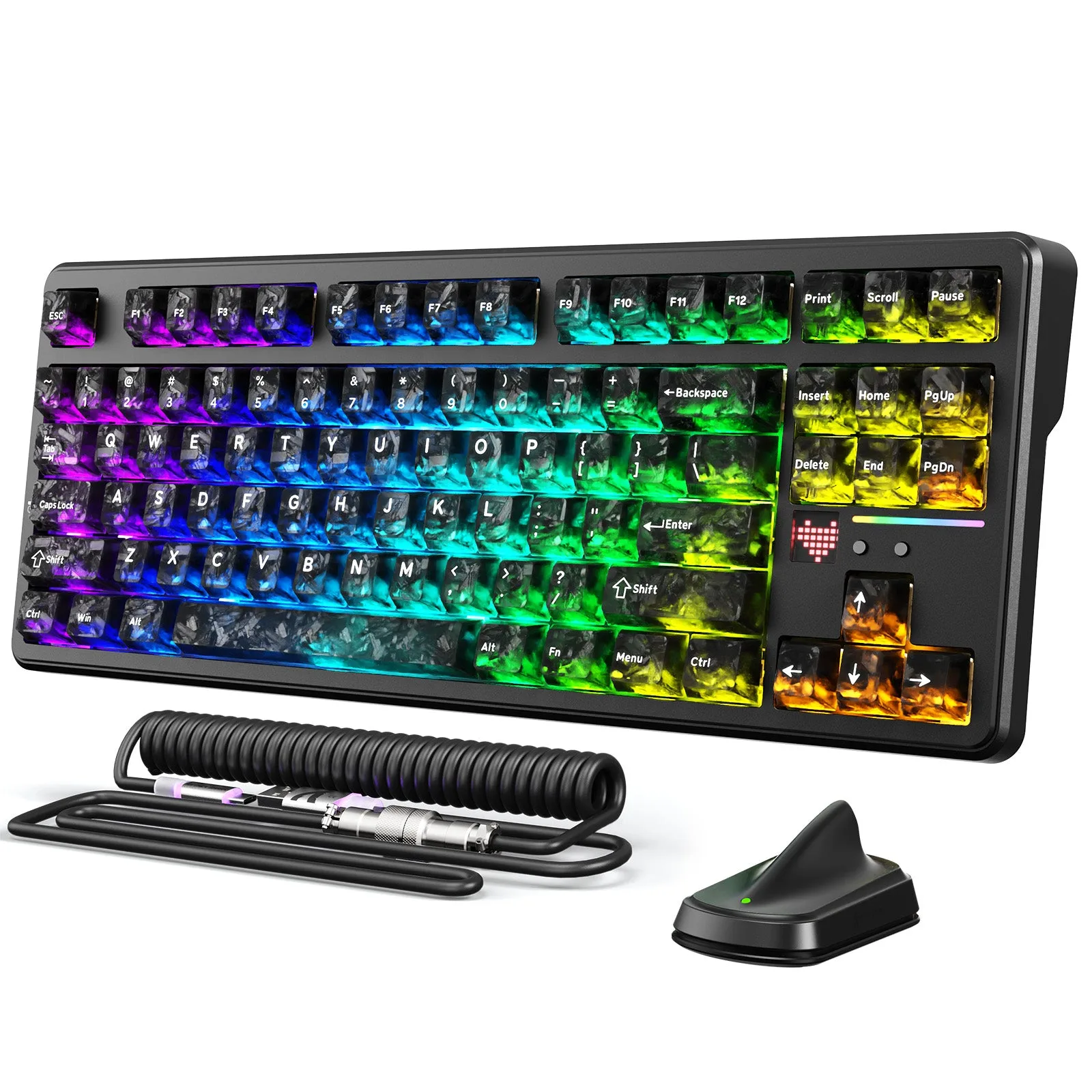
ATTACK SHARK X87 ULTRA Wireless Gaming Keyboard with 8KHz Receiver and RGB Coiled Cable
-
ATTACK SHARK X87 ULTRA Wireless Gaming Keyboard with 8KHz Receiver and RGB Coiled Cable: Powered by a massive 10,000mAh battery, it delivers up to 5,000 hours of use with lighting turned off for exceptional endurance. The battery lasts a long time, but charging before first use ensures you start with full capacity. The keyboard can be used while charging.
-
ATTACK SHARK X87 ULTRA Wireless Gaming Keyboard with 8KHz Receiver and RGB Coiled Cable: Supports a web-based driver for easy customization without software installation. No need to download or install a separate app. Just open the driver URL in a browser to customize keys, lighting, and the dot-matrix screen.
Troubleshooting Common Setup Issues
If the keyboard does not connect in 2.4G mode, ensure the receiver is fully inserted into a USB port and the keyboard is switched on. Try a different USB port, preferably on the motherboard directly. For wired mode, use the bundled cable; some third-party cables may not support 8KHz polling. If the web driver does not load, check your internet connection and try a different browser. The driver URL is printed on the product packaging or in the manual.
Final Thoughts on the X87 ULTRA Setup
The ATTACK SHARK X87 ULTRA offers flexible connectivity and true 8KHz performance in wireless and wired modes. The setup process is simple, and the web driver makes customization easy. Whether you choose 2.4G for competitive gaming or wired for a stable desktop connection, the keyboard delivers a responsive experience out of the box.