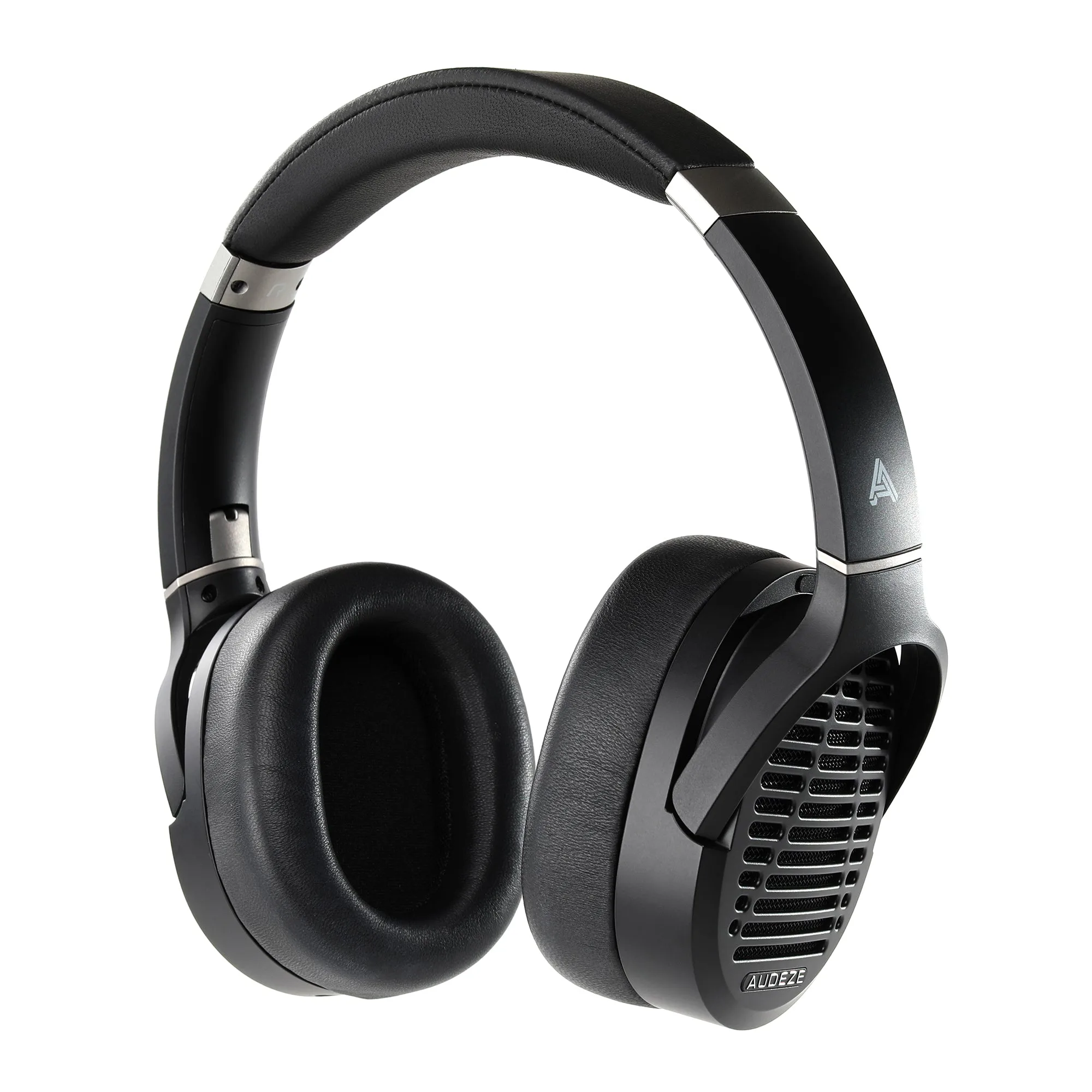
When you unbox the Audeze Maxwell, you're holding a wireless gaming headphone that offers two distinct ways to connect: a low-latency USB dongle and standard Bluetooth. Both promise cable-free freedom, but they deliver very different experiences in terms of reliability, latency, and ease of use. Understanding these differences is key to getting the most out of your headset, whether you're in the middle of a competitive match or just relaxing with music.
In this guide, we'll dive deep into the reliability of the Maxwell's USB dongle versus its integrated Bluetooth, compare their performance in various scenarios, and provide practical troubleshooting tips to keep your connection rock-solid. By the end, you'll know exactly which mode suits your needs and how to switch between them effortlessly.
Understanding the Two Connection Modes
The Audeze Maxwell is designed to be versatile, and its dual wireless options reflect that. The USB dongle is a small plug-and-play transmitter that connects to your PC, PlayStation, or Nintendo Switch via USB. It uses a proprietary 2.4GHz wireless technology, similar to what you'd find in high-end gaming mice and keyboards, to deliver ultra-low latency and a stable, interference-resistant signal.
On the other hand, integrated Bluetooth is the universal standard found in virtually every smartphone, tablet, and laptop. The Maxwell supports Bluetooth 5.3 with aptX Adaptive and AAC codecs, offering convenient pairing without any extra hardware. While Bluetooth is incredibly easy to use, it's inherently more susceptible to interference and latency, especially in crowded wireless environments.
- USB dongle: 2.4GHz proprietary, low latency, plug-and-play
- Bluetooth: 5.3, aptX Adaptive, AAC, universal compatibility
Reliability: Dongle vs. Bluetooth in Real-World Scenarios
When it comes to reliability, the USB dongle is the clear winner for gaming. Its dedicated 2.4GHz frequency band avoids the congestion of the 2.4GHz Wi-Fi and Bluetooth traffic that can cause dropouts. In our experience, the dongle maintains a rock-solid connection even in rooms with multiple wireless devices, and the latency is imperceptible—crucial for competitive shooters where every millisecond counts.
Bluetooth reliability, while improved with modern versions, can still be affected by physical obstacles and interference from other devices. Walls, metal objects, and even your own body can weaken the signal, leading to occasional stutters or audio dropouts. That said, for casual listening on your phone or tablet, Bluetooth is perfectly reliable in most home environments. The Maxwell's Bluetooth implementation is robust, but it's not designed for the same level of performance as the dongle.
- Dongle: best for gaming, stable in busy wireless environments
- Bluetooth: convenient for mobile, but susceptible to interference
Latency: The Hidden Factor in Reliability
Reliability isn't just about avoiding dropouts; it's also about consistent, low latency. The USB dongle offers a latency of around 20-30ms, which is imperceptible for most users. This makes it ideal for gaming, where audio-visual sync is critical. Bluetooth, depending on the codec and device, can introduce 100-200ms of delay, which can be noticeable in videos and games.
If you're using the Maxwell for gaming, the dongle is the only choice that ensures a reliable, synchronized experience. For music and podcasts, Bluetooth's latency is less of an issue, but if you're watching a movie on your phone, you might notice the audio lag. In such cases, the dongle (if your device supports it) or a wired connection is the better option.
- Dongle latency: ~20-30ms, ideal for gaming
- Bluetooth latency: 100-200ms, noticeable in videos and games
Troubleshooting Common Maxwell Connectivity Issues
Even the most reliable gear can hiccup. If you're experiencing issues with your Maxwell's dongle or Bluetooth, here are some troubleshooting steps. For the dongle, ensure it's plugged directly into the device, not a USB hub, and that the headset is powered on. If the connection drops, try re-pairing by holding the dongle button and the headset's power button simultaneously for a few seconds.
For Bluetooth, first, ensure the headset is in pairing mode (hold the Bluetooth button until the LED flashes). If you're having trouble connecting, forget the device in your phone's Bluetooth settings and re-pair. Also, keep the headset and device within a reasonable range (about 10 meters) and avoid obstructions. If you continue to experience issues, a firmware update may be needed—check the Audeze HQ app for the latest version.
- For dongle issues: try a different USB port, re-pair the connection
- For Bluetooth issues: re-pair, check range, update firmware via Audeze HQ
Maximizing Your Maxwell: Tips for a Seamless Experience
To get the most reliable performance from your Maxwell, consider a few best practices. When using the dongle, always keep it in a USB port on the back of your PC if possible, as front ports may have interference from other components. For Bluetooth, disable unused wireless devices in the area to reduce congestion, and keep your headset charged—low battery can cause connection instability.
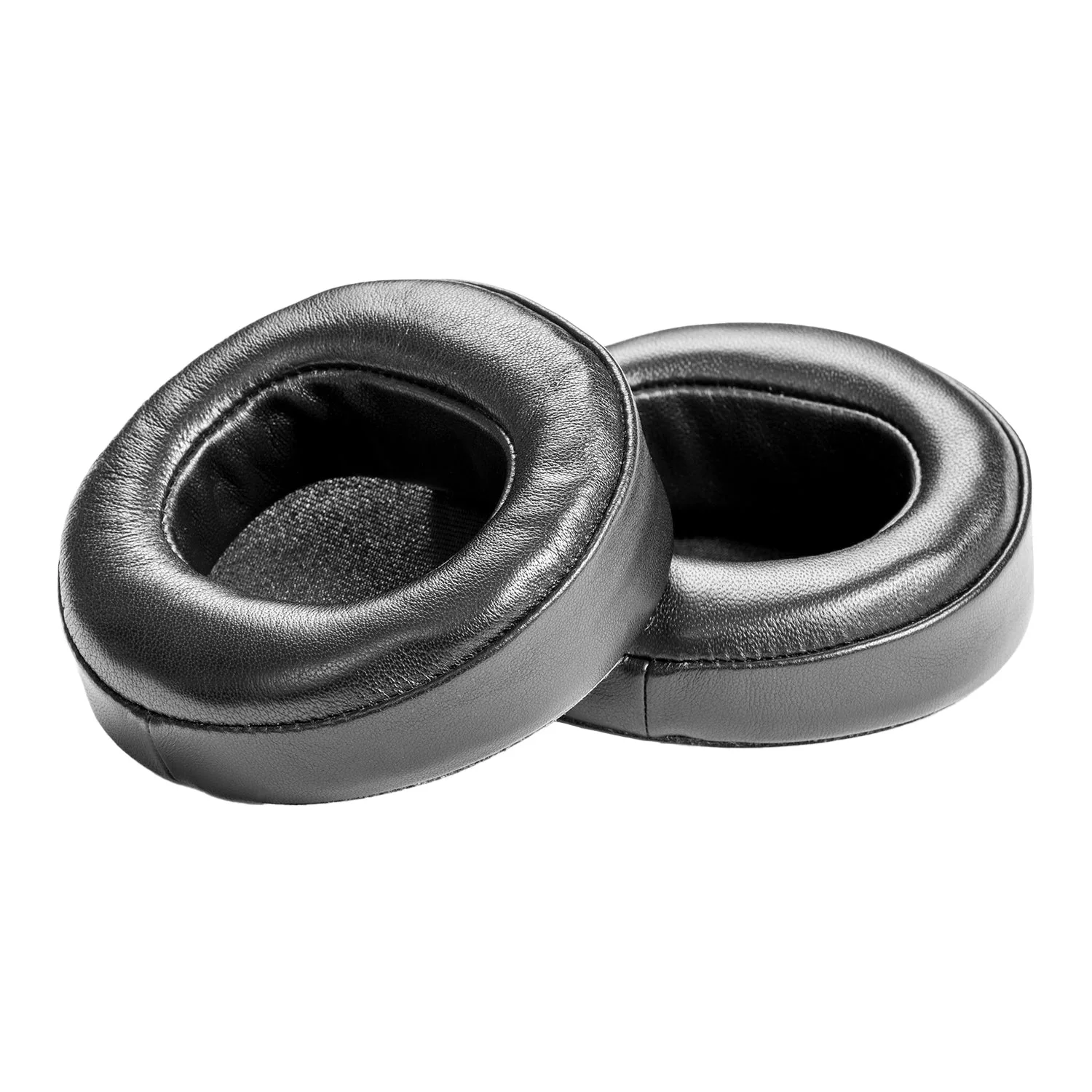
Additionally, you can customize the Maxwell's EQ and sound profiles via the Audeze HQ app, but remember that heavy EQ processing can slightly increase latency. For gaming, stick to the default 'Audeze' preset. And if you ever need replacement parts, such as the Maxwell Ear Pads or Maxwell Headstrap, they're available to keep your headset in top condition.
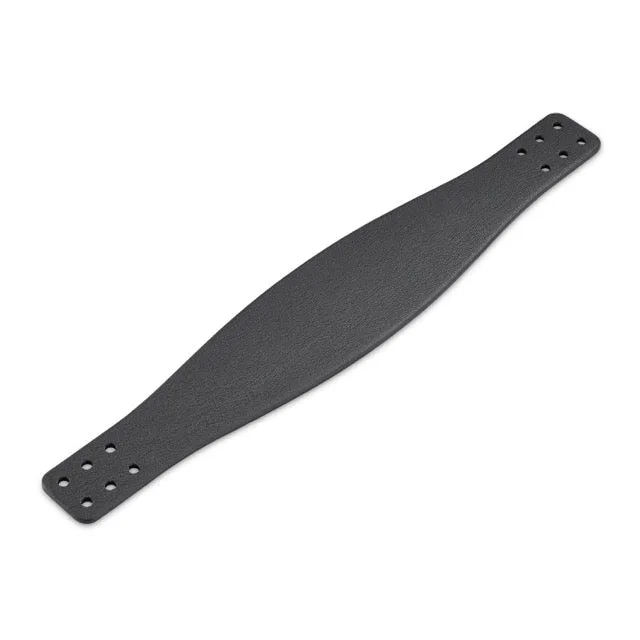
Maxwell Headstrap
- Use a direct USB port for the dongle, avoid hubs
- Keep Bluetooth devices close and minimize interference
- Update firmware regularly to fix bugs and improve stability
Making the Right Choice for Your Needs
So, which is more reliable? The answer depends on your use case. For gaming, the USB dongle is unequivocally the more reliable choice, offering low latency and a stable connection that won't let you down. For everyday casual listening on the go, Bluetooth is convenient and reliable enough for most users, provided you're not in a heavily congested wireless environment.
The beauty of the Maxwell is that you don't have to choose—you can switch between modes seamlessly. Use the dongle when you're at your desk or console, and switch to Bluetooth when you step away with your phone. This flexibility is one of the Maxwell's greatest strengths, ensuring you always have a reliable connection no matter where you are.
- Gamers: prioritize the USB dongle for reliability
- Casual listeners: Bluetooth is sufficient for most scenarios
- Switch between modes based on your activity for best results
In the battle of Maxwell USB dongle vs Bluetooth, reliability ultimately comes down to your environment and usage. The dongle is the undisputed champion for gaming, while Bluetooth offers convenient, dependable performance for everyday listening. By understanding the strengths of each and following our troubleshooting tips, you can enjoy a flawless wireless experience with your Audeze Maxwell. If you're looking to enhance your setup, consider exploring the Maxwell Ear Pads and Maxwell Headstrap for added comfort during those long gaming sessions.