If you’re building a clean, productive standing desk setup, audio often gets overlooked until you realize your laptop speakers just aren’t cutting it. Whether you’re listening to music during focus sessions, taking video calls, or editing content, a pair of compact desktop speakers can transform your experience. Enter the Audioengine A1 – a small but mighty speaker system that promises studio-quality sound without dominating your desk. In this review, we’ll put them to the test on an Omnidesk setup, covering sound quality, design, connectivity, and whether they’re worth the investment for your workspace.
Audioengine has a solid reputation for making affordable, high-fidelity speakers for desktop use. The A1 is their entry-level powered speaker pair, designed to deliver clear, detailed audio in a compact footprint. We tested them alongside a few other popular options like the Audioengine HD4 Speakers and the Edifier M60 Compact Multimedia Speaker to see how they stack up. If you’re in the market for desktop speakers for standing desk, read on to see if the Audioengine A1 is the right fit for your Omnidesk.
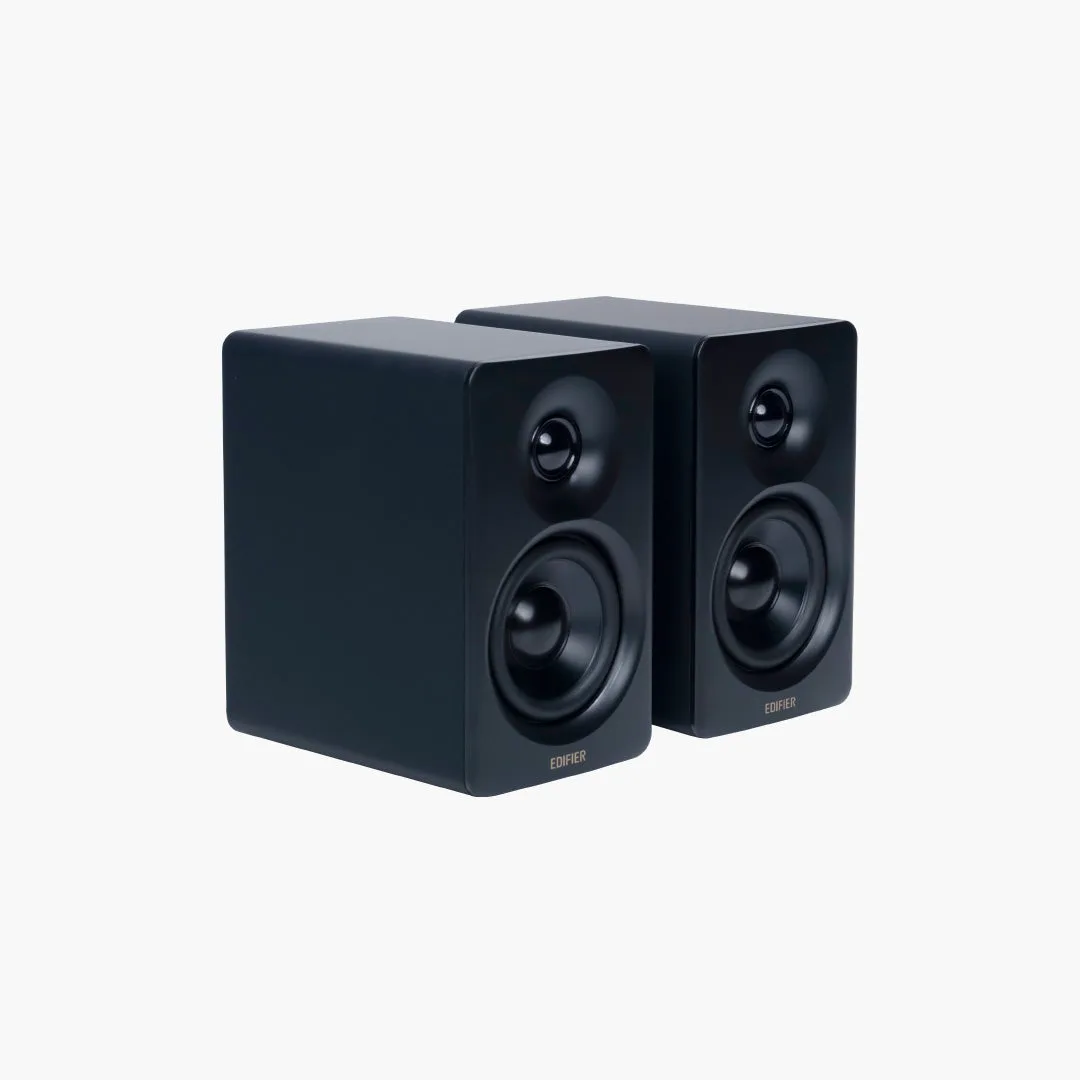
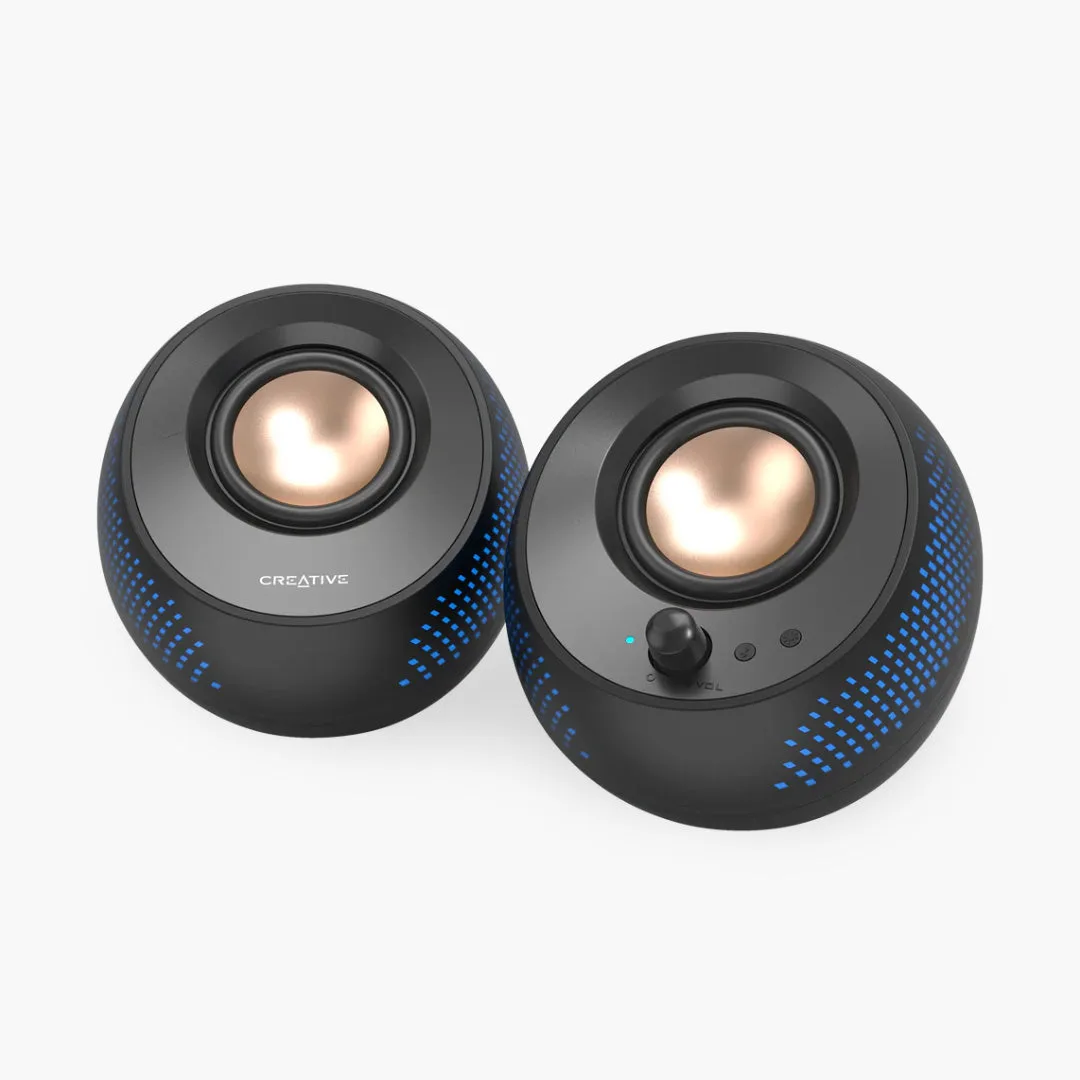
Edifier M60 Compact Multimedia Speaker
Design and Build: Small Footprint, Premium Feel
The Audioengine A1 speakers measure just 6 x 4 x 5 inches each, making them one of the most compact powered speakers you can buy. Despite their size, they feel solid and well-built, with a matte finish that resists fingerprints and blends easily into any workspace. The front grille is removable, revealing a 2.75-inch aramid fiber woofer and a 0.75-inch silk dome tweeter. On the back, you’ll find a bass port, power input, stereo RCA inputs, and a subwoofer output if you ever want to add more low-end. The right speaker houses the volume knob and a headphone jack, so you can easily switch between speakers and private listening without fumbling behind your desk.
Compared to the Edifier M60 Compact Multimedia Speaker, the A1 feels more premium and slightly heavier, which translates to better acoustic stability. They also look great on a standing desk – we placed them on an Omnidesk with the Omnidesk Maglet cable management system, and the clean lines complemented the desk’s aesthetic. One tradeoff: there’s no Bluetooth on the standard A1 (you’ll need the A1+ for wireless), so you’ll need a wired connection. But for a dedicated desktop setup, that’s often a plus for audio quality.
- Tip: Use the Omnidesk Cable Clip to route speaker wires neatly under your desk for a clutter-free look.
Sound Quality: Clear, Detailed, and Surprisingly Big
The Audioengine A1 sound quality is the star of the show. Despite their small size, these speakers produce a surprisingly wide soundstage with clear mids and highs. Vocals sound natural and present, making them excellent for podcasts, video calls, and acoustic music. The bass is tight and punchy – not room-shaking, but far better than you’d expect from a 2.75-inch driver. For most desktop listening, you won’t miss a subwoofer unless you’re a bass head. We tested them with a variety of genres: from classical to electronic, and the A1 handled everything with composure, never sounding muddy or harsh even at higher volumes.
In comparison, the Audioengine HD4 Speakers offer a larger driver and deeper bass, but they also take up more desk space. The Edifier M60 is a strong competitor with built-in Bluetooth and a lower price, but its sound signature is warmer and less detailed than the A1. If audio fidelity is your priority and you don’t mind a wired connection, the Audioengine A1 is the better choice for compact speakers for your Omnidesk. One minor note: the A1 lacks a remote control, so you’ll need to reach for the volume knob – but that’s a small inconvenience for the sound quality you get.
- For best sound, place speakers at ear level and slightly angled toward you. On a standing desk, use monitor stands or small risers if needed.
Connectivity and Setup: Simple and Reliable
Setting up the Audioengine A1 is straightforward. Each speaker connects to the other via a supplied speaker wire, and the right speaker connects to your computer or audio interface via RCA or a 3.5mm aux cable. There’s also a USB port on the back (for power only, not audio), so you can power them from your computer or a wall adapter. The lack of Bluetooth might be a dealbreaker for some, but for a dedicated desktop setup, a wired connection means zero latency and no pairing hassles. If you need wireless, consider the A1+ or the Edifier M60.
On an Omnidesk, cable management is key. We used the Omnidesk Cable Clip to secure the speaker wires along the desk’s underside, keeping the surface clean. The Ascent Desk Controller’s USB port can also power the speakers if you have a free port, though a wall adapter is recommended for consistent power. Overall, the A1 is a ‘set it and forget it’ speaker – once connected, they just work. No drivers, no software, no fuss.
- Pro tip: Connect the A1 to your monitor’s headphone jack if your monitor has one – this keeps cable runs short and lets you control volume from your monitor’s buttons.
Audioengine A1 vs. Competitors: Which Desktop Speaker Is Right for You?
When choosing the best small speakers workspace, the Audioengine A1 sits in a sweet spot of price and performance. Here’s how they compare to two popular alternatives: The Audioengine HD4 Speakers are larger, more expensive, and offer deeper bass and a built-in DAC, making them ideal for audiophiles who want a step up. However, they take up more desk space and may overwhelm a compact setup. The Edifier M60 Compact Multimedia Speaker is cheaper, has Bluetooth, and sounds good for the price, but its bass is less defined and the build quality feels lighter.
For most users with a standing desk, the Audioengine A1 strikes the right balance: great sound, small footprint, and a reasonable price. If you value wireless convenience or have a tight budget, the Edifier M60 is a solid alternative. But if you want clear, accurate audio that makes your music and calls come alive, the A1 is the winner. Pair them with a quality monitor like the Gigabyte M27Q2 QD Ice for a complete, high-quality visual and audio experience.
- Consider your desk space: the A1 fits easily on a 120cm wide Omnidesk without crowding your monitor and other accessories.
The Audioengine A1 speakers prove that great sound doesn’t require a huge footprint. With their detailed audio, solid build, and simple setup, they’re an excellent choice for anyone looking to upgrade their Omnidesk workspace audio. While the lack of Bluetooth and remote may be minor drawbacks, the wired connection ensures reliable, high-fidelity sound. If you’re after compact speakers for your standing desk that punch above their weight, the Audioengine A1 is a smart investment.