Why Use the Audison USS4 Speaker Load Simulator?
Some OEM source units and head units include a test circuit that monitors the presence of a low-impedance load before enabling audio outputs. When you connect such a head unit to the high-level inputs of an Audison bit processor, which presents a high impedance load, the OEM source may detect an open circuit and silence its audio outputs.
The Audison USS4 Universal 4 Channel Speakers Simulator Presence Load Interface solves this problem. By inserting the USS4 between the OEM source and the processor or amplifier, it provides the low-impedance load the head unit expects, allowing audio to pass normally.
Audison USS4 Key Facts
-
Audison USS4 Universal 4 Channel Speakers Simulator Presence Load Interface: The Audison USS4 is a universal 4-channel speaker load simulator designed for OEM integration. It directly addresses the common problem of OEM head units that require a low-impedance load to enable audio output.
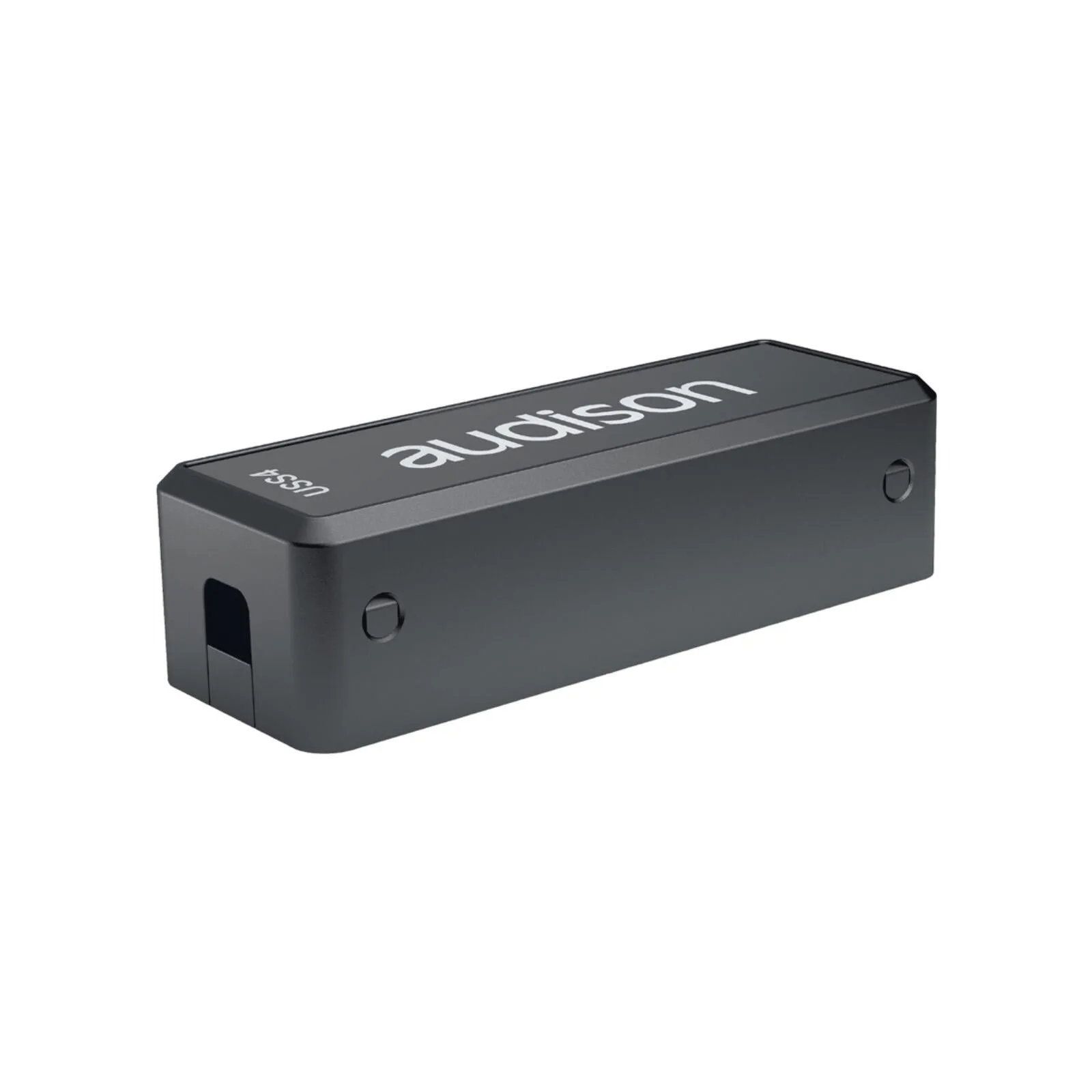
Audison USS4 Universal 4 Channel Speakers Simulator Presence Load Interface
-
Audison USS4 Universal 4 Channel Speakers Simulator Presence Load Interface: The USS4 is inserted between the source and the Audison bit processor or amplifier. Proper placement is critical; it must be in the signal path before the processor/amplifier to simulate the correct load.
Installation Considerations
The USS4 is designed to be connected in-line with the speaker outputs from the OEM head unit. No special tools are required beyond standard car audio installation equipment. Ensure the USS4 is securely connected to avoid intermittent contact.
If you need to generate a remote turn-on signal for the amplifier, the USS4 can be powered to provide this feature. When powered, it also offers an adjustable delay of 1 to 8 seconds for the remote signal, helping to prevent annoying turn-on pops or thumps.
Note that in countries where electromagnetic compatibility regulations are not mandatory under ECE/UN Regulation No. 10, the USS4 may not include certain filtering components. This does not affect its core function as a load simulator.
Step-by-Step Installation
Follow these steps to install the Audison USS4 in your car audio system.
- 1. Identify the OEM source unit outputs: Locate the speaker-level output wires from your OEM head unit. These are the wires that normally connect to the factory speakers.
- 2. Connect the USS4 between source and processor: Connect the USS4 input to the OEM source outputs. Then connect the USS4 output to the high-level inputs of your Audison bit processor or amplifier. The USS4 provides the low-impedance load the OEM expects.
- 3. (Optional) Power the USS4 for remote turn-on: If your system requires a remote turn-on signal, connect power and ground to the USS4. This enables the adjustable delay feature (1 to 8 seconds) to avoid turn-on noise. Follow the supplied product instructions for proper voltage and wiring.
- 4. Set the remote delay (if using power): Adjust the delay potentiometer on the USS4 to the desired time (between 1 and 8 seconds). A longer delay may be needed if your system has a slow-starting amplifier.
- 5. Test the system: Reconnect the battery and turn on the system. Verify that audio plays from all four channels without cutouts. If the audio still cuts out, double-check all connections.
What the Supplied Information Does Not Cover
The supplied evidence does not specify exact wire colors, pinouts, or connector types for the USS4. These details depend on your specific OEM head unit and Audison processor model. Always refer to the wiring diagrams for your particular vehicles and components.
The evidence also does not include power handling ratings or impedance values. The USS4 is designed solely to simulate a speaker load for OEM compatibility; it is not a general-purpose resistor or dummy load for testing.