Quick answer
If calibration fails, the lock almost always can't complete its full lock-to-unlock travel. Check that the deadbolt moves freely by hand, the door is fully closed, and the adapter plate is seated correctly. Re-run calibration only after those pass. If it still fails, stop and inspect the door frame or call support rather than repeating the process.
What calibration is actually testing
During calibration, the August lock learns the two endpoints of your deadbolt's travel: fully locked and fully unlocked. It also checks that the DoorSense sensor reports the door as closed. If either endpoint is blocked or the sensor reads incorrectly, calibration fails or the lock stops short later.
That's why a calibration error is usually a door or deadbolt problem, not a software one. Reinstalling the app or resetting the lock rarely helps until the physical travel is clean.
Fix the deadbolt and door first
Open the door and turn the thumbturn by hand. It should move smoothly with no binding, grinding, or extra force needed. If it sticks, the issue is in the deadbolt, strike plate, or door alignment, and no amount of recalibration will fix it.
Next, confirm the door closes fully and the deadbolt extends without hitting the strike plate. A door that swells in humid weather or a frame that shifted can cause intermittent failures that look like calibration errors.
- Turn the deadbolt by hand through its full range; note any tight spots.
- Check that the bolt enters the strike plate without rubbing.
- Make sure the door is fully closed and latched before calibrating.
- Tighten any loose screws in the deadbolt or strike plate.
Check the adapter and mounting
The adapter plate must sit flat against the interior of the deadbolt and engage the thumbturn correctly. If it's loose, misaligned, or the wrong adapter for your deadbolt, the lock will slip during calibration and fail. Remove the lock, reseat the adapter, and confirm the mounting plate is snug against the door.
Also verify the lock is fully charged or has fresh batteries. A weak power source can cause the motor to stall mid-travel, which registers as a calibration failure.
DoorSense calibration: the sensor most often missed
DoorSense tells the lock whether the door is open or closed. If it's mounted too far from the magnet or the magnet is misaligned, calibration can fail even when the deadbolt moves perfectly. Re-check the sensor's placement against the installation guide and recalibrate DoorSense separately before running full lock calibration.
If you've moved the sensor or changed the door's weatherstripping, recalibrate DoorSense again. Small gaps matter.
When to stop troubleshooting
If you've confirmed smooth manual deadbolt travel, a seated adapter, good batteries, and correct DoorSense placement, and calibration still fails, stop. Repeated attempts won't change a mechanical obstruction or a faulty unit.
At that point, check whether your deadbolt is compatible with your lock model, or contact August support with the exact error message. If you're still choosing hardware, a bundle that includes a matched paddle or lever can reduce alignment surprises during setup.
Calibration failure diagnosis
- Symptom: lock stops mid-turn or app reports calibration failed: Likely cause: deadbolt binding or misaligned strike plate. Corrective action: turn the deadbolt by hand; if it binds, fix the door or strike plate before recalibrating. If manual travel is smooth, move to the next check.
- Symptom: DoorSense reports the door open when it's closed: Likely cause: sensor or magnet placement. Corrective action: reposition DoorSense per the guide and recalibrate it separately. If the status is correct, the sensor is not the problem.
- Symptom: calibration fails immediately after mounting: Likely cause: adapter plate not seated or wrong adapter. Corrective action: remove the lock, reseat the adapter, and confirm the plate is flush. If it still fails with a known-good adapter, stop and contact support.
Bundles that simplify alignment
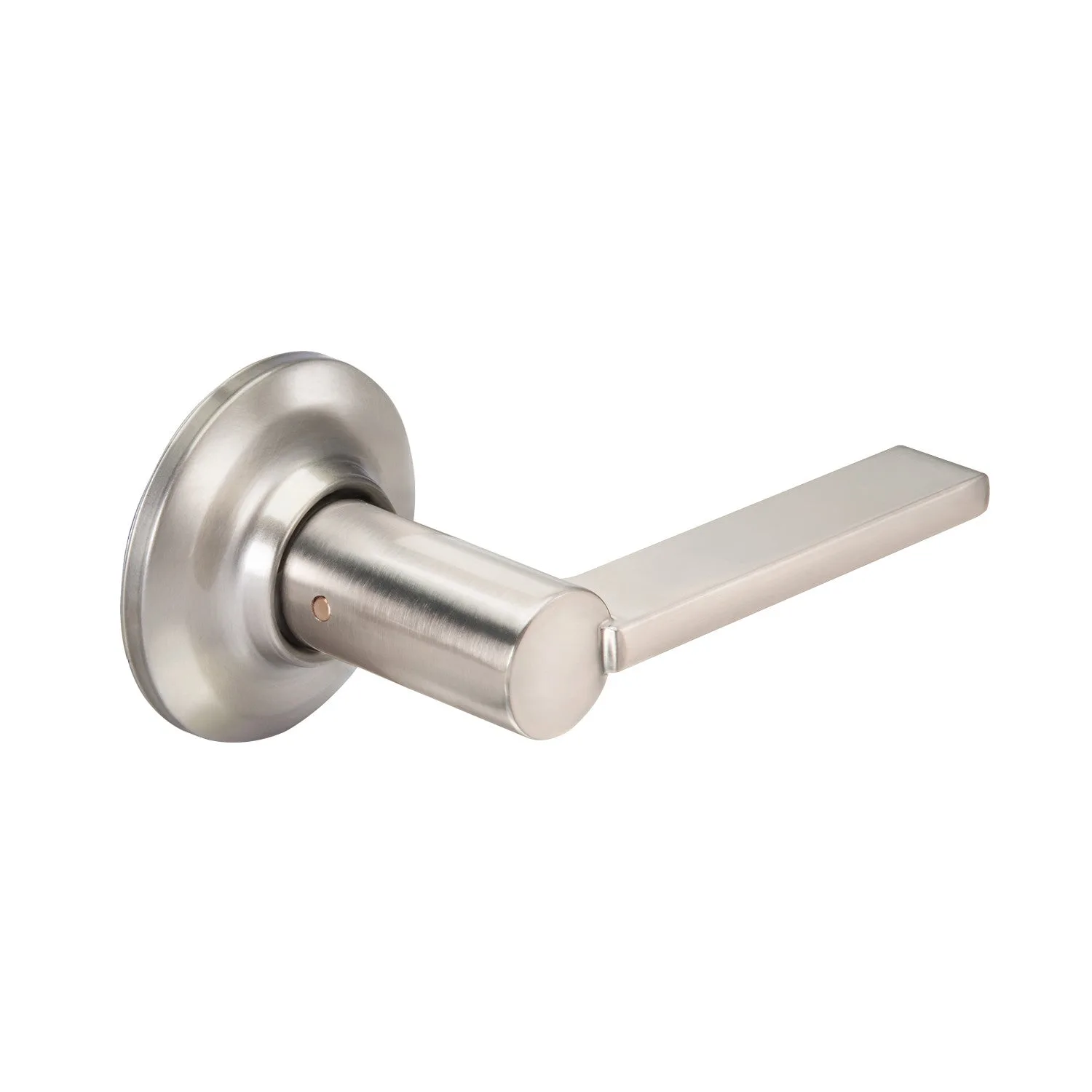
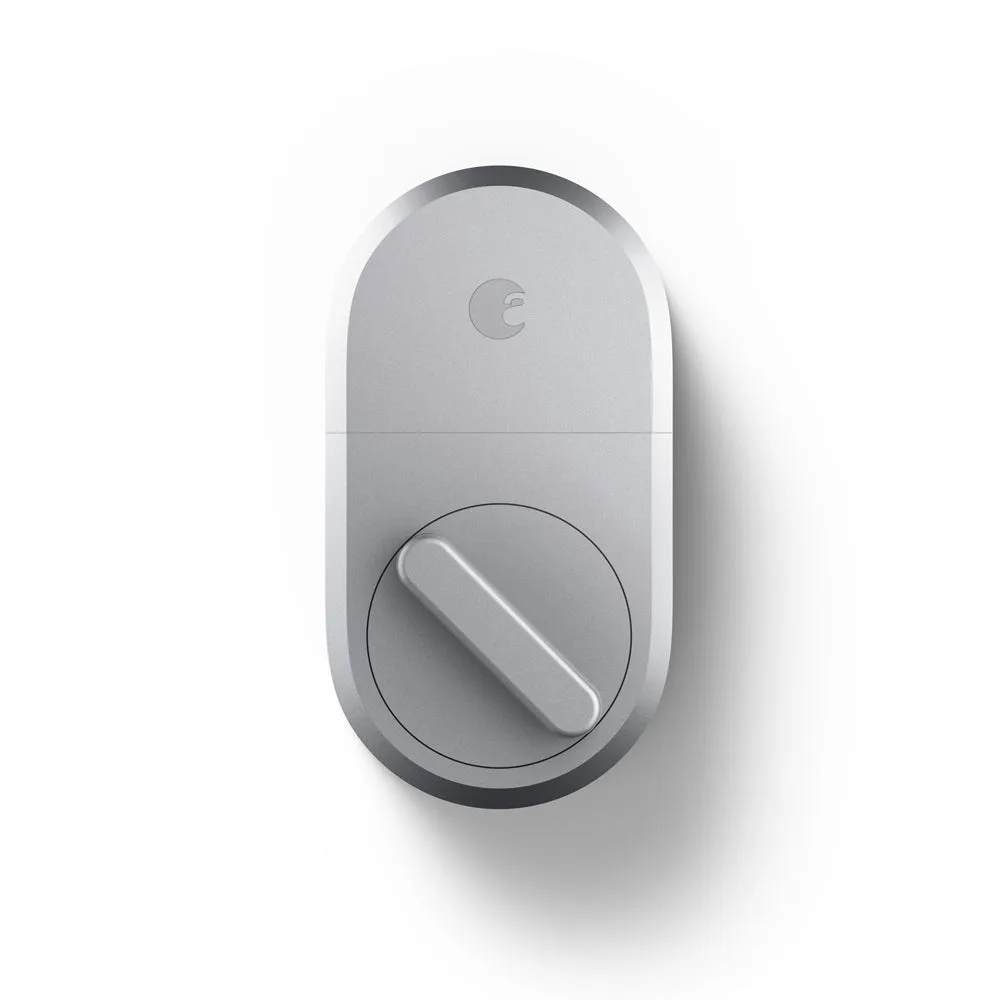
- August Smart Lock Pro + Connect with Navis Paddle in Satin Nickel: August Smart Lock Pro + Connect with Navis Paddle in Satin Nickel pairs the Smart Lock Pro + Connect with a Navis paddle in a coordinated finish. A matched paddle and lock set reduces the chance of a mismatched thumbturn or strike alignment that can cause calibration errors.
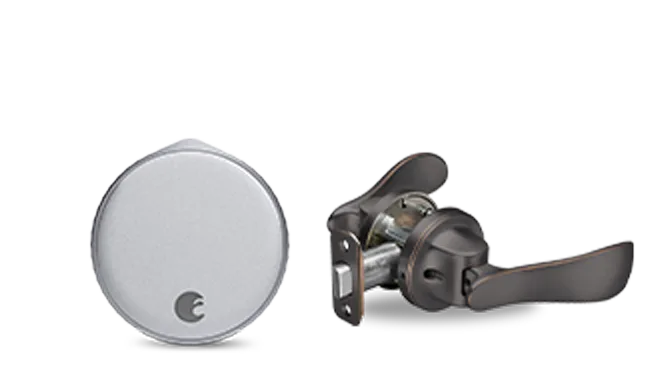
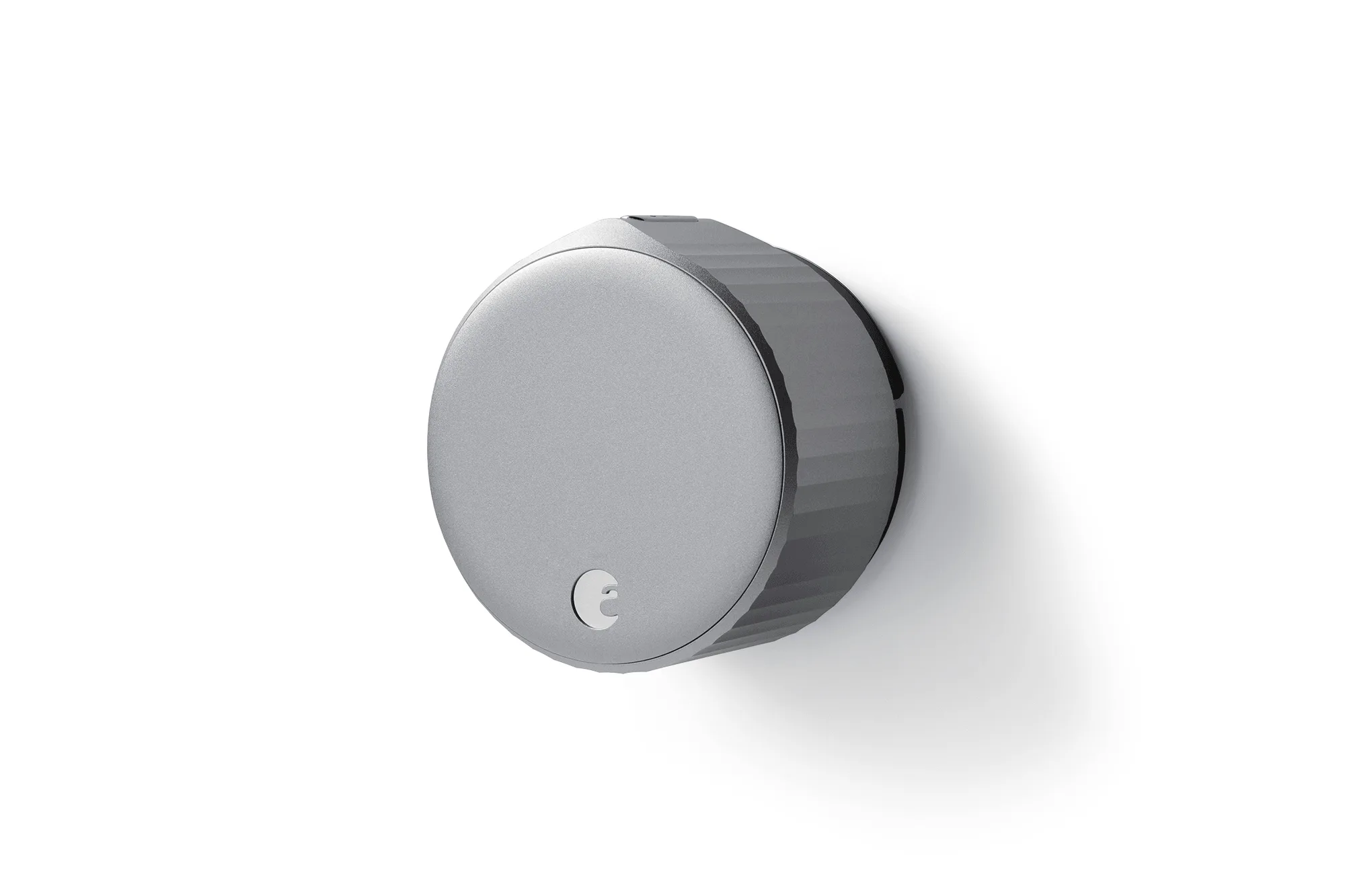
- August Wi-Fi Smart Lock + Navis Paddle in Oil Rubbed Bronze: August Wi-Fi Smart Lock + Navis Paddle in Oil Rubbed Bronze unlocks the door for you, then you push to open with the Navis Paddle. Hands-free entry depends on reliable calibration; this bundle gives you a coordinated hardware set to start from.
- August Wi-Fi Smart Lock + Valdosta Lever in Satin Nickel: August Wi-Fi Smart Lock + Valdosta Lever in Satin Nickel combines a Wi-Fi smart lock with a Valdosta lever in a Silver color option. If you're replacing the lever at the same time, a matched bundle keeps the door hardware consistent and avoids fit issues.