Quick answer
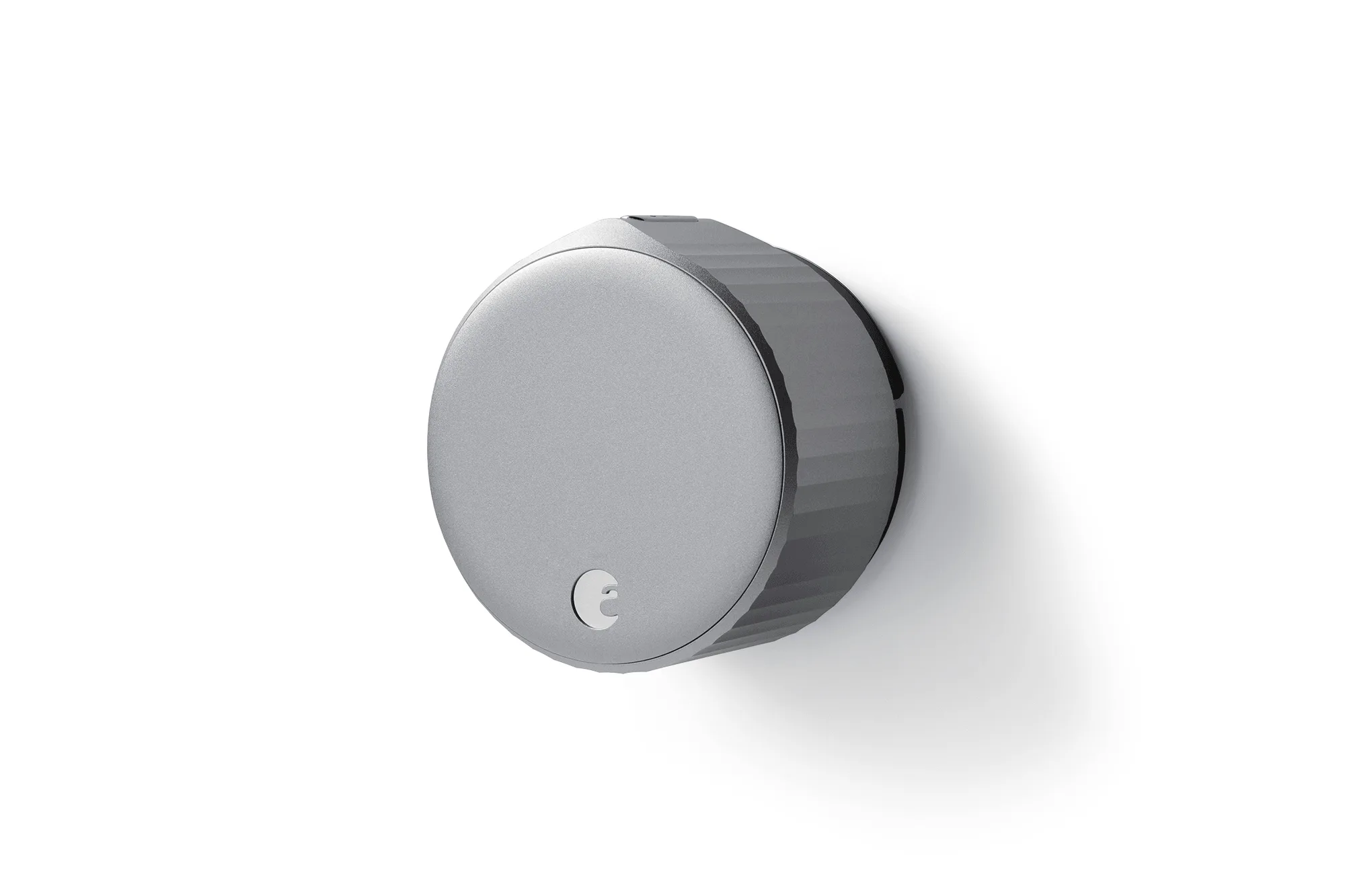
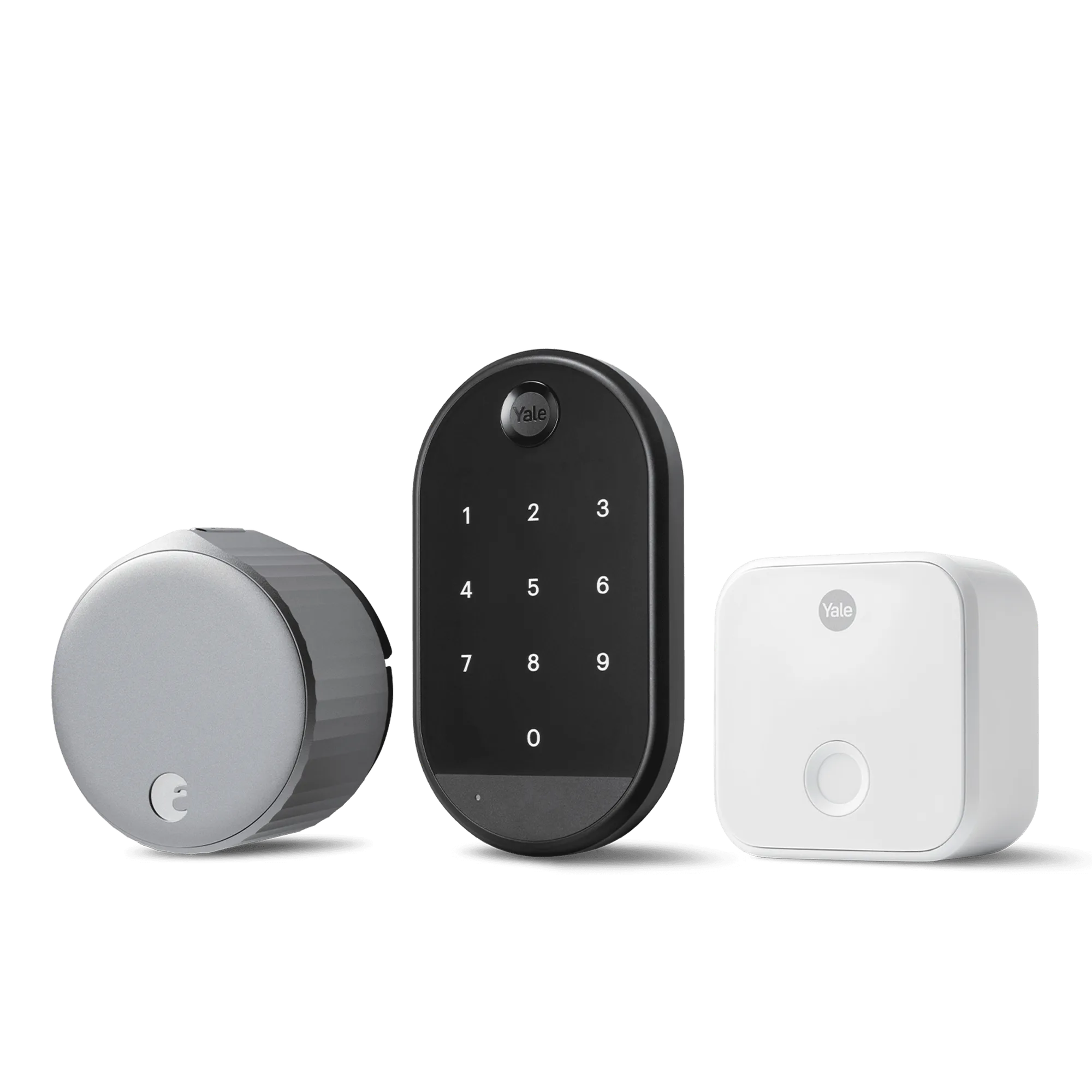
The August Wi-Fi Smart Lock + Connect with Keypad includes a built-in Wi-Fi bridge and a physical keypad, giving you direct remote access and backup entry without needing a separate hub. The August Smart Lock + Connect relies on the included Connect bridge for Wi-Fi connectivity and works best if you already have a keypad or prefer a lower upfront cost. Choose the Wi-Fi bundle for all-in-one convenience; choose the Smart Lock + Connect if you want to save money and don't mind an extra bridge.
August Smart Lock
Connectivity at a glance
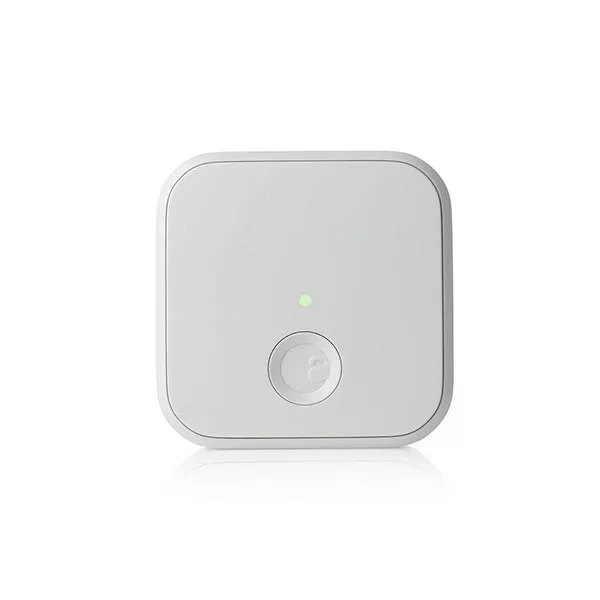
Both locks connect to your home Wi-Fi, but they do it differently. The August Wi-Fi Smart Lock + Connect with Keypad has the Wi-Fi radio built directly into the lock, so you get remote access without any extra hardware. The August Smart Lock + Connect ships with a separate Connect bridge that plugs into your router — the lock talks to the bridge via Bluetooth, and the bridge handles the Wi-Fi connection. For most homes, both setups work reliably, but the built-in Wi-Fi simplifies installation and reduces the number of devices near your router.
Keypad inclusion
The Wi-Fi bundle comes with a Yale Keypad, letting you unlock the door with a code — handy for kids, guests, or service providers who don't have the app. The August Smart Lock + Connect does not include a keypad, so you'll need to rely on your phone's Bluetooth or use the app remotely through the Connect bridge. If you want keyless entry for people who don't carry a phone, the Wi-Fi bundle saves you a separate purchase.
Price and value
At USD 194.99 (compared to USD 259.99), the Wi-Fi bundle with keypad offers a complete package at a moderate premium. The August Smart Lock + Connect costs USD 141.99 (compared to USD 199.99), making it the more budget-friendly option if you already own a keypad or don't need one. The trade-off is that you give up the convenience of an all-in-one setup and must place the Connect bridge within Bluetooth range of the lock.
Trade-offs at a glance
- Built-in Wi-Fi vs separate bridge: The Wi-Fi lock has the radio inside, so setup is simpler and you don't need a nearby outlet. The Smart Lock + Connect requires the bridge to be plugged in near the lock, which may limit placement. If your router is far from the door, the Wi-Fi lock avoids range headaches.
- Keypad included vs not included: The Wi-Fi bundle ships with a Yale Keypad for code entry. The Smart Lock + Connect lacks a keypad, so guests or family without the app need another method. For households with kids or frequent visitors, the keypad is a big convenience.
- Price difference: The Wi-Fi bundle costs about USD 53 more than the Smart Lock + Connect. You pay extra for the built-in Wi-Fi and keypad. If you're on a tight budget and already have a keypad, the Smart Lock + Connect saves money.
Product facts
- August Wi-Fi Smart Lock + Connect with Keypad: Upgrade your deadbolt with the August Wi-Fi Smart Lock + Yale Keypad - a lock so smart, it simplifies your daily life and the way your family lives. This bundle comes with an additional Connect Wi-Fi bridge for extended battery life. The built-in Wi-Fi and included keypad mean you can lock and unlock from anywhere without extra hardware, and the extra bridge gives you flexibility if you ever want to extend range.
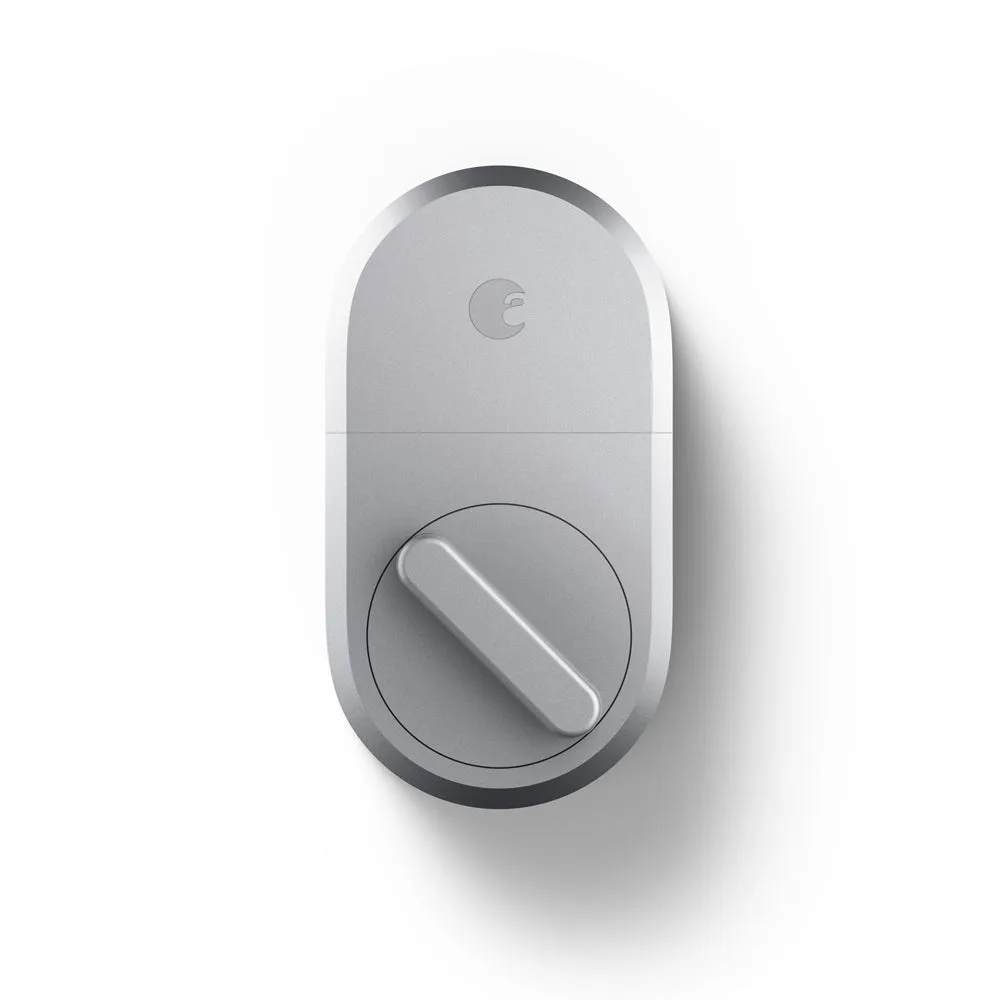
- August Smart Lock + Connect: August Smart Lock + Connect lets you control and monitor your door from anywhere. It works with Alexa and the Google Assistant. Control and monitor your door from anywhere. Works with Alexa and the Google Assistant. Available in Dark Gray and Silver. Bundle includes the August Smart Lock and Connect. You get full remote control via the Connect bridge, and voice assistant support works the same as the Wi-Fi model. The lower price makes it a smart choice if you don't need a keypad.
Which one fits you?
Best for
- Homeowners who want a single-device setup with built-in Wi-Fi and a keypad for guests and family
- Anyone who prefers a straightforward installation without placing a separate bridge near the door
Not ideal for
- Budget-conscious buyers who already own a keypad and don't mind a separate bridge
- Users who want the lowest upfront cost and are comfortable relying on the app for entry