Setting up your desk at the right height is one of the most impactful changes you can make for your comfort and health. Whether you work from home or in an office, improper desk height can lead to back pain, neck strain, and reduced productivity. This guide will walk you through the basics of desk height adjustment, from finding your ideal sitting and standing positions to fine-tuning your setup with accessories.
Many people overlook this simple adjustment, but it is the foundation of an ergonomic workspace. By the end of this article, you will know exactly how to position your desk, monitor, and chair to reduce strain and work more comfortably. Let's start with the core principles of correct desk position.
Why Desk Height Matters for Your Health
The correct desk height ensures your elbows are at a 90-degree angle when typing, your wrists are straight, and your feet rest flat on the floor. When your desk is too high, you may hunch your shoulders or raise your arms, leading to shoulder and neck tension. A desk that is too low forces you to lean forward, causing lower back strain. Over time, these small misalignments can contribute to chronic pain and repetitive strain injuries.
For standing desk users, the stakes are even higher. Standing at the wrong height can shift your weight unevenly, leading to hip and knee discomfort. The goal is to maintain a neutral spine and relaxed shoulders, whether sitting or standing. This is why understanding standing desk height is critical for anyone using a sit-stand desk.
- Elbows at 90 degrees when typing.
- Wrists straight and parallel to the floor.
- Feet flat on the ground or a footrest.
- Monitor at eye level, about an arm's length away.
Step-by-Step: How to Find Your Ideal Sitting Desk Height
Start by sitting in your chair with your feet flat on the floor. Adjust the chair height so your thighs are parallel to the ground and your knees are at a 90-degree angle. Then, lower or raise your desk so your elbows form a 90-degree angle when your hands are on the keyboard. Your forearms should be parallel to the floor. If your desk is fixed, use a keyboard tray or adjust your chair height and add a footrest to compensate.
For a fixed-height desk, the standard sitting height is around 29 to 30 inches, but this varies by individual. If you are using a standing desk like the Omnidesk Mystic, you have the flexibility to dial in the exact height with a simple control. This makes it much easier to achieve a perfect fit without resorting to makeshift solutions.
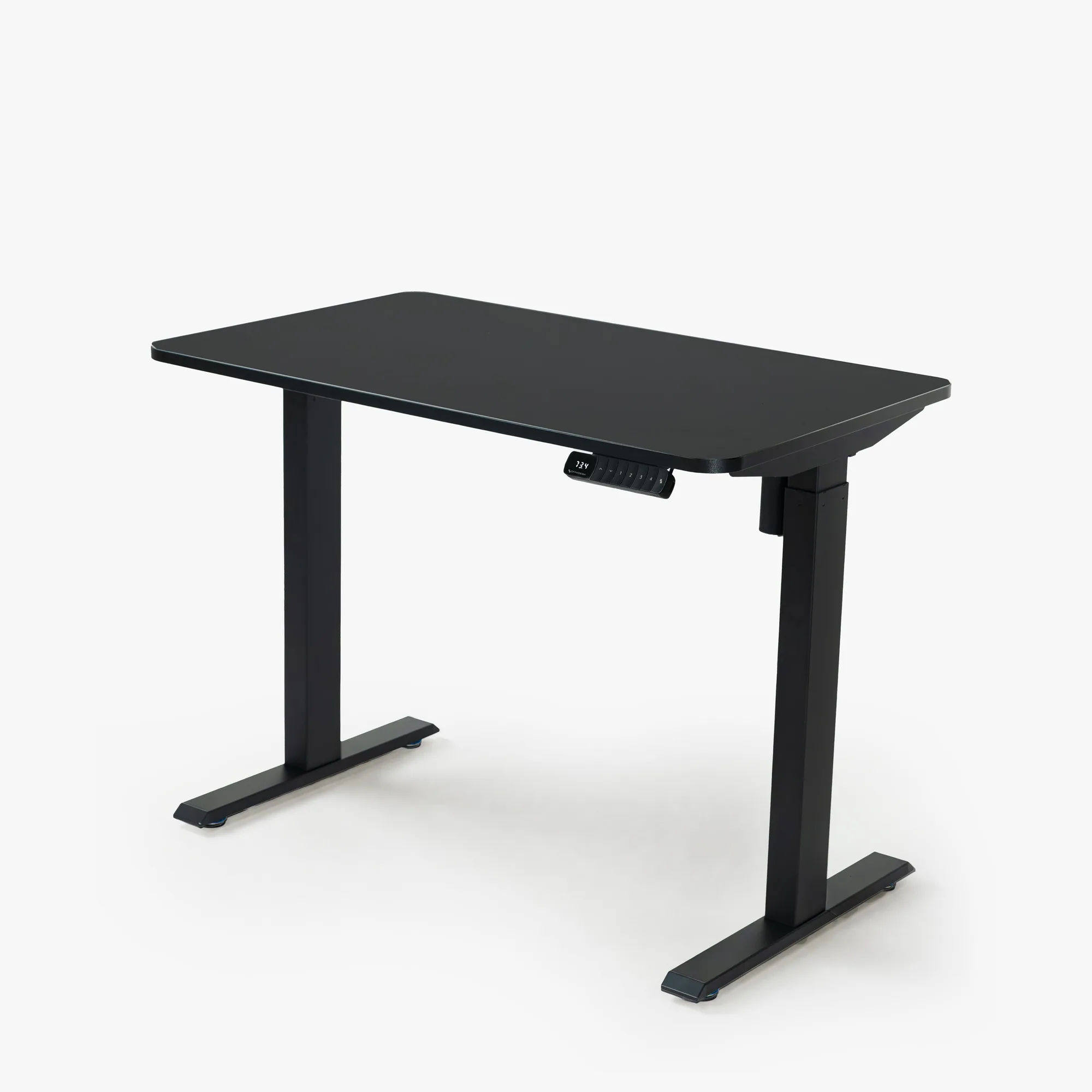
Omnidesk Mystic
- Measure from the floor to your elbow while seated with your arm at your side and bent 90 degrees.
- That measurement is your ideal desk height for sitting.
Step-by-Step: Finding Your Correct Standing Desk Height
Standing desk height follows a similar principle. Stand upright with your feet shoulder-width apart. Relax your shoulders and let your arms hang naturally. Bend your elbows to 90 degrees, keeping your wrists straight. The desk surface should be at the height of your forearms. Adjust the desk so your palms rest comfortably on the keyboard without lifting your shoulders.
If you find that your monitor is too low after adjusting the desk height, use a monitor arm or a riser. A tool like the Zen Desk Riser can lift your screen to eye level, preventing neck strain. Remember, the correct standing desk height keeps your spine neutral and your joints aligned.
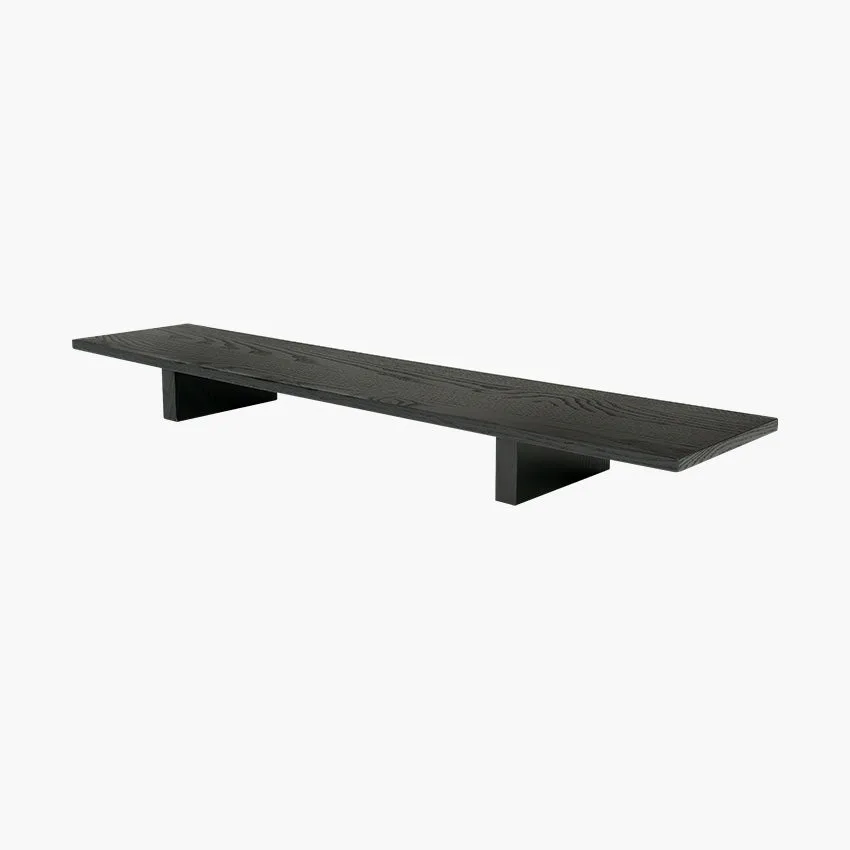
Zen Desk Riser
- Stand with good posture, not leaning on the desk.
- Your elbows should still be at 90 degrees.
- Use an anti-fatigue mat if standing for long periods.
Common Mistakes to Avoid When Adjusting Your Desk
One common mistake is setting the desk height based on the monitor position rather than the keyboard. Always start with your keyboard and arm position, then adjust the monitor height separately. Another error is ignoring your chair's armrests — they should be low enough to slide under the desk without lifting your shoulders. Also, avoid locking your knees when standing; shift your weight periodically.
Many people also forget to adjust their setup when switching between sitting and standing. If you share a desk or use a sit-stand desk, take the time to recalibrate each time. A quality chair like the zero-157732">HÅG Capisco Puls 8020 - Zero can support various postures and make transitions smoother. Pairing it with a well-adjusted desk creates a truly ergonomic station.
- Do not set desk height based on monitor position.
- Ensure chair armrests do not conflict with desk height.
- Recalibrate height every time you switch from sitting to standing.
Tools and Accessories to Help You Get the Perfect Height
If your current desk is not adjustable, consider adding a keyboard tray, monitor stand, or a footrest. These inexpensive additions can transform a fixed desk into an ergonomic workspace. For those using a standing desk, memory presets are a game-changer — they let you save your ideal sitting and standing heights so you can switch with one touch.
Accessories like the Logitech MX Keys S offer a comfortable typing angle, while a pair of Audioengine A2+ Speakers can be positioned to keep your desk clutter-free. These small adjustments complement your desk height setup and enhance your overall comfort. Investing in the right tools makes it easier to maintain correct posture throughout the day.
- Keyboard trays lower your typing surface without lowering the whole desk.
- Monitor arms allow independent height adjustment for your screen.
- Footrests help shorter users maintain proper leg posture at a fixed-height desk.
Adjusting your desk height correctly is the single most effective step toward a pain-free, productive workspace. Start by measuring your elbow height, then fine-tune your chair, monitor, and accessories. If you are ready to upgrade to a desk that makes height adjustment effortless, explore the Omnidesk Mystic and experience the difference a perfectly positioned desk can make.