If you own a Microsoft Surface Pro or Surface Laptop, you know that these devices combine powerful performance with sleek, modern design. But finding a bag that fits them securely, protects them from bumps and drops, and matches your personal style can be a challenge. Whether you're a student, a creative professional, or a business traveler, the right bag makes all the difference in your daily carry experience.
In this guide, we'll walk you through the best bag options for Microsoft Surface devices, focusing on protection, organization, and comfort. We'll also highlight a few must-have accessories to keep your Surface and its peripherals safe and tidy. Let's find the perfect companion for your Surface.
Why Your Surface Deserves a Dedicated Bag
Microsoft Surface devices are known for their premium build quality, but they are also delicate. The kickstand on the Surface Pro, the thin profile of the Surface Laptop, and the glass displays all require careful handling. A generic laptop bag may not provide the snug fit or padded compartments that Surface devices need. A dedicated bag ensures your device doesn't slide around, get scratched by other items, or suffer from pressure points during travel.
Moreover, the right bag can enhance your productivity. With thoughtfully designed pockets for your Surface Pen, charger, mouse, and cables, you can grab what you need without digging through a messy interior. A well-organized bag saves time and reduces stress, especially when you're on the go between meetings or classes.
- Look for a padded, fleece-lined compartment specifically sized for your Surface model.
- Choose a bag with dedicated slots for the Surface Pen and charger to avoid losing small accessories.
- Consider water-resistant materials to protect your device from unexpected rain or spills.
The Best Bag Styles for Surface Devices
When choosing a bag for your Surface, consider how you plan to use it. For everyday commuting or campus life, a backpack offers balanced weight distribution and hands-free convenience. The Staad Laptop Backpack is an excellent choice: its padded laptop compartment fits both the Surface Pro and Surface Laptop securely, while multiple organizer pockets keep your accessories in order. The sleek, minimalist design complements the Surface's aesthetic perfectly.
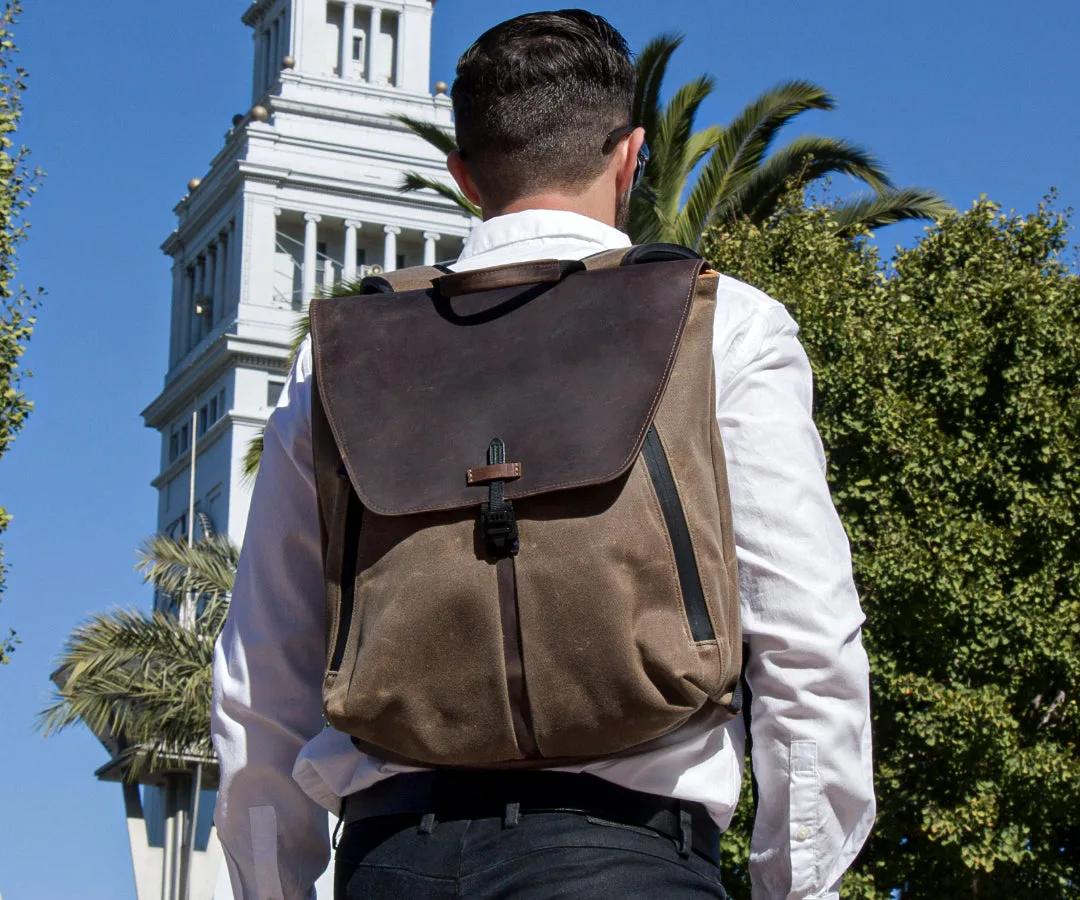
Staad Laptop Backpack
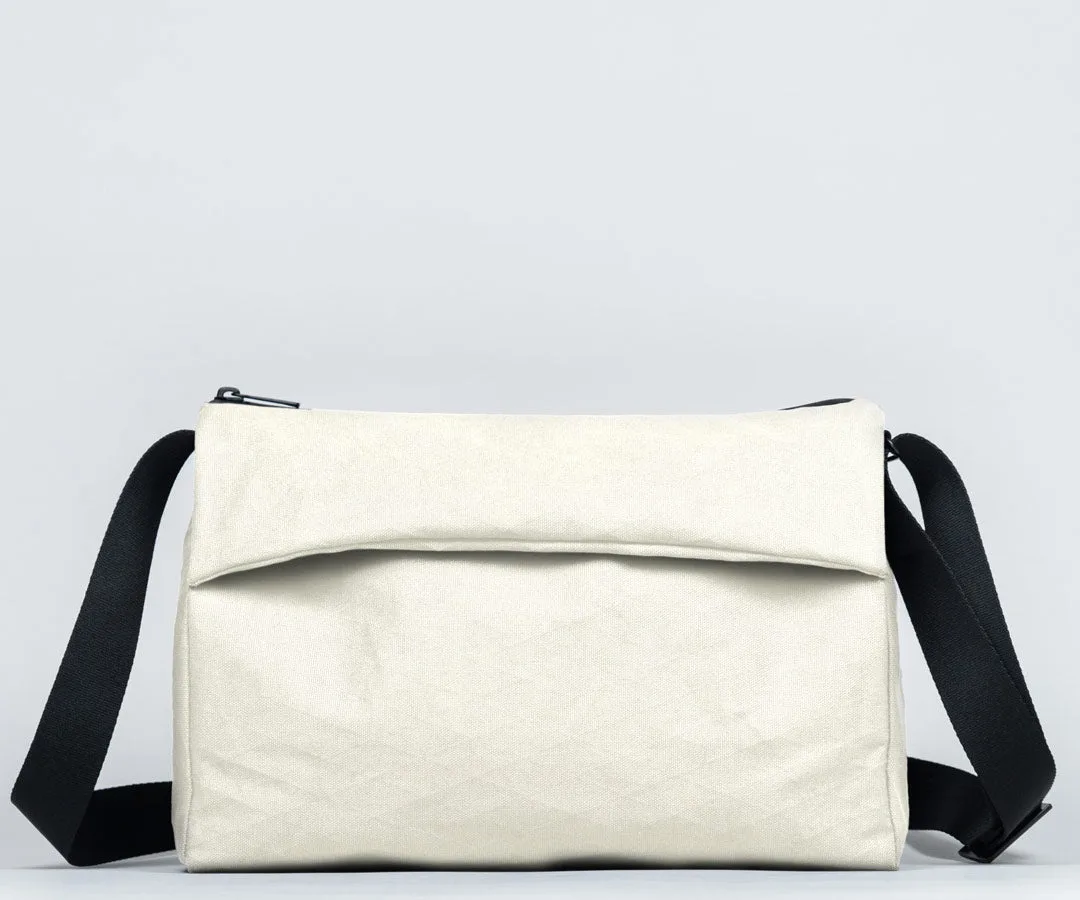
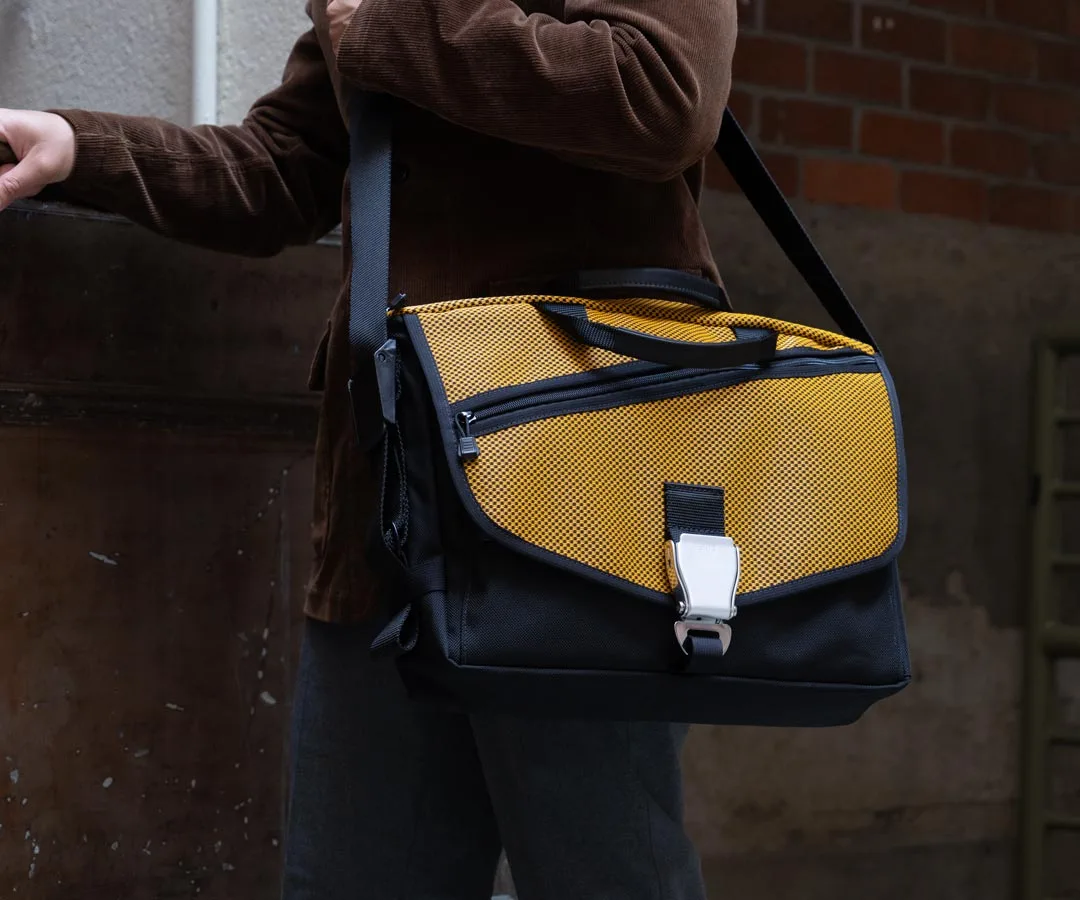
If you prefer a more professional look for the office or client meetings, a briefcase or messenger bag is ideal. These styles offer easy access to your device and documents, and they often feature dedicated tablet or laptop sleeves. Look for a bag with a padded interior and a secure closure, such as a zippered main compartment. A crossbody strap adds comfort for longer walks between meetings.
- Backpacks are great for carrying heavy loads and freeing your hands.
- Briefcases and messenger bags offer a polished look and quick access.
- Sling bags provide a compact option for minimal carry, but ensure they have adequate padding.
Must-Have Accessories for Your Surface Bag
Beyond the bag itself, a few accessories can dramatically improve your Surface experience. A Leather Mouse Pad not only provides a smooth surface for your mouse but also protects your desk or tabletop. It's slim enough to slip into any bag pocket, making it a perfect travel companion for Surface users who need precision control on the go.
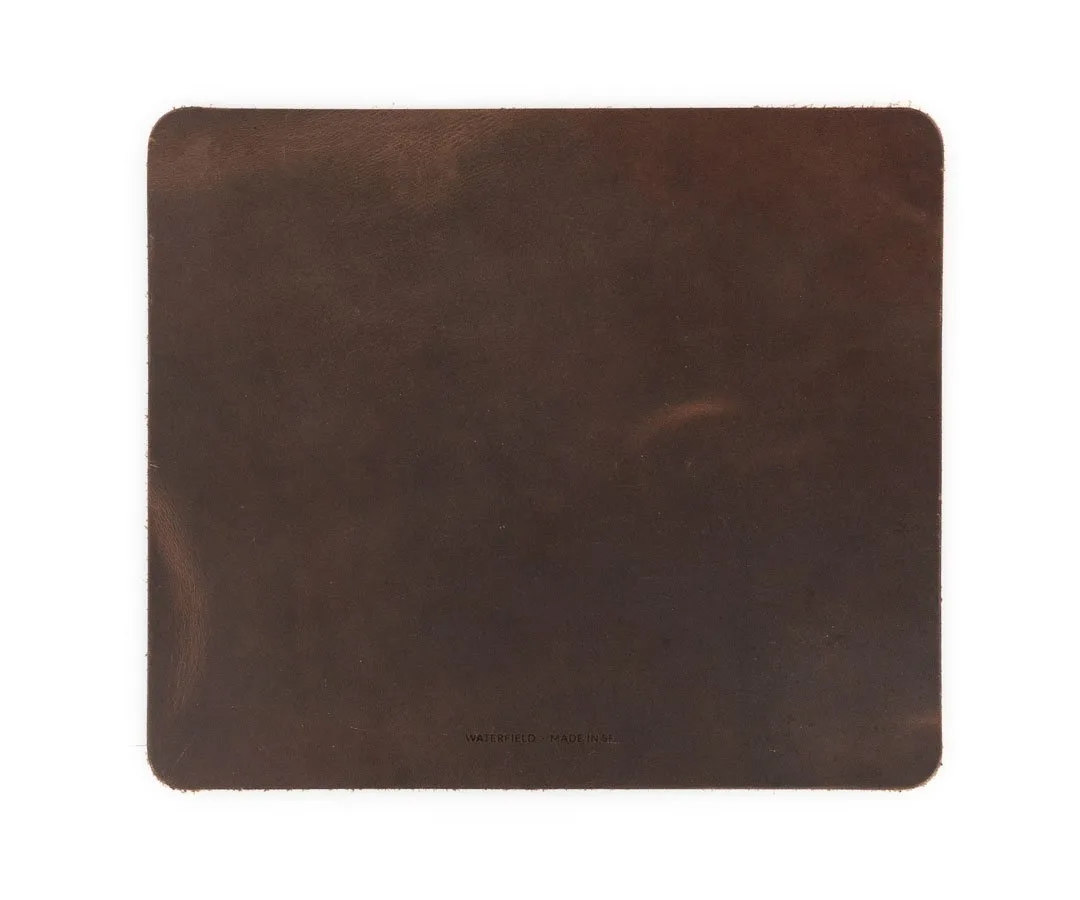
Leather Mouse Pad
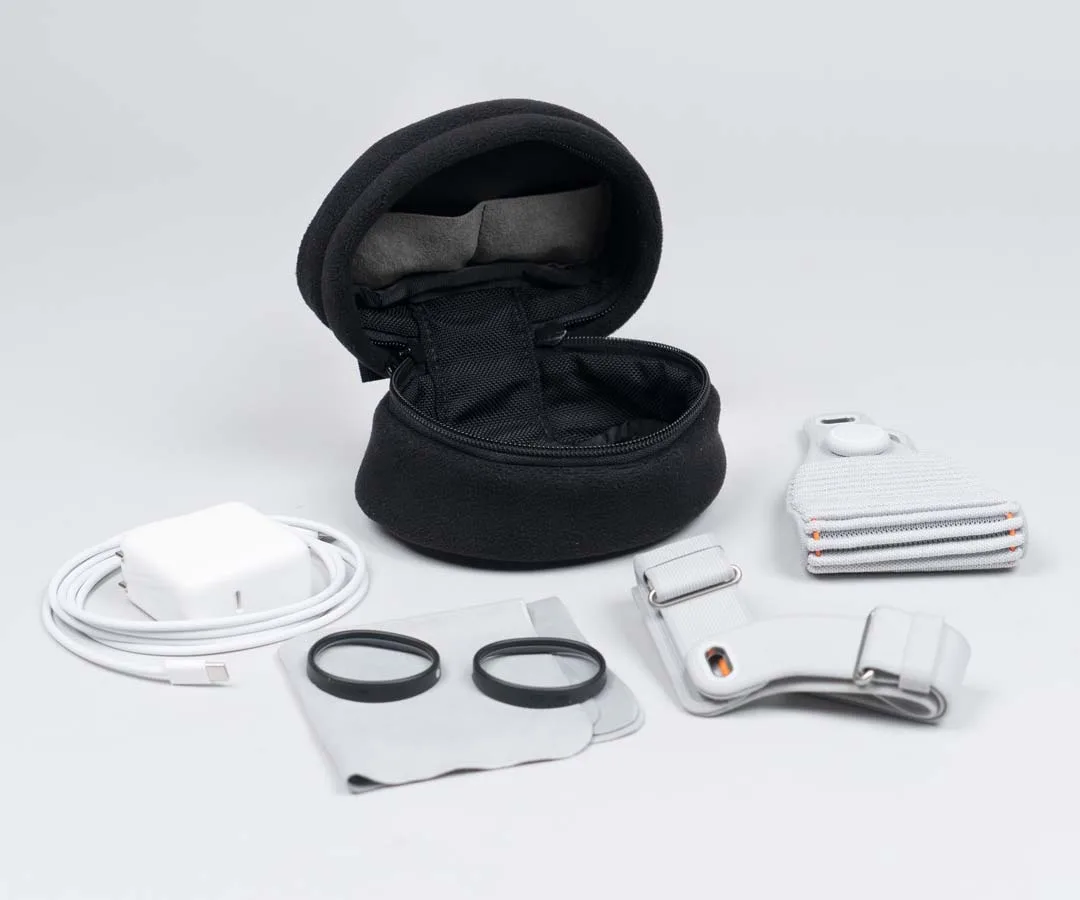
Keeping your cables and chargers organized is equally important. The Jersey Pocket Tool Case is designed to hold charging cables, adapters, and small peripherals without tangling. Its compact size fits into any bag, and the durable fabric protects your gear from scratches. Pair it with your Surface bag to ensure you always have the right cable handy, whether you're at a coffee shop or in a conference room.
- Use a cable organizer to keep charging cords, USB hubs, and adapters tangle-free.
- A slim mouse pad can double as a desk protector and improve ergonomics.
- Consider a portable power bank with a dedicated pocket in your bag for on-the-go charging.
How to Choose the Right Size and Fit
Microsoft Surface devices come in various sizes: the Surface Pro has a 13-inch display, while the Surface Laptop ranges from 13.5 to 15 inches. When selecting a bag, always check the internal dimensions of the laptop compartment. A bag that is too large may allow the device to shift, while one that is too small can put pressure on the screen or edges. Measure your device's width, height, and depth before purchasing.
Most quality bags list compatible device sizes in their specifications. For example, a bag designed for a 13-inch laptop will typically fit the Surface Pro or Surface Laptop 13.5. If you own a 15-inch Surface Laptop, look for a bag that accommodates 15-16 inch laptops. Always prioritize a snug fit with at least 1-2 inches of padding around the device for optimal protection.
- Measure your Surface device's dimensions and compare them to the bag's internal compartment size.
- Look for bags with adjustable dividers or padded sleeves that can be customized.
- If you carry multiple devices (e.g., a Surface and a tablet), choose a bag with separate padded compartments.
Choosing the right bag for your Microsoft Surface device doesn't have to be overwhelming. Focus on protection, organization, and style that fits your daily routine. Whether you prefer the hands-free convenience of a backpack, the professional look of a briefcase, or the compact efficiency of a sling, there's a perfect option out there. Pair your bag with smart accessories like the Jersey Pocket Tool Case for cable management and a Leather Mouse Pad for workspace comfort, and you'll be ready for anything. Explore our collection of premium bags and accessories designed specifically for tech enthusiasts like you.