Gaming is more than a hobby—it's a passion that demands long hours in front of a screen. But those marathon sessions can take a toll on your body if your setup isn't optimized for ergonomics. Poor posture, eye strain, and wrist fatigue are common complaints among gamers, but the right accessories can transform your experience. In this guide, we explore the best ergonomic accessories for gamers, from chairs and desk risers to cable management tools, to help you build a gaming desk setup that supports both performance and health.
Whether you're a casual player or a competitive esports enthusiast, investing in ergonomic gaming gear is a game-changer. Not only does it reduce the risk of long-term injuries, but it also enhances focus and reaction times. Let's dive into the must-have accessories that will elevate your gaming comfort and efficiency.
Why Ergonomics Matter for Gamers
Gamers often spend hours in a seated position, hunched over a keyboard or controller. This static posture can lead to back pain, neck strain, and reduced circulation. Ergonomic accessories are designed to align your body naturally, reducing stress on joints and muscles. For example, a high-quality gaming chair with lumbar support can prevent lower back issues, while a monitor arm helps position your screen at eye level to avoid neck craning.
Beyond physical health, ergonomics directly impacts gaming performance. When you're comfortable, you can focus longer and react faster. Studies show that proper desk and chair height can improve blood flow and cognitive function, giving you an edge in intense matches. By prioritizing ergonomics, you're not just protecting your body—you're optimizing your gameplay.
- Reduces risk of repetitive strain injuries (RSI) common in gamers
- Improves posture and spinal alignment during long sessions
- Enhances concentration and reaction time through better comfort
Top Ergonomic Accessories for Your Gaming Desk Setup
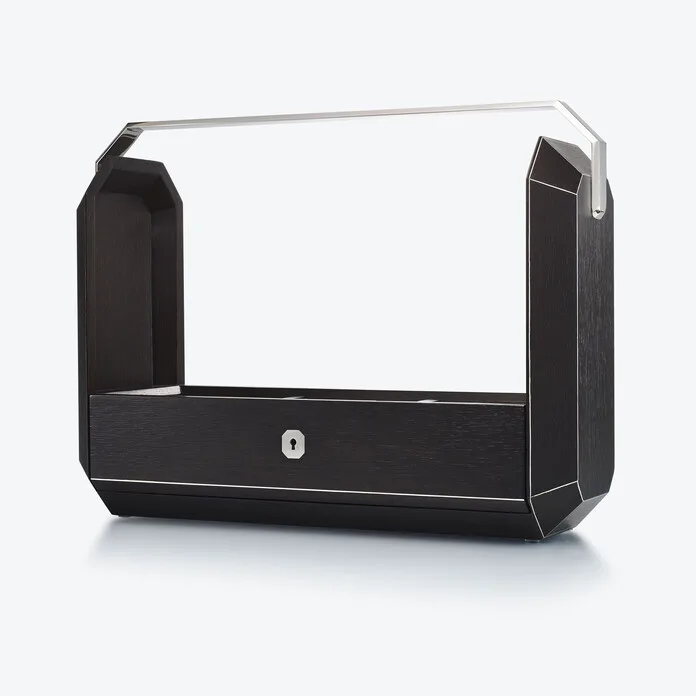
Building an ergonomic gaming setup starts with the right chair. The HÅG Capisco Puls 8020 - Arda is an excellent choice for gamers who want dynamic sitting. Its unique saddle-like seat encourages movement and supports multiple postures, including perching and reclining. This chair is designed to keep your spine active, reducing stiffness during extended play. Pair it with a desk that adjusts to your ideal height—like the Ascent Black Ash standing desk—to alternate between sitting and standing, which boosts circulation and energy.
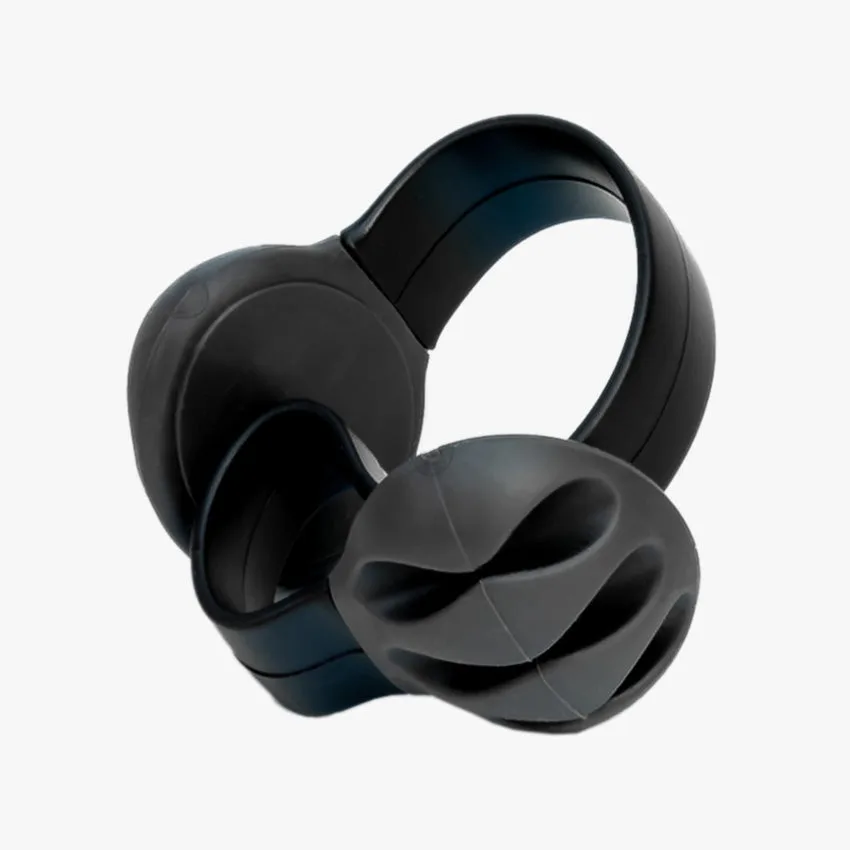
Your desk surface and peripherals also matter. The Lift Classic Desk Riser is a versatile solution for gamers who want a standing option without replacing their entire desk. It raises your monitor and keyboard to a comfortable height in seconds. For cable management, the Omnidesk Cable Clip keeps wires tidy and out of the way, preventing tangles that can distract you during gameplay. A clean setup not only looks professional but also reduces clutter that can cause stress.
- Consider a chair with adjustable armrests and lumbar support for custom fit
- Use a desk riser to easily switch between sitting and standing
- Organize cables with clips to maintain a clean, distraction-free zone
Enhancing Your Audio and Visual Experience
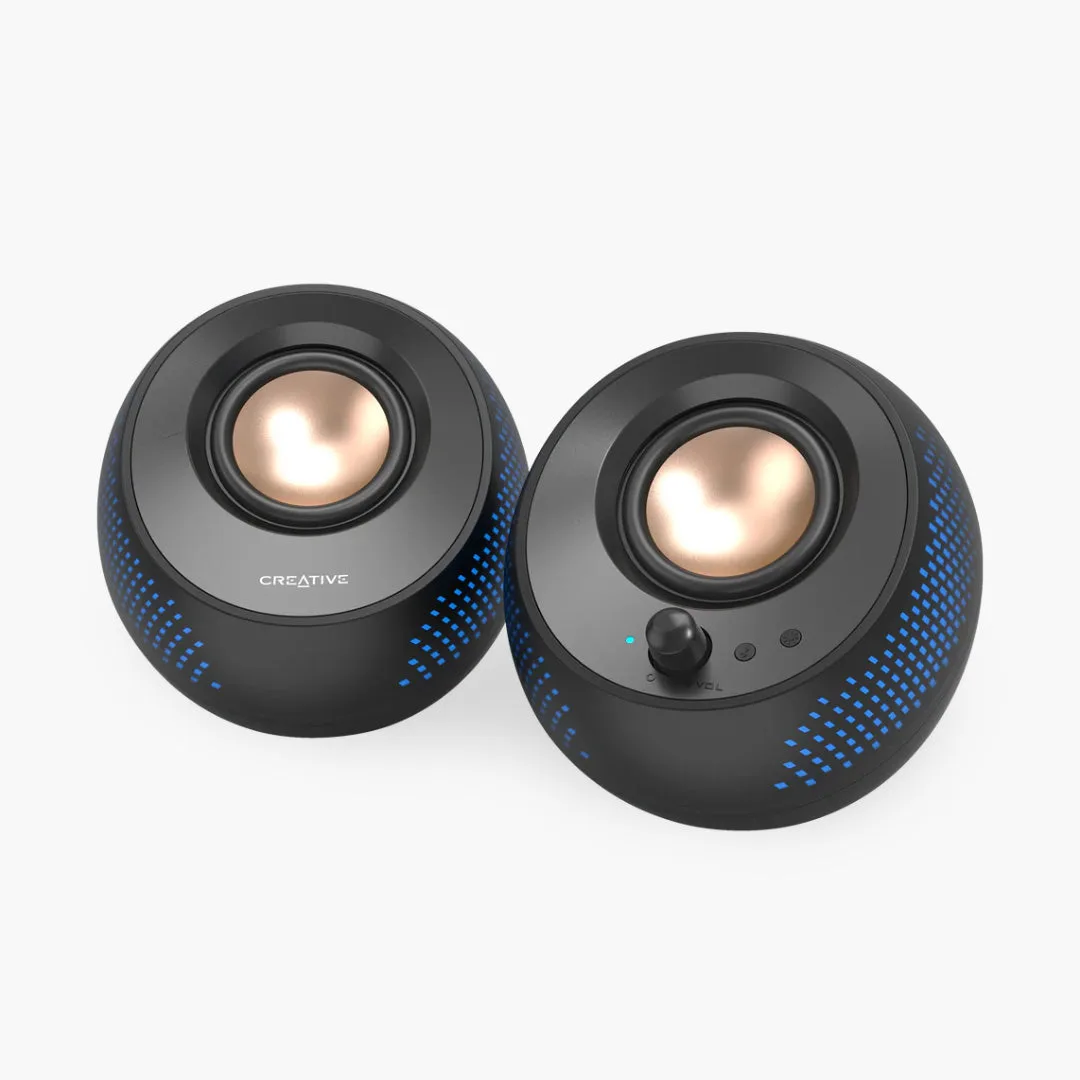
Ergonomics isn't just about posture—it also involves your sensory environment. Good audio can reduce the need to crank up volume, which protects your hearing. The Audioengine A1 Speakers deliver clear, room-filling sound without distortion, even at lower volumes. They're compact enough to fit on a gaming desk without taking over, and their built-in amplifier ensures consistent quality. For gamers who prefer headphones, the Audioengine DS1 Stands keep your desk organized and your speakers at ear level for optimal sound dispersion.
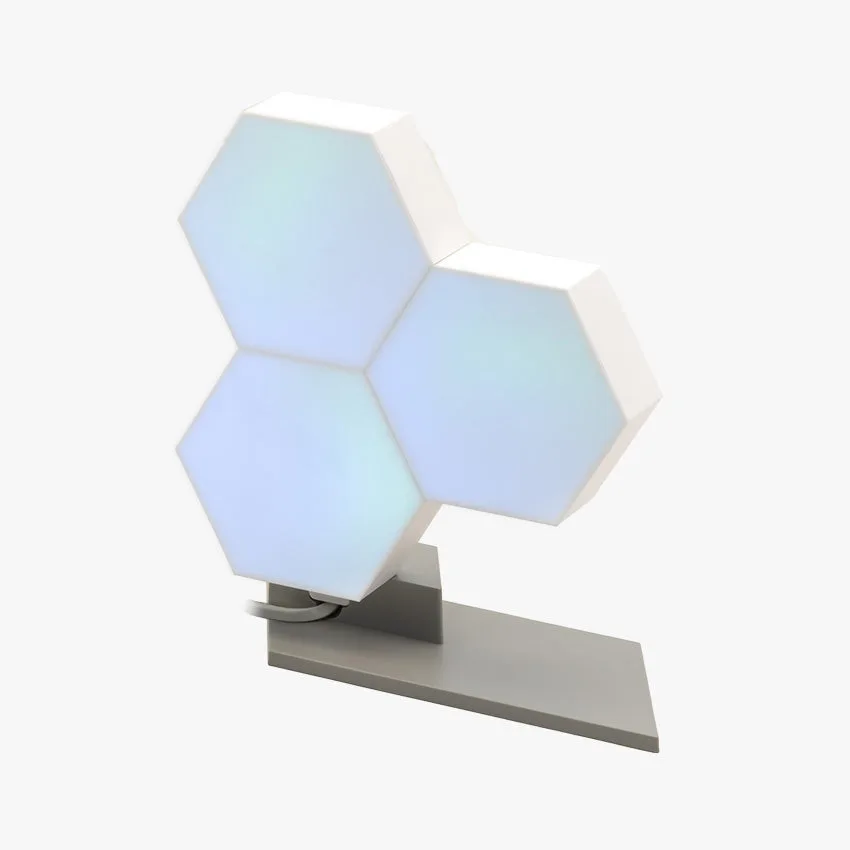
Lighting plays a key role in reducing eye strain. The Cololight Pro is a customizable LED panel that can be adjusted to match your room's ambient light, reducing glare on your monitor. Its smart controls let you set dynamic effects that sync with your game, adding immersion without fatiguing your eyes. Proper lighting helps maintain focus and prevents headaches during long sessions.
- Position speakers at ear level for balanced audio without strain
- Use adjustable LED lighting to reduce monitor glare and eye fatigue
- Keep cables hidden to maintain a streamlined audio-visual setup
Accessories for Precision and Comfort
Your hands and wrists are your primary tools in gaming, so they deserve special attention. The Logitech G304 Lightspeed Wireless Gaming Mouse offers a lightweight design with a comfortable grip, reducing wrist fatigue during rapid movements. Its wireless technology eliminates cable drag, allowing for unrestricted motion. Pair it with a mouse pad that has a wrist rest to keep your wrist in a neutral position, avoiding the dreaded 'gamer claw'.
Monitor placement is equally critical. The Gigabyte GS27FA | 27" 180Hz 1080P (FHD) IPS Gaming Monitor provides a smooth, high-refresh-rate display that reduces motion blur and eye strain. Position it at arm's length with the top of the screen at eye level. If your desk doesn't allow for perfect height, consider a monitor arm for easy adjustments. This simple change can dramatically improve your neck and shoulder comfort.
- Choose a lightweight mouse with ergonomic contours for long sessions
- Use a monitor with high refresh rate to reduce visual fatigue
- Invest in a monitor arm for precise screen positioning
Ergonomics is the secret weapon every gamer needs. By integrating the right accessories—like a supportive chair, adjustable desk riser, and quality peripherals—you can game longer, perform better, and protect your body from strain. Ready to level up your setup? Explore the Ascent Black Ash standing desk to create a flexible, ergonomic foundation for your gaming battles.