A great standing desk is only the start. The right accessories turn a good setup into a truly ergonomic, organized, and efficient workspace. Whether you're gaming, writing code, or managing a team, the way you equip your desk affects your comfort and productivity every day.
This buying guide focuses on the accessories that matter most: monitor arms, cable management, desk shelves, and a few extras that solve real problems. We'll cover what to look for, honest tradeoffs, and how to choose without overspending.
Monitor Arm Selection: Fit, Flexibility, and Weight Limits
A monitor arm is one of the most impactful upgrades for a standing desk. It frees up desk space, lets you adjust screen height independently of your desk height, and reduces neck strain. When choosing an arm, first check your monitor's VESA pattern and weight. Most modern monitors use a 100x100mm pattern, but always verify. Weight capacity varies widely — a budget arm might struggle with a 32-inch 4K screen like the Gigabyte Aorus FO32U2P, while a heavier-duty arm handles it easily.
Consider the mounting method: clamp or grommet. Clamps work well for solid desks like the Omnidesk Mystic, but if your desk has a lip or glass top, a grommet mount through a cable hole may be safer. Also think about articulation — gas-spring arms offer smooth motion but can lose tension over time, while basic mechanical arms are simpler and cheaper but less adjustable. The tradeoff is usually ease of use versus long-term durability. For dual-monitor setups, look for arms that allow independent height adjustment to avoid tipping.
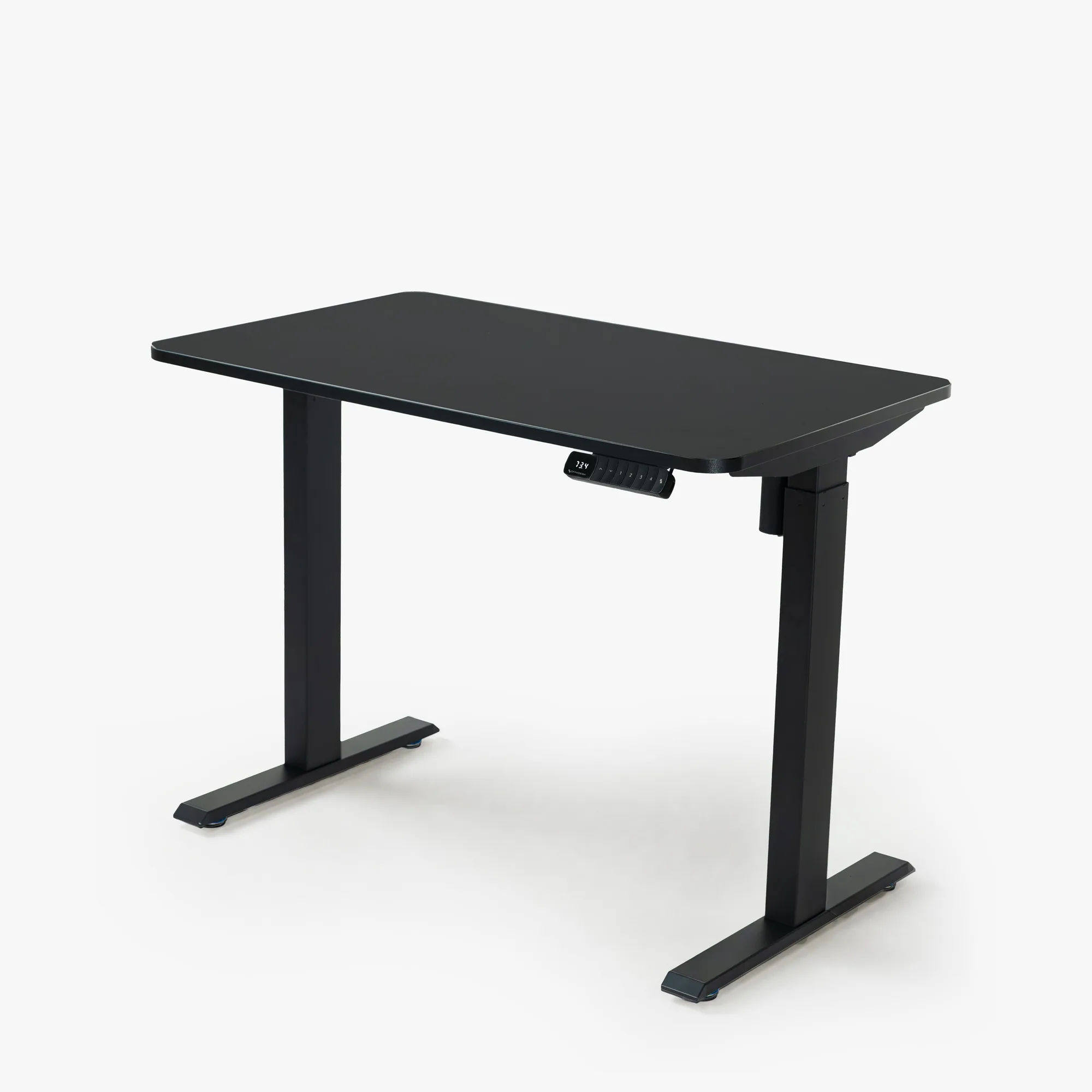
Omnidesk Mystic
- Always measure your desk thickness before buying a clamp — some clamps only fit surfaces up to 2 inches thick.
Cable Management: Keep Wires in Check on a Moving Desk
A height-adjustable desk introduces a unique challenge: cables must move with the desk without tangling or pulling. The best solution combines a cable tray or raceway with a flexible management system. The MagRail from Omnidesk is a magnetic cable management bar that clips onto the desk frame and holds cables securely using magnets. It's easy to reposition and works well with power strips and thick monitor cables.
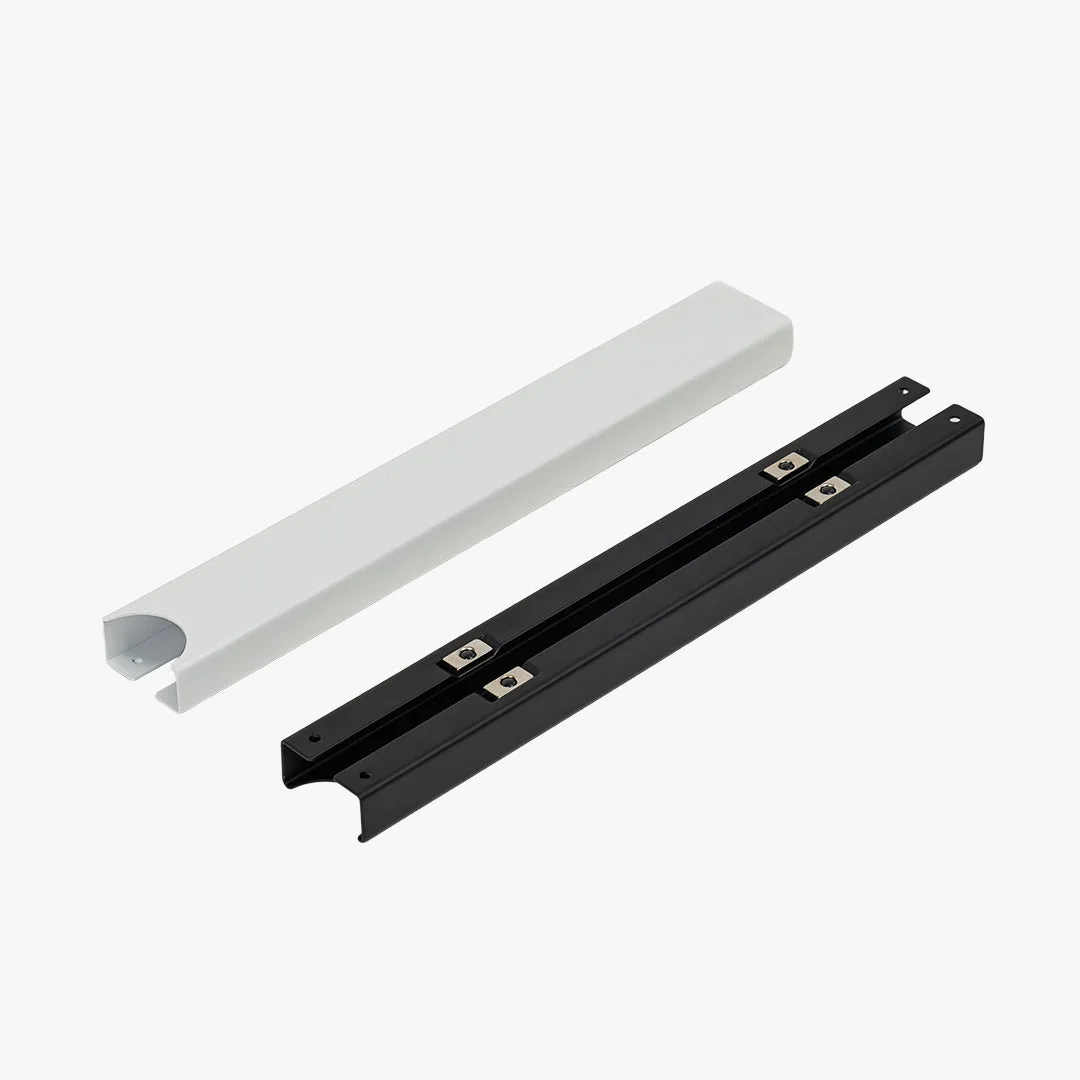
MagRail
If you prefer a more permanent solution, under-desk cable trays with velcro straps keep cables hidden and organized. The key is to leave enough slack for the full height range of your desk — a common mistake is cutting cables too short or leaving them too long, which creates clutter. For desk-mounted equipment like the Gigabyte GS27FA, route the display cable along the monitor arm to reduce visible wires. A little planning now saves you from daily frustration.
- Use spiral wrap or cable sleeves for bundles of thin cables like mouse, keyboard, and webcam wires.
Desk Shelves and Organization: Raise Your Gear, Clear Your Space
Desk shelves are perfect for lifting monitors to eye level, creating a second tier for a laptop, or displaying items without losing usable surface area. When choosing a shelf, consider its depth and stability. A narrow shelf might only hold a tablet or phone, while a wider one supports external monitors or speakers. The goal is to free up the primary work zone for mouse and keyboard movement.
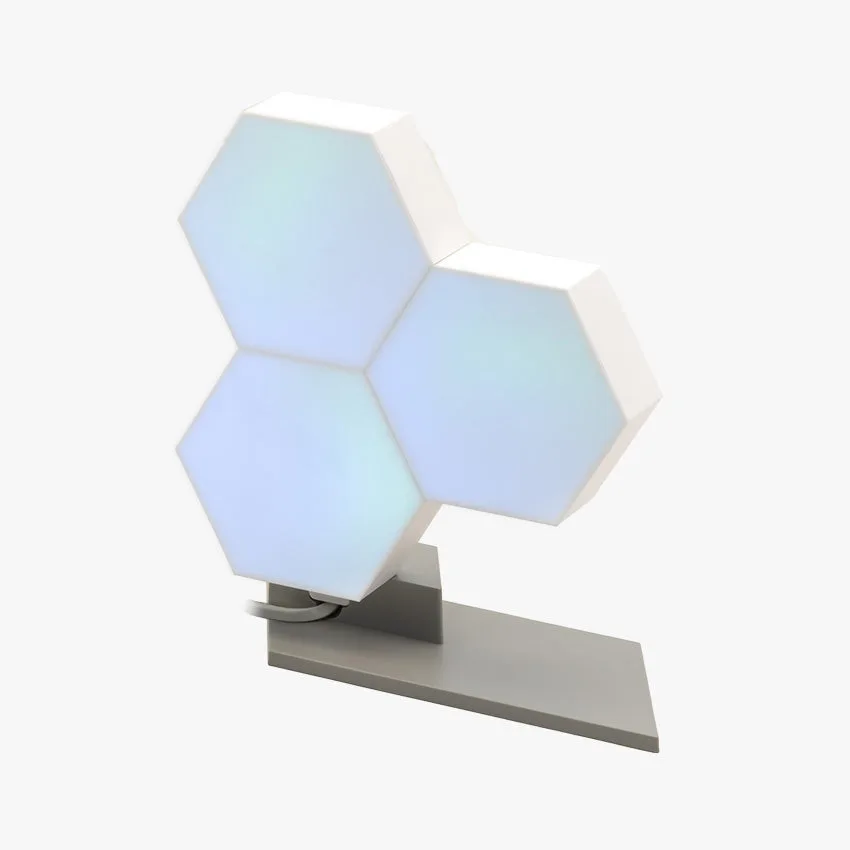
For small items like your phone, keys, or a water bottle, a dedicated holder like the Refresh Beverage Holder keeps drinks off the desk surface and prevents spills. On the decorative side, a lighting panel such as the Nanoleaf Canvas adds ambient light without taking up too much space — it sticks to the wall above the desk or even on the back of a monitor. The tradeoff here is between adding visual appeal and avoiding visual clutter. Start with one or two shelves and add only what you use daily.
- If you place a shelf directly on the desk, ensure it doesn't block the cable management route or interfere with the desk's height adjustment.
Other Essential Accessories for a Complete Setup
Beyond the big three — monitor arms, cable management, and shelves — a few smaller accessories can make a noticeable difference. A privacy panel attaches to the edge of your desk to block visual noise in an open office or near a window. It also reduces drafts and helps define your personal space. For typing comfort, consider a low-profile keyboard like the Logitech MX Keys S, which reduces wrist strain and pairs with multiple devices seamlessly.
Think about your daily workflow: do you often switch between video calls and deep work? A simple beverage holder or a small tray for your phone and pens keeps those items accessible without cluttering your main work area. The key is to avoid buying accessories that you think you need but rarely use. Start with the ones that solve an actual problem you experience every day.
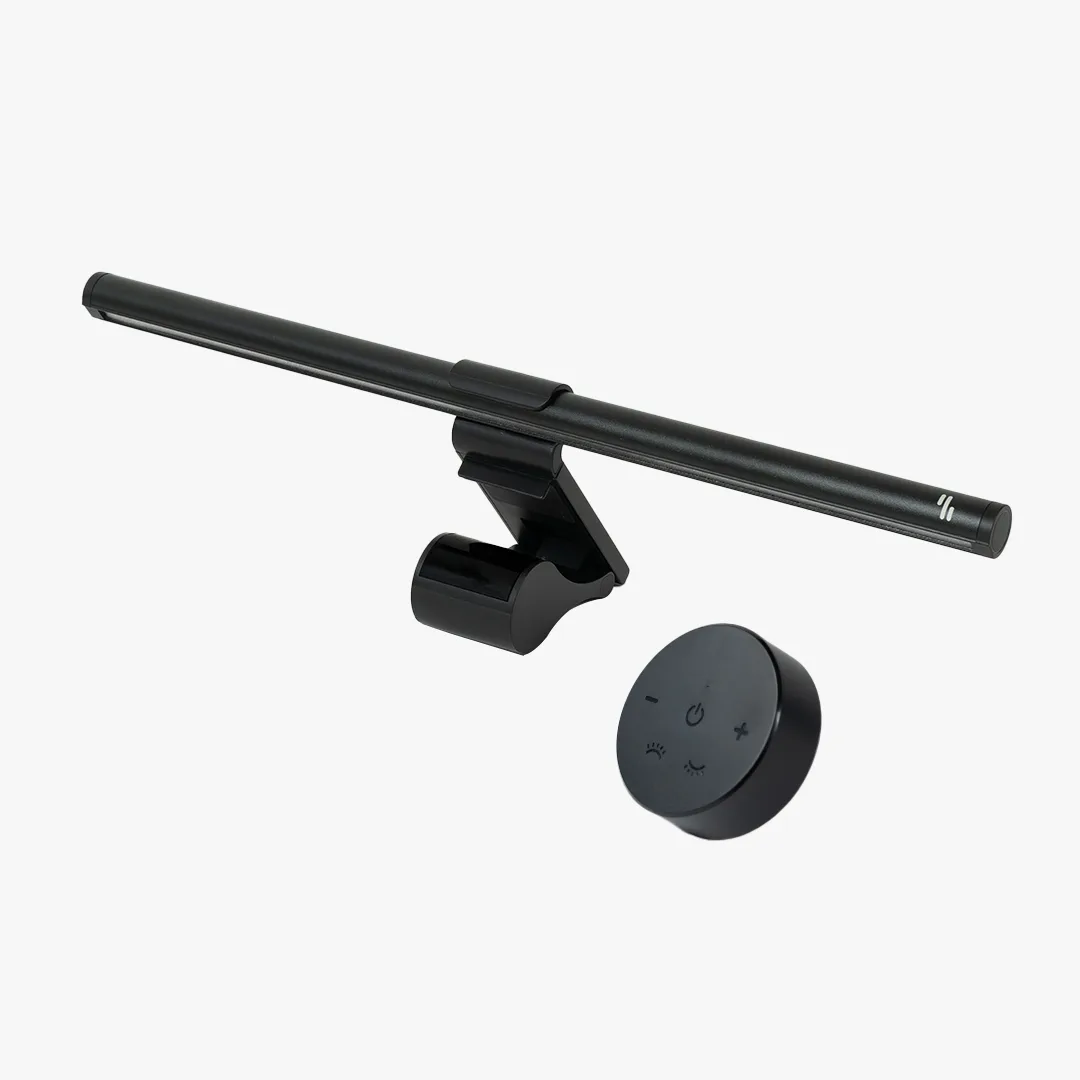
- Use a small monitor light bar rather than a desk lamp to free up space and reduce glare on your screen.
Accessories are not afterthoughts — they're the difference between a desk that's just a table and a workspace that works for you. Start with a quality monitor arm and a solid cable management solution like the MagRail, then add shelves and holders as your needs evolve. Take your time, measure twice, and buy once. Your neck, wrists, and productivity will thank you.