Compatibility and Usage Questions
Do black and white Photoshop actions work on all photos?
Black and white actions are designed to work on both RAW and JPEG images. However, results depend on the original photo's exposure, contrast, and tonal range. A well-exposed image with good contrast will yield a better monochrome conversion than a flat or poorly lit one.
Which versions of Photoshop are compatible with these actions?
Based on the supplied information, the Black & White Photoshop Actions Collection is compatible with Photoshop CS3 through CS6, Creative Cloud (all versions), and Photoshop Elements 11 and later. Always verify your specific version before purchasing.
Do I need to install the actions manually?
Yes, the actions require manual installation. The collection includes an instruction guide and links to video tutorials that walk you through the installation process. Basic knowledge of Photoshop or Photoshop Elements is recommended.
What the Collection Includes and How It Works
What does the Black & White Photoshop Actions Collection include?
The collection includes 11 black and white conversion actions, 8 tints and toner actions, 11 workflow actions, and 6 finishing actions – a total of 36 actions designed to streamline monochrome editing.
Can I use these actions on any image, or only portraits?
The actions are not limited to a specific subject type. They work on any photo – portraits, landscapes, street photography, etc. – as long as the image is compatible with your Photoshop version and is either a RAW or JPEG file.
Do the actions automatically convert a color photo to black and white?
Yes, the conversion actions in the collection are designed to convert color images to black and white. They apply tonal adjustments to create a monochrome look. You can then use the tint and toner actions to add subtle color tones if desired.
Limitations and Important Notes
What if my photo is not compatible with the actions?
If your photo is not a RAW or JPEG file, or if you are using an unsupported version of Photoshop (e.g., older than CS3 or Photoshop Elements 10 or earlier), the actions may not work. The supplied information does not confirm compatibility with other file types like TIFF or PNG.
Can I get a refund if the actions do not work on my photos?
No. Due to the downloadable nature of the product, all sales are final. The license is valid for one photographer or studio only. Make sure your software version and file types are supported before purchasing.
Do the actions work with Photoshop Elements?
Yes, they are compatible with Photoshop Elements 11 and later. However, basic knowledge of Photoshop Elements is required to install and use the actions. The included guides and video tutorials should help, but the supplied information does not guarantee step-by-step support for Elements specifically.
Key Product Facts
-
Black & White Photoshop Actions Collection: Compatible with Photoshop CS3-CS6, Creative Cloud, and PSE 11+ This ensures you can use the actions with most modern versions of Photoshop, but you must check your specific version before buying.
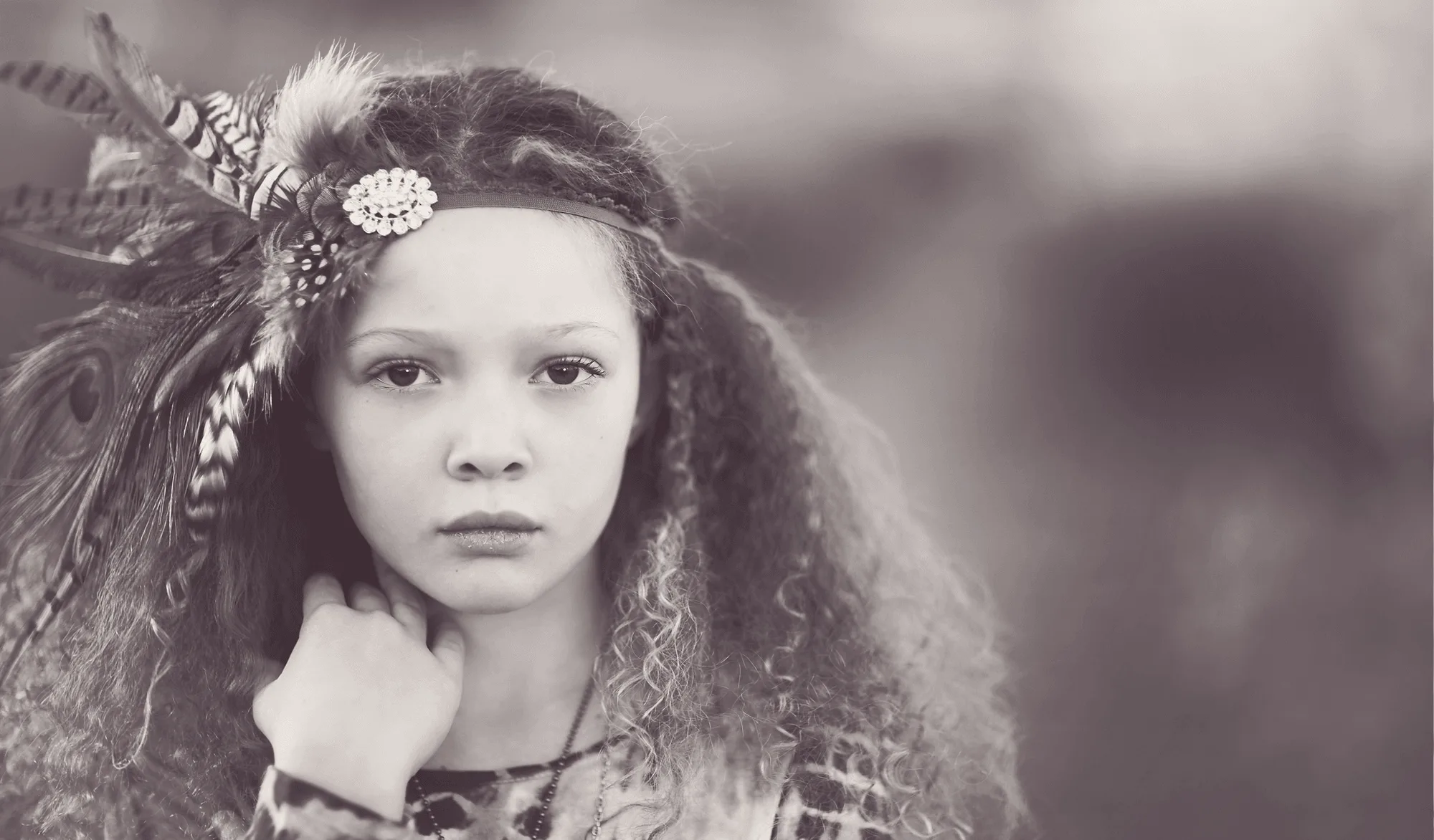
Black & White Photoshop Actions Collection
-
Black & White Photoshop Actions Collection: Actions work on RAW and JPEG images These are the most common file types for photographers, so the actions are widely usable, but not guaranteed for other formats like TIFF or PNG.
-
Black & White Photoshop Actions Collection: Includes 11 B&W Conversion Actions, 8 Tints and Toner Actions, 11 Workflow Actions, 6 Finishing Actions The collection provides a complete workflow for black and white editing, giving you control over conversion, toning, and final adjustments.