How the Black Hole filter shapes your frame
The Black Hole is a prism filter built around a single, recognizable look: a tunnel-vision effect that pulls the eye toward your subject while the edges of the frame fall into motion-like blur. It is not a subtle correction filter. It is a creative tool for making one part of the image unmistakably dominant.
That makes it useful when the story of the shot is the subject itself — a face in a portrait, a garment in fashion work, a performer on stage. The filter isolates that subject and adds a sense of movement around it, so the frame reads as dramatic even before you add lighting or post-processing.
The final look is not fixed. REFLECTLENS® notes that the effect varies with your lens and settings, which means the filter rewards experimentation rather than a single recipe. Treat the first few frames as tests and adjust from there.
Black Hole at a glance
-
Black Hole: Designed for both photo and video You can use the same filter for stills and moving footage without switching tools.
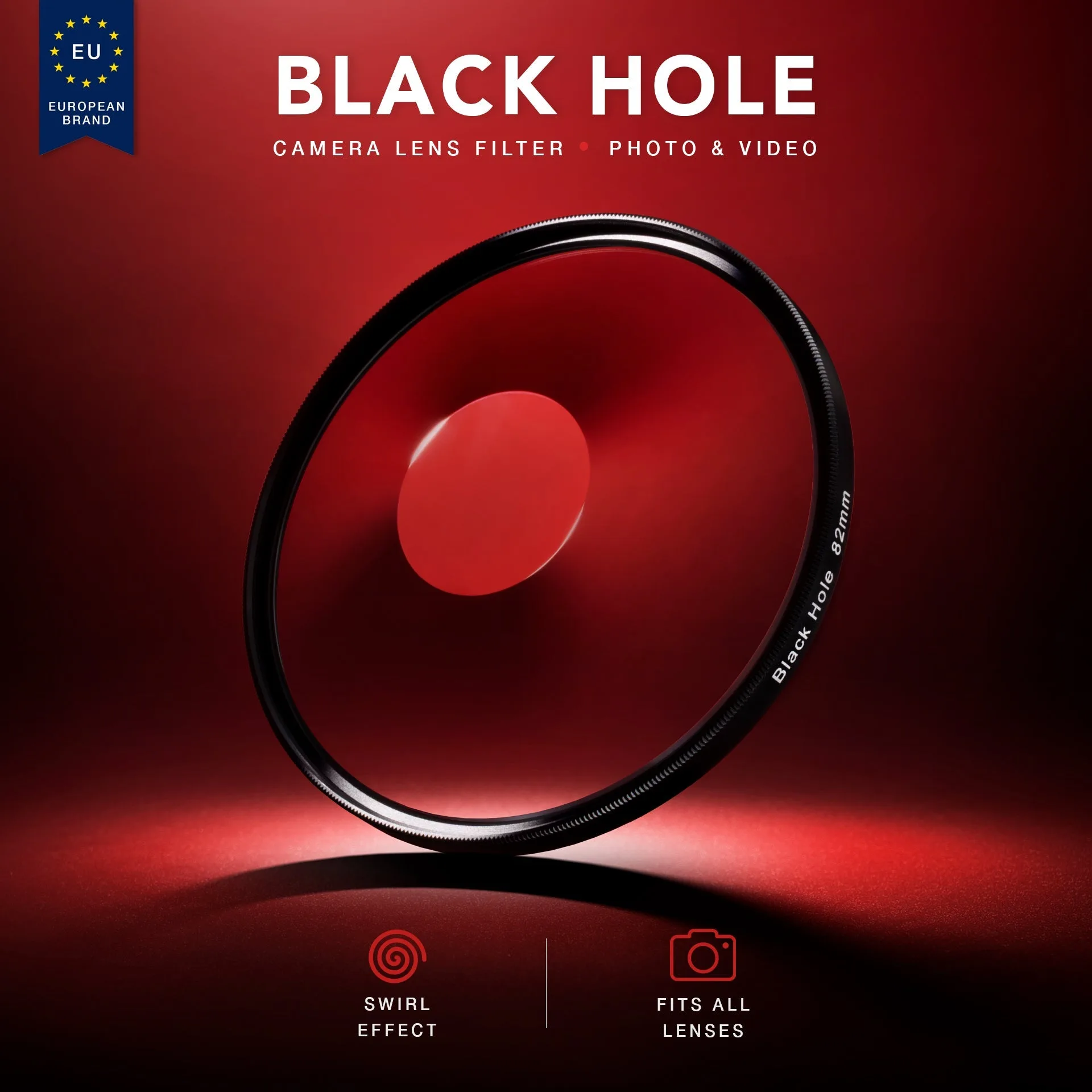
Black Hole
-
Black Hole: Compatible with all camera brands Brand is not the limiting factor; the filter size is what you need to match.
-
Black Hole: The final look varies based on your lens and settings Expect to test and adjust rather than rely on one fixed setup.
Choose the size that matches how you will shoot
The Black Hole comes in six size options. The right one depends on whether you plan to screw it onto a lens or hold it in front of the camera.
- 67mm, 77mm, 82mm, 95mm: Threaded sizes for lenses with a matching filter thread. Check the diameter printed on your lens or inside its front cap before ordering.
- Handheld 100mm and Handheld 150mm: Larger formats intended to be held in front of the lens rather than screwed on. These suit setups where you want to move the filter freely or use it across multiple lenses.
Setting up for a center-focus shot
Start with a clear subject and a simple background. The Black Hole works by isolating what sits at the center, so a frame with one strong focal point will read more clearly than a busy scene with several competing elements.
Because the effect depends on your lens and settings, begin with a test frame at your intended focal length and aperture. Review it, then adjust your position or the filter's placement until the tunnel-vision blur frames the subject the way you want. The supplied information does not include specific aperture, distance or exposure recommendations, so those choices are yours to make through testing.
For video, the same principle applies: lock your framing, check how the effect behaves as your subject moves, and confirm the look before committing to a take.
Creative techniques for portraits, fashion and concerts
- Portraits: Place the face at the center of the frame and let the edges blur into motion. The effect draws attention to expression rather than surroundings.
- Fashion: Use the tunnel vision to isolate a garment or silhouette. A clean backdrop helps the effect read as intentional styling rather than clutter.
- Concerts and live events: A performer under stage lighting becomes the clear focal point while the crowd and venue fall away. The motion-like blur can suggest energy without needing a slow shutter.
- Video: Apply the same center-focus framing to moving shots. Test how the effect holds as your subject shifts position within the frame.
What you receive and what to keep in mind
Each Black Hole filter ships with a protective soft pouch and a premium REFLECTLENS® box, so storage between shoots is covered. The catalog price is USD 59.25, compared with a catalog comparison price of USD 79.00.
One honest limitation: the supplied information does not confirm whether the threaded sizes include step-up or step-down rings, or whether the handheld sizes can be mounted on a matte box or holder. If you need a specific mounting method beyond screwing the filter directly onto a matching lens thread or holding it by hand, verify that detail before you buy.
The Black Hole is a specialized creative filter, not an everyday UV or protection filter. If you want a neutral image with accurate color and no edge distortion, this is the wrong tool. If you want a frame that grabs attention and refuses to let go, it is built for exactly that.