Quick answer
The Blueprint Catapult End Effector lets you launch ping pong balls or golf balls to explore force, trajectory, and engineering design. Use these steps to build a simple catapult for your classroom.
Why the Catapult End Effector works for STEM
The Blueprint Catapult End Effector is designed to hold and release objects like ping pong balls or golf balls. It attaches to your build with standard connectors, so you can integrate it into a frame or robotic arm. This makes it ideal for hands-on lessons about projectile motion, potential and kinetic energy, and iterative design.
One trade-off: the effector itself does not include a spring or tension mechanism. You will need to add rubber bands, a lever arm, or a motor to create the launching force. This is actually a benefit for classroom projects because students must engineer their own catapult mechanism.
Classroom build steps
- Step 1: Build a stable base and frame: Use Blueprint beams and connectors to construct a sturdy frame that will hold the catapult arm. Ensure the base is wide enough to prevent tipping during launch. A common mistake is making the frame too narrow—test stability before adding the effector. A wider base reduces wobble and improves launch consistency.
- Step 2: Attach the Catapult End Effector: Connect the effector to the top of your frame using standard Blueprint connectors. Position it so the open end faces forward and can pivot freely. If you use two effectors, you can create a gripper or a clamp for lifting objects instead of launching. Check that the effector pivots without binding—tight connectors may restrict motion.
- Step 3: Add a launching mechanism: Attach a lever arm (a long Blueprint beam) to the effector. Stretch rubber bands from the lever to the base to store energy when pulled back. For a motorized version, connect a servo to the lever arm and program it to release quickly. A common mistake is using rubber bands that are too loose—they won't generate enough force to launch a golf ball. Test different rubber band tensions and lever lengths to adjust launch distance.
- Step 4: Load and test with different projectiles: Place a ping pong ball or golf ball in the effector's cradle. Pull back the lever to a consistent angle, then release. Measure the distance and height of each launch. Try changing the pull-back angle or projectile weight. A common mistake is not recording data—students should log results to compare designs. Use a tape measure and a protractor to record distance and launch angle for each test.
- Step 5: Iterate and redesign: Based on test results, adjust the frame height, lever length, rubber band tension, or release angle. Build a second version and compare performance. Encourage students to document changes and hypothesize why each modification affects the launch. Iteration is the core of engineering—each redesign teaches something new about force and motion.
Product facts
-
Blueprint Catapult End Effector: The Blueprint Catapult End Effector allows students to launch projectiles or manipulate objects such as golf balls and ping pong balls. Attach it to your build with connectors to hold objects upright, or use two for clamping and lifting applications. Students can experiment with different projectile weights and release angles to see how force and trajectory change.
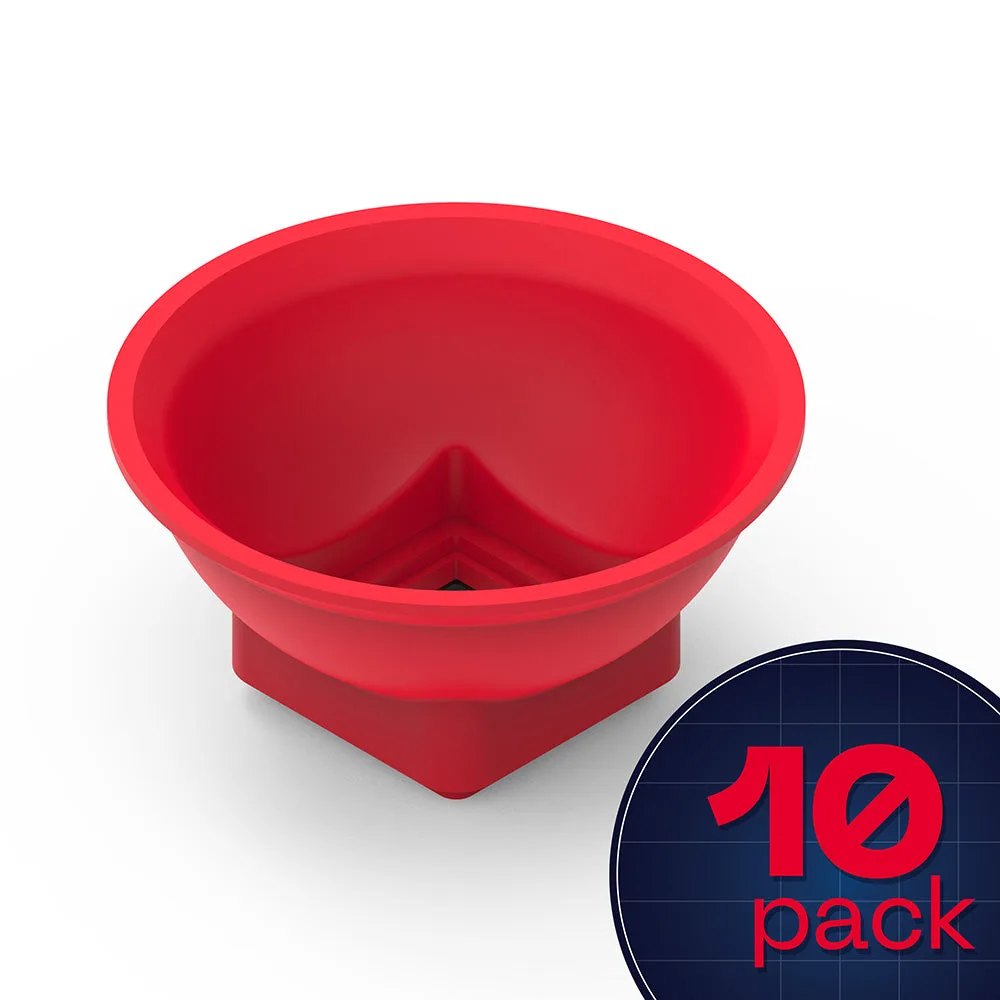
Blueprint Catapult End Effector