Quick answer
Most Bluetooth headphone problems come down to three things: the headphones are still holding an old pairing, the device is out of range or blocked, or the battery or charging state is off. Start by turning the headphones off and on, then remove and re-add the pairing on your phone or computer. If audio keeps cutting out, move closer and clear the path between the two devices before you assume the headphones are faulty.
Check the basics before you change any settings
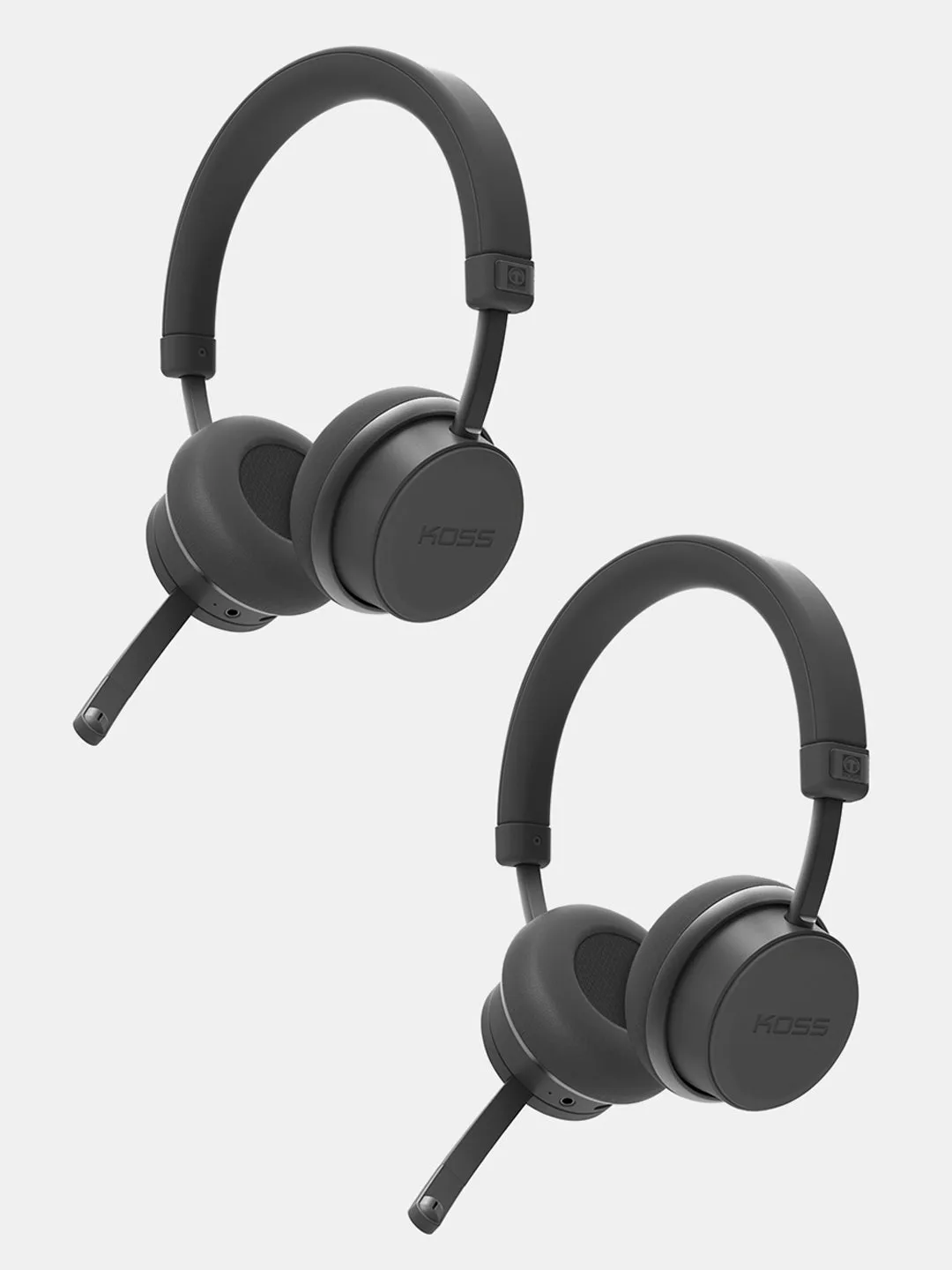
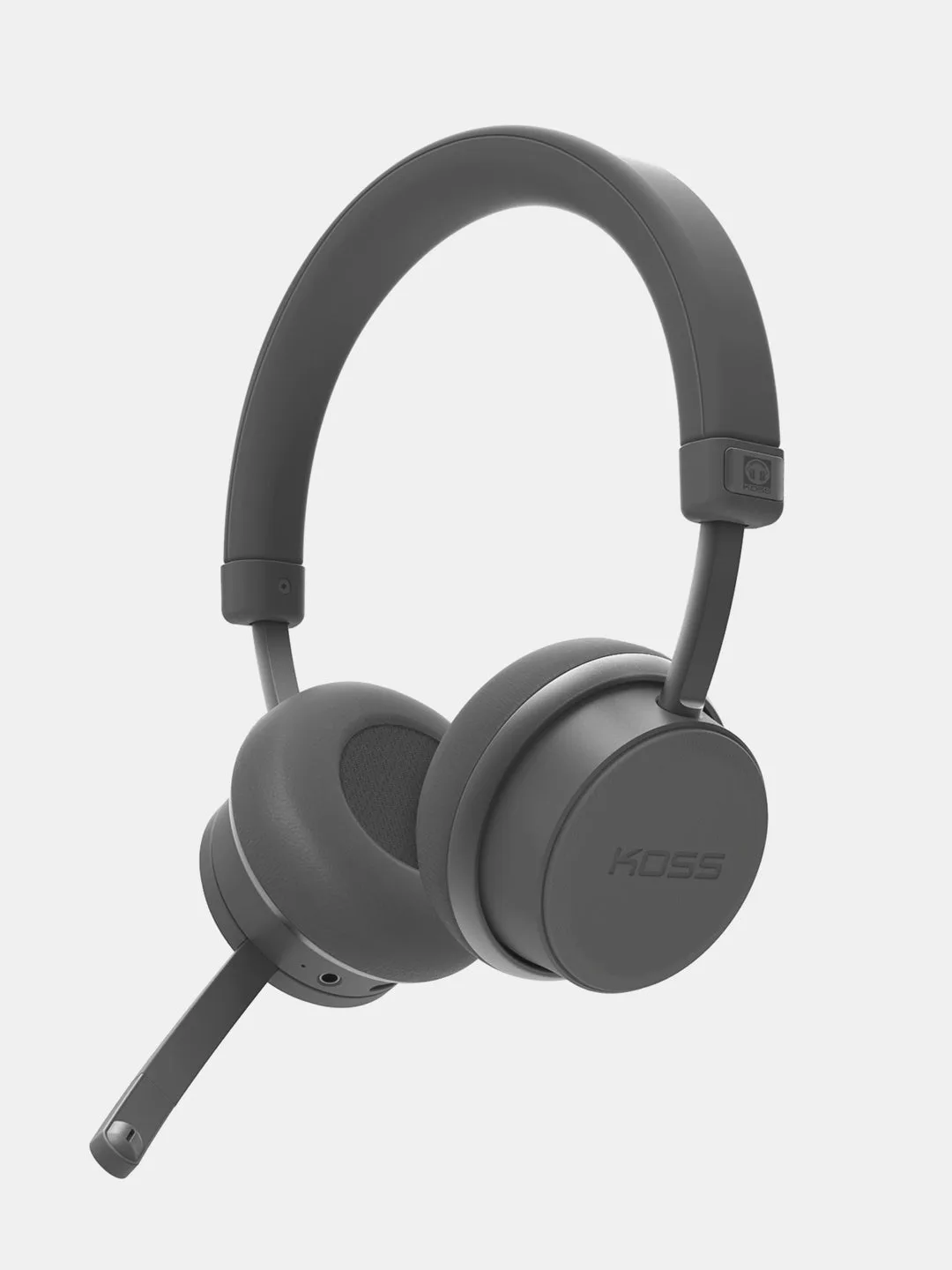
A surprising number of pairing failures are simple power or range issues. Confirm the headphones are charged, because some models drop Bluetooth before they shut down completely. Then keep the headphones and the source device within a few feet of each other during pairing, with no wall, metal desk, or body between them. If you are pairing a headset like the Koss CS340BT QZ, remember that its active noise cancellation uses battery, so a low charge can interrupt the connection even when the headset still powers on. Turn the headphones off, wait a few seconds, and turn them back on before you touch any menus.
CS340BT QZ
Remove the old pairing and start clean
When Bluetooth headphones won't connect to a device they have used before, the stored pairing is often the culprit. Open your device's Bluetooth settings, find the headphone entry, and choose Forget or Remove. Then put the headphones into pairing mode again and add them as a new device. On computers, this matters more than on phones, because a half-finished pairing can sit in the list and block a fresh connection. If you are trying to reconnect wireless headphones to a second device, turn Bluetooth off on the first device first, so the headphones are not still holding that link.
Reduce interference when audio keeps cutting out
Bluetooth audio keeps cutting out most often when the signal has to compete with Wi-Fi routers, USB 3.0 ports, microwaves, or a crowded room of other Bluetooth devices. Move the source device away from those sources, or move yourself to a different spot. Keep the phone or laptop on the same side of your body as the headphone's Bluetooth antenna, which is usually in the headband or earcup. If the cutouts happen only when you walk into one room, that is a range and obstacle problem, not a headphone defect. Some headphones handle this better than others through newer Bluetooth versions, but no wireless connection is immune to a bad physical setup.
Use the wired option or a different source to isolate the problem
When troubleshooting stalls, split the problem in half. Try the headphones with a different phone, tablet, or computer. If they pair and play cleanly there, the original device or its Bluetooth stack is the issue. If they fail everywhere, the headphones are the common factor. The Koss Porta Pro Wireless has an analog audio pass-through, so you can plug in a cable and confirm the drivers and cable path still work while you sort out the wireless side. That single test tells you whether you are fixing a headphone problem or a device problem.
Seven-step Bluetooth headphone troubleshooting sequence
- Charge and power-cycle the headphones: Plug the headphones in for at least a few minutes, then turn them off, wait ten seconds, and turn them back on. This clears a temporary Bluetooth fault without changing any settings. Checkpoint: if the headphones still will not power on, stop here and charge them fully before continuing.
- Move the devices close together: Keep the headphones and the phone or computer within arm's reach during pairing, with no furniture or metal between them. Bluetooth range drops sharply through walls and water, including the human body. Checkpoint: if pairing succeeds only at close range, the problem is distance or obstacles, not the headphones.
- Forget the old pairing on the source device: In your device's Bluetooth menu, select the headphone entry and choose Forget, Remove, or Unpair. A stale pairing is one of the most common reasons Bluetooth headphones won't connect to a device they have used before. Checkpoint: do this on every device that has paired with the headphones, not just the one you are using now.
- Put the headphones into pairing mode and add them fresh: Follow the headphone's own pairing steps, then select it from the device's Bluetooth list as if it were new. If it does not appear, turn the source device's Bluetooth off and on to force a new scan. Checkpoint: if the headphones never appear in the list, they are not in pairing mode or they are still connected to another device.
- Turn off Bluetooth on other paired devices: Phones, tablets, and laptops can silently hold the connection. Switch Bluetooth off on every other device that has paired with the headphones, then try again. Checkpoint: this is the fastest fix when headphones connect to the wrong device or refuse to reconnect to the one you want.
- Clear interference and test in a different spot: Move away from Wi-Fi routers, USB 3.0 hubs, microwaves, and crowds of other Bluetooth devices. Keep the source device on the same side as the headphone's antenna, usually in the headband or earcup. Checkpoint: if cutouts stop when you move, you have a signal environment problem, not a hardware failure.
- Test with a second device or a wired connection: Pair the headphones with a different phone or computer. If your model has a wired option, such as the Porta Pro Wireless analog pass-through, plug in and confirm the audio path works. Next step: if the headphones fail on every device and over the wire, contact support; if they work elsewhere, troubleshoot the original device instead.
Koss models that help with common connection complaints
- CS340BT QZ - Buy One Get One Free: The CS340BT QZ Wireless Communication Headset offers environmental and active noise cancellation with on-board controls and up to 22 hours of use with ANC plus Bluetooth, or up to 30 hours with Bluetooth only. Long battery life and on-board controls mean fewer trips to your phone settings, and knowing the ANC battery cost helps you plan charging so the headset does not drop mid-call.
- Porta Pro® Wireless: Porta Pro Wireless delivers 15-25,000 Hz audio with Bluetooth 5.2, USB-C charging, a hybrid headphone design with analog audio pass-through for wired listening, and on-board microphone and controls. The wired pass-through is a practical troubleshooting tool: if audio works over the cable but not over Bluetooth, you can rule out the drivers and focus on pairing or interference.
- BT232i Bluetooth®: The BT232i Wireless Bluetooth FitClips use a SportClip design with 18+ hours of rechargeable battery, USB-C charging, an in-line microphone and remote, and three cushion sizes. A stable fit keeps the Bluetooth antenna in a consistent position, which reduces dropouts during movement, and the in-line remote gives you a quick way to pause and reconnect without opening your phone.