What the iHome iBT915B Boombox Offers
The iHome Color Changing Portable Boombox (model iBT915B.EXv24) combines a Bluetooth speaker, FM radio, and seven color-changing light modes in one portable unit. It's designed for indoor or outdoor use where you want audio and ambient lighting without a separate setup.
This guide walks you through the initial setup, Bluetooth pairing, switching between audio sources, and getting the most from the rechargeable battery. All instructions are based on the supplied product information.
Key Specifications at a Glance
-
Bluetooth Speaker Boombox with FM Radio and Color Changing Lights - (iBT915B.EXv24): Wirelessly stream audio via Bluetooth from up to 100 feet. The 100-foot range gives you freedom to move around while staying connected to your device.
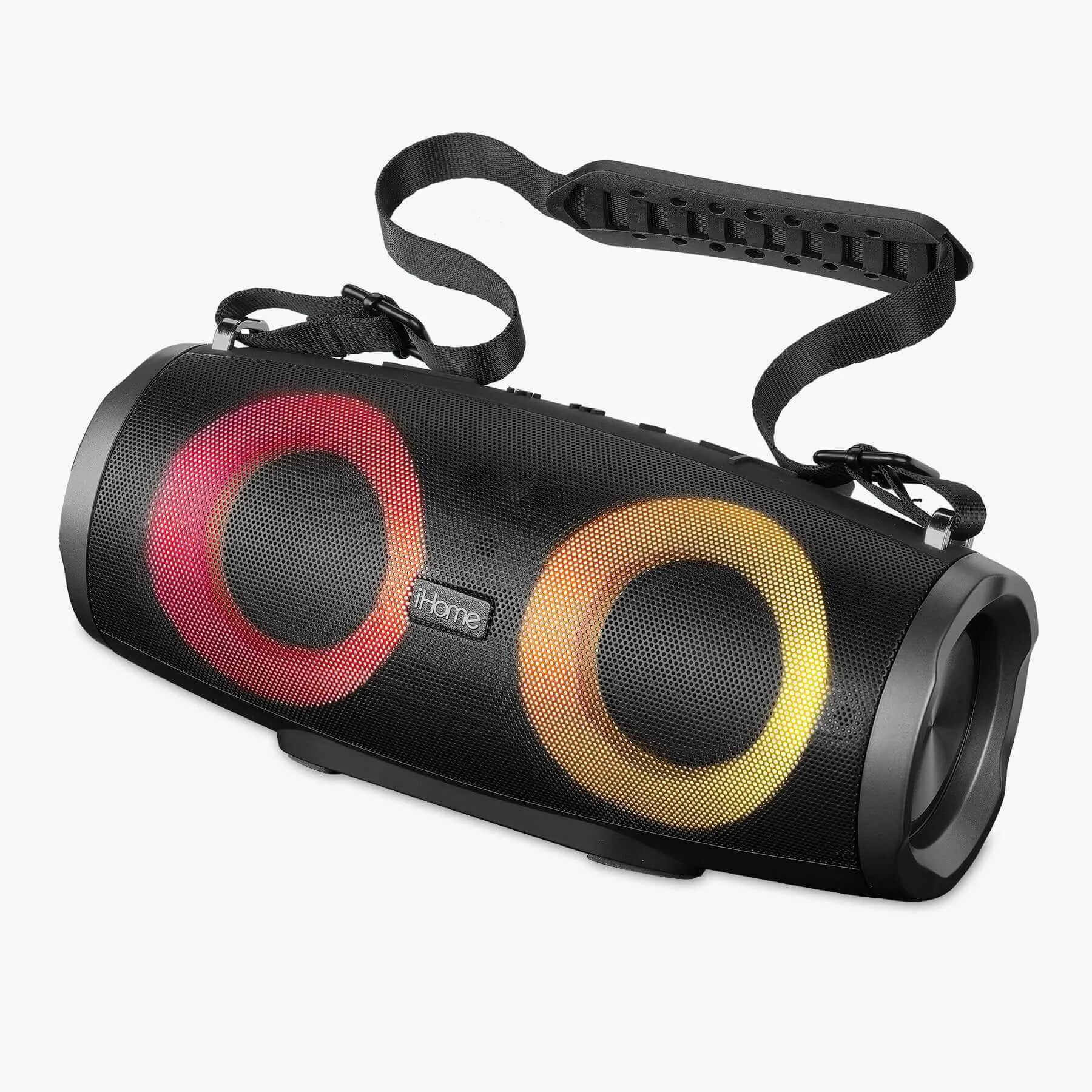
Bluetooth Speaker Boombox with FM Radio and Color Changing Lights - (iBT915B.EXv24)
-
Bluetooth Speaker Boombox with FM Radio and Color Changing Lights - (iBT915B.EXv24): Rechargeable battery lasts up to 34 hours on a single charge. Extended playtime means fewer recharges during parties, outdoor trips, or all-day use.
-
Bluetooth Speaker Boombox with FM Radio and Color Changing Lights - (iBT915B.EXv24): Choose from 7 color-changing light modes. Customizable lighting adds atmosphere for parties, gatherings, or relaxing evenings.
Setting Up Your iBT915B Boombox
Follow these steps to get your boombox ready for first use. The unit includes a charging cable; a user manual is also available for reference.
- Charge the battery: Connect the included charging cable to the boombox and a USB power source. The rechargeable battery provides up to 34 hours of continuous play on a full charge.
- Power on and select a mode: Press the power button to turn on the boombox. Use the Mode Button to cycle through Bluetooth, FM radio, USB drive, AUX-in, or TF card playback.
- Pair via Bluetooth: Set the boombox to Bluetooth mode. On your smartphone or tablet, enable Bluetooth and select 'iBT915B' from the available devices. Streaming range is up to 100 feet.
- Adjust lighting: Press the light button to cycle through the 7 color-changing light modes. Choose a static color or let the lights cycle automatically.
Using the FM Radio and Other Audio Sources
The Mode Button lets you switch between Bluetooth, FM radio, USB drive, AUX-in, and TF card playback. For FM radio, press Mode until the radio activates and use the tuning controls to find stations. For wired connections, plug your device into the AUX-in port or insert a USB drive or TF card with audio files. The boombox will automatically play from the selected source.
Note: The supplied information does not specify whether the FM radio has a built-in antenna or requires manual tuning steps beyond mode selection. Refer to the user manual for detailed radio operation.
Battery and Care Tips
The rechargeable battery lasts up to 34 hours per charge. To maximize battery life, avoid fully draining the battery before recharging. Store the boombox in a cool, dry place when not in use. The charging cable is included; use a standard USB power adapter (not supplied).
No specific cleaning or maintenance instructions are provided in the supplied information. For any care questions, consult the user manual included with your boombox.