Quick answer
Choose a BNC male to 2 female splitter when you need to send one camera signal to two monitors or a DVR and monitor. Choose a BNC female to 2 male splitter when you need to combine two camera signals into one input or feed a single DVR channel from two sources.
Why connector gender matters for CCTV splits
The male and female designation on a BNC splitter cable determines which end connects to your camera, DVR, or monitor. A male connector has a center pin and is typically found on camera cables and DVR inputs. A female connector has a receiving socket and is common on monitors and some DVR ports.
Using the wrong gender means you will need extra adapters, which can add signal loss or loosen connections over time. Choosing the correct splitter from the start keeps your video path clean and reliable.
Signal splitting vs combining
A male to 2 female splitter takes a single male camera cable and splits it into two female outputs. This is ideal for sending the same video feed to two displays or recording devices simultaneously.
A female to 2 male splitter does the reverse: it accepts a female connector (from a monitor or DVR input) and provides two male ends. This configuration is often used to merge two camera feeds into one DVR channel or to connect a single monitor to two camera sources via a switch.
Cable length and signal quality
Short splitter cables (like 0.5m) are preferred for rack or desk setups where you only need a few inches of reach. Longer cables can introduce signal degradation, especially with passive splitters, so keep the splitter as close to the source as practical.
The BNC splitter cable from Innov8 Wholesale Ltd uses durable shielding and nickel-plated connectors to minimize interference and maintain signal stability over short distances.
Decision rules for choosing your BNC splitter cable
- Male to 2 Female (1 in, 2 out): Use when your camera or source cable ends in a male BNC connector and you need to send that signal to two female-input devices (e.g., two monitors, or one monitor and one DVR). Most common for splitting a single camera feed.
- Female to 2 Male (2 in, 1 out): Use when you have two male-ended camera cables and want to connect them to a single female DVR input, or when you need to feed one monitor from two different camera sources via a manual switch. Useful for combining signals or sharing a display.
- Female to 2 Female (adapter-style): Use when both your source and destination have male connectors and you need a gender changer that also splits the signal. Less common in standard CCTV setups. Only needed for specific gender-matching scenarios.
Product highlights
-
BNC Splitter Cable for CCTV Camera & DVR – Male to 2 Female / Female to 2 Male / Female to 2 Female – 0.5m: This BNC splitter cable allows one BNC connection to be split into two connections for CCTV cameras, DVR systems and professional video equipment. You can distribute a single camera feed to two monitors or a monitor and a DVR without extra adapters.
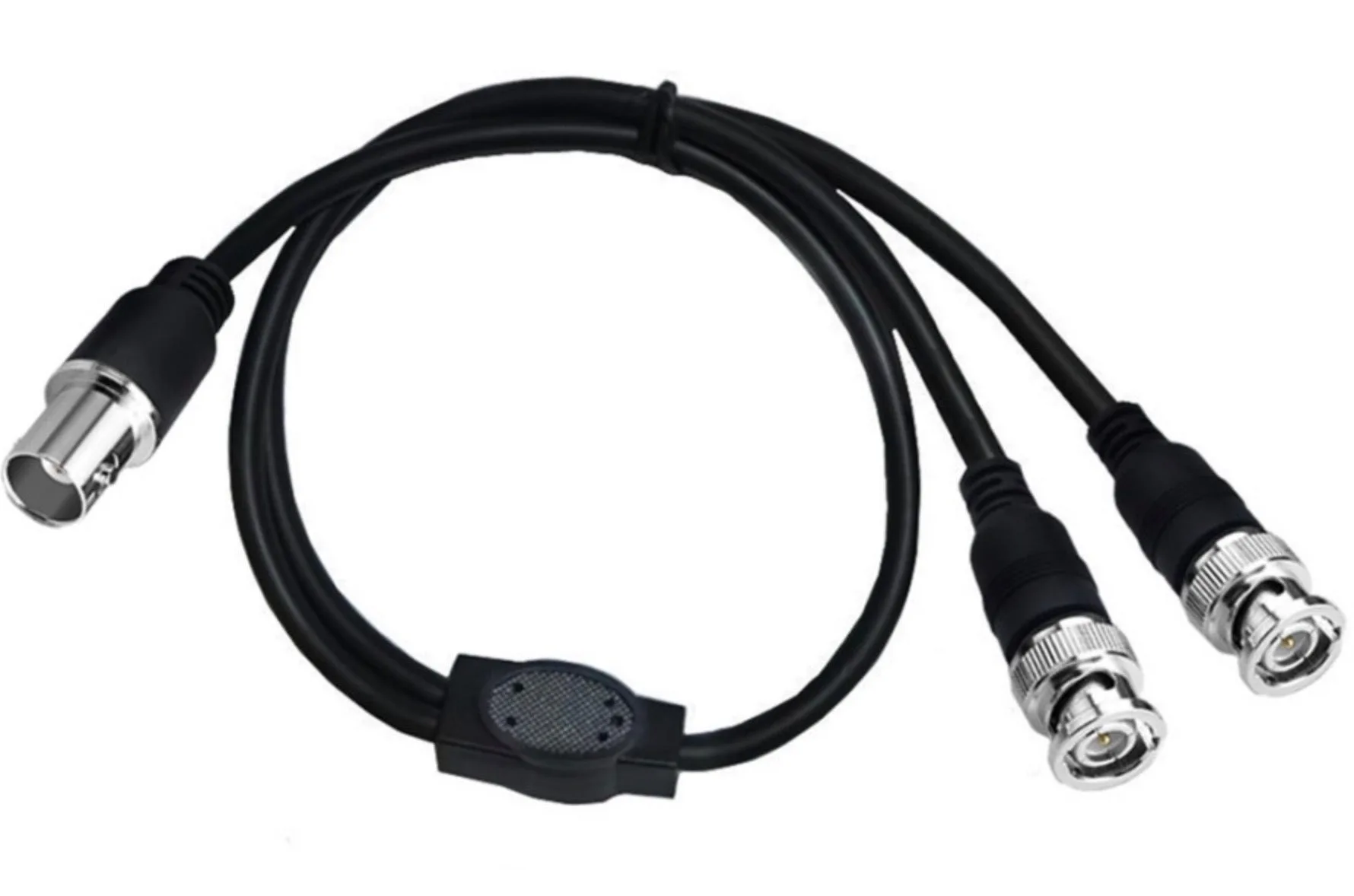
BNC Splitter Cable for CCTV Camera & DVR – Male to 2 Female / Female to 2 Male / Female to 2 Female – 0.5m
Which splitter fits your setup?
Best for
- Security installers who need to display one camera on multiple screens
- Users who want to record a camera feed while viewing it live on a separate monitor
Not ideal for
- Long cable runs over 10 meters without amplification
- Merging two different camera feeds into one recording without a multiplexer