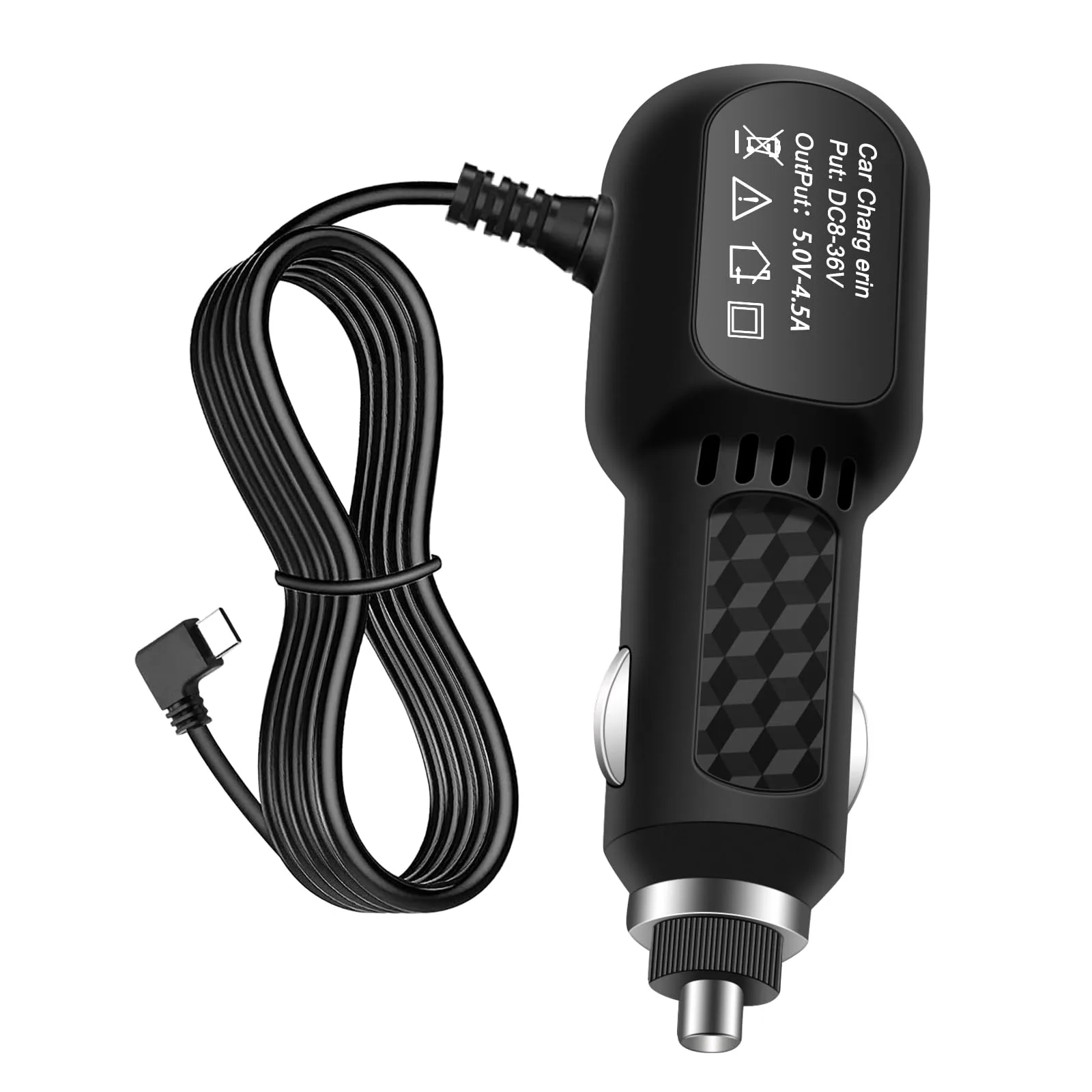
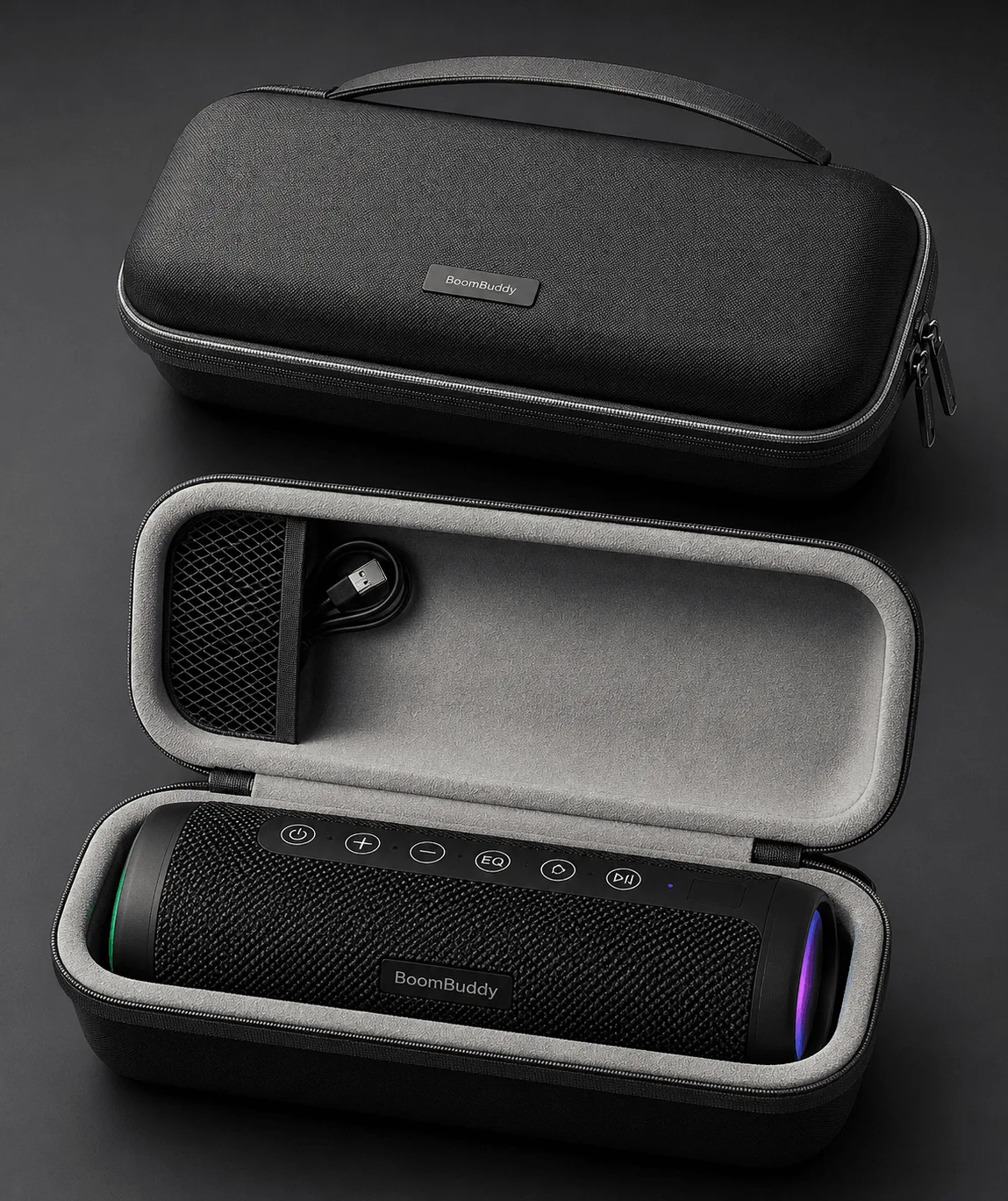
Quick answer
Most BoomBuddy charging problems come down to the cable, the power source, or the charging port. Start by swapping in a known-good cable such as the Osmo Charging Cable and plugging into a different USB power adapter. If the BoomBuddy still shows no charging response after those two changes, stop swapping parts and contact Osmo support rather than opening the device.
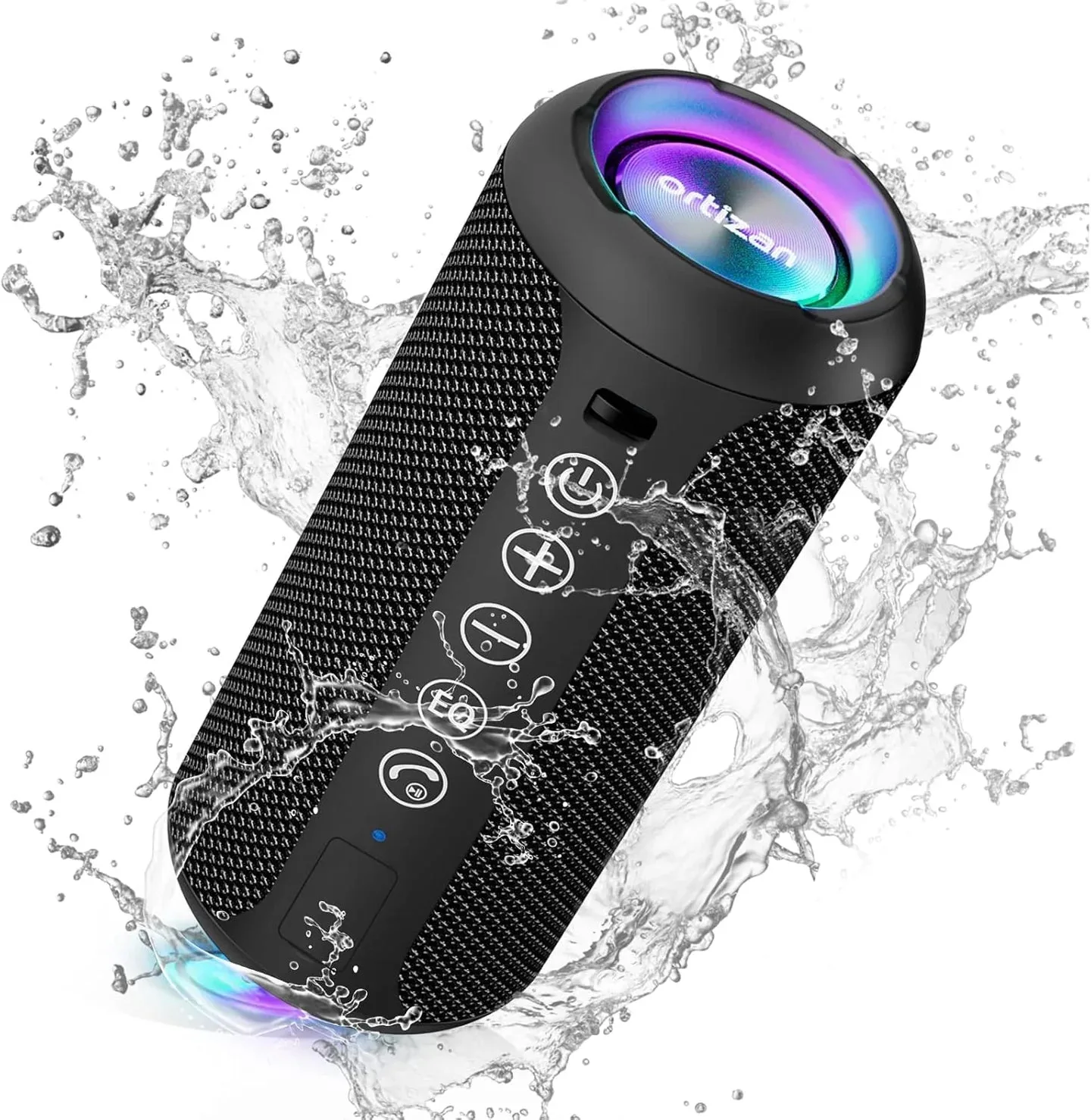
BoomBuddy
Check the charging cable first
The cable is the most common failure point because it bends, gets yanked, and wears at the connectors. Use a cable you know works on another device, or try the Osmo Charging Cable, which is a Standard replacement option sold under the Osmo DE brand. If a different cable makes the BoomBuddy respond, the original cable is the problem and you can replace it instead of the whole device.
Try a different power source
A wall adapter that has gone weak or a USB port that does not supply enough current can make the BoomBuddy appear dead. Move the cable to a different adapter or a different USB port and watch for any charging indicator. If the BoomBuddy charges from one source but not another, the power source is the issue, not the device.
Inspect the charging port
Look into the BoomBuddy charging port with a light. Dust, lint, or a bent contact can block the connection. A soft dry brush or a puff of air can clear loose debris. Do not insert metal objects or liquids into the port. If the port looks damaged or loose, stop there and contact support.
Watch for charging behavior
Give the BoomBuddy time to show a response. Some devices need a few minutes on a working cable before any indicator appears. If nothing changes after ten to fifteen minutes on a known-good cable and adapter, the issue is likely inside the device or its battery. At that point, further cable swaps will not help.
Diagnosis: match the symptom to the likely cause
- No indicator with any cable or adapter: The BoomBuddy does not respond to a known-good cable and a different power source. Stop troubleshooting and contact Osmo support; the issue is likely internal.
- Charges with one cable but not another: The BoomBuddy works when you swap cables. Replace the faulty cable, for example with the Osmo Charging Cable.
- Charges from one adapter but not another: The BoomBuddy responds to a different USB port or wall adapter. Use the working power source or replace the weak adapter.
- Port looks blocked or damaged: You see lint, debris, or a bent contact inside the charging port. Clear loose debris gently; if damaged, stop and get support.
Product facts
- Osmo Charging Cable: The Osmo Charging Cable is offered under the Osmo DE brand by Osmo -Seth Medical Group LLC in a single Standard option. A known-good replacement cable is the fastest way to rule out cable failure before assuming the BoomBuddy itself is faulty.
- Protective Case For BoomBuddy: The Osmo Protective Case for BoomBuddy is designed to keep your BoomBuddy covered and protected and is compatible with BoomBuddy. A case can prevent port damage from drops and dust, which reduces the chance of future charging problems.