Quick answer
Replace brake rotors when they measure at or below the minimum thickness stamped on the rotor, when they have deep scoring or cracks, or when they are below spec after resurfacing. Pulsation or steering wheel shake alone does not prove the rotors are warped; it is often uneven pad deposits, so diagnose the symptom before buying parts.
Brake rotors are a wear item, but they do not wear on a schedule you can trust. Two drivers with the same car can need front rotor replacement thousands of miles apart because heat cycles, pad compound, and driving style change how fast the friction surface thins and how evenly material transfers to it.
This guide separates the symptoms you can feel from the causes behind them, then tells you the point where measurement or a professional inspection should replace guesswork. If you are unsure whether the noise, shake, or pedal change is rotors or pads, work through the diagnosis below before ordering anything.
Symptom: steering wheel or pedal pulsation
A shake in the steering wheel under braking usually points to the front brakes, while pulsation felt mainly through the pedal can come from either end. The common assumption is a warped rotor, but true warping from heat is less common than uneven friction material transfer. Hard stops followed by holding the brake at a stop can leave a thicker patch of pad material on one spot of the rotor, and that high spot feels exactly like a bent disc.
Before replacing rotors, note when the pulsation appears. If it shows up only after repeated hard stops, pad deposits are a strong candidate. If it is present on every stop and has gotten worse over months, wear or runout is more likely. A dial indicator and a micrometer turn that guess into a number.
- Pulsation that fades after a few gentle stops often points to pad deposits rather than a worn rotor.
- Pulsation that is always there and grows steadily points to thickness variation, runout, or a rotor below spec.
Symptom: grinding, scoring, or metal-on-metal noise
Grinding that continues while you are not braking often means the pad backing plate is contacting the rotor because friction material is gone. At that point the rotor is usually damaged beyond resurfacing, and the caliper and hardware should be checked too. Deep grooves you can catch with a fingernail are not cosmetic; they reduce the friction surface and can trap debris.
If you hear a light scrape only in the first few stops after the car sits, that can be normal surface rust clearing off. The distinction matters because replacing rotors for morning surface rust wastes money, while ignoring a backing plate grinding into a disc can damage a caliper or require a new hub if heat builds.
- Grinding that stops when you lift off the brake pedal is a strong sign the pads are worn past their friction material.
- Grooves deep enough to catch a fingernail usually mean the rotor is past a simple pad swap.
Symptom: a lip or ridge on the rotor edge
Run a finger from the outer edge of the rotor inward. A raised lip at the edge is the factory surface that the pad never touched, and it shows how much material has worn away. A small lip is normal on a used rotor. A pronounced lip, combined with a rough or bluish friction surface, means you are close to the thickness limit and should measure rather than eyeball it.
The minimum thickness number is stamped or cast into the rotor hat or edge. Once a rotor reaches that number it cannot be resurfaced and must be replaced. Measuring with a micrometer at several points around the disc also reveals thickness variation, which is a common cause of brake judder diagnosis that gets blamed on warping.
- Measure at four or more points around the rotor, not just one, to catch thickness variation.
- Never machine a rotor to or below the stamped minimum; there is no safe margin left for heat.
Symptom: cracks, heat spots, or a blue tint
Small surface cracks that look like a spiderweb are a sign of severe heat cycling and are a replacement trigger, not a resurfacing candidate. Blue or purple discoloration means the rotor has been hot enough to change the metallurgy of the friction surface, which can cause inconsistent friction and noise even if thickness looks acceptable.
Track use, heavy towing, or a seized caliper can create these conditions quickly. If one rotor shows heat damage and the opposite side looks normal, diagnose the caliper and slide pins before installing new rotors, or the replacement will suffer the same fate.
- Heat damage on one side only usually means a dragging caliper, collapsed hose, or stuck slide pin.
- Replace rotors in pairs on the same axle so braking force stays balanced.
When to stop and let a shop measure
Stop and hand the car to a professional if you cannot safely raise and support it, if you do not own a micrometer and dial indicator, or if the pulsation is accompanied by a pulling brake pedal, a soft pedal, or fluid loss. Those point to hydraulic or caliper problems that new rotors will not fix. Also stop if a wheel is difficult to turn by hand, which suggests a seized caliper.
If the rotor is above minimum thickness with no cracks and the symptom is light pad deposits, a proper bed-in procedure may resolve it without parts. If the rotor is at or below minimum, cracked, or badly scored, replacement is the correct path. Choose rotors that match how you drive rather than the largest option available.
- Soft or sinking pedal, fluid loss, or a wheel that will not spin freely: diagnose the hydraulic system first.
- Rotors above minimum with light deposits: try a correct bed-in before buying replacements.
Rotor symptom diagnosis
- Pulsation only after hard stops: Likely uneven pad deposits rather than a warped rotor. Re-bed the pads with a series of moderate stops and check again. If pulsation goes away, no rotor replacement is needed. If it returns immediately, measure thickness and runout.
- Constant pulsation that worsens over time: Likely thickness variation or rotor runout. Measure with a micrometer at multiple points and check lateral runout with a dial indicator. Replace if below minimum thickness or if runout exceeds the manufacturer's spec.
- Grinding while not braking: Likely pad backing plate contacting the rotor. Inspect pads, calipers, and hardware before ordering rotors. Plan on rotors plus pads, and stop driving until inspected to avoid caliper damage.
- Cracks or blue heat spots: Likely severe heat cycling from track use, towing, or a dragging caliper. Resurfacing is not appropriate. Replace the rotors and diagnose the caliper on the affected side before installation.
- Soft pedal, fluid loss, or a wheel that will not spin: Likely a hydraulic or caliper fault, not a rotor fault. Stop and have the system inspected by a professional. Do not replace rotors to fix a hydraulic problem; resolve the cause first.
Parts that support a brake job
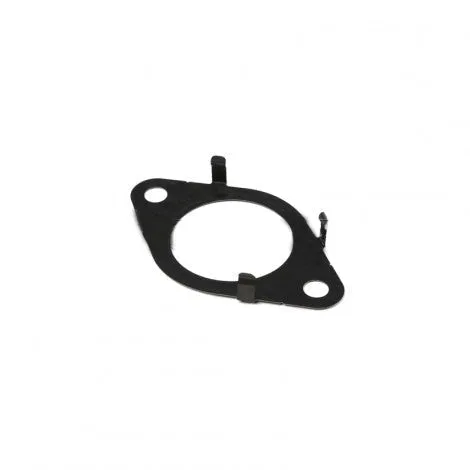
- https://prlmotorsportsec.com/products/genuine-honda-turbocharger-compressor-outlet-gasket-2-0-5286e7df5f7e38465b9c6bff-2682054Genuine Honda Turbocharger Compressor Outlet Gasket - 2.0T: Factory replacement gasket for turbocharger compressor outlet, Honda part number 17285-RPY-G01, fitting 2017-2021 Civic Type-R FK8 and 2018+ Accord 2.0T. If your brake work turns into a broader service day, using the correct factory gasket for a turbo outlet avoids leaks and rework on 2.0T Hondas.
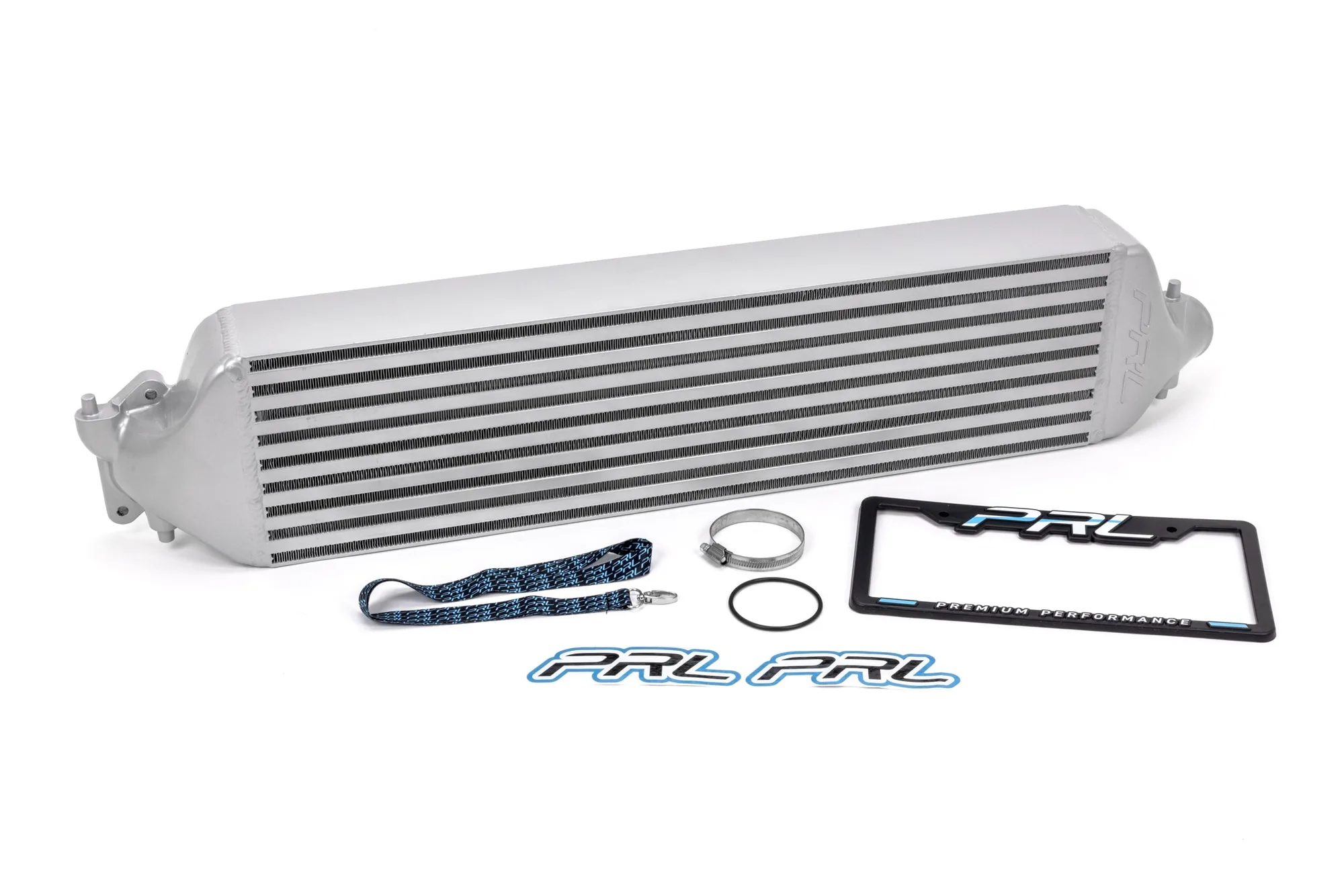
- 2021+ Acura TLX 2.0T Intercooler Upgrade: Fits 2021+ Acura TLX 2.0T with minor modification and requires an intercooler install kit; also fits 2018+ Accord 2.0T and 1.5T. Repeated hard stops and heat management go together with performance driving, and this intercooler upgrade supports consistent intake temperatures on turbocharged platforms.
Rotor replacement is a measurement decision, not a mileage decision. Check thickness against the stamped minimum, look for cracks and heat damage, and confirm whether the symptom is really pad deposits before you buy. When the numbers say the rotor is done, replace both sides on the same axle and fix any caliper issue at the same time.