Quick answer
For a reliable commercial display, mount the BRAUN DigiFrame 320 Business Line at eye level in a high-traffic area, load your content via USB or HDMI, and enable the Kensington lock to prevent theft.
Why the Business Line differs from consumer frames
The BRAUN DigiFrame 320 Business Line is built for continuous operation in retail and office environments. Its VESA compatibility lets you mount it securely on walls or stands, while the Kensington anti-theft slot adds physical security in public spaces.
Unlike consumer frames that may be placed on a shelf, this model supports multiple input sources—HDMI, USB, SD, and AV—so you can feed it from a media player, a computer, or a simple USB stick. That flexibility is useful when you need to update content without touching the frame itself.
Trade-offs to consider before deployment
The built-in stereo speakers are fine for short promotional clips, but for a busy storefront you may want to connect external speakers through the headphone/audio out jack for better sound coverage.
The IPS display offers wide viewing angles, which helps in retail settings where customers view from different directions. However, direct sunlight can reduce visibility, so avoid placing the frame in unshaded windows.
Step-by-step setup for commercial use
- Choose the right location: Mount the frame at eye level in a high-traffic area with indirect lighting. Avoid direct sunlight to prevent glare and heat buildup. Common mistake: placing it too high or in a window, which reduces visibility and can damage the screen over time. Check the viewing angle from typical customer positions before finalizing the mount.
- Secure the frame physically: Use the VESA mount for a fixed installation, and always attach a Kensington lock to the anti-theft slot if the frame is in a public area. Common mistake: skipping the lock because the area seems safe—theft can happen quickly. Test the lock and mount stability before loading content.
- Load your content via USB or HDMI: Prepare a USB drive with your images or videos in a supported format and insert it into the USB port, or connect a media player via HDMI for dynamic content. Common mistake: using a USB drive with unsupported file formats, which can cause the frame to skip or fail to display files. Verify that all files play correctly before leaving the frame unattended.
- Adjust audio output: For a busy environment, connect external speakers to the headphone/audio out jack to improve sound coverage. Keep the built-in speakers for quiet areas. Common mistake: relying on the built-in speakers in a noisy store, which makes the audio ineffective. Set the volume to a comfortable level and test it from a distance.
- Plan content updates: Schedule regular updates by swapping the USB drive or connecting a computer via HDMI when you need to change promotions. Common mistake: forgetting to update content, which makes the display look stale and reduces customer engagement. Create a weekly reminder to refresh your content.
Product facts
-
BRAUN DigiFrame 320 Business Line: High-resolution IPS display with VESA compatibility and Kensington anti-theft slot. You can mount the frame securely on a wall or stand and lock it in place, making it suitable for public-facing retail and office spaces.
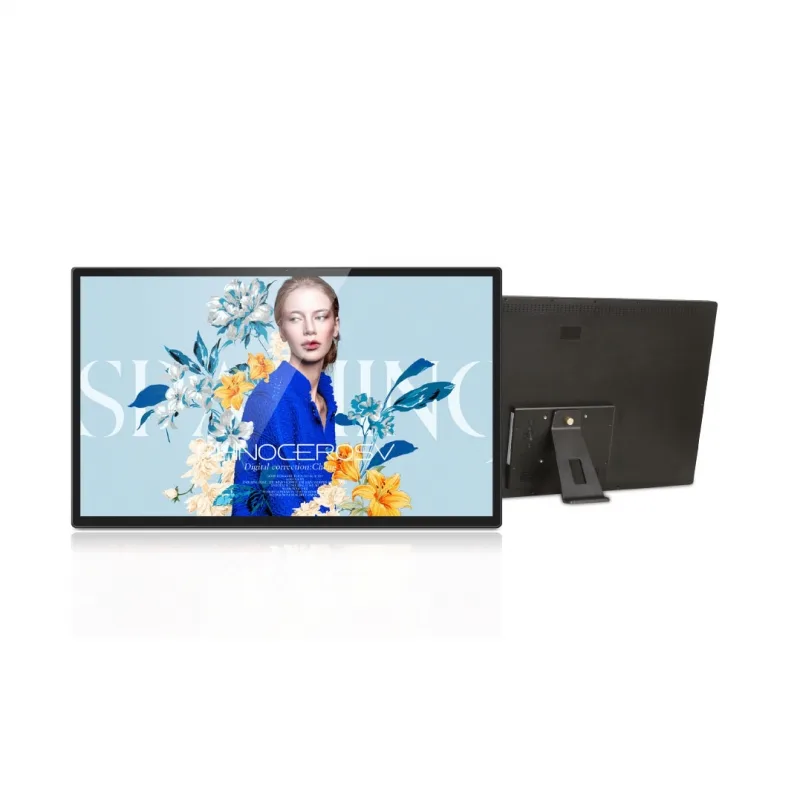
BRAUN DigiFrame 320 Business Line
-
BRAUN DigiFrame 320 Business Line: Built-in stereo speakers, HDMI input, USB and SD input, headphone/audio out, and AV input. Multiple input options let you connect a media player, computer, or USB drive, and you can extend audio to external speakers for larger areas.