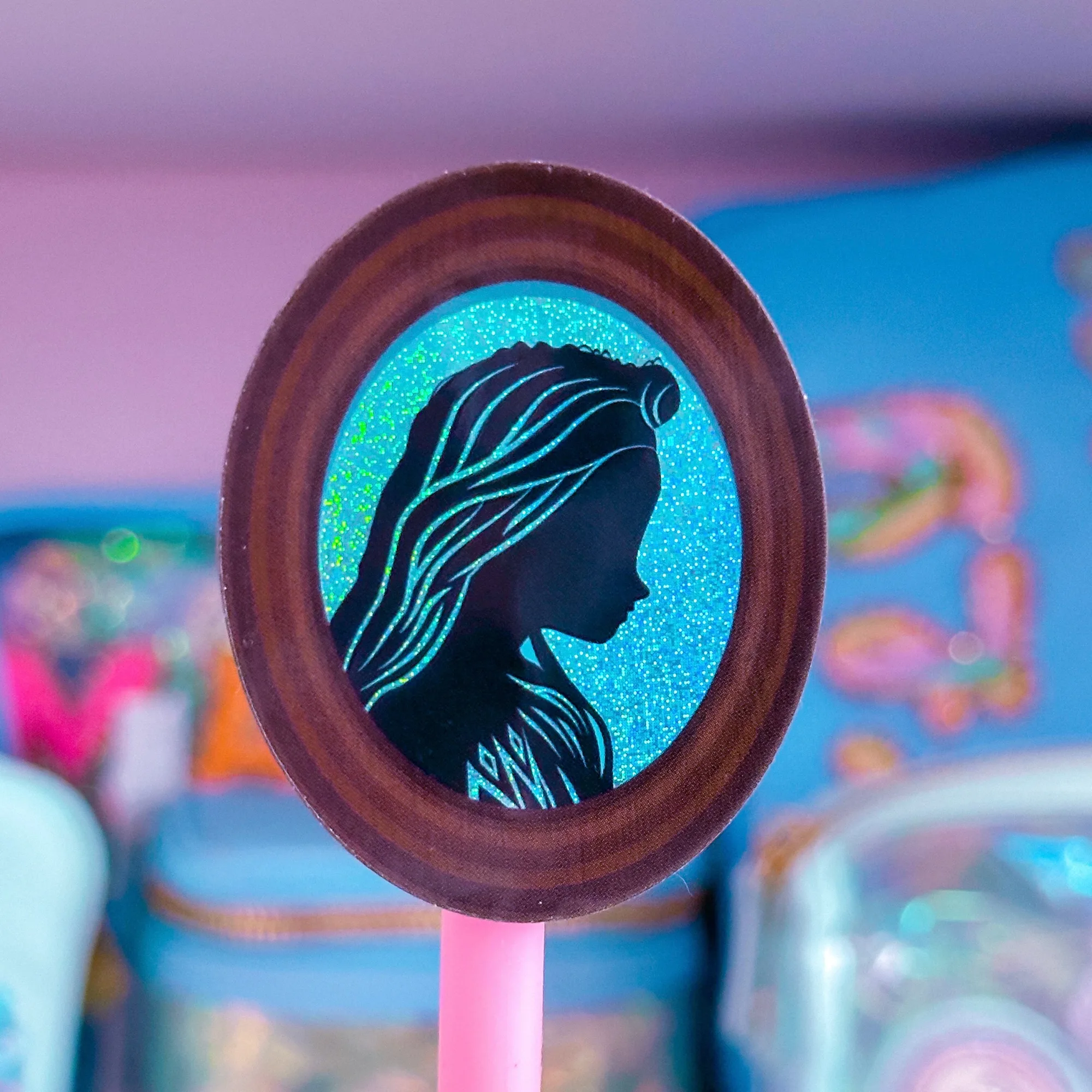
Quick answer
Use a clean surface, a ruler or credit card, and apply the sticker from one edge while smoothing out air as you go. This prevents bubbles and ensures strong adhesion.
Waterproof stickers add personality and durability to planners, surviving daily wear and occasional spills. Their clear vinyl and UV laminate keep colors vibrant whether you’re jotting notes at a café or on a rainy commute.
A common frustration is air bubbles that mar the look and can lift the sticker over time. With the right preparation and a bubble‑free method, you can enjoy a smooth, professional finish every time you place a sticker.
Prepare Your Planner and Sticker
Start by wiping the planner page or cover with a lint‑free cloth and a tiny amount of alcohol wipe. This removes dust, oils, and any residue that could trap air. Let the surface dry completely; a wet spot will cause the sticker to slide and form bubbles later.
While the surface dries, examine your waterproof sticker. Most of our stickers, like the "Waterproof Sticker - (Frozen) Princess Profile (Elsa)" and "Waterproof Sticker - Cowdy!", are about 2 inches square and have a flexible vinyl backing. Knowing the exact size helps you position it precisely before committing.
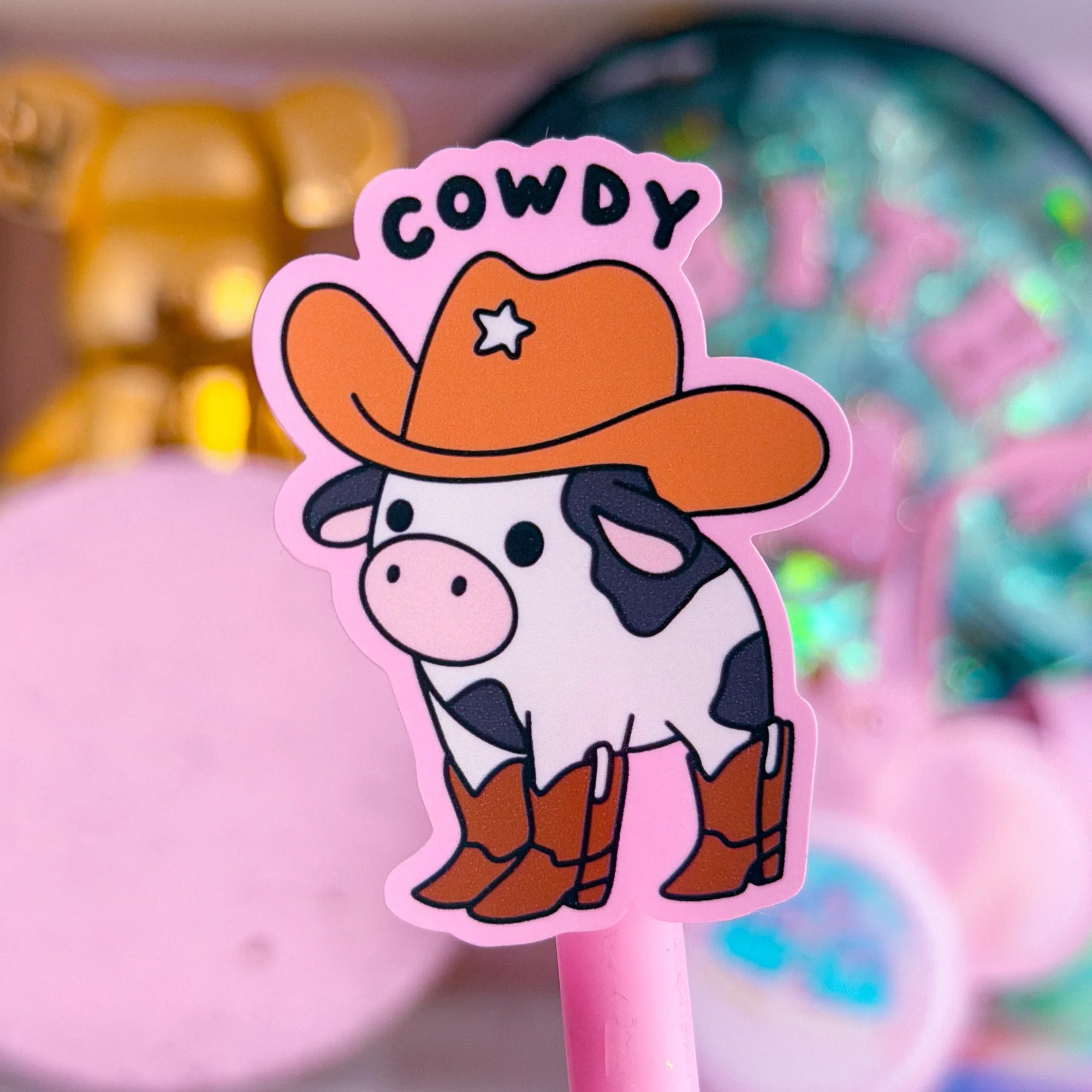
Waterproof Sticker - Cowdy!
- Tip: Keep a ruler handy to align the sticker’s edges with planner lines for a clean look.
Apply the Sticker Without Bubbles
Peel a small corner of the backing paper away, exposing just enough adhesive to start. Align that corner with the desired spot on the planner and press gently. Slowly peel back more of the backing while using a credit card or ruler to smooth the sticker from the anchored edge outward.
If you notice a bubble forming, lift the sticker just enough to release the trapped air, then re‑smooth. Working in a well‑lit area helps you see tiny bubbles before they set. Once the sticker is fully adhered, run the card over the surface one final time to ensure a firm seal.
- Common mistake: Rushing the peel‑and‑smooth step often traps air; take your time for a bubble‑free finish.
Step‑by‑Step Sticker Placement Checklist
- 1. Clean the surface: Wipe the planner area with a lint‑free cloth and a small amount of alcohol to remove dust and oils. Surface must be completely dry before the sticker touches it.
- 2. Position and peel: Expose a corner of the sticker, align it with your desired spot, and press gently while peeling back the backing. Align edges with planner lines to avoid misplacement.
- 3. Smooth and seal: Use a credit card or ruler to glide from the anchored edge outward, eliminating air bubbles. If a bubble appears, lift slightly, release the air, and re‑smooth.
Why Our Waterproof Stickers Work Well in Planners
- Waterproof Sticker - (Frozen) Princess Profile (Elsa): This listing is for 1 durable, waterproof, vinyl/clear sticker! Size is approx. 1.9" x 2.2". Sticker is protected with UV laminate - durable against rain or shine! The UV laminate keeps colors vivid even after frequent handling, and the compact 1.9" x 2.2" size fits neatly on planner pages without overwhelming space.
- Waterproof Sticker - Cowdy!: This listing is for 1 durable, waterproof, vinyl sticker! Each design varies in size but is approx. 2" tall or wide. Sticker is protected with UV laminate - durable against rain or shine! Its flexible 2" size makes it easy to position on any planner layout, and the heavy‑duty yet flexible vinyl adheres well to both paper and leather covers.
With a clean surface, careful alignment, and a steady smoothing motion, you can apply waterproof stickers to your planner without any bubbles. Enjoy a vibrant, durable look that lasts through every schedule change.