Quick answer
To build a simple FM radio, connect the Circuit Blox FM Radio Block to a compatible Circuit Blox base and power source, then tune to a local station. This guide walks you through the steps and common pitfalls.
Why use the Circuit Blox FM Radio Block?
The Circuit Blox FM Radio Block is a single-piece add-on that brings real FM radio functionality to your Circuit Blox builds. It's designed for hands-on learning about radio waves and electronics without needing soldering or complex wiring.
Because it's a single block, it simplifies the project significantly compared to building a radio from individual components. However, it does require a compatible Circuit Blox base and power source, so ensure you have those before starting.
What you'll need
You'll need a Circuit Blox base (such as the 1-Wire or 4-Wire block base), a power source (battery pack or USB power), and the Circuit Blox FM Radio Block. Optionally, you can add a speaker block for better audio output.
The FM Radio Block itself does not include a speaker, so you'll need to connect it to a speaker block or use headphones with a compatible adapter.
Steps to build your FM radio
- 1. Connect the FM Radio Block to the base: Attach the FM Radio Block to a compatible Circuit Blox base (e.g., a 1-Wire block). Ensure the pins align correctly and the block snaps firmly into place. A loose connection can cause intermittent or no reception. Double-check that the block is fully seated.
- 2. Connect the power source: Connect a battery pack or USB power to the base. The FM Radio Block requires power to operate; without it, the radio will not work. Using a fresh battery or a stable USB source prevents power-related issues. Low batteries may result in weak or no signal.
- 3. Attach a speaker or headphones: Connect a speaker block or headphones to the audio output of the FM Radio Block. If using headphones, you may need an adapter (not included). Without a speaker or headphones, you won't hear anything. Ensure the audio connection is secure.
- 4. Tune to a station: Use the tuning knob on the FM Radio Block to scan for local FM stations. Turn slowly to find a clear signal. If you don't hear anything, try moving the entire setup closer to a window or away from electronic interference. The antenna is built into the block, so position matters.
- 5. Adjust for best reception: If the signal is weak, try repositioning the Circuit Blox setup. Avoid placing it near large metal objects or other electronics that may cause interference. FM reception can vary by location. Experiment with different positions to find the clearest signal.
Product fact
-
Circuit Blox™ - FM Radio Block - E-Blox®: Circuit Blox FM Radio Block from E-Blox is a single-piece add-on block for building and experimenting with FM radio in your Circuit Blox projects. This block lets you add real FM radio reception to your builds without extra components, making it a straightforward way to learn about radio electronics.
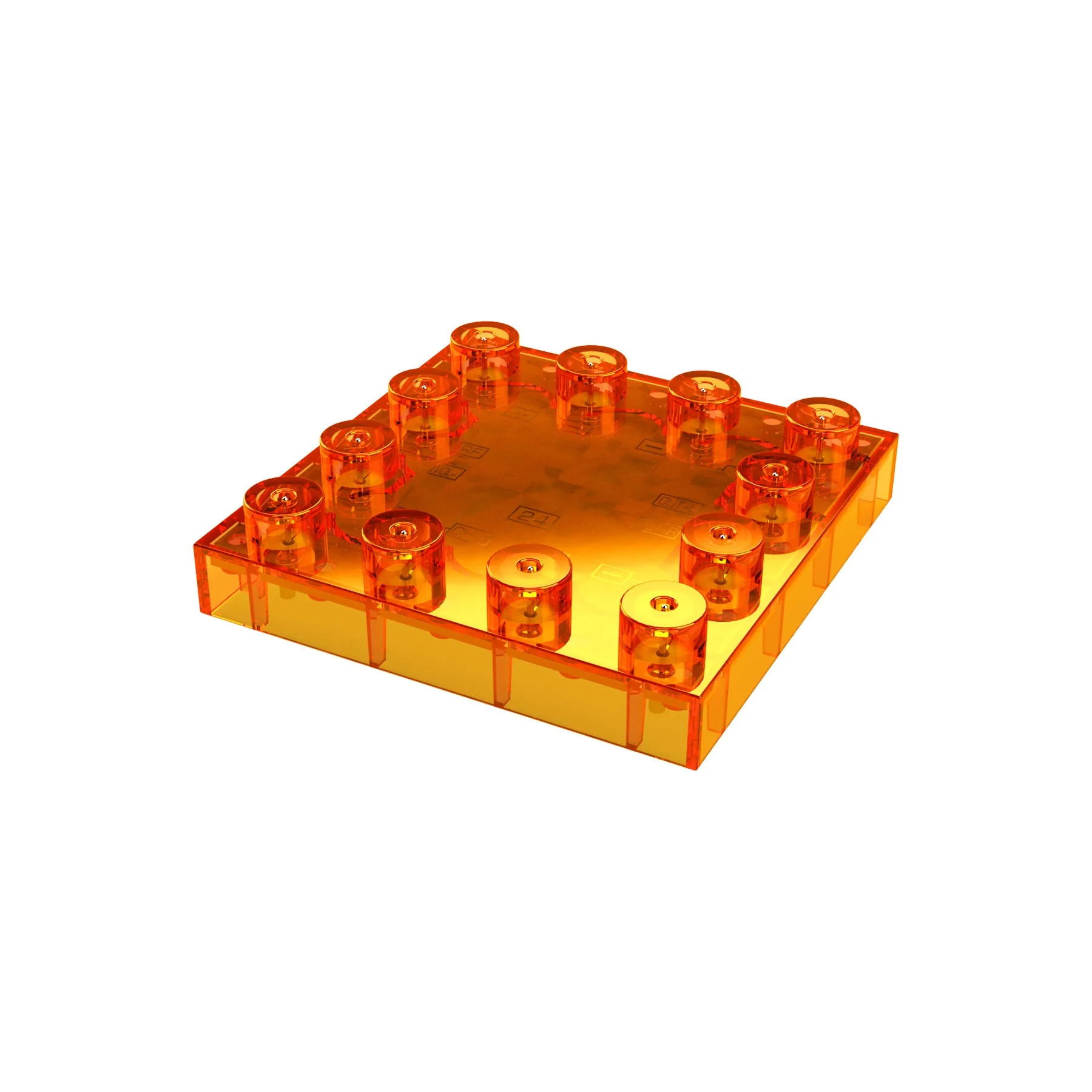
Circuit Blox™ - FM Radio Block - E-Blox®