Quick answer
Zone 186 terrain kits let you build a modular sci-fi battlefield for 28mm wargaming. Assemble the MDF buildings, then arrange the sections to create varied table layouts.
Why choose modular MDF terrain
Laser-cut MDF kits like Zone 186 save time over scratch-building and give consistent quality. The unpainted finish lets you customize the color scheme to match your sci-fi setting.
Modular sections let you reconfigure the table between games. You can create tight urban corridors or open plazas by moving the SCTN. 1 and SCTN. 3 buildings.
What to know before you start
These kits come unpainted and require assembly. Wood glue works best for strong joints. You may want fine sandpaper to smooth any slight burn marks from the laser cutting.
The SCTN. 1 is the larger building (7 x 11 inches), while the SCTN. 3 is a smaller structure (3.4 x 7 inches). Both are designed for 28mm miniatures and have a consistent industrial sci-fi aesthetic.
Step-by-step assembly and layout guide
- Prepare your workspace and tools: Lay out all parts from the Zone 186 kits. You'll need wood glue, a small brush for application, and optionally fine sandpaper to smooth edges. Dry-fit pieces before gluing to confirm alignment. Check that tabs fit snugly; if they're too tight, sand lightly. Do not force them.
- Assemble the SCTN. 1 building: Start with the larger SCTN. 1. Apply wood glue to the tab slots and press walls into the base. Use a square to keep corners at 90 degrees. Let the glue set for 10 minutes before adding the roof. Hold each wall in place for 30 seconds after gluing to prevent slippage. A common mistake is rushing before the glue grabs.
- Assemble the SCTN. 3 building: Repeat the same process for the smaller SCTN. 3. Its fewer parts make it quicker to build. Ensure the roof sits flush to avoid wobbling on the table. If the roof doesn't sit flat, check that all walls are square. Minor warping can be fixed by gently bending the MDF.
- Prime and paint the terrain: Once glue is fully dry (allow 24 hours), apply a spray primer. Use a neutral gray or black base coat. Then paint with acrylics to match your sci-fi theme—metallic drybrushing works well for industrial looks. Thin your paints to avoid obscuring laser-cut details. Two thin coats are better than one thick coat.
- Arrange a modular battlefield: Place the SCTN. 1 in the center or as a strongpoint, and use the SCTN. 3 to create chokepoints or flanking cover. Leave open lanes for line of sight. Rearrange sections between games for variety. Avoid clustering all buildings in one corner—distribute cover evenly to keep the game balanced and fun.
Zone 186 terrain products
-
Zone 186 - SCTN. 1: The Zone 186 - SCTN. 1 Building measures 7.08" x 11.02" x 9.09" (180mm x 280mm x 231mm) and is a laser-cut 3mm MDF kit for 28mm wargaming. Its large footprint makes it the centerpiece of your battlefield, providing cover and line-of-sight blocking for infantry and vehicles.
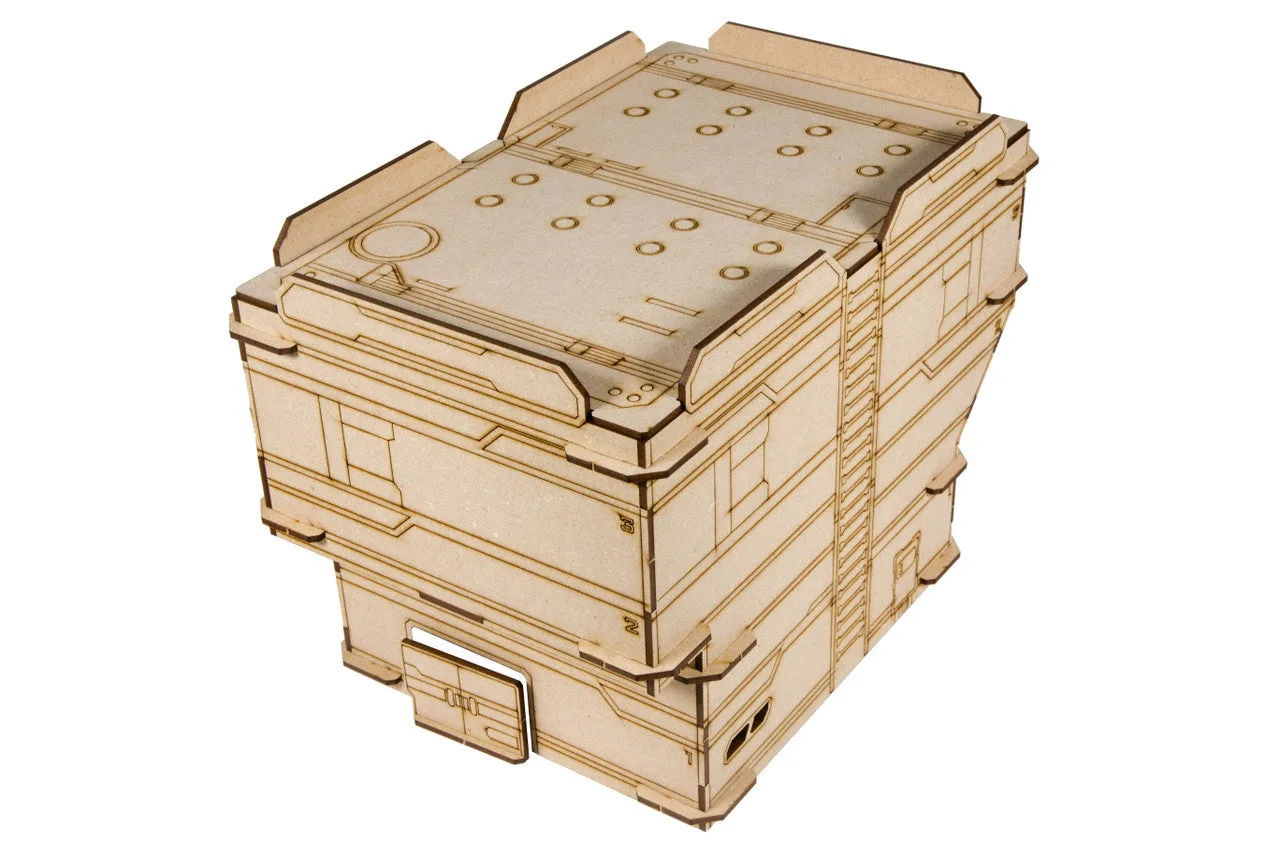
Zone 186 - SCTN. 1
-
Zone 186 - SCTN. 3: The Zone 186 - SCTN. 3 Building measures 3.38" x 7" x 6.37" (86mm x 180mm x 162mm) and is also a laser-cut 3mm MDF kit for 28mm wargaming. This compact building fits into tight spots and works well as a flanking structure or objective marker, adding variety without dominating the table.
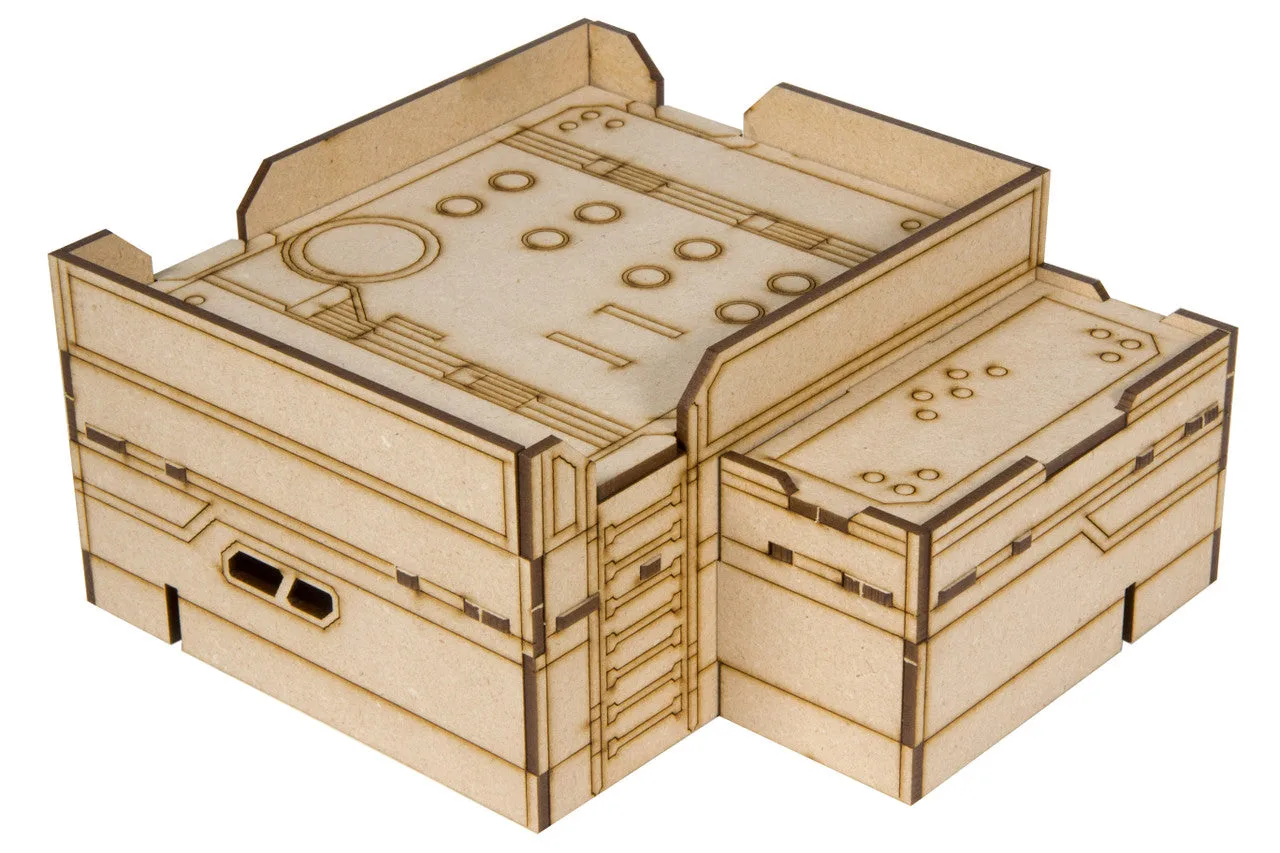
Zone 186 - SCTN. 3