Quick answer
Set up your Pepetools BurTurret by grouping burs by shape or grit, labeling each section with the slide-in color labels, and placing the bur you are currently using in the front slot with a spare in the backup bay behind it.
Why a dedicated burr turret beats a drawer or pouch
Dumping rotary burs into a drawer or pouch makes it easy to dull edges when they rub together and wastes time digging for the right size. A turret like the BurTurret keeps each bur in its own slot so you can grab it without shuffling through a pile. The trade-off is that you need to commit bench space for the turret, but the 30-section design is compact enough for most jewelry benches.
Choosing a color-label system that works for you
The BurTurret comes with slide-in color labels that let you personalize each section. A common mistake is to assign colors randomly, which defeats the purpose. Instead, pick a consistent scheme: use one color for all carbide burs, another for diamond burs, and a third for steel burs. Or assign colors by grit range if you use the same bur material. The labels are easy to swap, so you can adjust as your collection grows.
How to set up your BurTurret for daily use
- Sort your burs by shape or function: Group round, cylinder, cone, and flame burs separately. Within each shape, order by grit or size. This makes it faster to find the right bur later. Common mistake: mixing shapes in one section, which forces you to scan every slot. Keep shape groups together, then sort by grit within each group.
- Assign and insert the color labels: Pick a color for each shape or grit range and slide the label into the front of each section. For example, red for coarse grit, blue for medium, green for fine. Common mistake: using too many colors, which becomes confusing. Stick to 3-5 colors. Limit your palette so you can identify sections at a glance.
- Place your current bur in the front slot and a spare behind it: The bur you are using goes in the front slot of its section. Place a second identical bur in the backup bay behind it. This way, when the first bur dulls or breaks, you can grab the spare without leaving your bench. Common mistake: storing only one bur per section and losing the backup advantage. Always keep a spare bur in the backup bay for uninterrupted work.
- Label the turret base with a permanent marker if needed: If you have multiple turrets or share a bench, write your name or the turret's purpose (e.g., 'Carbide Only') on the underside with a fine-tip permanent marker. This prevents mix-ups. Common mistake: assuming you will remember which turret holds what. A simple label on the base avoids confusion in shared workspaces.
Product fact
-
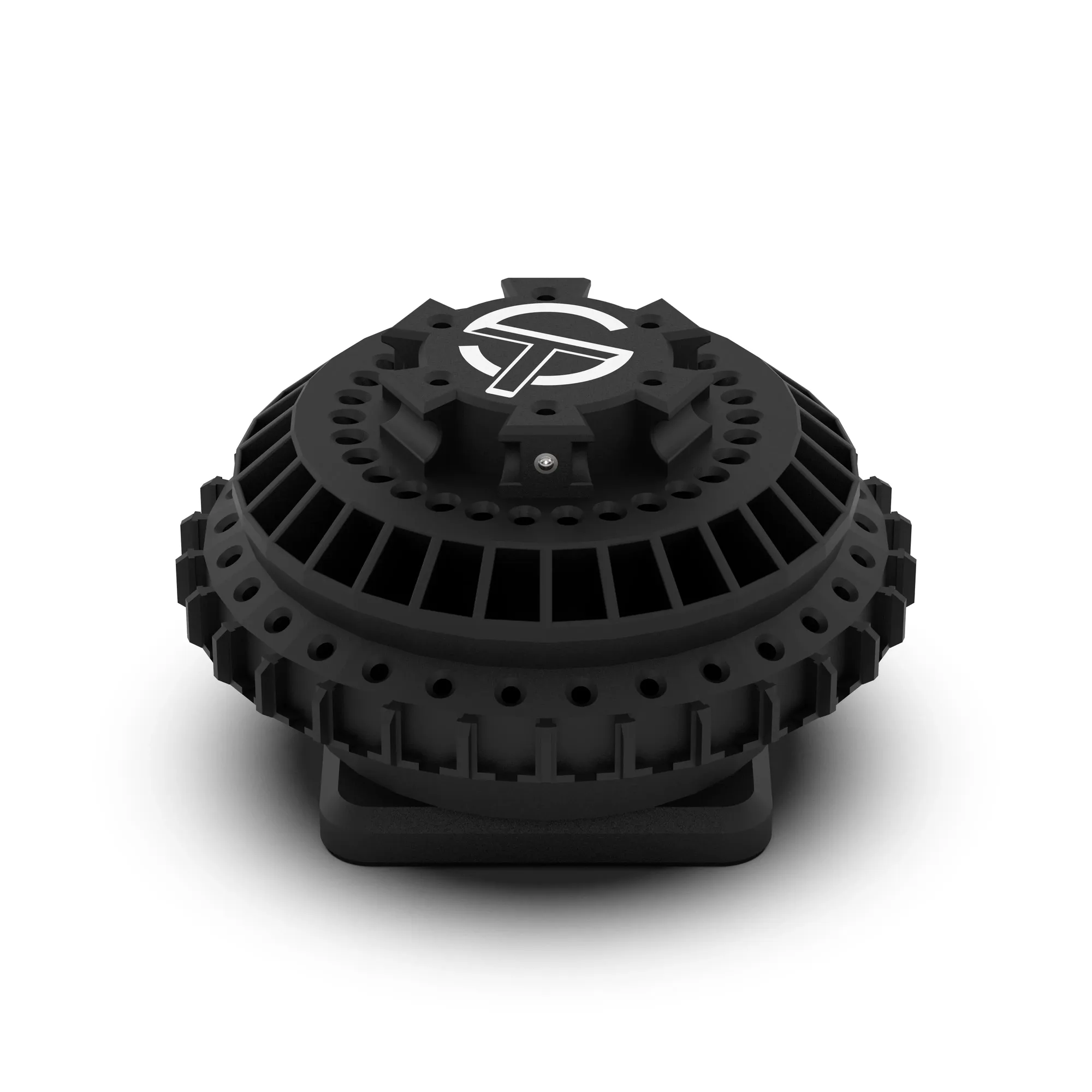
BurTurret: BurTurret features 30 customizable sections, each with a front slot for the bur currently in-use and a backup bay behind it for storing extras. You can keep your most-used bur ready to go while a spare sits right behind it, so you never have to stop mid-job to find a replacement.
BurTurret