Quick Recommendation
Select stickers whose dimensions stay within the size of your planner’s boxes—generally 1‑2 inches for daily sections and 2‑3 inches for weekly spreads. Use a ruler or a printed sticker size chart to verify fit before buying.
When a sticker overwhelms a box or gets lost in a large space, the planner’s aesthetic suffers. The key to a tidy, functional layout is matching sticker size to the specific grid of your planner.
This guide walks you through reading your planner’s measurements, translating them into sticker dimensions, and using a simple sticker size chart to keep every page looking intentional.
Know Your Planner’s Grid Measurements
Open your planner and measure the height and width of a typical daily box or weekly column with a ruler. Most standard planners use boxes around 1.0" × 1.0" for daily entries and columns 2.0"‑3.0" wide for weekly overviews.
If your planner has specialty sections—like habit trackers, mood logs, or monthly spreads—measure those separately. Recording these numbers creates a baseline for every sticker you consider.
- Write down the dimensions for each section you plan to decorate.
- Keep a small notebook or digital note with these measurements for quick reference.
Match Sticker Dimensions to Layout Zones
With your grid sizes in hand, compare them to sticker dimensions. A sticker that is 2.3" × 1.7" fits nicely in a weekly column but will crowd a daily box. Conversely, a 1.8" × 2.2" sticker can fill a vertical habit tracker without spilling over.
Use planner compatibility tips such as placing larger stickers in open margins or using thin borders to create visual breathing room. This prevents the layout from feeling cramped.
- For daily boxes, aim for stickers no larger than 1.5" on either side.
- For weekly spreads, 2"‑3" stickers work well without dominating the page.
Build Your Own Sticker Size Chart
Create a quick sticker size chart that lists each sticker you own alongside its dimensions. This reference acts like a personal catalog and speeds up future planning sessions.
Include a column for the best‑fit planner section (daily, weekly, habit tracker, etc.). Over time you’ll see patterns—like which designs consistently look balanced and which need resizing or trimming.
- Print the chart on a small sheet and tape it inside your planner for on‑the‑go checks.
- Update the chart whenever you add new stickers to keep the guide current.
Decision Rules for Picking Sticker Sizes
- Measure First: Take precise measurements of each planner zone before browsing stickers. Ensures every sticker you select will physically fit.
- Use a Size Chart: Create or reference a sticker size chart that matches your planner’s dimensions. Speeds up future decisions and avoids trial‑and‑error.
- Prioritize Balance: Choose stickers that leave at least 0.2" of blank space around the edges of a box. Keeps the layout readable and aesthetically pleasing.
Sticker Size Examples from Our Collection
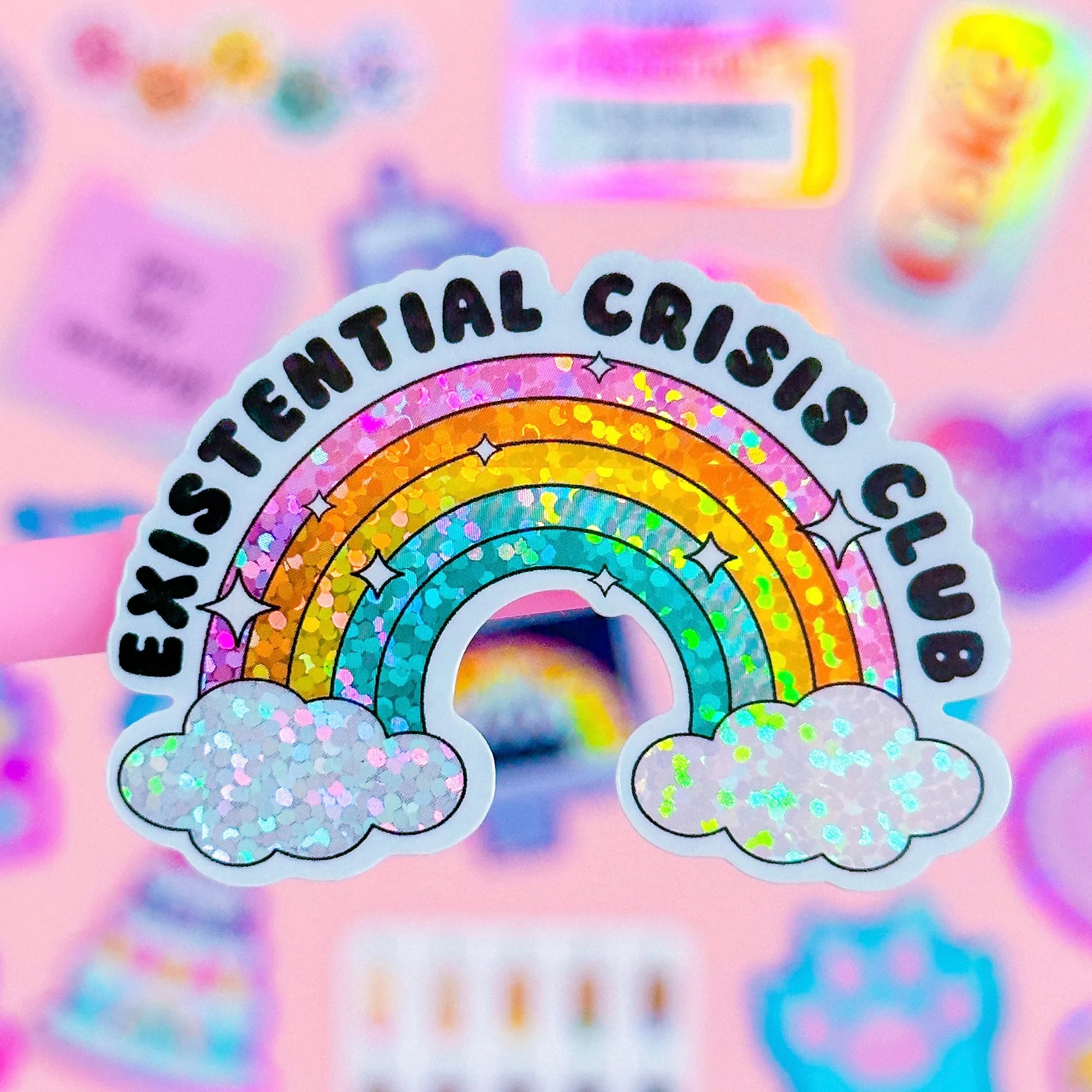
- Waterproof Sticker - Existential Crisis Club: Size is approx. 2.3" x 1.7". Protected with UV laminate – durable against rain or shine! Heavy‑duty yet flexible for water bottles, planner covers, laptops, etc. At 2.3" × 1.7", this sticker fits comfortably in most weekly columns while staying clear of daily boxes, making it a solid choice for broader planner sections.
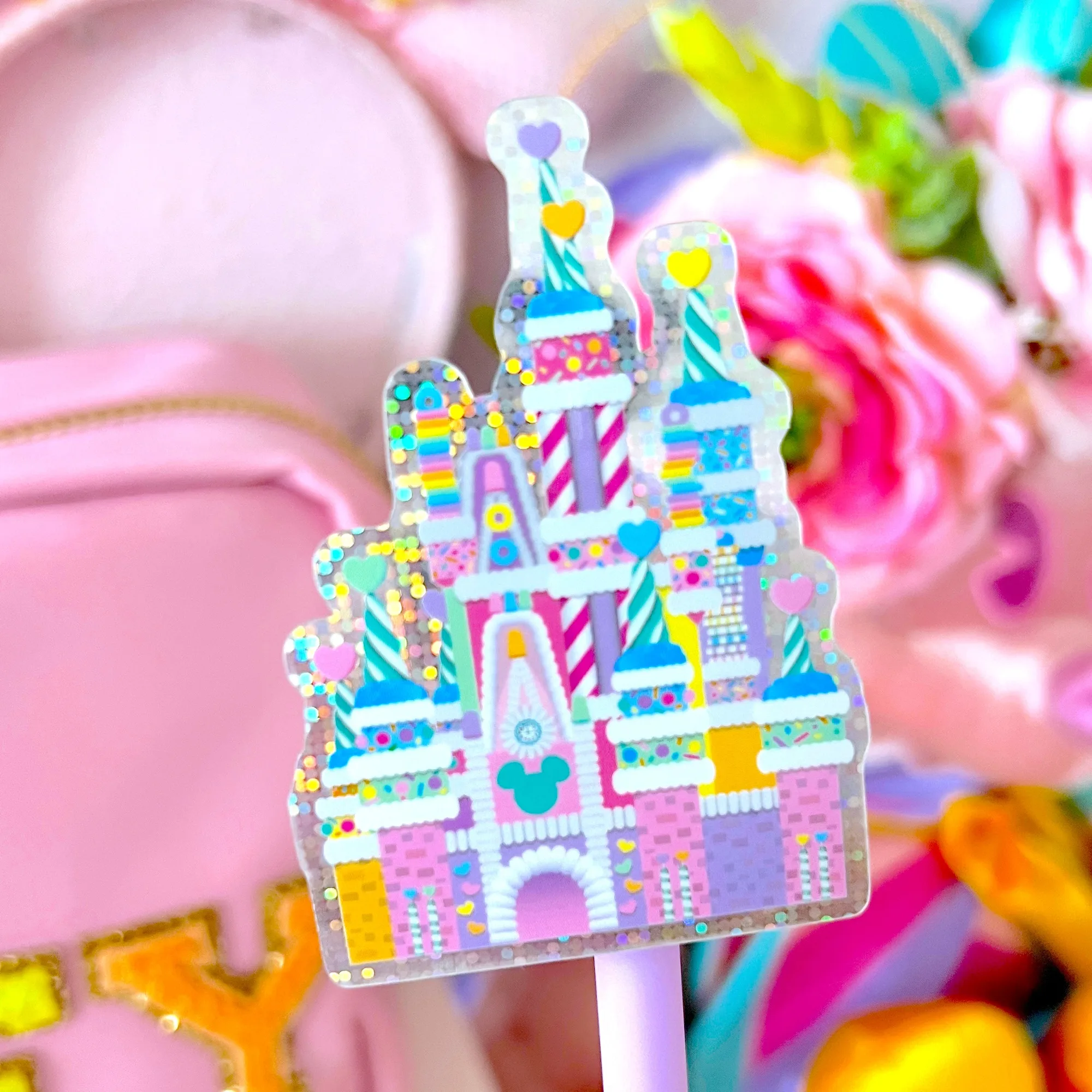
- Waterproof Sticker - Candy Hearts Castle: Size is approx. 2" x 2.9". Vinyl/clear sticker with UV laminate – durable against rain or shine! Flexible for water bottles, planner covers, laptops, etc. The taller 2.9" height works well in vertical habit‑tracker strips or month‑view columns, but it would overwhelm a standard daily box.
Fit Guidance
Best For
- Planners with daily box grids (1"‑2" squares)
- Users who prefer a balanced look without overcrowding
Not Ideal For
- Planners with ultra‑small micro‑boxes (<0.5")
- Those needing large, poster‑size stickers
By measuring your planner, comparing those numbers to sticker dimensions, and keeping a simple sticker size chart, you’ll consistently choose stickers that enhance rather than overwhelm your pages. Happy planning!