Quick Recommendation
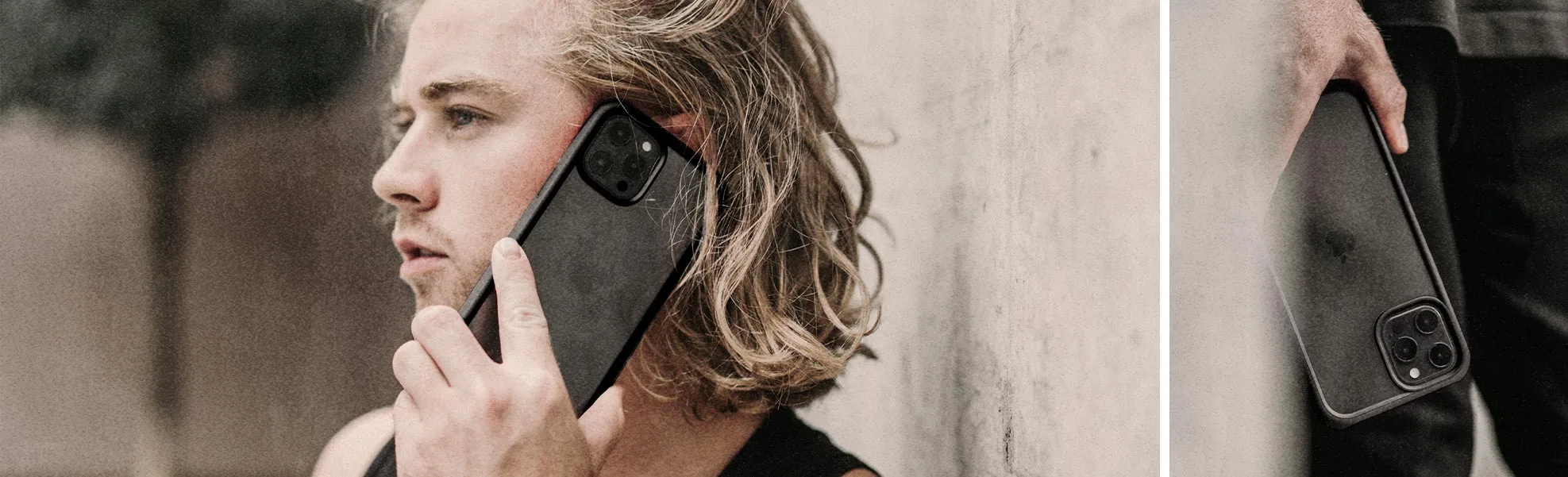
Pick a sticker that’s 1‑2 mm smaller than the printable area of your case. For most 6‑inch slim cases, a 1.6" × 2" sticker provides a snug fit without overhang.
When a sticker is too large, it can peel, bubble, or interfere with buttons. Too small, and you lose visual impact. Getting the size right makes the sticker feel like a natural part of the phone’s design.
This guide gives you concrete steps to measure, choose dimensions, and weigh trade‑offs so you can enjoy a clean, durable look on any phone accessory.
Measure Your Phone Case
Start by removing any existing stickers or film. Use a soft ruler or a flexible measuring tape to record the width and height of the flat surface where the sticker will sit. For curved edges, measure the straight‑line distance across the middle; this gives a safe baseline.
If your case has a raised lip or a camera bump, subtract about 1‑2 mm from each side to avoid overhang that could peel off when the phone is placed in a pocket.
- Measure both width and height separately.
- Round down to the nearest half‑millimeter for safety.
- Note any irregular cut‑outs that reduce usable space.
Choose Sticker Dimensions
Match the measured area to a sticker size that is slightly smaller—typically 1‑2 mm less on each side. This margin ensures the sticker adheres fully and reduces the risk of bubbles.
Standard animal‑themed stickers from Annuzza Art range from 1.6" × 2" to 2.2" × 3". The smaller sizes work well on most slim cases, while larger sizes are better for bulkier cases or back‑plate designs.
- 1.6" × 2" fits phones up to 6.2" screen diagonal.
- 2.2" × 3" suits larger phones or cases with a broader surface.
Consider Material and Shape
All Annuzza Art stickers are die‑cut, waterproof vinyl, which sticks well to smooth surfaces. Holographic options add visual flair but can be slightly thicker, so verify clearance around camera lenses.
If your case has a textured or silicone finish, test a small corner first. The adhesive may struggle to grip, making a slightly larger margin advisable.
Decision Rules for Sticker Sizing
- Measure the printable area: Use a ruler or tape to record exact width and height of the flat surface on your case. Accurate dimensions are the foundation of a good fit.
- Leave a safety margin: Subtract 1‑2 mm from each side of the measured area before choosing a sticker. Prevents overhang and peeling.
- Match sticker shape to case curvature: For rounded or textured cases, prefer slightly smaller stickers or test a corner first. Ensures adhesion and avoids bubbles.
Sticker Size Examples from Annuzza Art
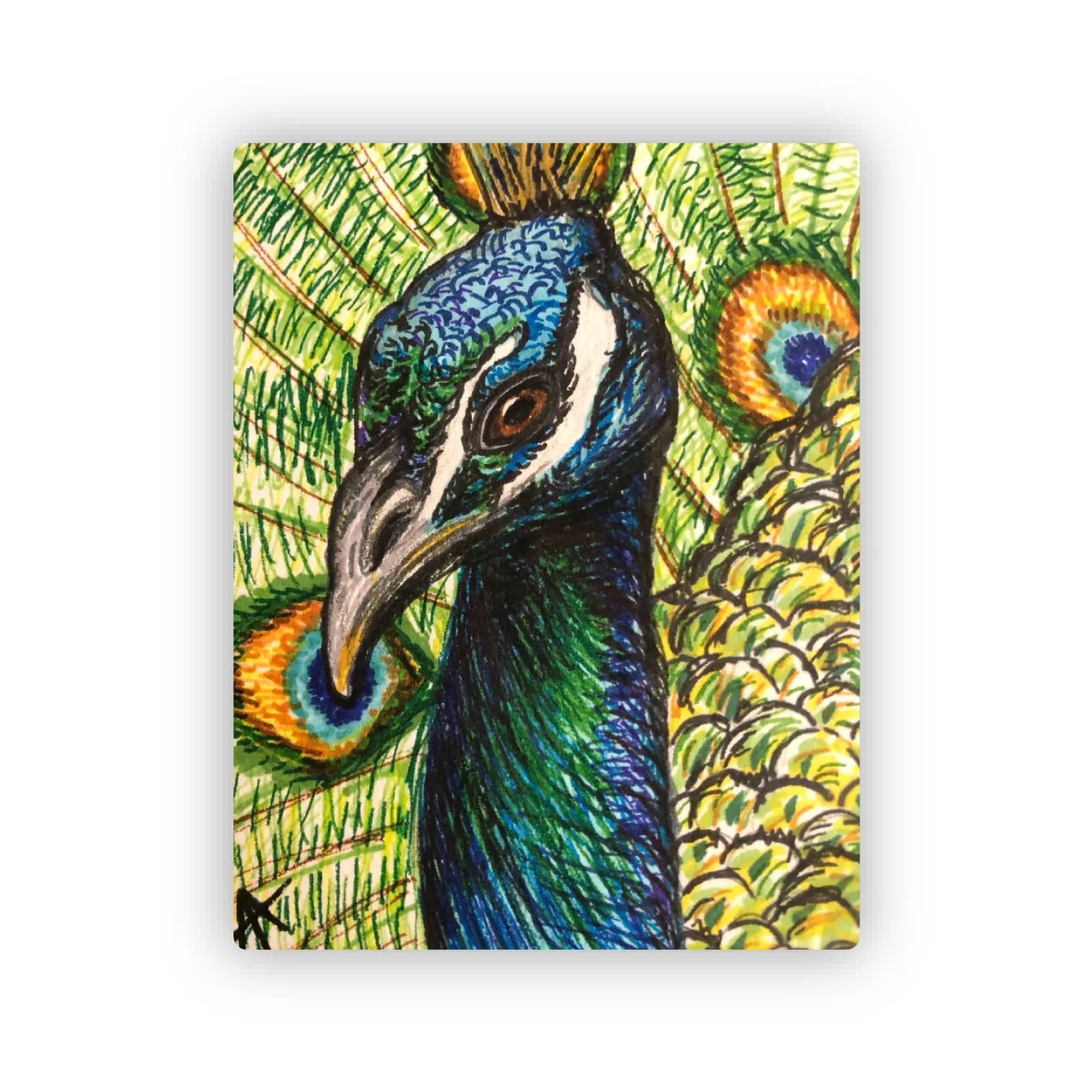
- Peacock Sticker: 1.6" x 2.0" Die Cut Waterproof Sticker – This "Peacock" sticker is a reproduction of my 2019 marker drawing, created as a gift. At 1.6" × 2", it fits comfortably on most slim phone cases without extending over edges.
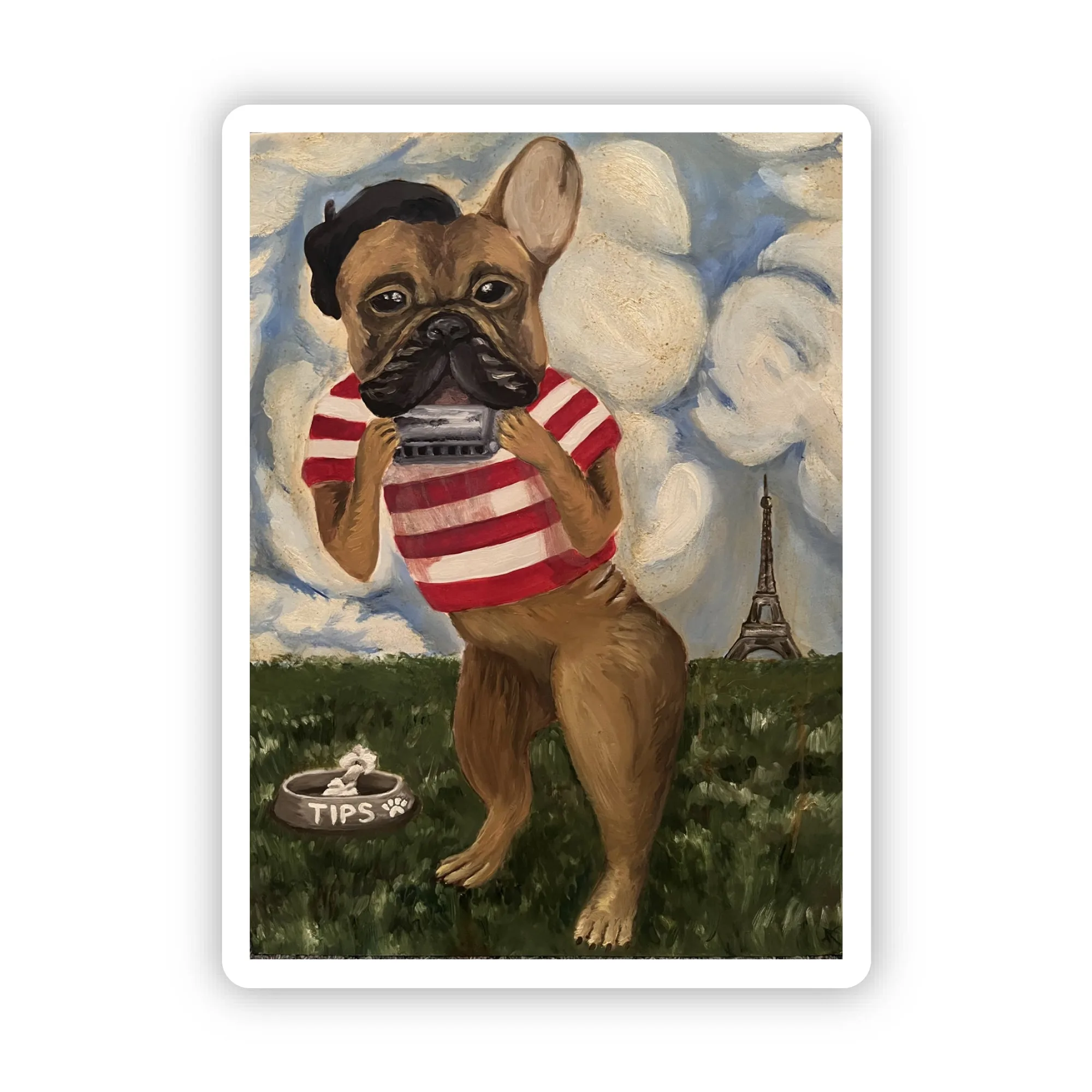
- French Bulldog in Paris Sticker: 2.2" x 3.0" Die Cut Waterproof Sticker – This sticker features my 2013 oil painting, "Animal Musician", a tribute to my sweet Yoda. The larger 2.2" × 3" size works well for bigger phones or bulkier cases, providing a bold visual statement.
Fit Guidance
Best For
- Slim, flat phone cases with smooth surfaces
- Phones with 5‑6.5 inch screens where a 1.6" × 2" sticker fits neatly
Not Ideal For
- Thick rugged cases with raised edges
- Cases with heavily textured or silicone finishes that hinder adhesion
By measuring carefully, allowing a small margin, and choosing a size that respects your case’s shape, you’ll enjoy a sticker that looks great and stays put. Happy decorating!