A cluttered desk with tangled cables can be a major productivity killer. Not only does it look messy, but it also makes it hard to find the right wire when you need to unplug or move your setup. Cable management is the secret to a clean, organized workspace that helps you focus and work efficiently.
Whether you have a standing desk or a fixed height desk, managing cables is essential. In this guide, we’ll cover the basics of cable management, from simple DIY tricks to using purpose-built accessories like cable trays and wire clips. You’ll learn how to tame the chaos and create a desk that’s both functional and visually appealing.
Why Cable Management Matters
Cable management isn’t just about aesthetics—it’s about safety, efficiency, and longevity of your devices. Loose cables can be a tripping hazard, especially in a home office with a standing desk that moves up and down. They can also get tangled, making it hard to adjust your desk height or move your chair. A tidy desk reduces stress and helps you stay organized, which boosts productivity.
Moreover, good cable management protects your investment. When cables are neatly bundled and secured, they are less likely to get yanked or damaged. This is especially important for expensive peripherals like mechanical keyboards or studio monitors. By taking a few minutes to organize your wires, you can extend the life of your gear and keep your workspace looking professional.
- Reduces tripping hazards and improves safety
- Makes desk height adjustments easier
- Protects cables from wear and tear
- Creates a cleaner, more focused work environment
Essential Tools for Cable Management
To get started, you’ll need a few basic tools. Cable ties, velcro straps, and adhesive clips are inexpensive and easy to use. For a more permanent solution, consider a cable tray that mounts under your desk. This hides the bulk of your wires and keeps them off the floor. Many standing desks, like the Classic, come with built-in cable management features, but you can always add aftermarket solutions.
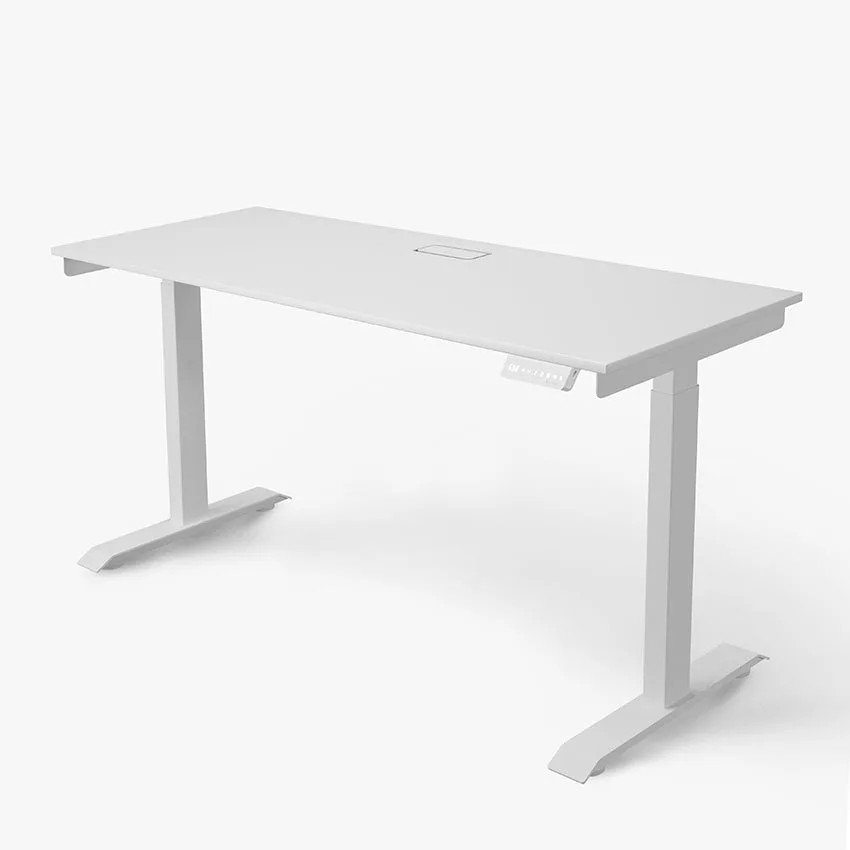
Classic
Another great option is the MagRail, a magnetic cable management system that attaches to your desk’s metal frame. It allows you to route cables along the rail, keeping them secure and out of sight. For a complete setup, pair it with a cable sleeve that bundles multiple wires together. These tools work together to create a clean, organized look.
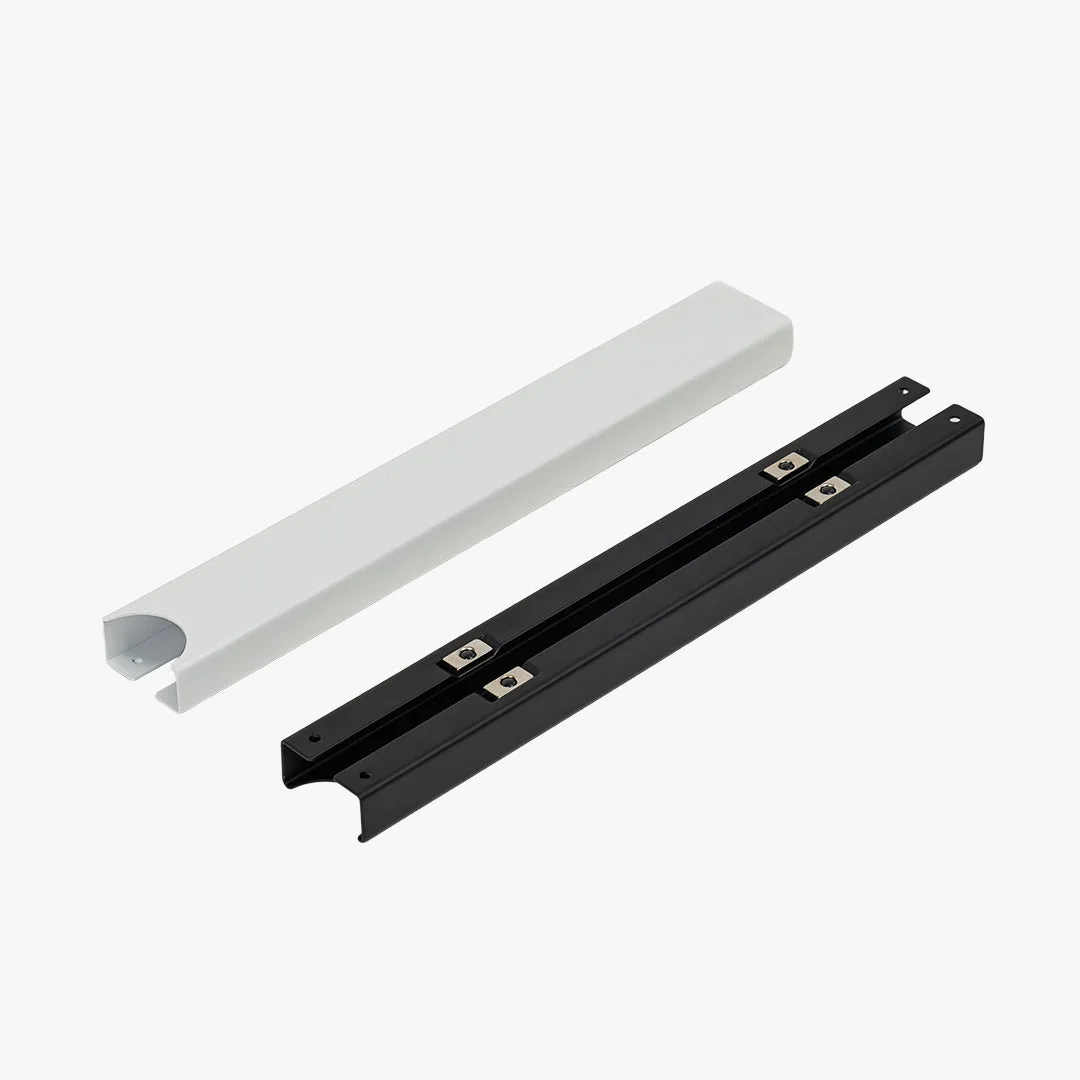
MagRail
- Use velcro straps for adjustable bundling
- Install a cable tray for under-desk storage
- Try magnetic rails for easy routing
- Add adhesive clips for individual wires
Step-by-Step Guide to Organizing Your Desk Cables
Start by unplugging everything and laying your cables out flat. Group them by device—monitor, computer, keyboard, mouse, speakers, and charger. Use velcro straps to bundle each group, leaving enough slack for movement. Next, route the bundles along the back edge of your desk, using adhesive clips to secure them. If you have a standing desk, leave extra cable length in a service loop to accommodate height changes.
For a truly clean look, use a cable tray attached to the underside of your desk. Place a power strip inside the tray and plug all your devices into it. This keeps the power brick and excess cable hidden. Finally, label each cable with a small tag or color-coded tie. This makes future maintenance easy. Remember to check your setup periodically and adjust as needed.
- Unplug and group cables by device
- Bundle with velcro straps and secure with clips
- Install a cable tray for under-desk storage
- Label cables for easy identification
Cable Management for Standing Desks
Standing desks present unique challenges because the desk moves up and down. You need to ensure cables have enough slack to move without getting tangled or pulling out. The best approach is to use a cable management system that moves with the desk. The Switch Pro, for example, includes a built-in cable tray that slides along with the desk frame, keeping wires organized at any height.
Another tip is to use a cable chain or spiral wrap that expands and contracts as the desk moves. Attach the power strip to the desk itself, not the wall, so it moves with the desk. For additional support, consider the Hestia Accessories, which include cable clips and sleeves designed for adjustable desks. With the right setup, you can enjoy a tidy desk whether you’re sitting or standing.
- Use a cable tray that moves with the desk
- Attach power strip to the desk frame
- Leave extra slack in a service loop
- Consider cable chains for dynamic setups
Tips for a Wireless and Minimal Setup
If you want to reduce cables even further, consider going wireless. Wireless keyboards, mice, and headphones eliminate several wires. The Aftershock ODEN75 Wireless Mechanical Keyboard is a great choice for a clean desk—it offers a premium typing experience without the cord. Similarly, wireless charging pads can power your phone without a cable.
However, some devices still need wires, like monitors and speakers. For those, use the cable management techniques above. The Edifier MR3 Powered Studio Monitor Speakers, for instance, have a clean design but require power and audio cables. By routing them behind your desk and using a cable sleeve, you can keep them hidden. Aim for a balance between wireless convenience and wired reliability.
- Invest in wireless peripherals like keyboards and mice
- Use a wireless charging pad for your phone
- Route remaining cables behind the desk
- Keep only essential cables visible
Cable management doesn’t have to be complicated. With the right tools and a little effort, you can transform your cluttered desk into a tidy, organized workspace. Start by assessing your current setup, then invest in a few key accessories like a cable tray or magnetic rail. For a complete solution, explore the MagRail to keep your cables secure and your desk clean. Your productivity—and your sanity—will thank you.