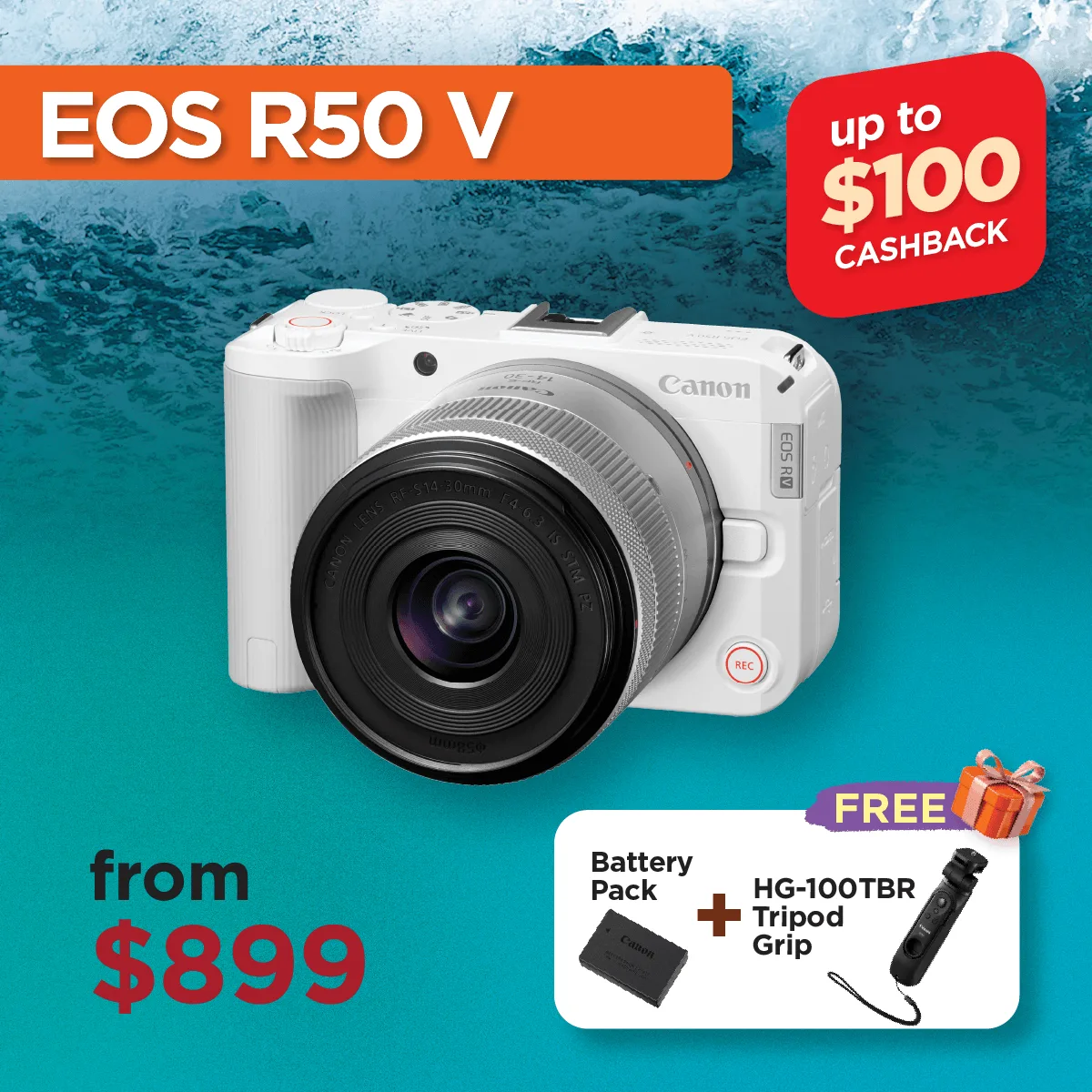
Getting Started with the Canon EOS R50 V Kit
The Canon EOS R50 V Kit bundles a lightweight APS-C camera with the RF-S 14-30mm f/4.5-6.3 IS STM PZ lens, making it a practical choice for vloggers and hybrid shooters. This guide walks you through key setup steps and features to help you start recording quality video right away.
The camera body weighs 11.4 oz (323 g) and the lens adds only 6.4 oz (181 g), so the total kit is easy to handle for handheld vlogging or gimbal use. The power zoom lens allows smooth zoom transitions without manual twisting, which is especially useful when you're in front of the camera.
Key Specifications for Vlogging
-
Canon EOS R50 V Kit with RF-S 14-30mm f/4.5-6.3 IS STM PZ Lens (Black): 24.2MP APS-C CMOS sensor Delivers detailed stills and oversampled 4K video, giving you flexibility to crop or extract frames from footage.
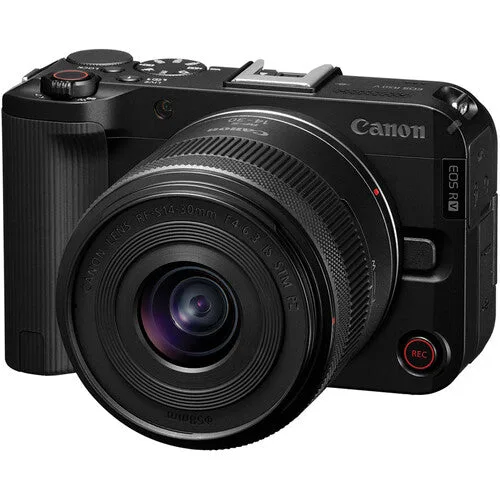
Canon EOS R50 V Kit with RF-S 14-30mm f/4.5-6.3 IS STM PZ Lens (Black)
-
Canon EOS R50 V Kit with RF-S 14-30mm f/4.5-6.3 IS STM PZ Lens (Black): RF-S 14-30mm f/4.5-6.3 IS STM PZ lens (22-48mm full-frame equivalent) The wide 14mm end is ideal for vlogging selfie shots, while the power zoom lets you adjust framing smoothly without touching the lens barrel.
-
Canon EOS R50 V Kit with RF-S 14-30mm f/4.5-6.3 IS STM PZ Lens (Black): Dual Pixel CMOS AF with face and eye detection Keeps you in focus as you move, which is a major convenience for solo creators who can't adjust focus while recording.
-
Canon EOS R50 V Kit with RF-S 14-30mm f/4.5-6.3 IS STM PZ Lens (Black): Canon Log 3 support Provides greater dynamic range and flexibility for color grading in post-production, giving your vlogs a more polished look.
Setting Up the Camera for Your First Vlog
Follow these steps to get the EOS R50 V ready for recording.
- Attach the lens: Align the white dot on the RF-S 14-30mm lens with the white dot on the camera body's RF mount, then twist until it clicks. The lens is compact and balances well with the body.
- Insert a charged battery: The included LP-E17 battery (7.2 VDC, 1040 mAh) provides power for extended recording sessions. Charge it fully before first use.
- Set the shooting mode: Use the mode dial to select video mode for vlogging. The camera supports vertical video recording, which is useful for social media platforms.
- Configure autofocus: Enable face and eye detection in the autofocus menu. This ensures the camera keeps your face sharp as you move or turn your head.
- Adjust exposure and audio: The camera includes exposure tools to maintain consistent brightness. For audio, connect an external microphone via the 3.5 mm TRS stereo input for clearer sound.
- Start recording: Press the record button. Use the power zoom lever on the lens to zoom in or out smoothly during the shot. The lens's minimum focus distance of 5.9" (15 cm) allows close-up shots of objects or details.
Autofocus and Subject Tracking Tips
The EOS R50 V's Dual Pixel CMOS AF system provides fast, accurate focusing. For vlogging, enable face and eye detection so the camera tracks your eyes and keeps them sharp. This is especially helpful when you're demonstrating products or moving around the frame.
If you're filming a static subject, you can switch to single-point AF for precise control. The camera's intelligent subject detection works well for solo creators who rely on autofocus while recording themselves.
Using the Power Zoom Lens Effectively
The RF-S 14-30mm f/4.5-6.3 IS STM PZ lens is designed for video. The power zoom feature lets you zoom smoothly by pressing a lever, avoiding the jerky movements of manual zoom rings. This is useful for cinematic transitions or slowly revealing a scene.
At 14mm (22mm equivalent), you get a wide field of view that fits your face and background in a selfie-style vlog. At 30mm (48mm equivalent), you can isolate subjects or capture tighter shots. The lens also includes optical image stabilization to reduce handheld shake.
Trade-Offs to Consider
The EOS R50 V does not have a built-in viewfinder, so you compose shots using the rear LCD screen. This is standard for vlogging cameras, but some photographers may miss an EVF for bright outdoor conditions.
The lens has a variable aperture (f/4.5-6.3), which means less light reaches the sensor at the telephoto end. In low-light situations, you may need to increase ISO or add supplemental lighting. The camera's native ISO range extends to 32,000 (expandable to 51,200), so it can handle dim environments, but image quality may soften at higher settings.
No viewfinder support is confirmed by the supplied information, and the lens's variable aperture is a design trade-off for keeping the kit compact and affordable.
Final Thoughts on the Setup
The Canon EOS R50 V Kit provides a straightforward path to high-quality vlogging without a heavy setup. The power zoom lens and reliable autofocus reduce the need for extra gear, making it a practical choice for content creators who want to focus on their story rather than technical adjustments.
For best results, experiment with the Canon Log 3 profile to capture more detail in highlights and shadows, and use an external microphone for cleaner audio. The camera's compact size and lightweight build make it easy to carry for all-day shoots. Refer to the supplied product instructions for exact weight specifications.