The paper width decides more than the price
The Canon imagePROGRAF PRO-310 and PRO-1100 share Canon’s LUCIA PRO II pigment ink technology and a focus on photographic output, but they serve different print sizes. The PRO-310 is a 13′′ desktop printer, while the PRO-1100 is a 17′′ wide-format model. That difference in maximum media width affects not only the paper you can load but also the physical footprint, the ink configuration and the types of work each printer handles comfortably.
This comparison sticks to the supplied catalog facts. Where a detail is not listed, such as the exact maximum paper length or the number of inks in the PRO-310 set, treat that as an open question to confirm with the seller rather than an assumption.
Ink sets and print quality: what each model confirms
-
Canon imagePROGRAF PRO-310 Professional 13″ Wireless Inkjet Photo Printer: Nine-color LUCIA PRO II pigment ink set; Chroma Optimizer flattens gloss and reduces bronzing; dedicated Matte Black ink raises black density. A nine-color set with Chroma Optimizer and Matte Black is aimed at smooth gloss and strong monochrome work on a 13′′ desktop.
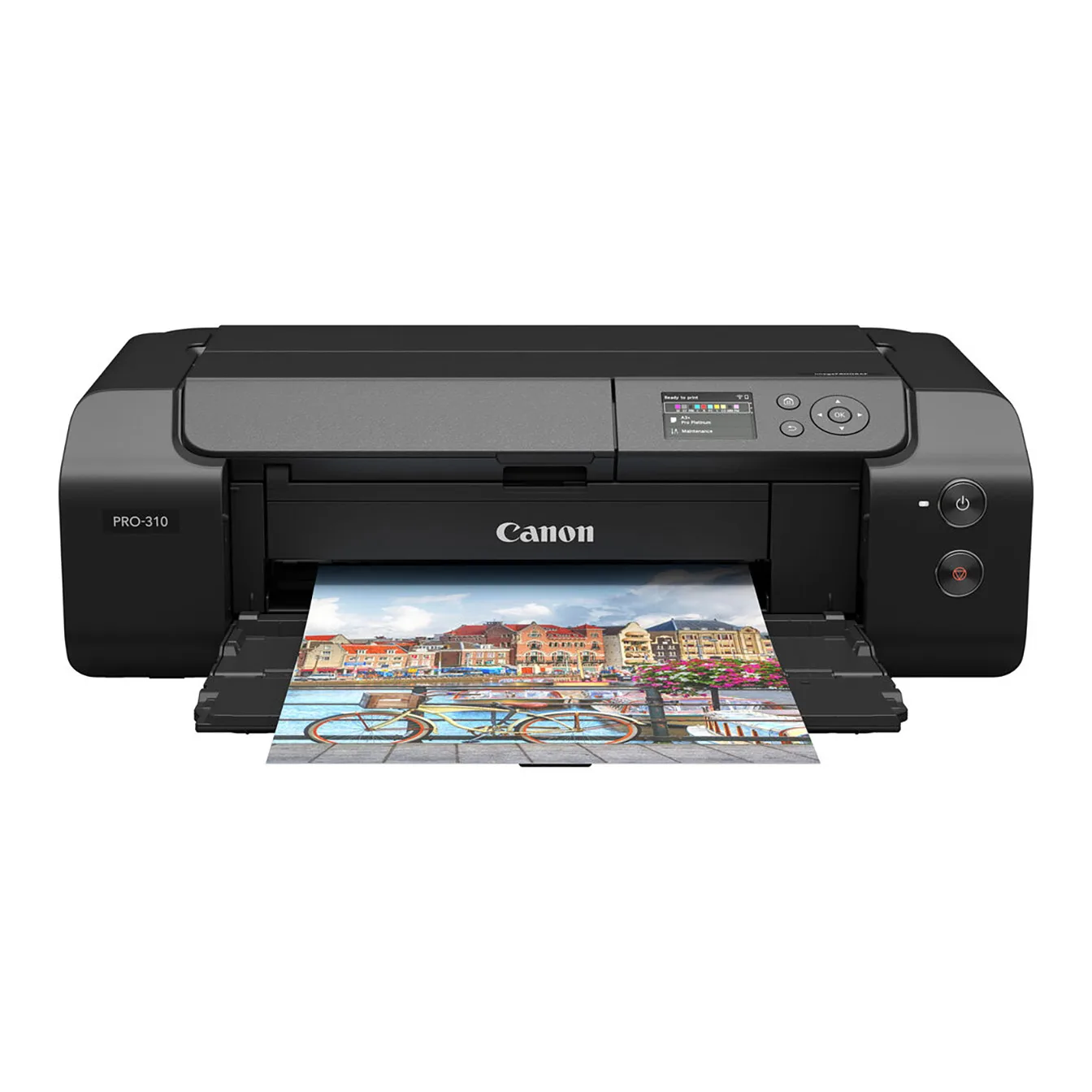
Canon imagePROGRAF PRO-310 Professional 13″ Wireless Inkjet Photo Printer
-
Canon imagePROGRAF PRO-1100 Professional 17″ Wireless Inkjet Photo Printer: 11-color LUCIA PRO II pigment ink set; Chroma Optimizer; LUCIA PRO II adds light resistance, greater black density, better separation in dark blues, and a wax reformulation for scuff resistance. The 11-color set and the specific improvements listed for LUCIA PRO II matter if you print large, display prints or handle finished sheets often.
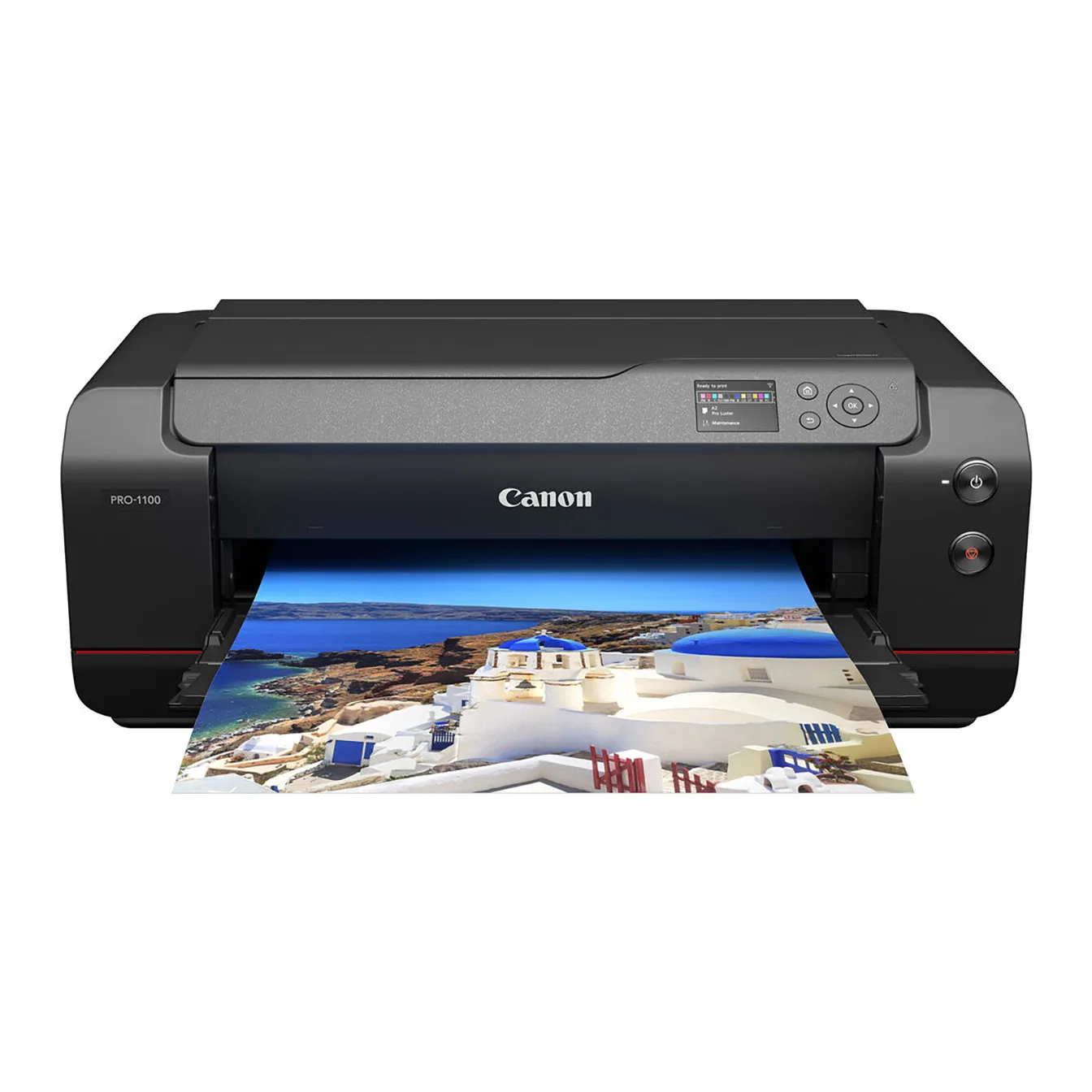
Canon imagePROGRAF PRO-1100 Professional 17″ Wireless Inkjet Photo Printer
Paper handling and maximum print size
The PRO-310 is described as bringing Canon’s professional print pipeline to a 13′′ desktop footprint. The supplied record does not list a maximum borderless print size for this model, so if you need a specific borderless dimension, confirm it before buying.
The PRO-1100 accepts media up to 17′′ wide and prints borderless up to 17 × 22′′. It also accepts paper from 0.1 to 0.7 mm thick. For photographers who routinely print exhibition sheets or large portfolio pieces, that width and borderless capability are the main reasons to step up.
The PRO-1100’s Air Feeding System holds paper square through the feed path to prevent skew. The PRO-310 lists a skew correction feature that keeps print alignment accurate through the feed path. Both address feed alignment, but the PRO-1100’s system is described specifically as holding paper square.
Workflow and connectivity compared
- Canon imagePROGRAF PRO-310 Professional 13″ Wireless Inkjet Photo Printer: Connectivity: Wi-Fi, USB and Ethernet; L-COA PRO image engine; 3′′ color LCD; Professional Print & Layout software included; anti-clogging system. These are the core workflow features for a desktop setup, and the listed connections cover standard studio and home office networks.
- Canon imagePROGRAF PRO-1100 Professional 17″ Wireless Inkjet Photo Printer: Connectivity: USB 2.0, Ethernet and Wi-Fi 5 (802.11ac), with printing via Canon PRINT app, AirPrint and Mopria; L-COA PRO engine; 3.0′′ color LCD; Professional Print & Layout software; anti-clogging; Media Configuration, Color Calibration and Accounting Manager tools. The PRO-1100 adds specific mobile and managed-workflow options plus color calibration and accounting tools, which matter in a shared or production setting.
Speed, software and the details the listings leave open
The PRO-1100 record states that a bordered 17 × 22′′ print takes about four minutes. No equivalent print-time figure is supplied for the PRO-310, so you cannot compare speed directly from the available information.
Both printers include Professional Print & Layout software. The PRO-1100 record also notes integration with Canon Digital Photo Professional and Adobe applications, while the PRO-310 record does not list those integrations. Do not assume the PRO-310 lacks them; the supplied information simply does not confirm them.
The PRO-310 record lists a nine-color ink set but does not name every ink in that set. The PRO-1100 record specifies an 11-color set. If your work depends on a particular ink, such as a dedicated red or blue, check the full specification before deciding.
Which printer fits which photographer
- Choose the PRO-310 if…: You print up to 13′′ wide, want a desktop footprint, and need Wi-Fi, USB and Ethernet plus the LUCIA PRO II nine-color set with Chroma Optimizer and Matte Black. It suits a home studio or office where space is limited and large-format output is not required.
- Choose the PRO-1100 if…: You need 17′′ media width, borderless printing up to 17 × 22′′, the 11-color LUCIA PRO II set, and workflow tools such as Media Configuration, Color Calibration and Accounting Manager. It also offers Wi-Fi 5, AirPrint and Mopria for mobile and shared use.
- Consider the price difference: The PRO-310 is listed at USD 583.19 (catalog comparison price USD 971.99). The PRO-1100 is listed at USD 856.43 (catalog comparison price USD 1403.99). The PRO-1100 costs more, and that difference buys the wider format, the 11-color set and the additional management tools.
A practical way to decide
Start with the largest print you regularly sell or exhibit. If it fits within 13′′ wide, the PRO-310 covers that need with a smaller footprint and a lower listed price. If you need 17′′ width or borderless 17 × 22′′ output, the PRO-1100 is the model that confirms those capabilities.
Then check the ink and workflow features that matter to your work: the PRO-1100’s 11-color set and calibration tools versus the PRO-310’s nine-color set and simpler listed connectivity. Finally, confirm any specification the catalog does not list, such as maximum borderless size for the PRO-310 or exact ink configuration, with The Camera Exchange before ordering.